Clinical records and the ledger, without a second system.
Patients, appointments, encounters, and lab results alongside the billing, stock, and payroll that keep a practice running.
10 modules·82 features·Configured on the core
The modules behind healthcare.
Not a list of module names. Each one below opens onto what is inside it and why a healthcare business needs it — so you can check it against how your operation actually runs.
The healthcare app has moved out of the frappe organisation and is now maintained by Earthians as Marley. It is active, but it is no longer a frappe-org repository — worth knowing before you plan a roadmap around it.
Agent Q
Agents that read your own records and act on them, scoped to how a healthcare business runs.
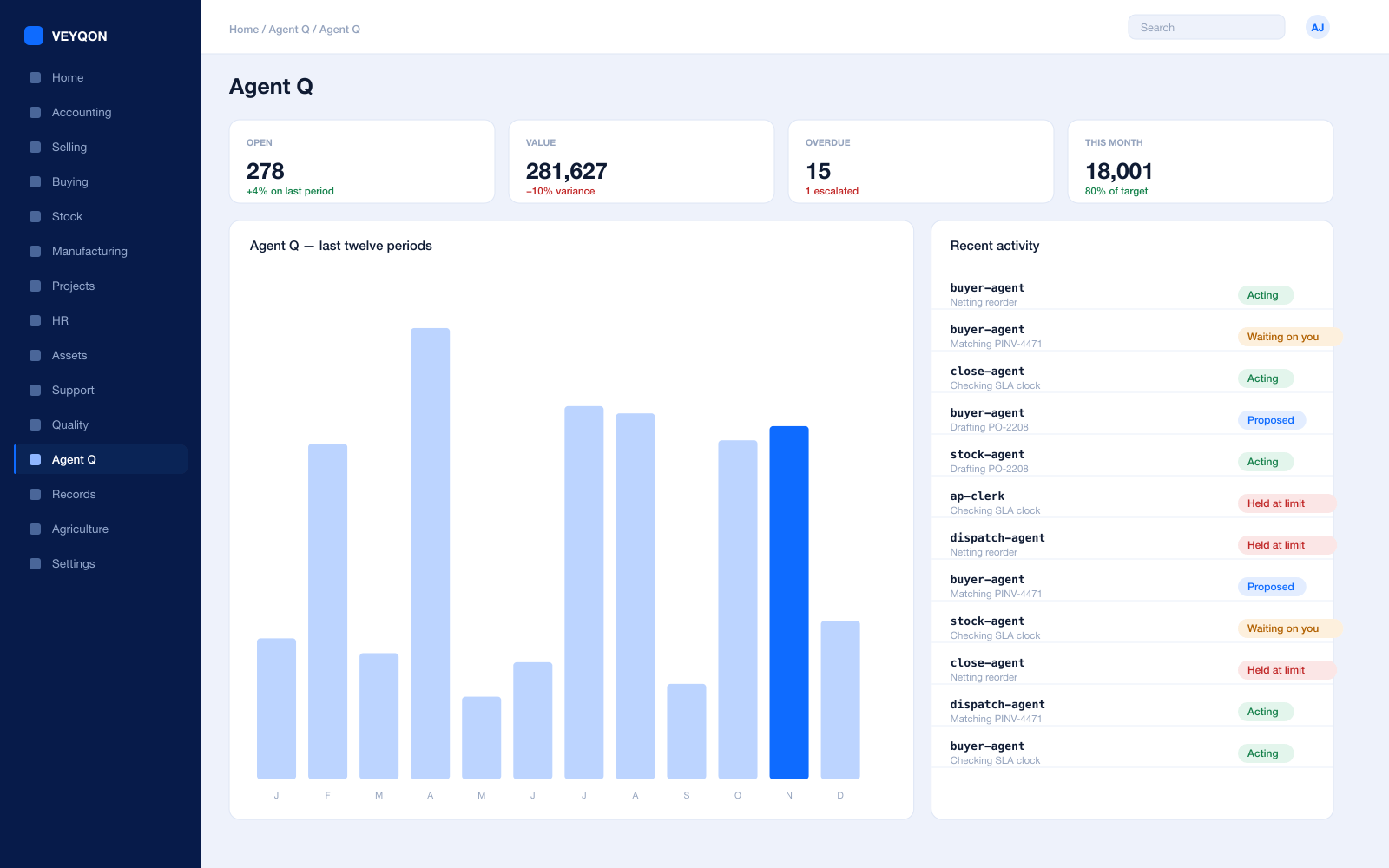
Grounded in live records
Every answer is drawn from your own ledger with your permissions applied, and names the documents it used. Nothing is answered from a snapshot or a summary.
A role, not a prompt
Each agent is scoped like a job — accounts payable, procurement, dispatch, period close — with the same limits you would put on the person doing it.
Explicit tool permissions
An agent holds a named list of the actions it may take. Matching an invoice does not imply paying one.
Value and action limits
A hard ceiling per agent, per period, and per document type, which it cannot cross however it is asked.
The queue
What every agent is working on, what is waiting on a person, and what has been held — in one place, with the reason on each item.
Triggers
An arriving document, a breached threshold, a date, or a state change on a record. Agents start on events, not on somebody remembering.
Human approval gates
Anything over a limit routes to a named person, with the reasoning attached, so approving takes seconds rather than an investigation.
Escalation paths
Who it hands to when it reaches a limit, how long it waits first, and what that person sees when it arrives.
Segregation of duties
An agent cannot approve what it raised. The rule that applies to your people applies to your agents.
Full reasoning log
Every step is written to the audit trail on the document it touched, so a decision can be read back months later.
Ask in plain language
The console answers operational questions from live records and offers the next action, rather than handing back a paragraph.
Spend control
Ceilings per agent and per period, so autonomy runs to a budget you set rather than an open account.
Patients & Clinical
One patient record, reachable by every department that needs it.
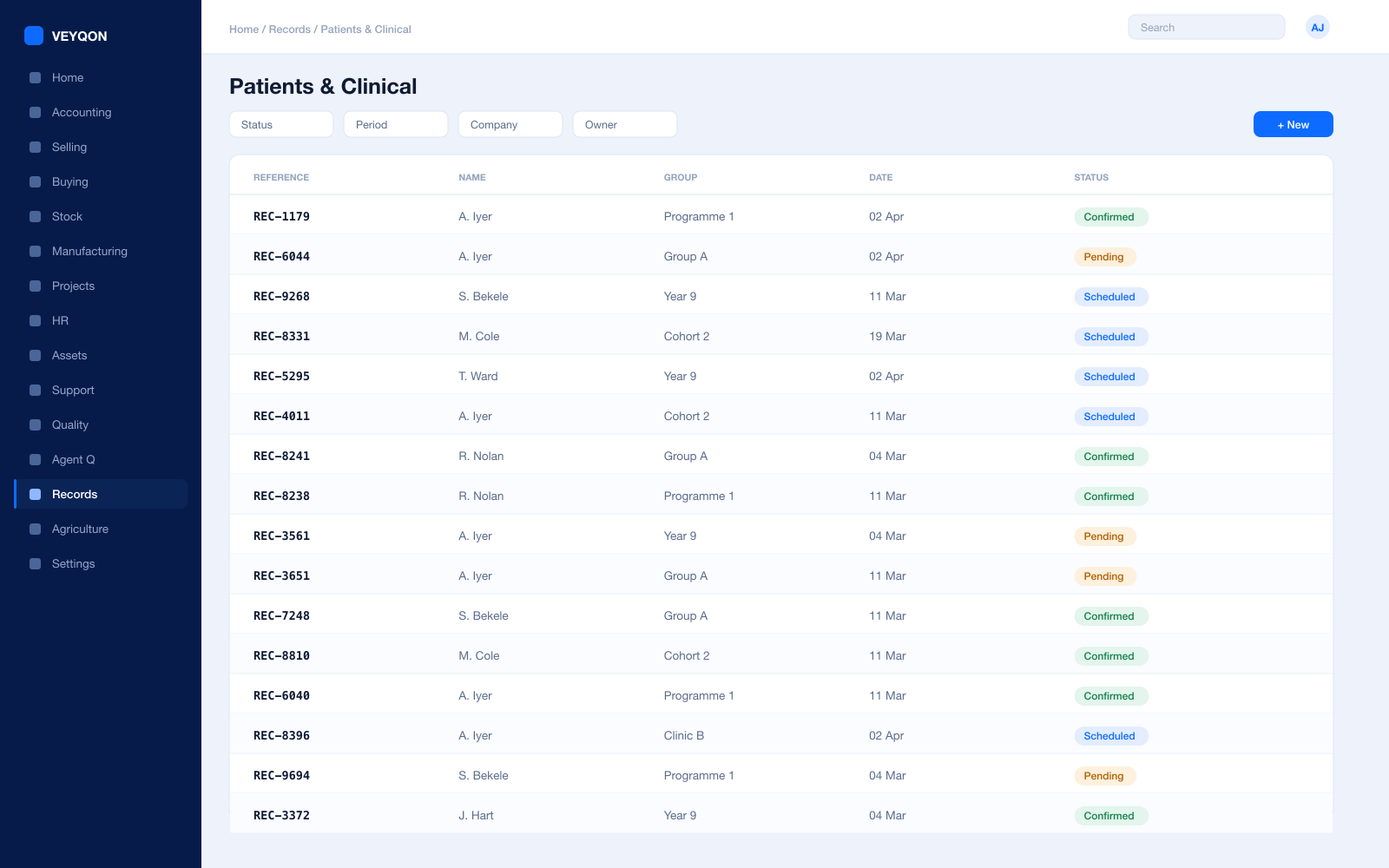
Patient record
Demographics, history, and consent on one record, so the third department does not ask the same questions again.
Encounters
Consultation notes, diagnosis, prescription, and follow-up recorded where the consultation actually happened.
Clinical procedures
The procedure as a record, with consumables issued from stock and costed to it rather than to a general theatre budget.
Inpatient records
Admission, bed occupancy, and discharge, with the bill running alongside the stay rather than assembled after it.
Practitioners
The clinician on the encounter, linked to the employee record that pays and rosters them.
Service units
Wards, clinics, and theatres as units that scheduling, occupancy, and cost all key off.
History in one place
Encounters, tests, procedures, and admissions on the patient, in order, without opening a second system.
Access by role
Clinical detail visible to the roles that need it and not to the ones that do not — enforced by the framework, not by convention.
Clinically driven billing
The invoice assembles from what was actually recorded as done, rather than from a coder’s reconstruction of it.
Scheduling
Appointments that hold the room, the clinician, and the charge.
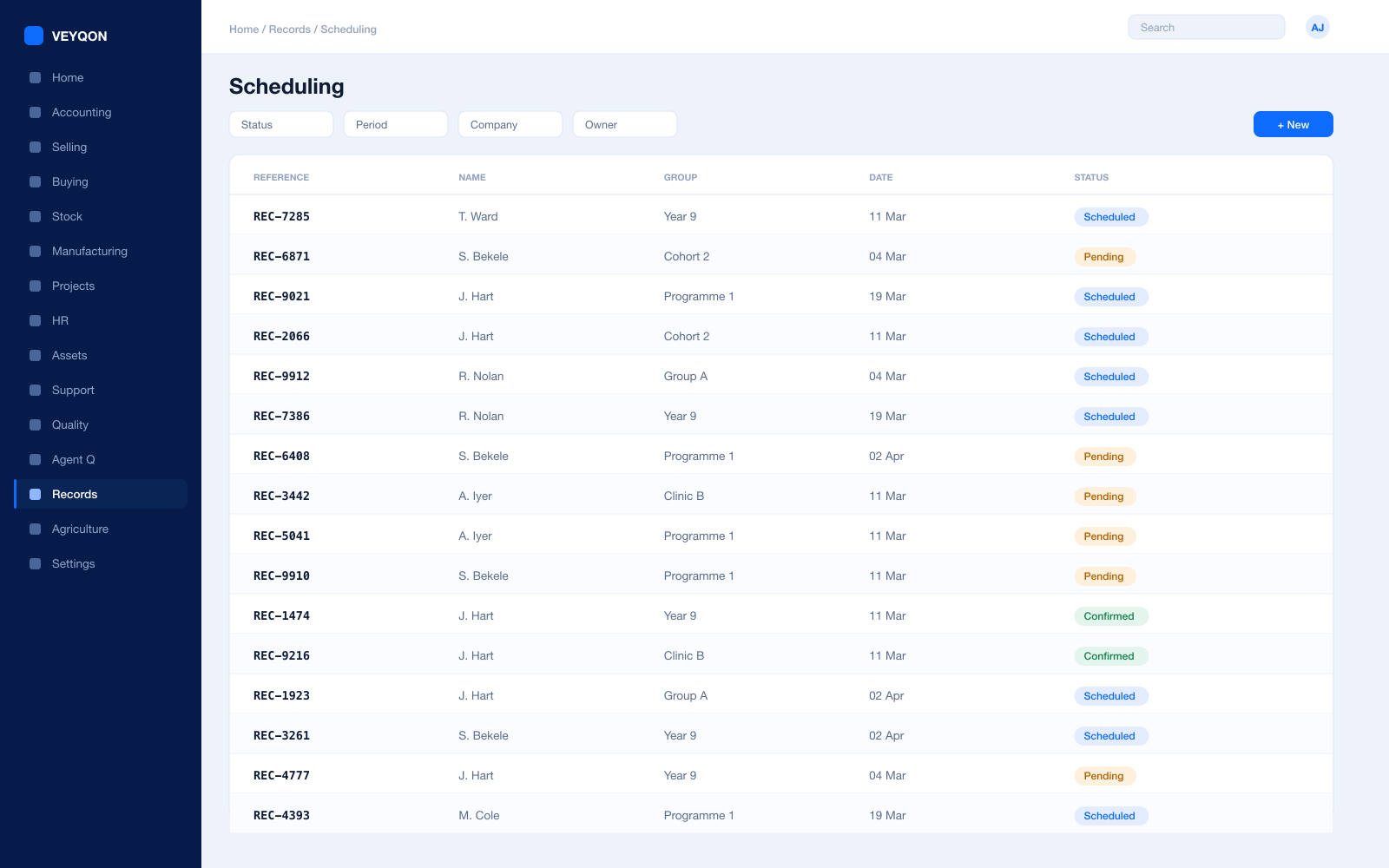
Appointments
Booked against a practitioner and a service unit, so the room and the person are reserved together.
Practitioner availability
Working schedules per clinician, so a slot only exists where somebody is actually there to fill it.
Leave and absence
Clinician leave reflected in availability rather than discovered by a patient at the desk.
Billing attached
The charge for the appointment set when it is booked, so a consultation does not need pricing afterwards.
Service units
Rooms, chairs, and theatres as bookable units with their own capacity.
Reminders
Scheduled notifications ahead of the appointment, which is the cheapest way to reduce a did-not-attend rate.
Utilisation
Slots offered against slots filled, per clinician and per unit, off the same records the desk is using.
Diagnostics
Ordered, sampled, resulted — with the value against its reference range.
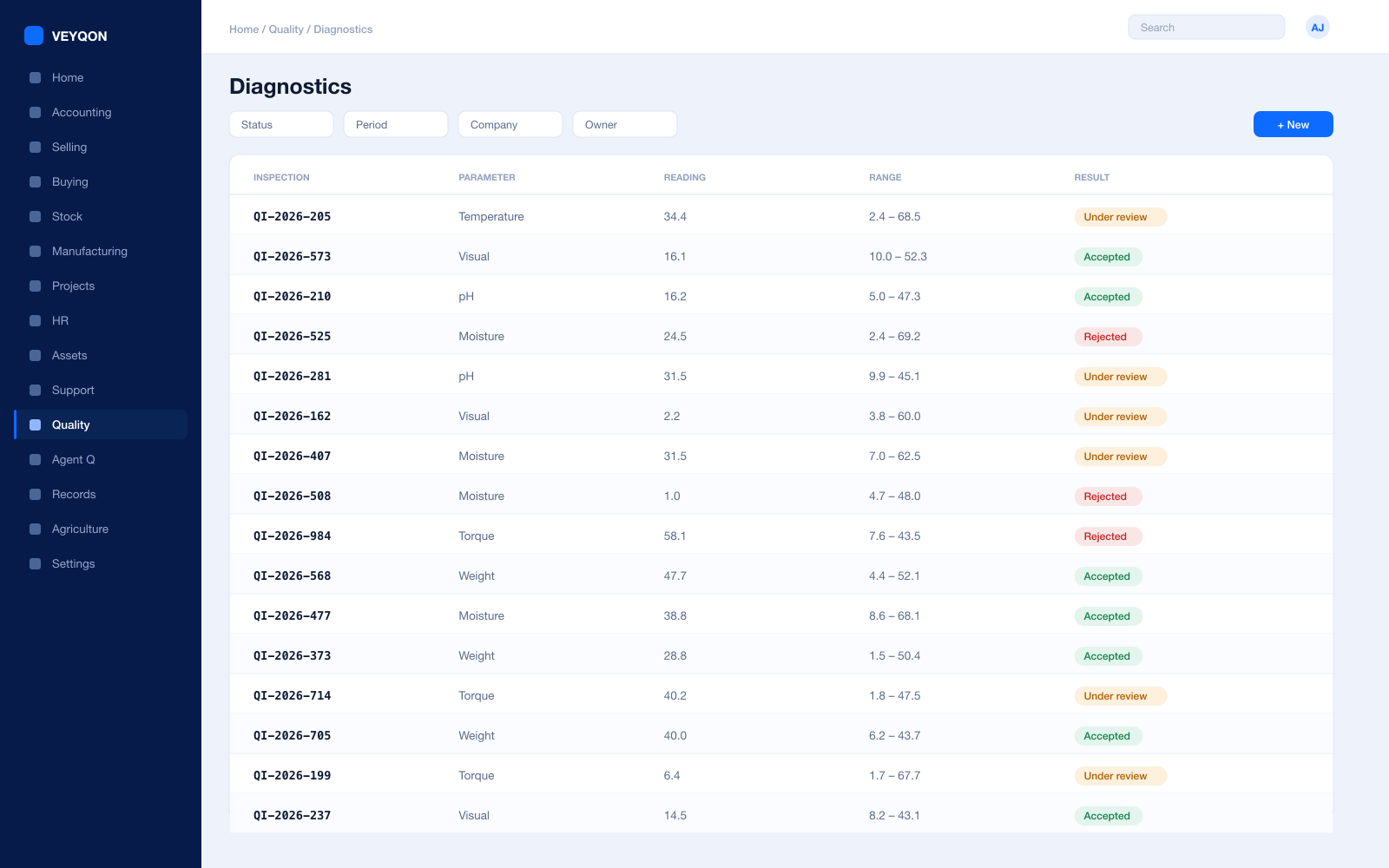
Lab tests
Ordered from the encounter, sampled, and resulted, with the whole chain on one record.
Reference ranges
Values recorded against a normal range, so an abnormal result is flagged rather than read past.
Test templates
Reusable panels with their parameters, so the same test means the same thing across sites.
Result on the patient
Results landing on the patient record where the next clinician will find them, not in a lab system nobody else opens.
Reagents from stock
Consumables issued against the test, so the cost of diagnostics is a figure rather than an overhead.
Turnaround
Ordered, collected, and resulted timestamps, so a delay is visible while it can still be chased.
Billed with the encounter
Diagnostics on the same invoice as the consultation that ordered them.
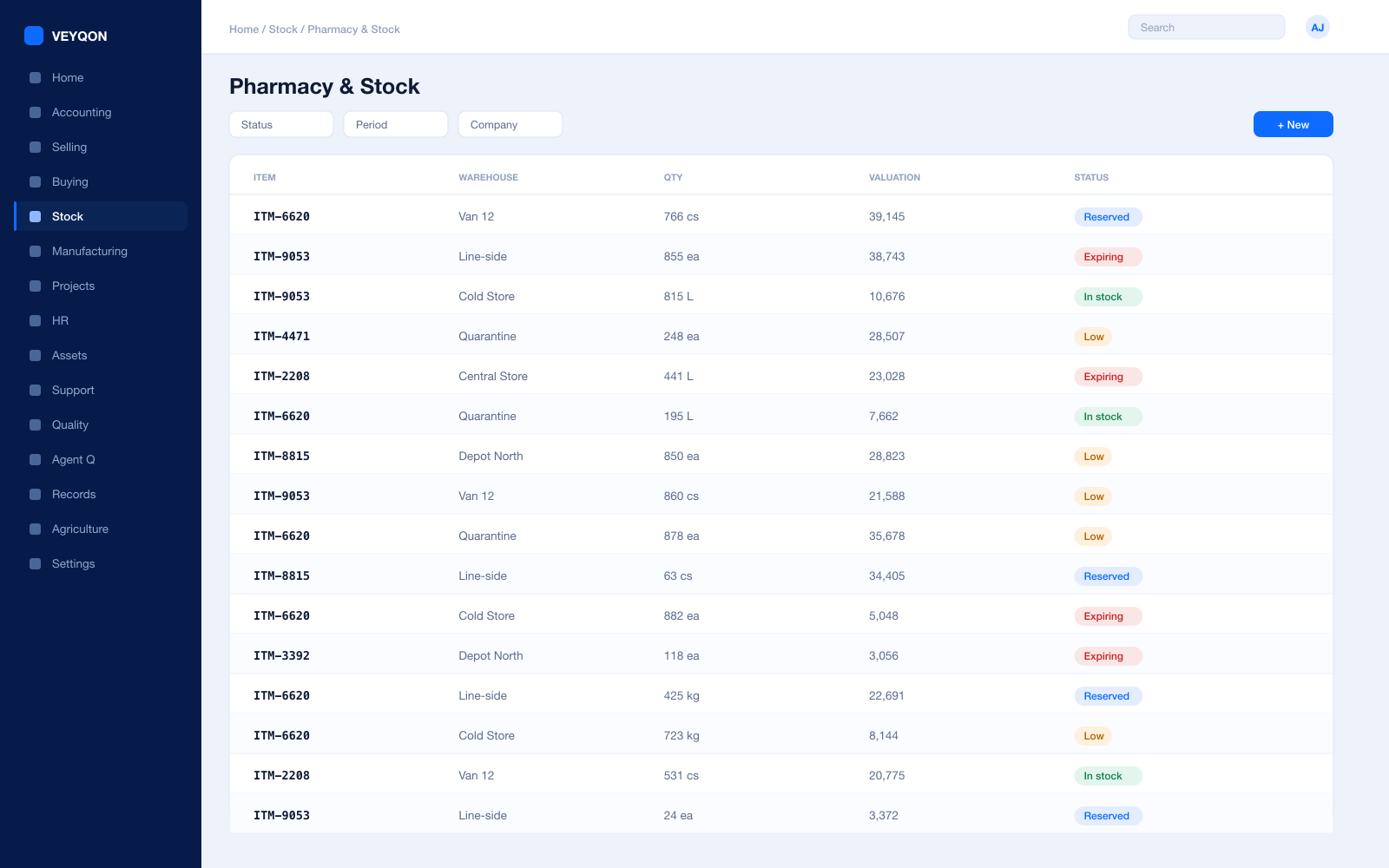
Pharmacy & Stock
Drugs and consumables, with a batch and an expiry on every one.
Stores and locations
Pharmacy, ward stock, theatre, and quarantine as separate warehouses in one hierarchy.
Batch and expiry
Every lot carrying its date, and every transaction filtered against the posting date before the lot is offered.
FEFO dispensing
Batches nearest expiry picked first, so short-dated stock leaves before it becomes a write-off.
Issue against a patient
Drugs and consumables issued to the patient and the procedure rather than to a general cost code.
Reorder levels
A reorder level per item and per store, so the ward does not discover a shortage at three in the morning.
Stock reconciliation
Counts posted against book stock with the difference valued, which controlled-drug reconciliation actually requires.
Valuation
FIFO or moving average per item, with perpetual inventory posting to the general ledger on every movement.
Wastage and destruction
Expired and damaged stock written off with a reason and a witness on the record.
UOM conversion
Buy by the pack, dispense by the tablet — one item, with the conversion held on the record.
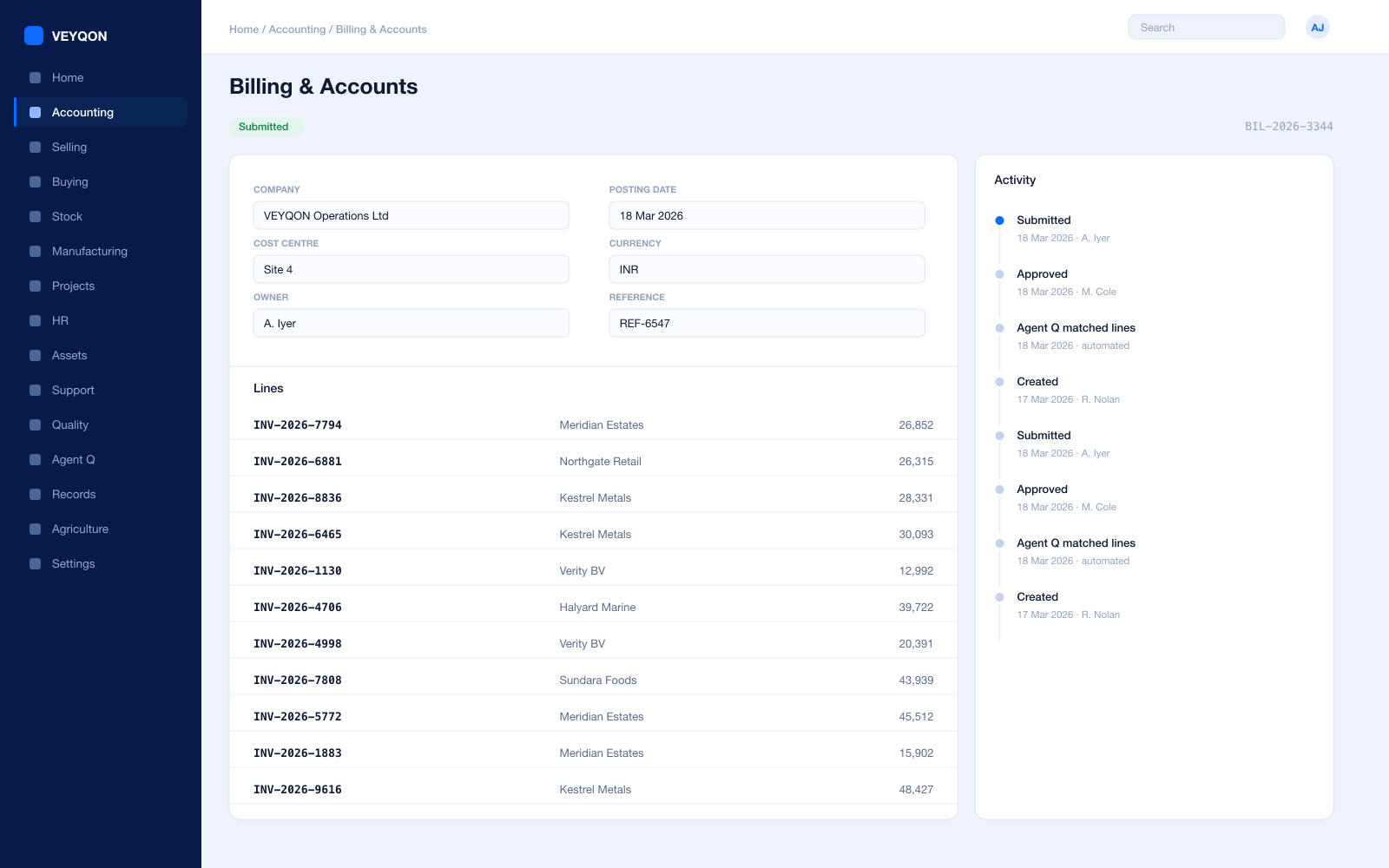
Billing & Accounts
An invoice assembled from what was done, not from memory.
Invoice from activity
Encounters, tests, procedures, and consumables billed from the records that captured them.
Price lists
Separate selling lists by payer, scheme, or self-pay, so an insurer rate and a private rate are both deliberate.
Pricing rules
By item or item group, for a payer or a patient group, as a rate, a percentage, or a margin.
Credit limits
For corporate and insurer accounts on terms, blocking submission over the ceiling with a named role for exceptions.
Cost centres
Departments, clinics, and wards as cost centres, with allocation splitting shared cost by percentage.
Perpetual inventory
Every stock movement posts to the ledger as it happens, so the pharmacy and the accounts cannot drift apart.
Period close
Accruals, reconciliation, and a period lock that stops anyone back-posting into a month you have reported.
Statutory tax
VAT, GST, and withholding with your region’s filing formats where clinical services are taxable.
Immutable audit trail
Every posting carries who, when, and from which document — which is what a clinical audit depends on.
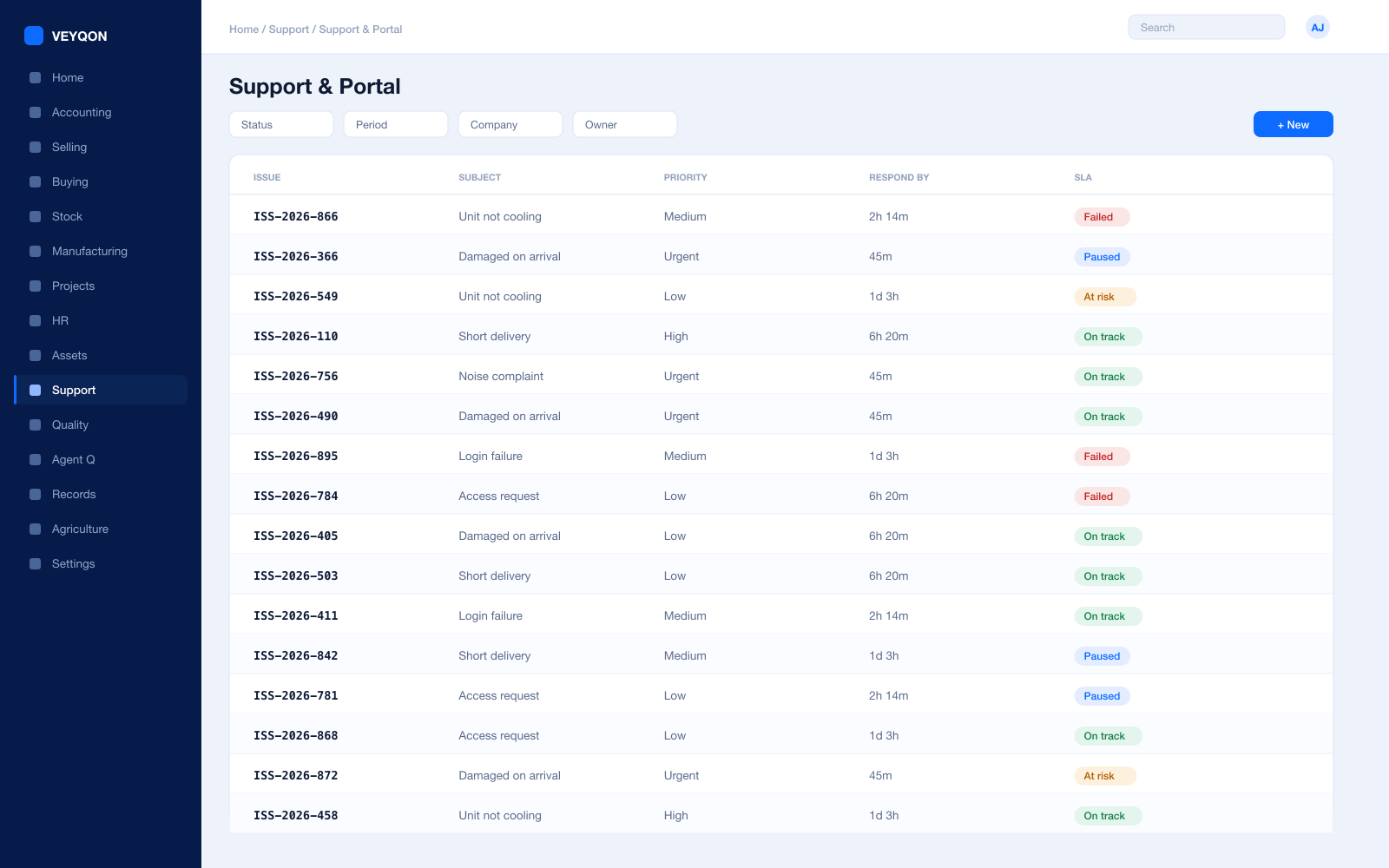
Support & Portal
Enquiries, complaints, and the patient who wants their own record.
Issues
Enquiries and complaints raised by email, portal, or at the desk, and linked to the patient and the episode.
Service level agreements
Priorities with a time to respond and a time to resolve, which a complaints procedure usually has to commit to.
Support hours
The clock runs only in the hours you actually cover, and stops on the days the holiday list says you are shut.
SLA pause
The timer holds while you are waiting on the patient, and the hold time is added back when they reply.
Resolution record
What was done, by whom, and when, attached to the issue rather than living in someone’s mailbox.
Patient portal
Appointments, results, and invoices available to the patient without a phone call to reception.
Scoped access
A portal user sees their own records and nothing else, enforced by the same permission model as everything internal.
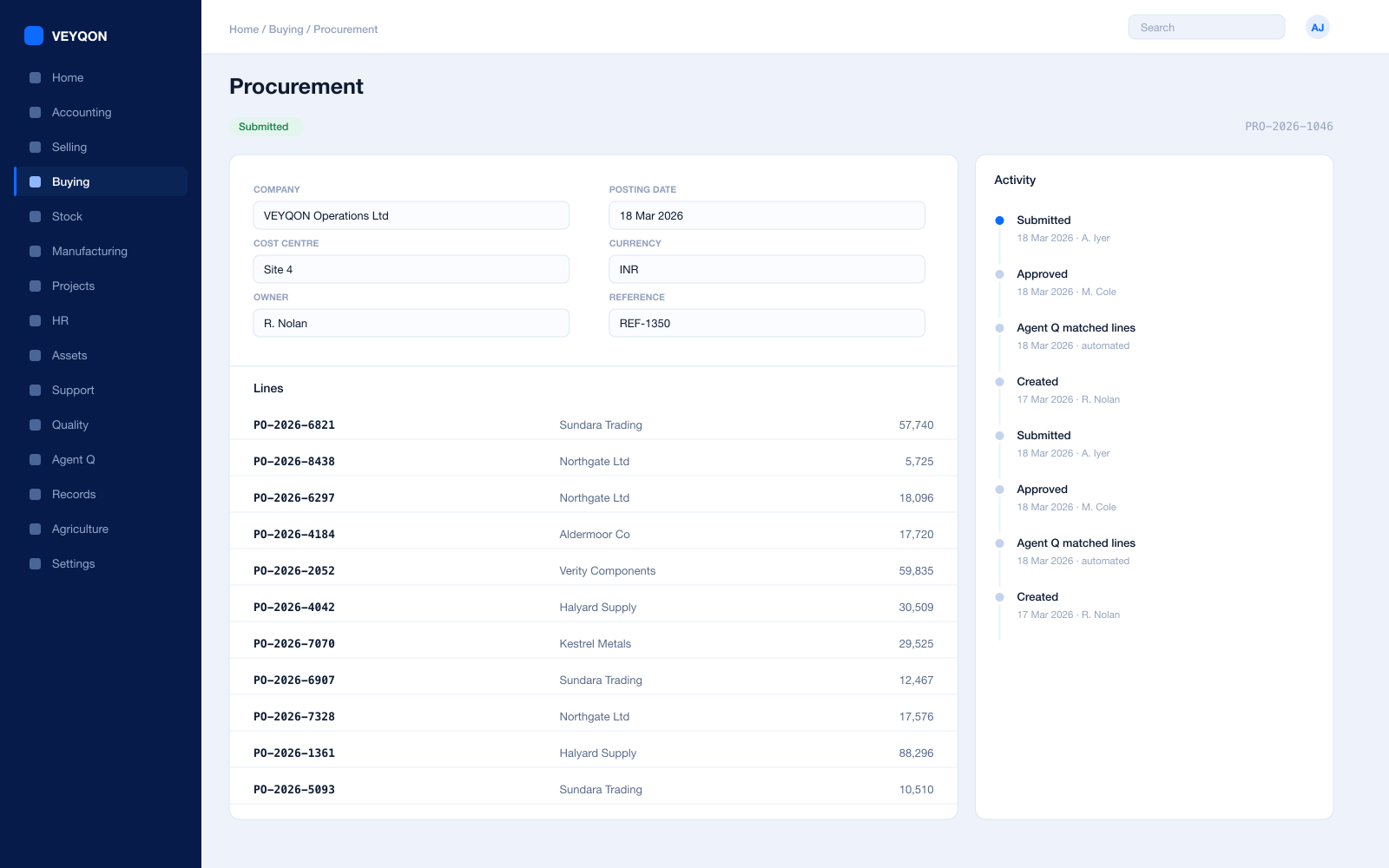
Procurement
Buying from suppliers you can prove are approved.
Material requests
Raised from a reorder level, from a ward, or by hand, with approval routing by value and cost centre.
Requests for quotation
Out to several suppliers at once, with a portal for them to respond on rather than a mailbox to chase.
Purchase orders
Against supplier price lists, with a delivery schedule per line rather than one date for the whole order.
Blanket orders
A framework agreement as a committed quantity and price, drawn down by individual orders.
Receipts with rejection
Accepted and rejected quantity split, with a rejected store and the inspection attached.
Three-way matching
Order, receipt, and invoice reconciled before anything is paid, with the variance visible.
Supplier scorecards
Quality, delivery, and responsiveness scored from your own receipts, with standings that can block a supplier.
Landed cost
Freight and duty distributed into item valuation on the receipt rather than into overhead.
Assets & Equipment
Equipment that has to be calibrated, serviced, and provably safe.
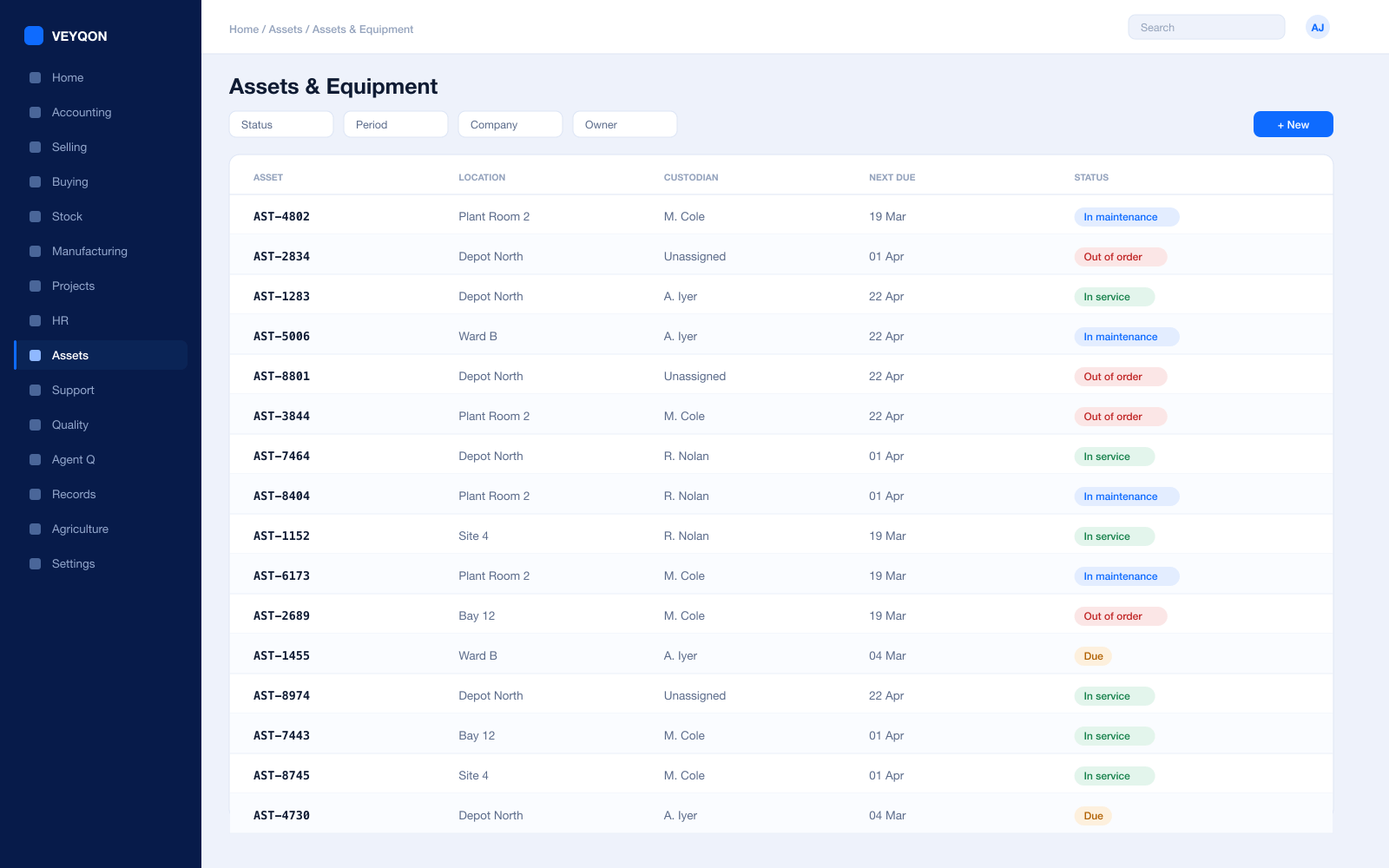
Asset register
Devices, beds, and plant with categories, locations, and custodians, held where clinical governance can see them.
Depreciation per finance book
A different method, useful life, and residual value for the statutory book and the management book.
Calibration and servicing
Scheduled with a periodicity, assigned to a team, generating a log for each occurrence.
Certification required
A task marked as needing a certificate, with the log unable to close until one is attached.
Maintenance logs
What was done and by whom, with the certificate on the record rather than in a folder in the estates office.
Repair and downtime
A failure record with the date, the downtime, and the cost, with parts consumed from stock onto the repair.
Movement and disposal
Transfers between departments and custodians, and disposal with the gain or loss posted.
HR & Payroll
Rosters, registration, and the pay that follows them.
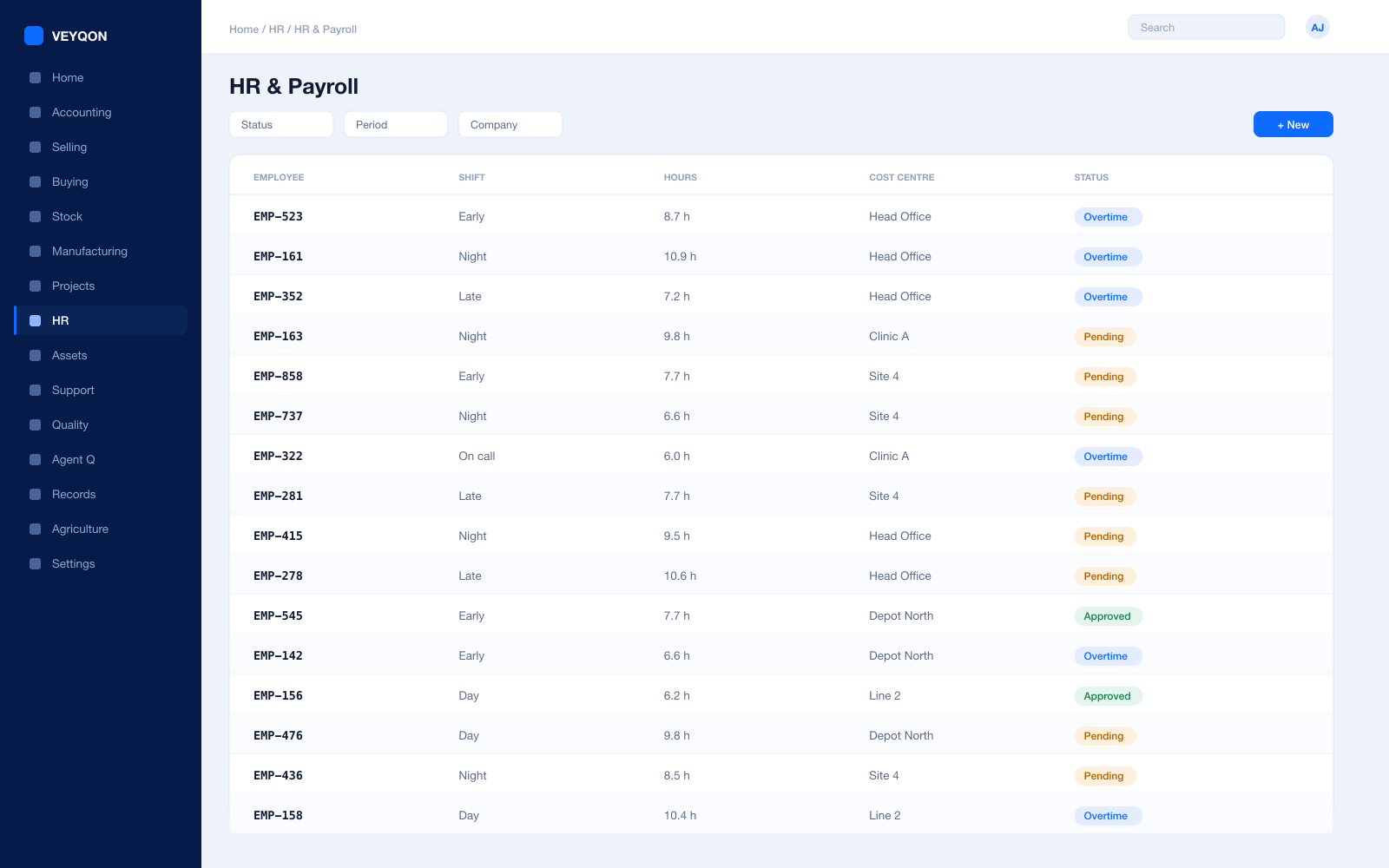
Shifts and rosters
Ward, clinic, and on-call cover rostered together, so gaps are visible before the week starts.
Attendance and check-in
From devices or check-in, feeding shift compliance and overtime instead of a paper sheet.
Registration and certification
Professional registration and mandatory training with expiry dates that surface before they lapse.
Labour to department
Hours costed to the department or clinic they were worked in, so a service line’s cost includes its people.
Leave and holiday lists
The working calendar that rostering and clinic scheduling are actually built against.
Expenses
Claims against a cost centre, approved and posted rather than reimbursed on trust.
Payroll
Salary structures and runs with statutory deductions, posted into the same ledger as everything else.
One pass through healthcare, end to end.
- 01
Register
One patient record, reachable by every department that needs it.
- 02
Treat
Encounters, tests, and procedures recorded where they happen.
- 03
Consume
Drugs and consumables issue from stock against the patient.
- 04
Bill
The invoice assembles from what was actually done, not from memory.
Running healthcare on VEYQON, in four steps.
It is a subscription, not a project.
- 1
Subscribe
Pay by card. Provisioned straight away.
Minutes - 2
Bring your data
Balances, items, customers, suppliers.
Day one - 3
Switch modules on
Warehouses, limits, and approvals.
Week one - 4
Go live
Run parallel, then cut over.
You choose
All 10 modules included. Nothing sold separately.