Assets that must not fail, and the proof they did not.
A register of plant with maintenance schedules, statutory inspections, and an audit trail that stands up when a regulator asks.
9 modules·79 features·Configured on the core
The modules behind energy & utilities.
Not a list of module names. Each one below opens onto what is inside it and why a energy & utilities business needs it — so you can check it against how your operation actually runs.
Agent Q
Agents that read your own records and act on them, scoped to how a energy & utilities business runs.
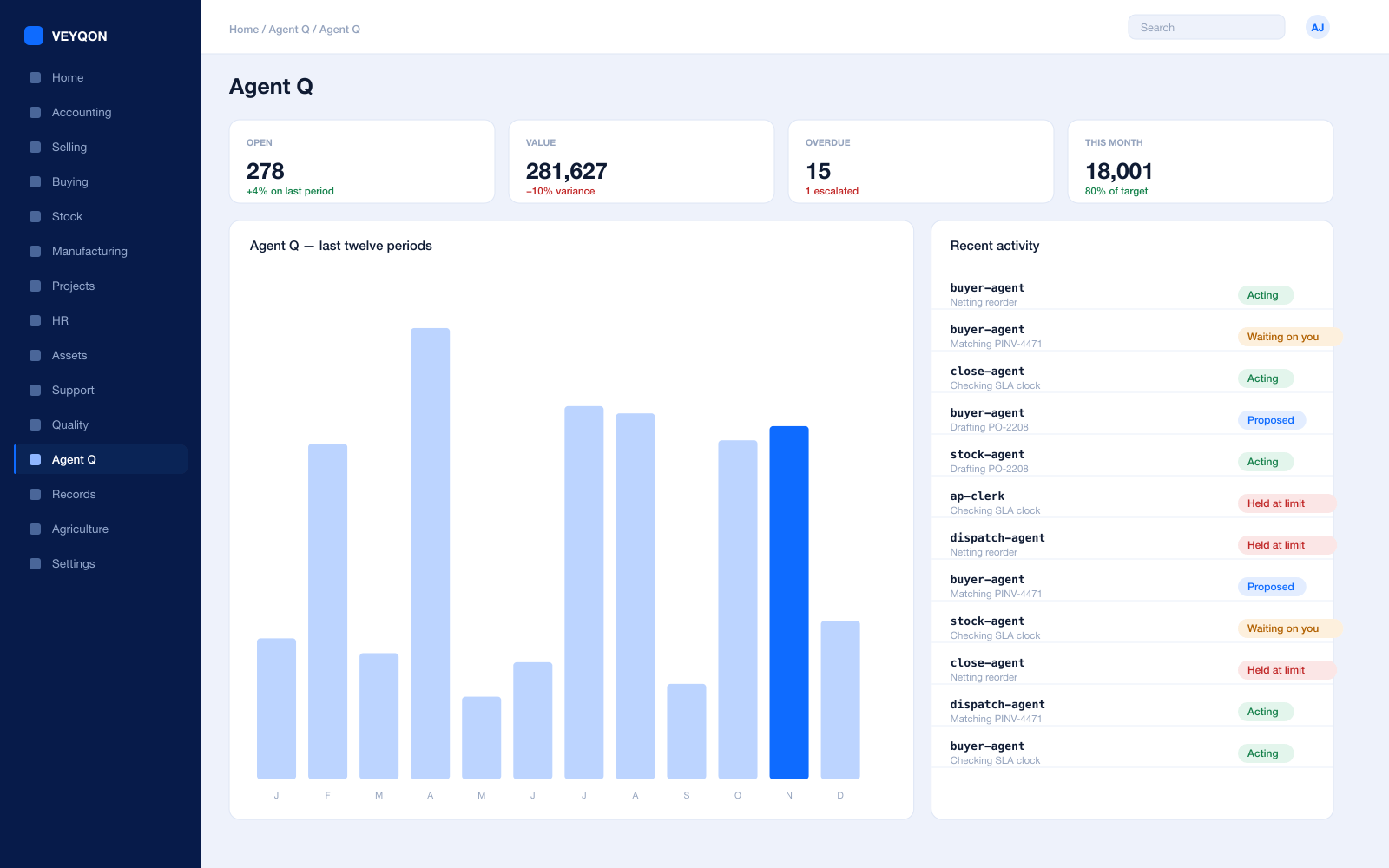
Grounded in live records
Every answer is drawn from your own ledger with your permissions applied, and names the documents it used. Nothing is answered from a snapshot or a summary.
A role, not a prompt
Each agent is scoped like a job — accounts payable, procurement, dispatch, period close — with the same limits you would put on the person doing it.
Explicit tool permissions
An agent holds a named list of the actions it may take. Matching an invoice does not imply paying one.
Value and action limits
A hard ceiling per agent, per period, and per document type, which it cannot cross however it is asked.
The queue
What every agent is working on, what is waiting on a person, and what has been held — in one place, with the reason on each item.
Triggers
An arriving document, a breached threshold, a date, or a state change on a record. Agents start on events, not on somebody remembering.
Human approval gates
Anything over a limit routes to a named person, with the reasoning attached, so approving takes seconds rather than an investigation.
Escalation paths
Who it hands to when it reaches a limit, how long it waits first, and what that person sees when it arrives.
Segregation of duties
An agent cannot approve what it raised. The rule that applies to your people applies to your agents.
Full reasoning log
Every step is written to the audit trail on the document it touched, so a decision can be read back months later.
Ask in plain language
The console answers operational questions from live records and offers the next action, rather than handing back a paragraph.
Spend control
Ceilings per agent and per period, so autonomy runs to a budget you set rather than an open account.
Assets & Plant
A register of everything that must not fail, and who is answerable for it.
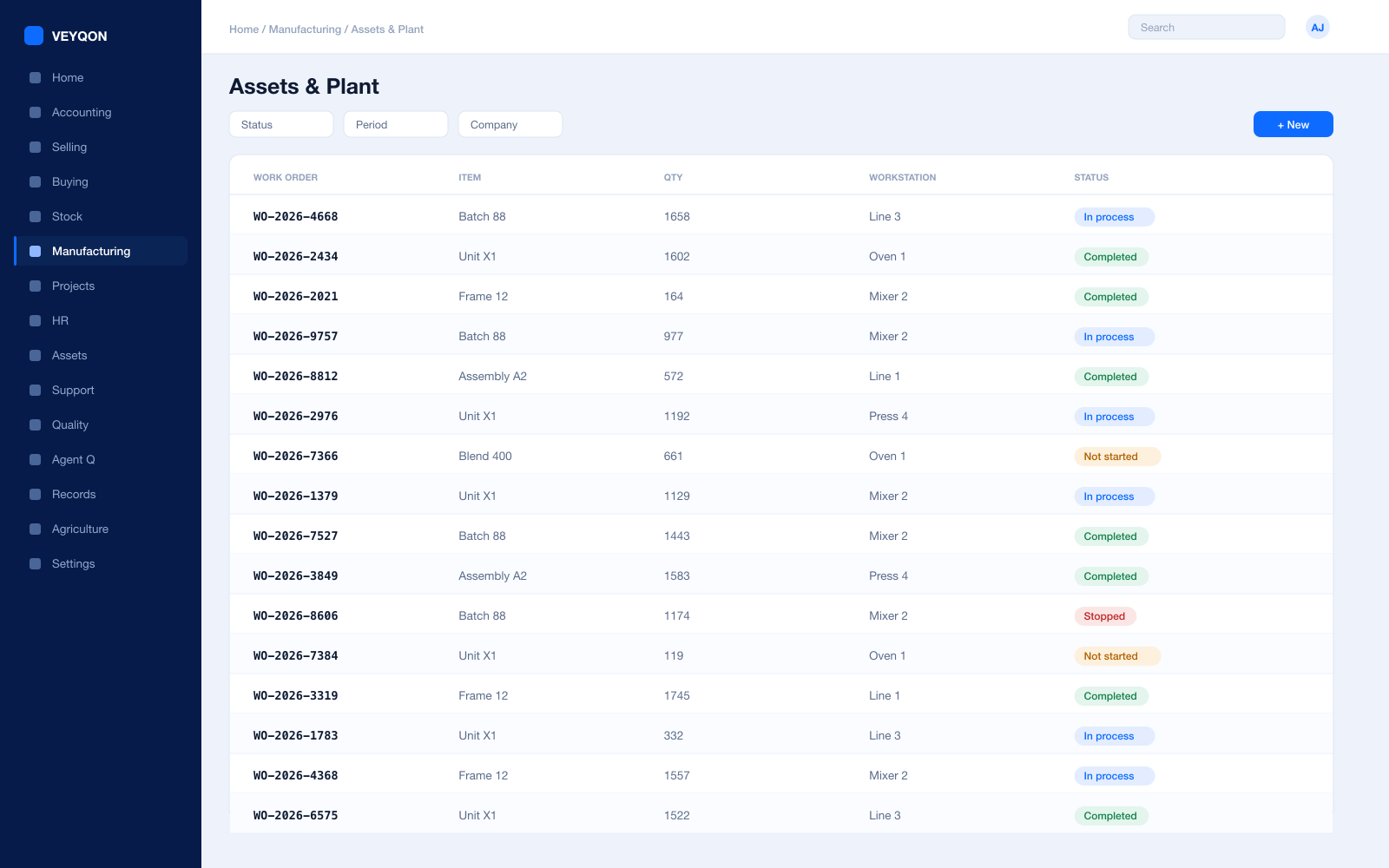
Asset register
Every item of plant as a record, with the category that decides how it depreciates and how it is maintained.
Categories and locations
A location hierarchy for sites, substations, and plant rooms, so an asset is somewhere real rather than somewhere approximate.
Custodians
The person answerable for the asset, on the asset, so the question of who owns it never needs asking.
Depreciation per finance book
A different method, useful life, residual value, and posting frequency for the statutory book and the management book.
Capital work in progress
Spend accumulated against plant under construction and capitalised when it enters service, not before.
Composite assets
An asset assembled from components, with the components’ cost capitalised into the whole rather than expensed separately.
Insurance
Insurer, policy dates, insured value, and coverage held on the asset, with the dates visible before they lapse.
Movement between sites
Transfers between locations and custodians, with a full history rather than a recollection.
Value adjustment and disposal
Revaluation, sale, or scrapping with the gain or loss posted and the status closed properly.
Asset to workstation
The register entry and the thing on the floor are the same record, so maintenance and production talk about one object.
Maintenance
Work raised before it falls due, and evidence that it was done.
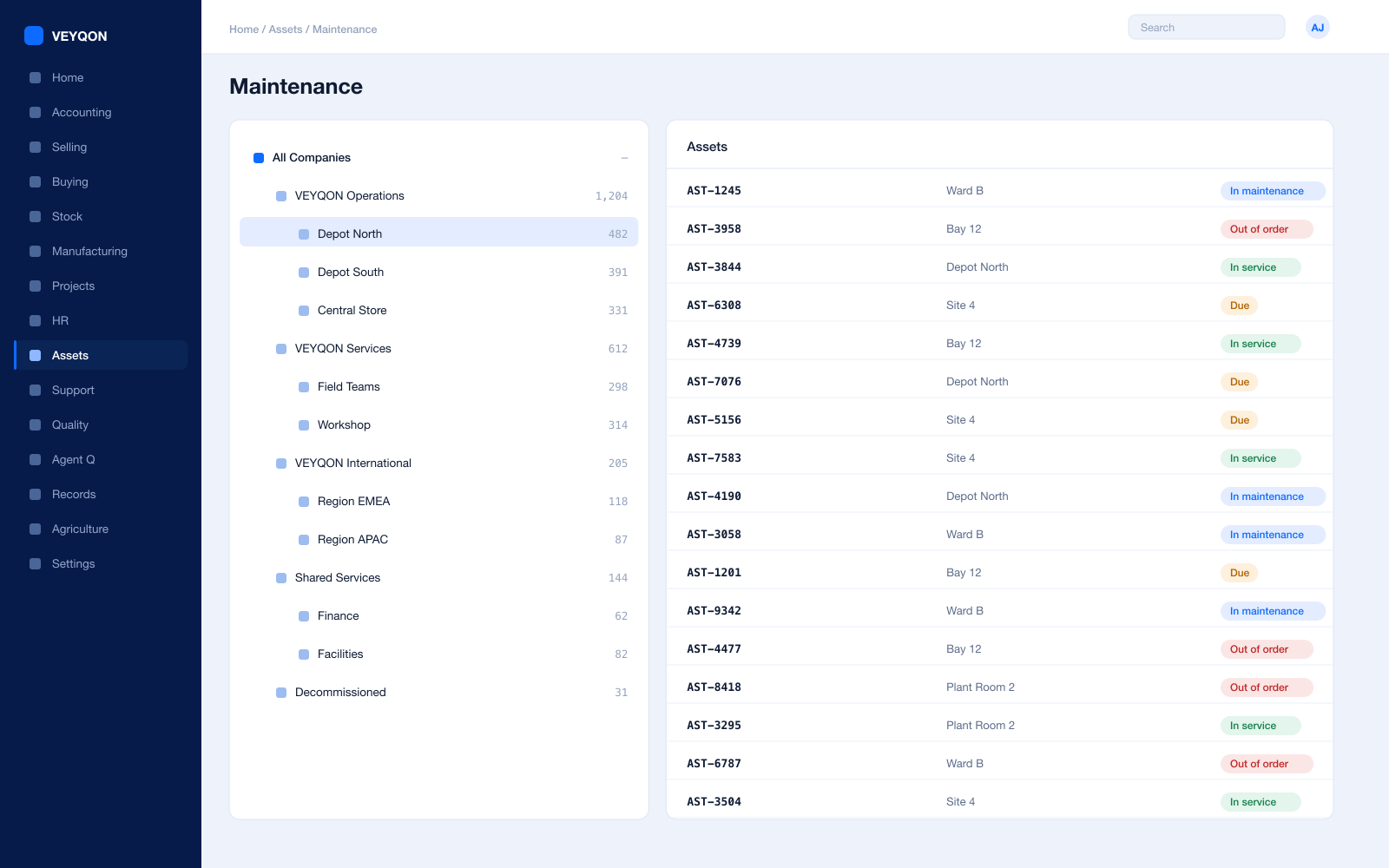
Scheduled maintenance
Recurring tasks planned against an asset, assigned to a maintenance team, generating a log for each occurrence.
Periodicity
Weekly, monthly, quarterly, half-yearly, yearly, or random — the schedule generates a separate row for each activity between the start and end dates.
Maintenance teams
A team with members, and a task assigned to a named person rather than to the team in general.
Certification required
A task can be marked as requiring a certificate, and the log will not close without one attached.
Maintenance logs
What was done, when, and by whom — which is the artefact a regulator actually asks to see.
Asset repair
A failure record with the failure date and the downtime, distinct from planned work because they answer different questions.
Spares consumed
Parts taken from stock onto the repair, so the cost of the failure includes what it ate.
Capitalisation
Where a repair meets your capitalisation policy and extends useful life, the increase updates the depreciation schedule.
Downtime and status
The asset out of order until the repair completes, and the time it was down recorded rather than estimated afterwards.
Quality & Compliance
Checks that stop a document, and a trail that stands up when a regulator asks.
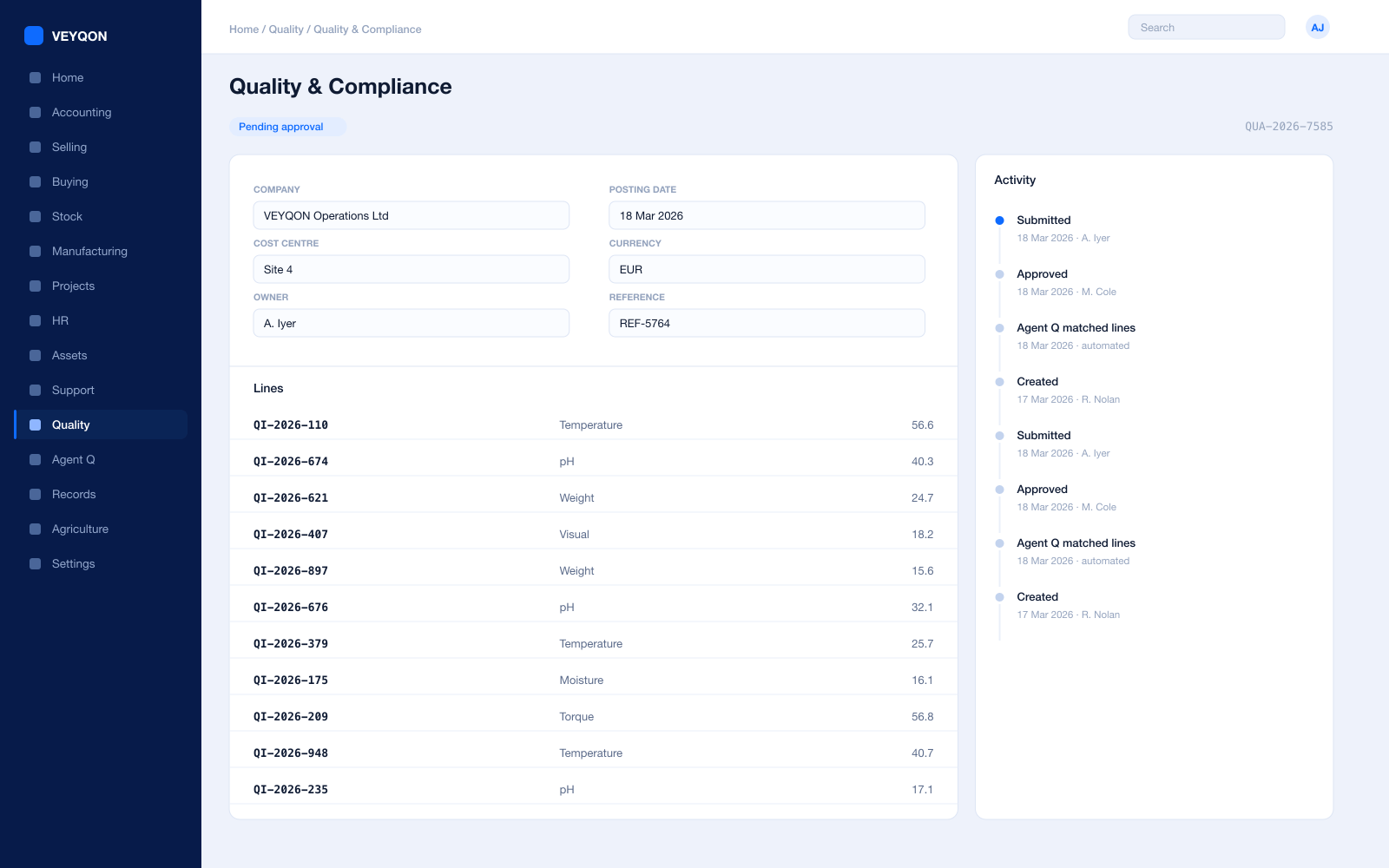
Inspection templates
Reusable parameters and acceptance criteria, so two inspectors on two sites check the same things the same way.
Inspection points
Incoming on receipt, in process against the work, and outgoing before release — each with its own template.
Numeric criteria
A minimum and maximum per reading. A value outside the range is rejected the moment it is saved, not at review.
Non-numeric criteria
An acceptance value compared against what the inspector entered, for checks that are a state rather than a number.
Formula criteria
Expressions across several readings, for means, derived values, and tolerances that depend on more than one measurement.
Manual inspection
Where an inspector’s discretion is the point, the status is set by a person and the record says so.
Blocking submission
With the criteria enabled on the item, the document does not post until the inspection is submitted.
Non conformance
An observation that a procedure was not followed, filed by anyone in the organisation and linked to the procedure it breached.
Corrective and preventive action
Recorded against the non conformance with a status through to close, so the fix has an owner and a date.
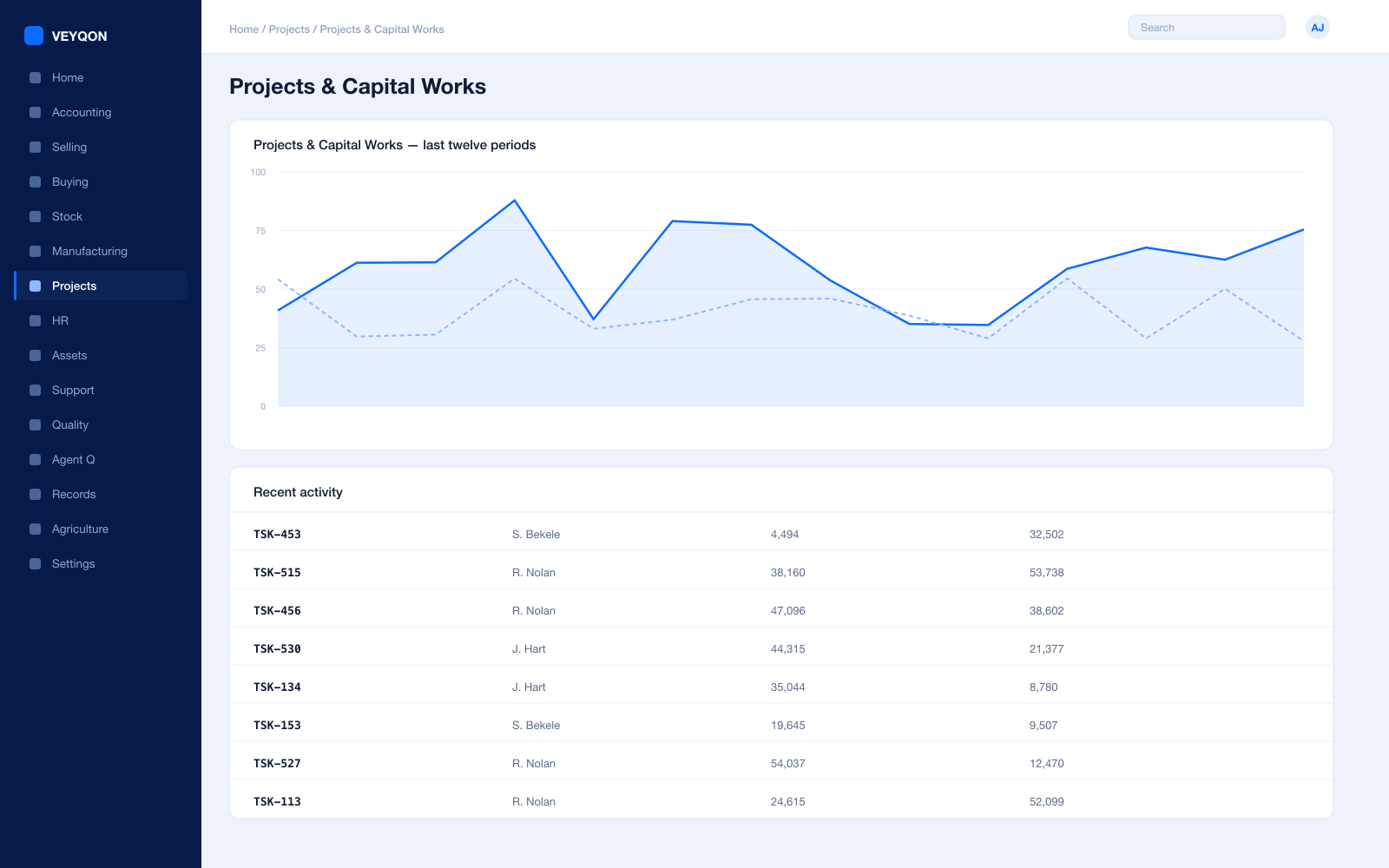
Projects & Capital Works
Schemes that run for years, costed while they are still running.
A project per scheme
The capital work as a project, with tasks, dependencies, and a schedule the field work hangs off.
Tasks and dependencies
What has to happen before what, so a slipped outage shows as a slipped scheme rather than a surprise at year end.
Timesheets
Hours booked against tasks at employee rates, feeding both project cost and payroll from a single entry.
Material against the project
Plant and consumables issued to the scheme rather than to a general store, so the scheme carries what it used.
Capital work in progress
Spend accumulating against the asset being built, capitalised at the point it enters service.
Project profitability
Actual material, labour, and contractor cost against the approved value, while there is still time to act on it.
Milestone billing
Invoicing and drawdown on percentage completion or on defined events, agreed up front.
Project on every document
The reference carried on orders, stock entries, and invoices, which is what makes the cost figure trustworthy.
Procurement
Contractors, plant, and spares, bought against a framework.
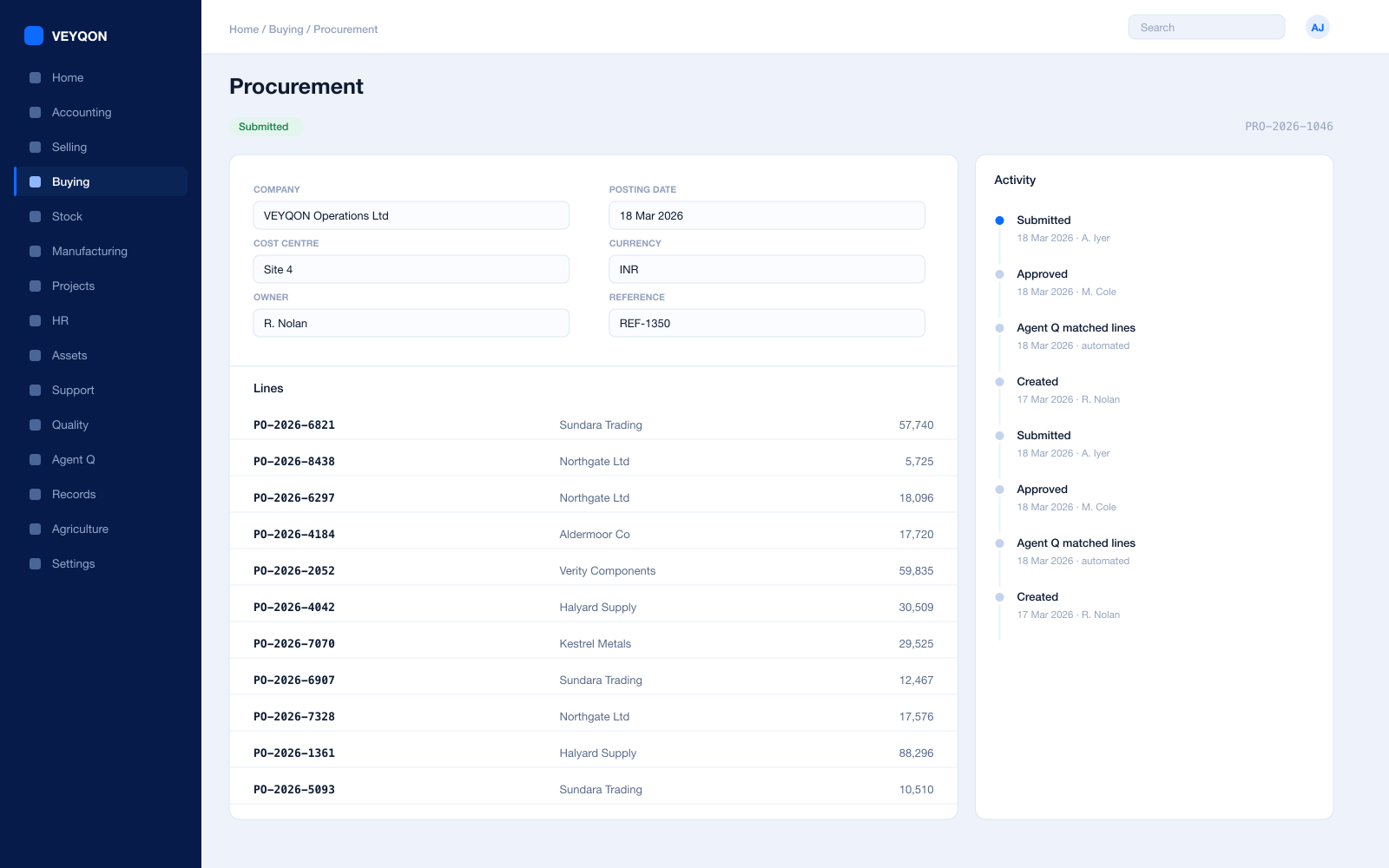
Material requests
Raised from a reorder level, a project, or by hand, with approval routing by value, cost centre, and site.
Requests for quotation
Out to several suppliers at once, with a portal for them to respond on rather than a mailbox to chase.
Purchase orders
Against supplier price lists, with a delivery schedule per line rather than one date for the whole order.
Blanket orders
A framework agreement as a committed quantity and price over a period, drawn down by individual orders.
Receipts with rejection
Accepted and rejected quantity split, with a rejected store and the inspection attached.
Three-way matching
Order, receipt, and invoice reconciled before anything is paid, with the variance visible rather than absorbed.
Supplier scorecards
Quality, delivery, and responsiveness scored from your own receipts, with standings that can block a supplier from an RFQ or a PO.
Tax and charges templates
Duty, reverse charge, and purchase taxes applied by template rather than typed onto every order.
Stock & Spares
The critical spare that has to be there at three in the morning.
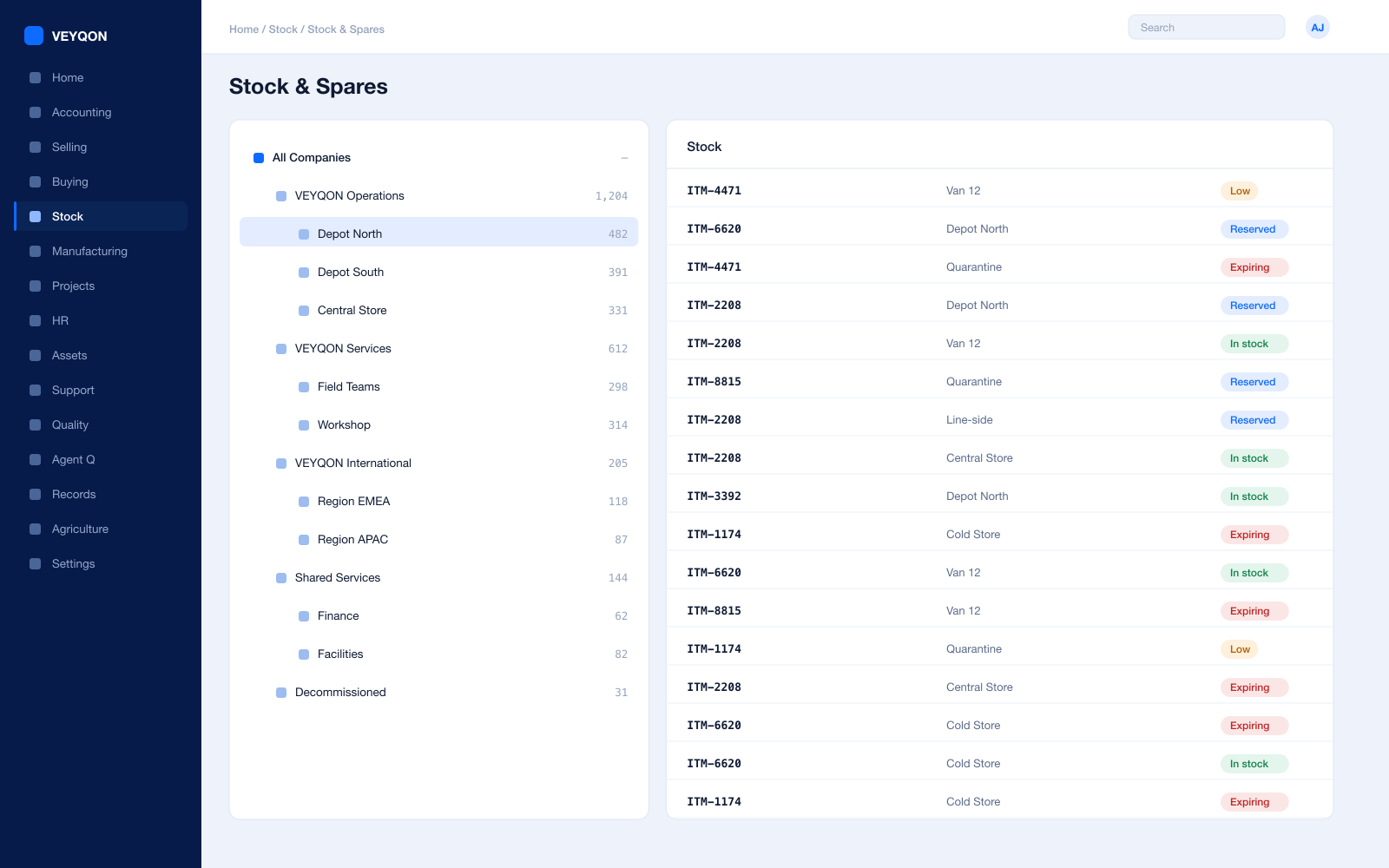
Stores and warehouses
Central stores, site stores, and van stock in one hierarchy you can report across.
Reorder levels
A reorder level and quantity per item and per store, so a critical spare is replenished before somebody needs it.
Batch and serial
Serial numbers on major components and batches where a lot matters, so a defective run is traceable.
Valuation
FIFO or moving average per item, with perpetual inventory posting to the general ledger on every movement.
Issue to work
Parts issued to a repair, a maintenance log, or a project rather than to a general cost code.
Stock reconciliation
Counts posted against book stock, with the difference valued and accounted rather than adjusted quietly.
Landed cost
Freight and duty distributed into item valuation on the receipt rather than written off to overhead.
UOM conversion
Buy by the drum, issue by the litre — one item, with the conversion held on the record.
Accounts
Capital and revenue kept apart, and a trail nobody can quietly edit.
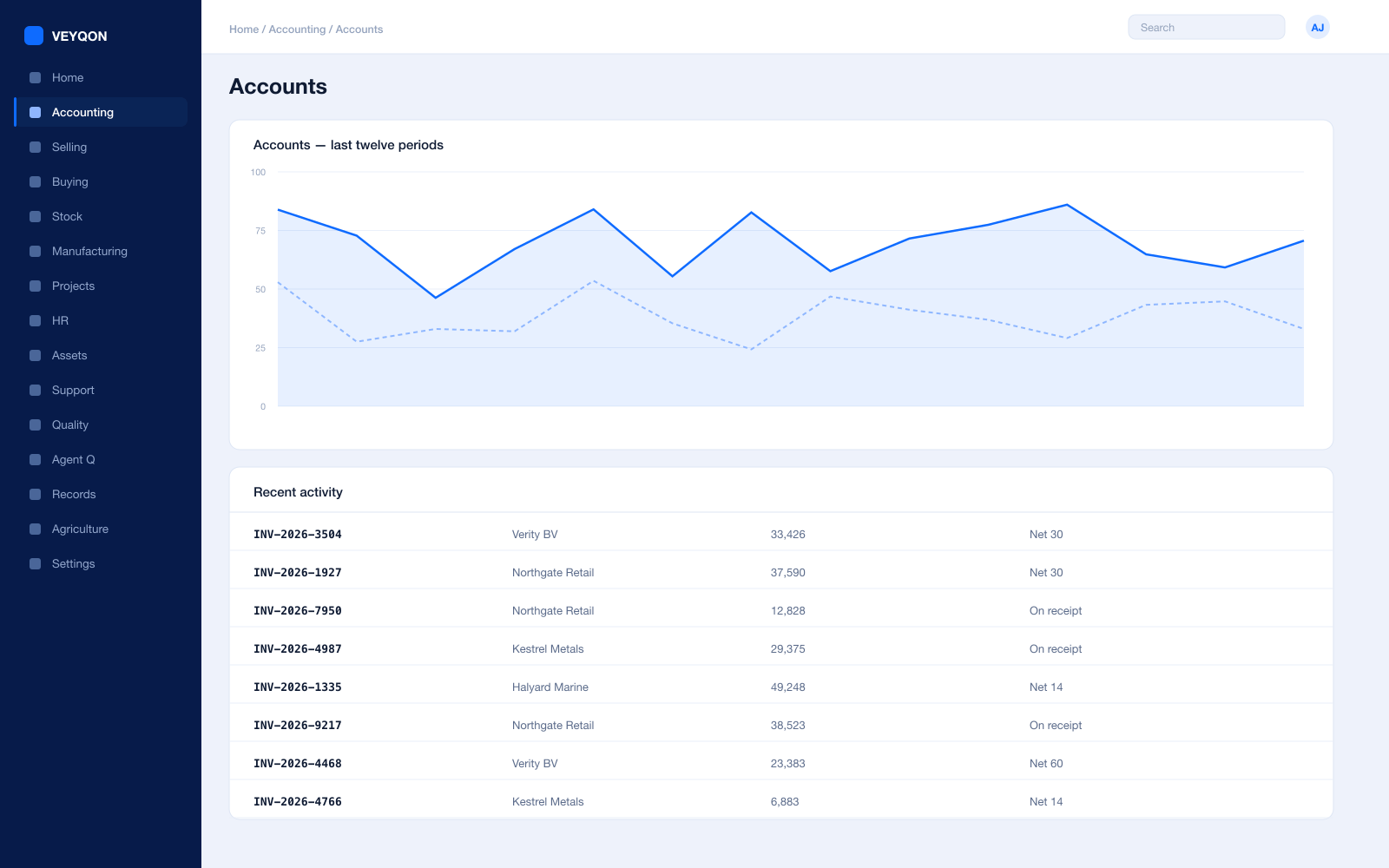
Perpetual inventory
Every stock movement posts to the general ledger as it happens, so the stores and the accounts cannot drift apart.
Capital against revenue
Work in progress capitalised at the point of service, with maintenance expensed — the distinction made on the document, not at year end.
Cost centres and dimensions
By site, scheme, or asset class, with allocation splitting one amount across several by percentage.
Budgets
Against cost centres and projects, with the action on exceeding set to warn the person or stop the document outright.
Multi-currency
Plant and contractors procured across borders, with revaluation posting to the ledger.
Period close
Accruals, reconciliation, and a period lock that stops anyone back-posting into a month you have already reported.
Statutory tax
VAT, GST, and withholding with your region’s filing formats.
Immutable audit trail
Every posting carries who, when, and from which document — which is the whole point when a regulator arrives.
HR & Payroll
Competent people on the right jobs, provably.
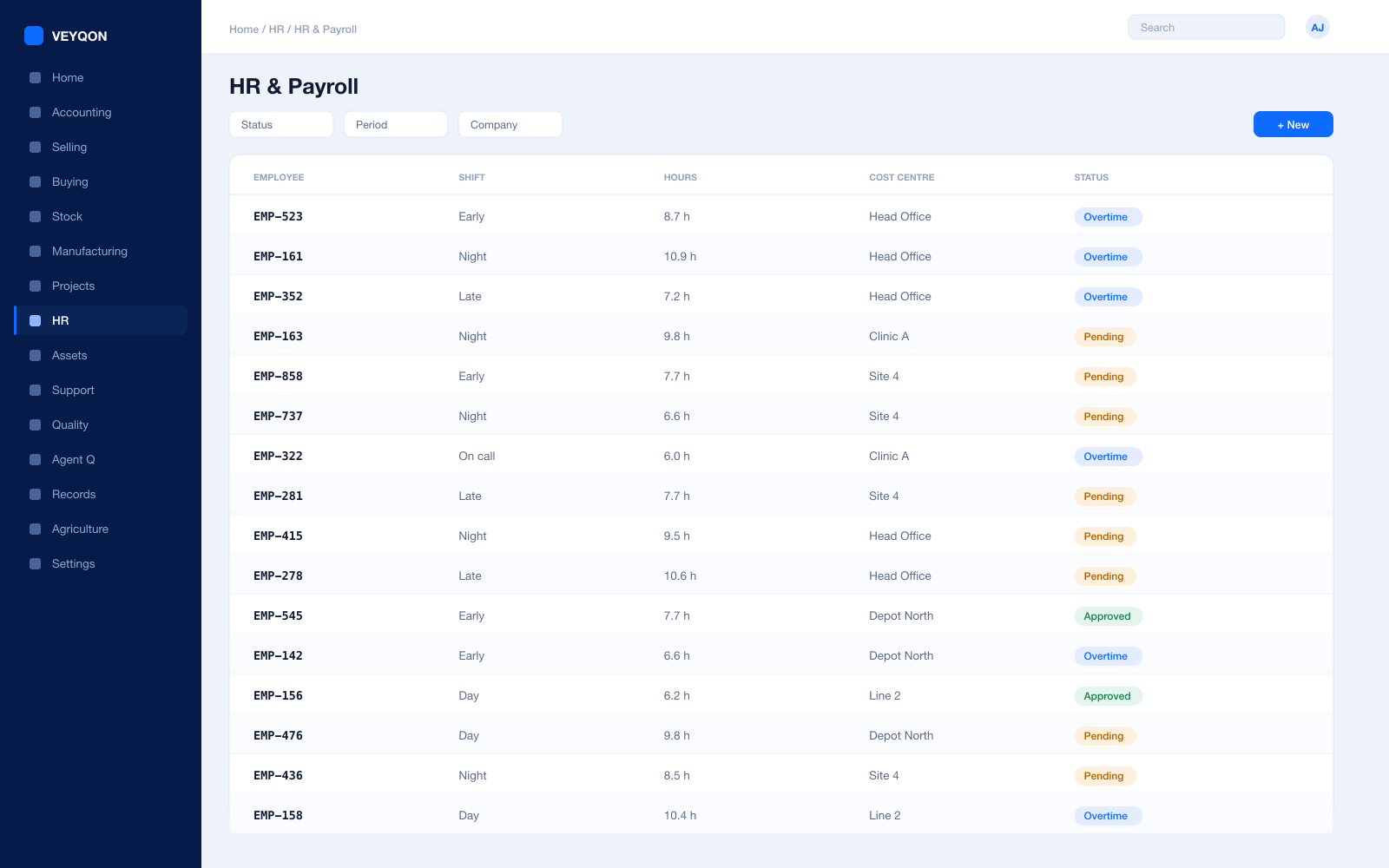
Shifts and call-out
Rotas and standby cover planned rather than arranged by phone at the point somebody is needed.
Attendance and check-in
From devices or check-in, feeding shift compliance and overtime instead of a spreadsheet.
Competency and certification
Tickets and qualifications held against the employee with expiry dates that surface before they lapse — not after an incident.
Timesheets
Hours booked against a project or an asset, feeding both job cost and payroll from one entry.
Leave and holiday lists
The working calendar that maintenance scheduling and outage planning are measured against.
Expenses
Field claims against a cost centre or a project, approved and posted rather than reimbursed on trust.
Payroll
Salary structures and runs with statutory deductions, posted into the same ledger as everything else.
One pass through energy & utilities, end to end.
- 01
Register
Every asset carries its location, custodian, and statutory obligations.
- 02
Schedule
Maintenance and inspection dates raise work before they fall due.
- 03
Execute
Field teams complete on the phone, with readings and photos attached.
- 04
Evidence
The trail exports for a period, an asset, or an inspector.
Running energy & utilities on VEYQON, in four steps.
It is a subscription, not a project.
- 1
Subscribe
Pay by card. Provisioned straight away.
Minutes - 2
Bring your data
Balances, items, customers, suppliers.
Day one - 3
Switch modules on
Warehouses, limits, and approvals.
Week one - 4
Go live
Run parallel, then cut over.
You choose
All 9 modules included. Nothing sold separately.