The plan, the floor, and the ledger finally agree.
Bills of materials, routings, work orders, and job cards run against the same stock and the same ledger the finance team closes on. When a batch splits, the cost follows it.
10 modules·92 features·Native ERPNext domain
The modules behind manufacturing.
Not a list of module names. Each one below opens onto what is inside it and why a manufacturing business needs it — so you can check it against how your operation actually runs.
Agent Q
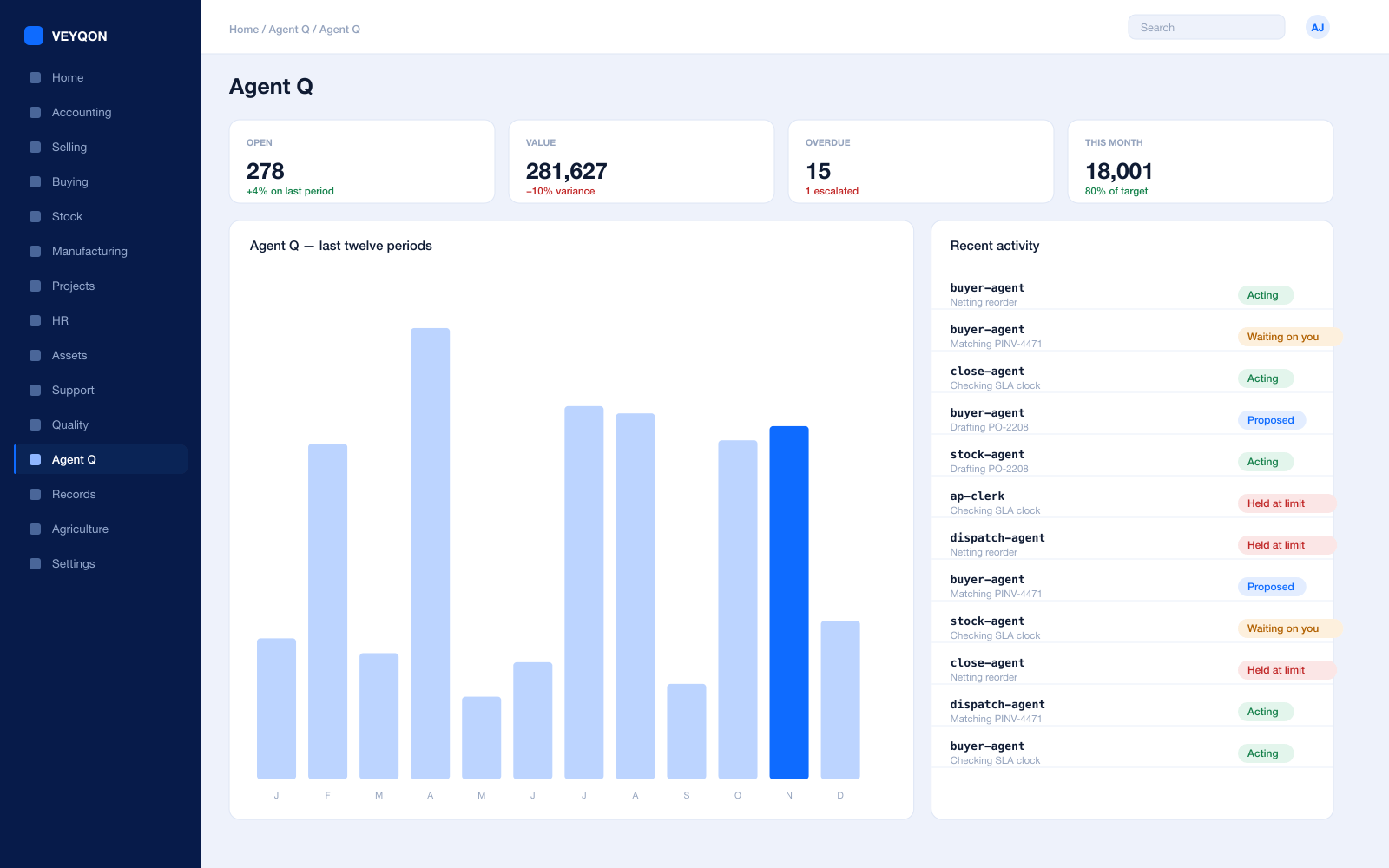
Agents that read your own records and act on them, scoped to how a manufacturing business runs.
Grounded in live records
Every answer is drawn from your own ledger with your permissions applied, and names the documents it used. Nothing is answered from a snapshot or a summary.
A role, not a prompt
Each agent is scoped like a job — accounts payable, procurement, dispatch, period close — with the same limits you would put on the person doing it.
Explicit tool permissions
An agent holds a named list of the actions it may take. Matching an invoice does not imply paying one.
Value and action limits
A hard ceiling per agent, per period, and per document type, which it cannot cross however it is asked.
The queue
What every agent is working on, what is waiting on a person, and what has been held — in one place, with the reason on each item.
Triggers
An arriving document, a breached threshold, a date, or a state change on a record. Agents start on events, not on somebody remembering.
Human approval gates
Anything over a limit routes to a named person, with the reasoning attached, so approving takes seconds rather than an investigation.
Escalation paths
Who it hands to when it reaches a limit, how long it waits first, and what that person sees when it arrives.
Segregation of duties
An agent cannot approve what it raised. The rule that applies to your people applies to your agents.
Full reasoning log
Every step is written to the audit trail on the document it touched, so a decision can be read back months later.
Ask in plain language
The console answers operational questions from live records and offers the next action, rather than handing back a paragraph.
Spend control
Ceilings per agent and per period, so autonomy runs to a budget you set rather than an open account.
Manufacturing
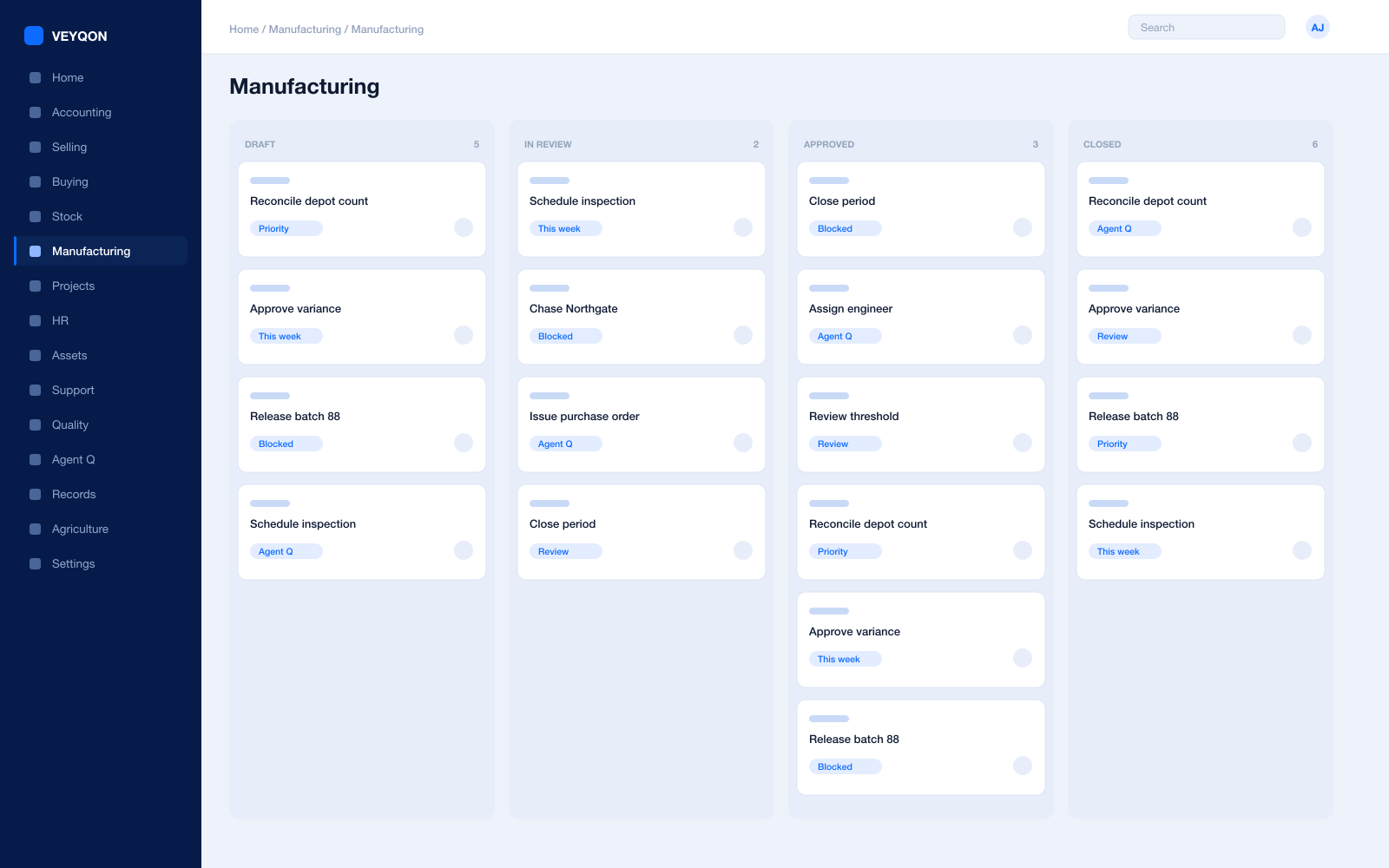
Where the plan becomes a job on the floor, and the job becomes a cost.
Multi-level BOMs
Sub-assemblies explode into a full raw-material tree, with scrap, by-products, and process loss costed on the same document.
Alternative items
Nominate substitute grades on a BOM line so a shortage of one material does not stop a run.
Routings and operations
A reusable set of operations, each with its workstation, time in minutes, batch size, and hourly rate.
Enforced operation sequence
A sequence ID per operation. A job card cannot be completed before the one it depends on, and the system refuses rather than warns.
Capacity-aware scheduling
Workstation working hours, a holiday list, and how many jobs that station can run at once — all respected when job cards are scheduled.
Production planning
Demand from sales orders, material requests, or a forecast, netted against projected stock so you plan the shortfall rather than the whole order.
Make, buy, or subcontract
Decided per sub-assembly on the plan, line by line, instead of as a blanket policy.
Work orders
Source, work-in-progress, finished goods, and scrap warehouses, with material backflushed against the BOM or against what was actually transferred.
Job cards
Time logs, the employee who ran it, completed, scrap and rejected quantity, and material drawn against that single card.
Corrective job cards and downtime
Rework recorded as its own card with its own cost, and lost machine minutes recorded against the workstation.
Subcontracting
Your material tracked at the supplier's warehouse, with finished goods and scrap coming back on a subcontracting receipt.
Over-production allowance
Separate tolerances for producing over a sales order and over the work order, so a good run is not blocked by a rounding rule.
Stock
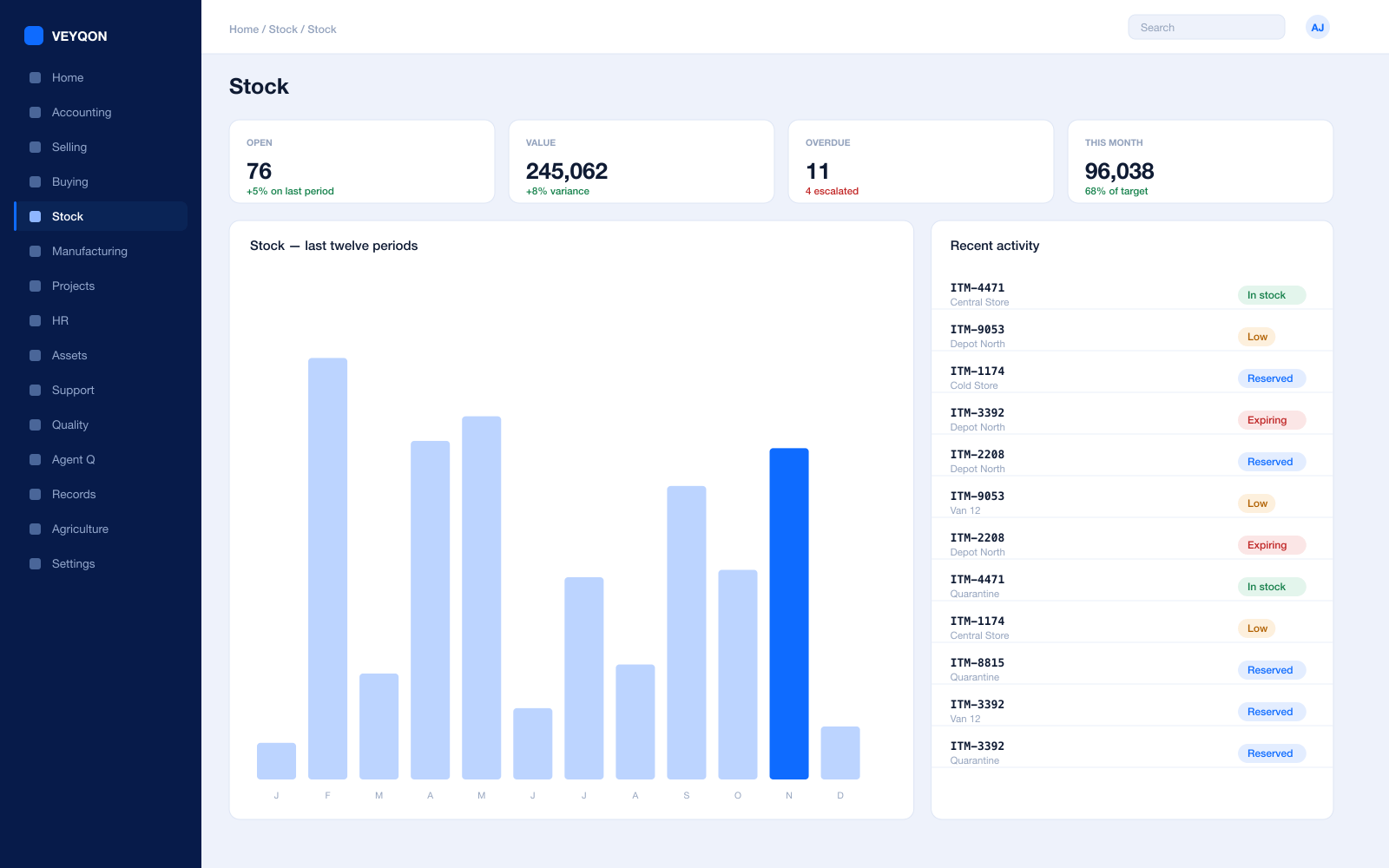
Every gram of raw material, work in progress, and finished goods, on one ledger.
Multi-warehouse tree
Plant, line-side, WIP, quarantine, finished goods, and supplier warehouses in a single hierarchy you can report across.
Batch and serial tracking
Batch numbers with expiry and serial numbers per unit, so a recall is a query rather than a fire drill.
Valuation
FIFO or moving average per item, with perpetual inventory posting to the general ledger on every movement.
Every stock entry type
Receipt, issue, transfer, transfer for manufacture, consumption for manufacture, manufacture, repack, and send to subcontractor.
Landed cost vouchers
Freight, duty, and insurance added into item valuation against a purchase receipt, not written off to overhead.
Reorder levels
A material request raised automatically when projected quantity falls below the level you set for that item and warehouse.
Stock reconciliation
Physical counts posted against book stock, with the difference valued and accounted rather than adjusted quietly.
Pick lists and delivery notes
Picking straight off the sales order, with the batch and serial chosen at pick time.
Putaway rules
Where a receipt lands decided by rule and warehouse capacity, rather than by whoever is on shift.
UOM conversion
Buy in tonnes, hold in kilograms, consume in grams — one item, with the conversion held on the item rather than in someone's head.
Item variants
Size, grade, finish, and colour as attributes on one template instead of a separate item master per combination.
Quality inspection on receipt
A purchase receipt that will not post until the inspection has, where the item is set to require one.
Procurement
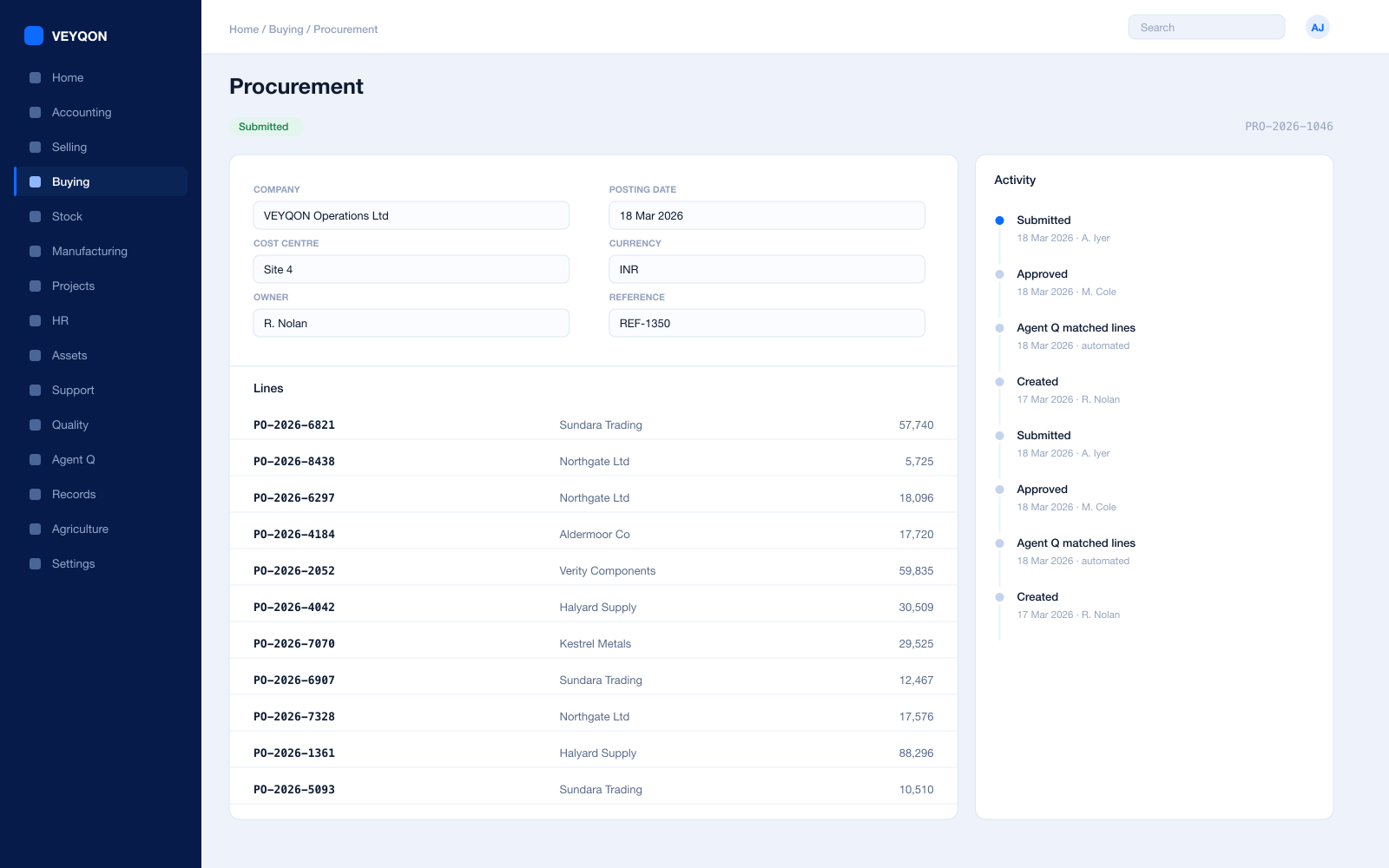
Getting the right material in before the line stops, at a price you can defend.
Material requests
Raised from a production plan, a reorder level, a sales order, or by hand — with approval routing by value and cost centre.
Requests for quotation
Out to several suppliers at once, with a portal for them to respond on rather than a mailbox to chase.
Supplier quotations
Compared side by side on price, lead time, and terms before an order is raised.
Purchase orders
Against supplier price lists, with a delivery schedule per line rather than one date for the whole order.
Purchase receipts
With accepted and rejected quantity split, a rejected warehouse, and the inspection attached.
Three-way matching
Order, receipt, and invoice reconciled before anything is paid, with the variance visible rather than absorbed.
Supplier scorecards
Quality, delivery, and responsiveness scored from your own receipts over rolling periods, with standings that can block a supplier from an RFQ or a PO.
Blanket orders
An agreed quantity and price over a period, drawn down by individual orders against it.
Subcontracting orders
The service item priced separately from the material you supply, so processing cost is visible on its own.
Tax and charges templates
Purchase taxes, import duty, and reverse charge applied by template rather than typed per order.
Quality Management
Checks that stop a document, not a note saying somebody should have checked.
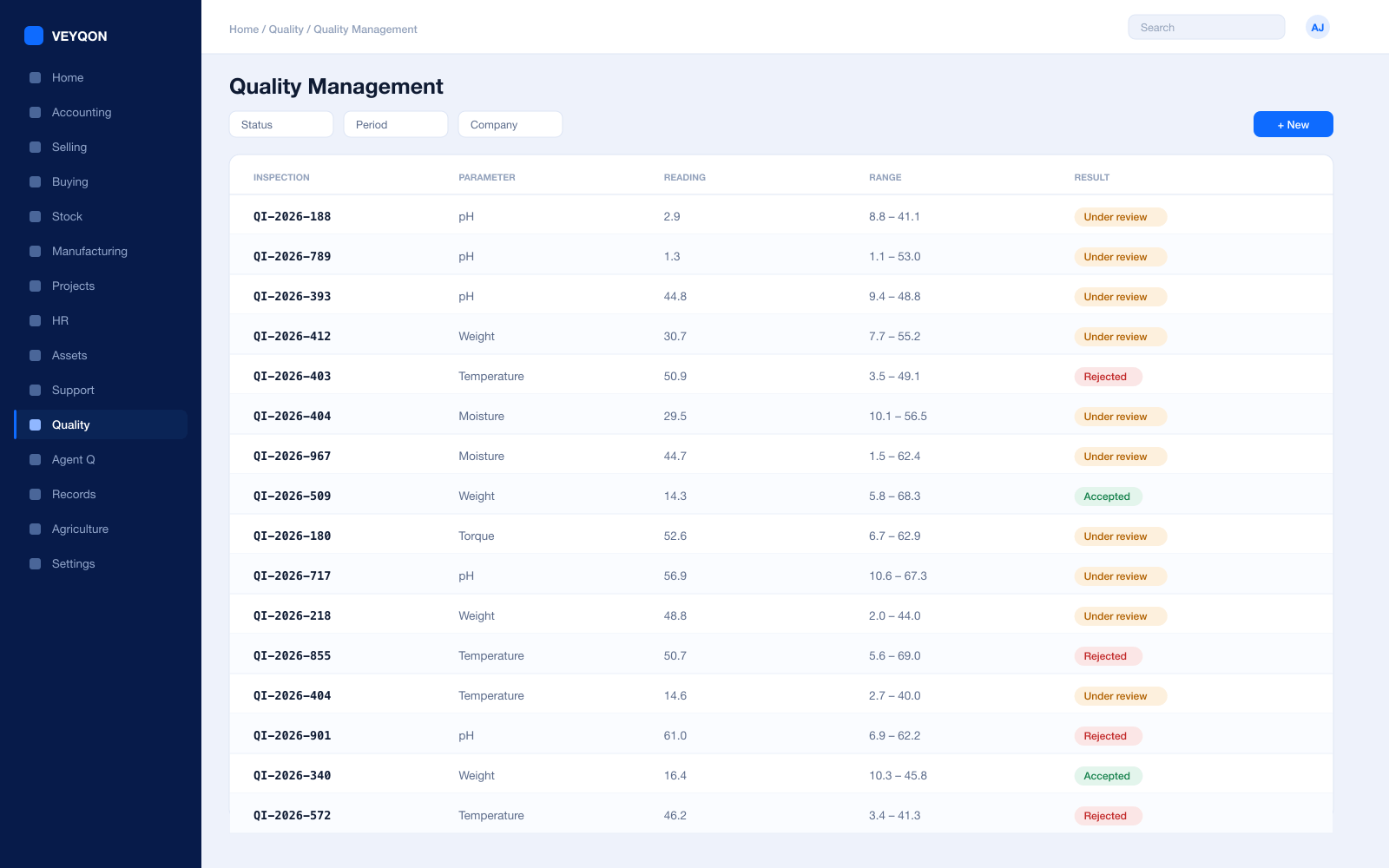
Inspection templates
Reusable parameters and acceptance criteria pulled onto every inspection, so two inspectors check the same things.
Three inspection points
Incoming on the purchase receipt, in process on the job card, and outgoing on the delivery note.
Numeric criteria
A minimum and maximum per reading. A value outside the range is rejected the moment it is saved.
Non-numeric criteria
An acceptance value compared against what the inspector entered, for checks that are a grade or a state rather than a number.
Formula-based criteria
Expressions across several readings, for means, derived values, and tolerances that depend on more than one measurement.
Manual inspection
Where the inspector's discretion is the point, the status is set by a person and the record says so.
Blocking submission
With the criteria enabled on the item, the receipt or the delivery does not post until the inspection is submitted.
Procedures, goals, and reviews
Documented quality procedures, measurable goals, and periodic reviews — the ISO-shaped side of the module, kept in the same system.
Non-conformance and action
A recorded non-conformance with a corrective action against it, so the fix has an owner and a date.
Accounts
The floor's numbers and the finance team's numbers are the same numbers.
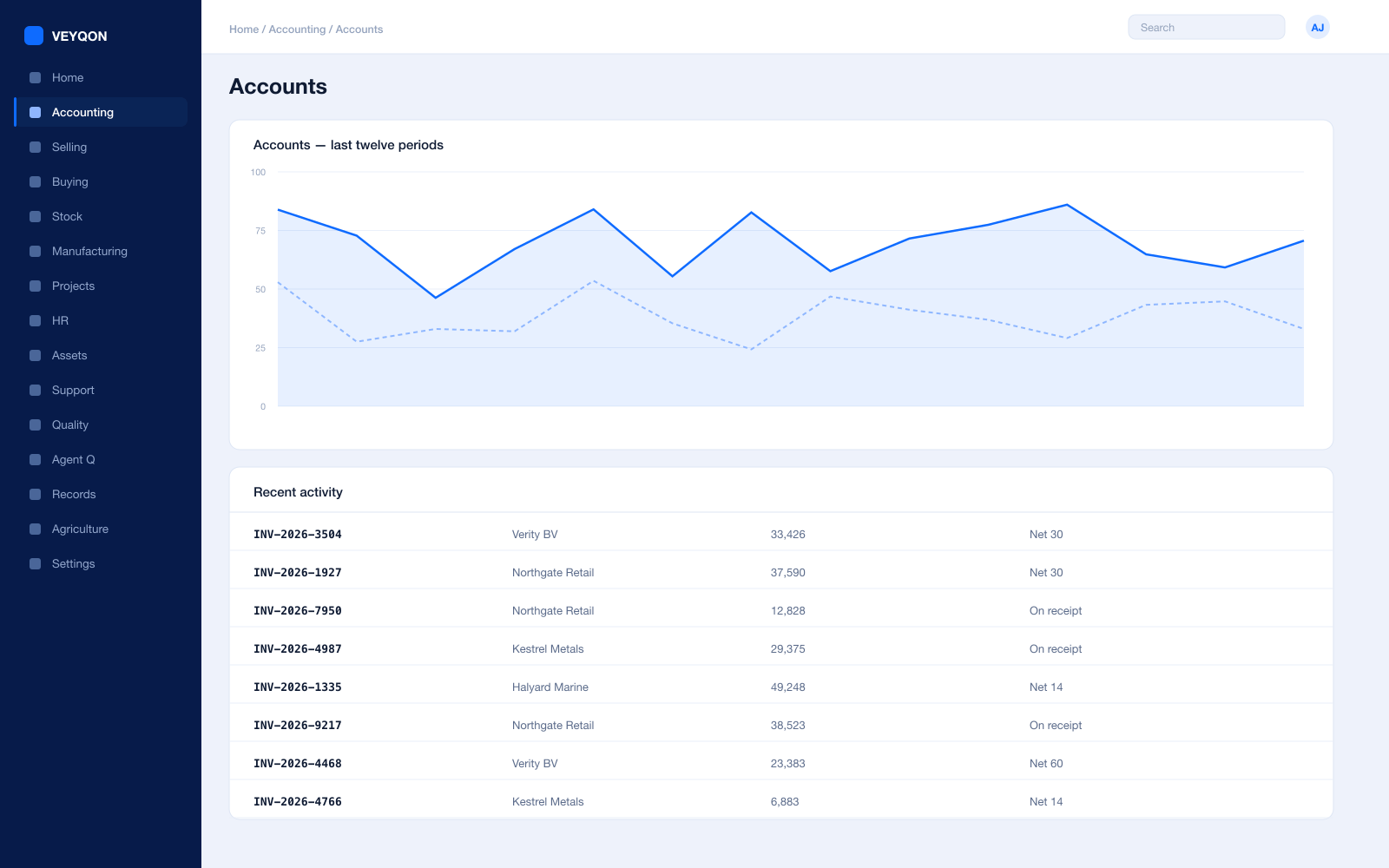
Perpetual inventory
Every stock movement posts to the general ledger as it happens, so the stock account and the stock ledger cannot drift apart.
WIP accounting
Work in progress sits in its own warehouse with its own account, and shows on the balance sheet as what it is.
Cost centres
Per plant, line, or product family — with allocation that splits one amount across several by percentage.
Budgets
Set against cost centres and projects, with the action on exceeding set to warn the person or stop the document.
Accounting dimensions
A second axis alongside cost centre, so cost also reads by project, customer, or product family.
Multi-company and multi-currency
Several plants as separate companies, with intercompany transfers between them and consolidation above.
Cost of production
Material, operating, and subcontracting cost land in the value of the finished item rather than in a general overhead pot.
Period close
Accruals, reconciliation, and a period lock that stops anyone back-posting into a month you have already reported.
Statutory tax
VAT, GST, and withholding with the filing formats for your region, including reverse charge on imports.
Immutable audit trail
Every posting carries who, when, and from which document — readable months later without asking anyone.
Assets & Maintenance
The machines the whole plan depends on, and what it costs to keep them running.
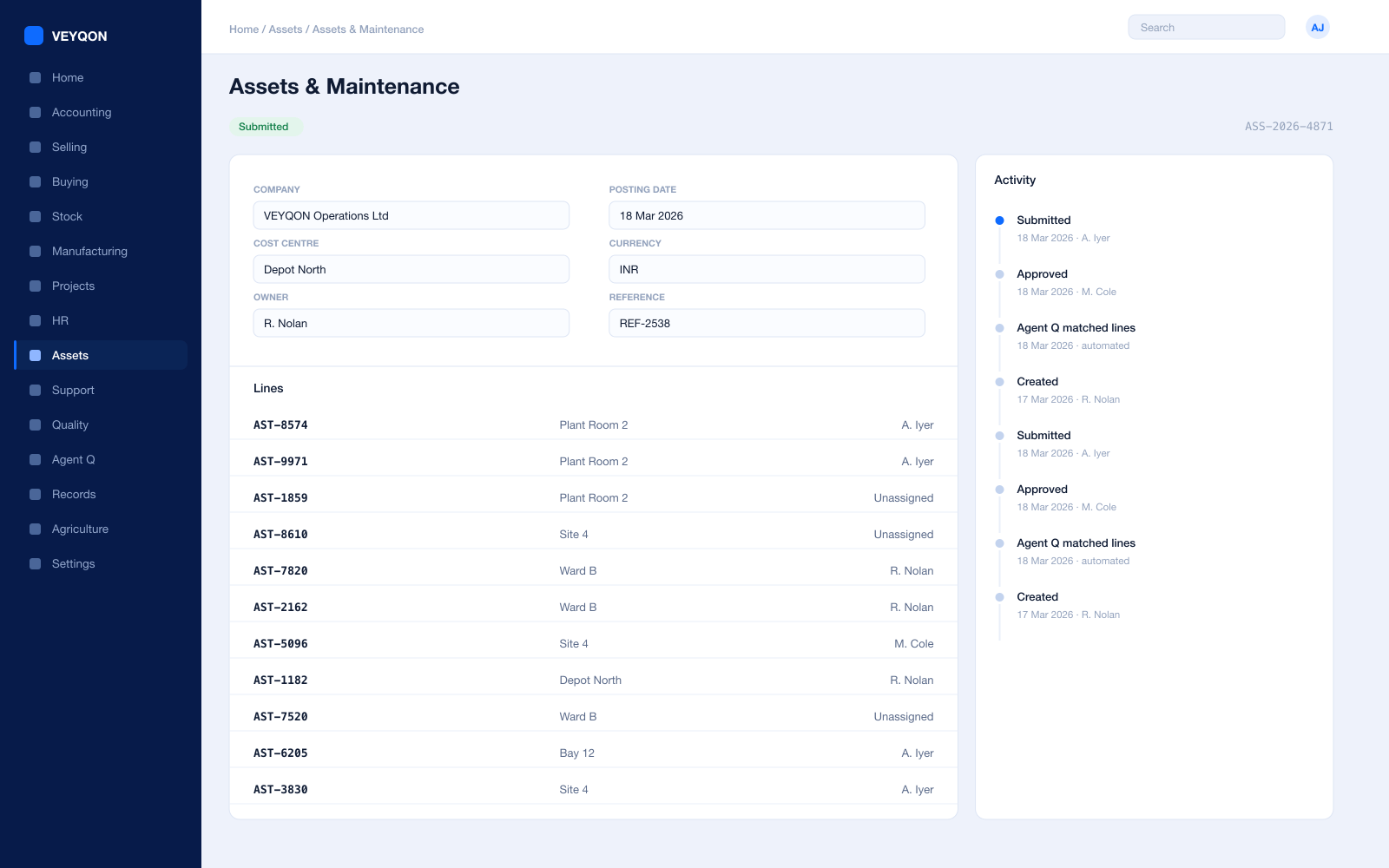
Asset register
Categories, locations, and custodians, with the asset linked to the workstation it actually is on the floor.
Depreciation per finance book
A different method, useful life, residual value, and posting frequency for the statutory book and the management book.
Capital work in progress
Spend accumulated against an asset under construction, capitalised when it goes into service.
Composite assets
An asset assembled from components, with the components' cost capitalised into the whole.
Preventive maintenance
Scheduled tasks with a periodicity, assigned to a maintenance team, generating logs on the calendar you set.
Maintenance logs
What was done, by whom, with certificates attached where the task requires one.
Asset repair
A failure record carrying downtime, repair cost, and capitalisation where the repair genuinely improves the asset.
Movement and disposal
Transfers between locations and custodians, and sale or scrapping with the gain or loss posted.
Selling & CRM
The demand signal that starts the plan, and the promise you have to keep.
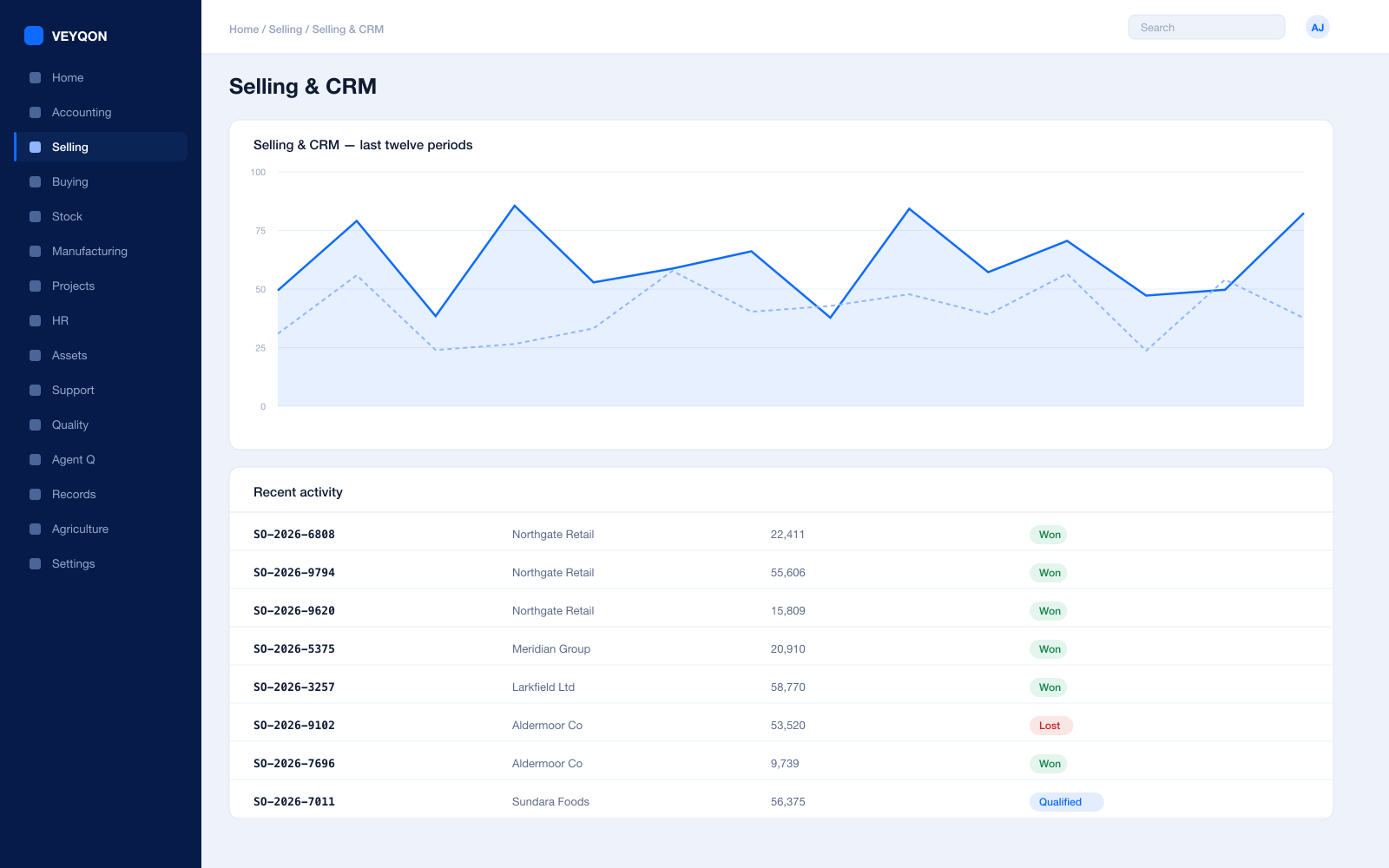
Leads and opportunities
Pipeline by product family, territory, and salesperson, with the enquiry that started it kept on the record.
Quoting from a BOM
Build the quotation off what the item actually costs to make, rather than off a price list somebody last updated in March.
Sales orders
A delivery date per line, partial delivery, and partial billing across as many documents as the order takes.
Produce against the order
A work order or a production plan raised straight from the sales order, with the link kept both ways.
Stock reservation
Available stock allocated to an order so it cannot be picked for someone else while the customer waits.
Pricing rules
Customer, quantity, and period-based pricing applied at order entry rather than corrected on the invoice.
Delivery and shipment
Delivery notes with batch and serial selected at pick, and shipments where several notes travel together.
Hold and close
Pause fulfilment, or close off the remaining quantity deliberately, so open-order reports mean something.
Projects
For engineer-to-order, where every order is its own build with its own margin.
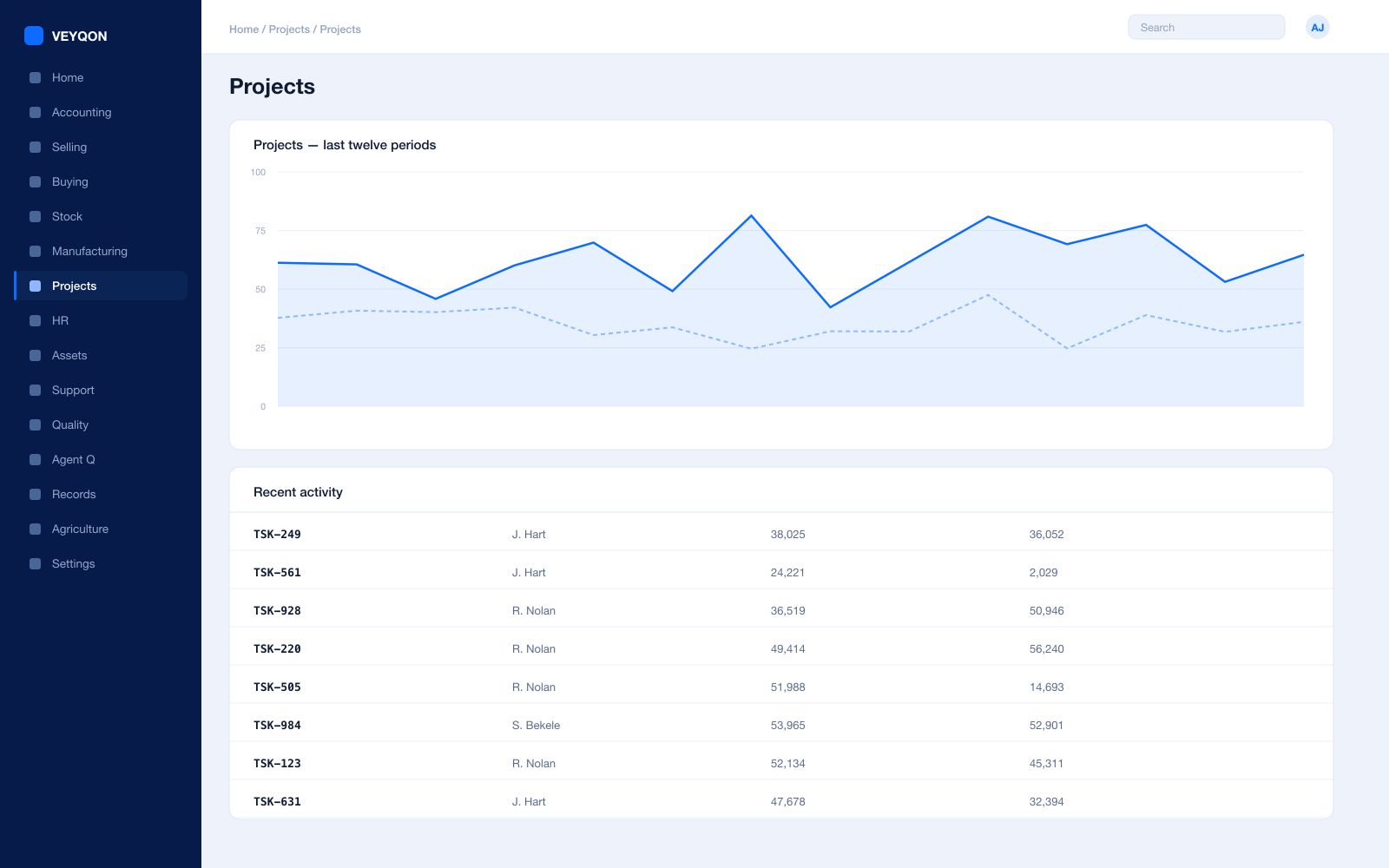
Project per order
A project raised from the sales order, with tasks, dependencies, and a schedule that the shop floor work hangs off.
Project on the work order
Work orders and BOMs carry the project reference, so material and operating cost land on the job rather than in a pool.
Timesheets
Hours booked against tasks at employee rates, feeding both project cost and payroll.
Project profitability
Actual material, labour, and operating cost against the quoted value, while the job is still running rather than after it.
Milestone billing
Invoicing on percentage completion or on delivery events, with the schedule agreed up front.
HR & Payroll
The people on the floor, costed on the same ledger as the machines.
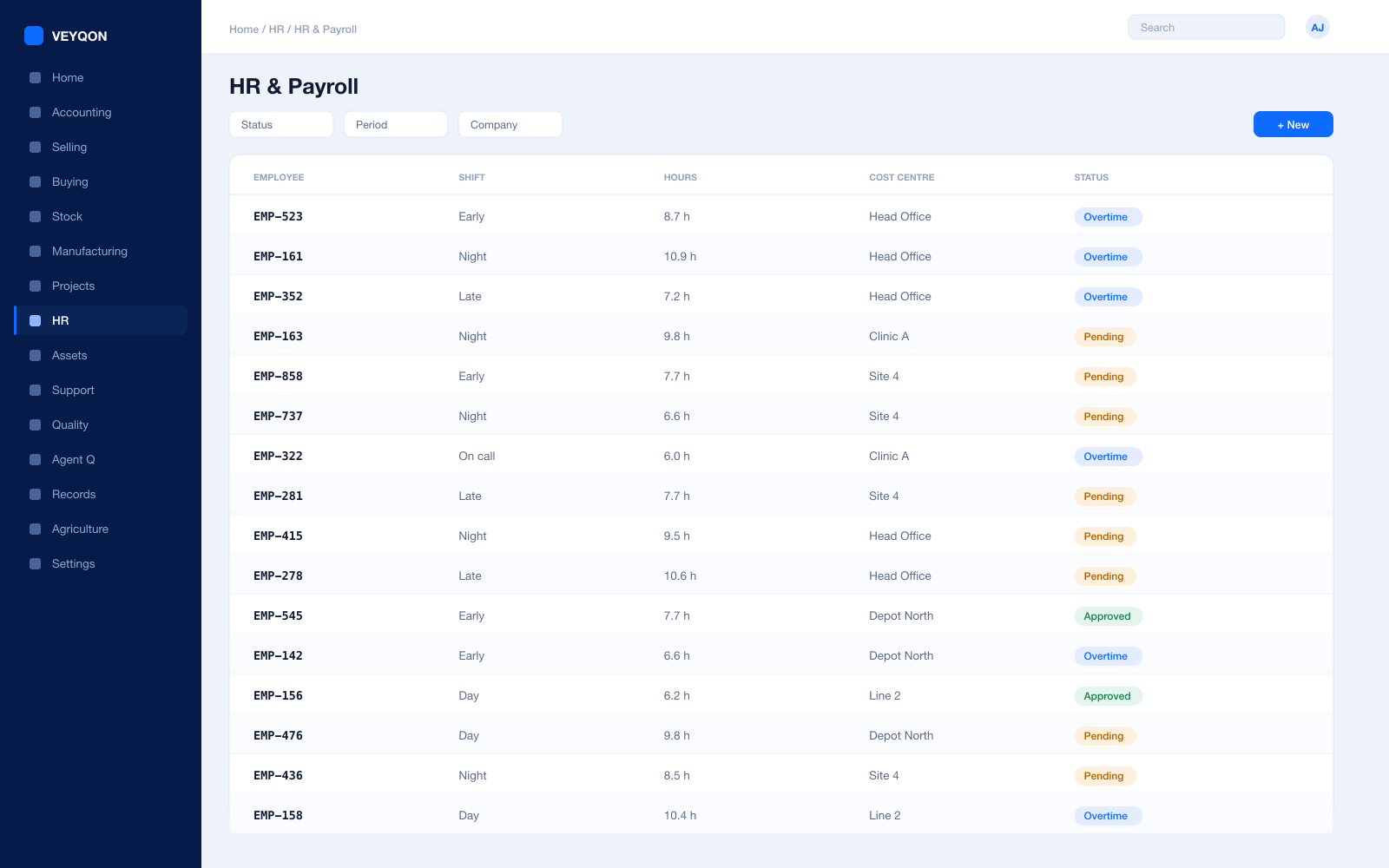
Shifts and rosters
Shift types and assignments for a plant running more than one, with the roster the scheduler can see.
Attendance and check-in
From biometric devices or check-in, feeding shift compliance and overtime rather than a spreadsheet.
Labour cost on the job
The employee on the job card, at their rate, so labour lands in the cost of the run.
Leave and the plant calendar
Leave, holiday lists, and the working calendar that production scheduling actually respects.
Payroll
Salary structures and runs with statutory deductions, posted into the same ledger as everything else.
Certification records
Training and certification held against the employee, which matters where an operation requires a certified operator.
One pass through manufacturing, end to end.
- 01
Plan
Production Plan pulls demand and raises material requests for what is short.
- 02
Release
Work orders issue against BOM, reserving stock at the right warehouse.
- 03
Make
Job cards log time and scrap per operation, so actual cost is not a guess.
- 04
Close
Finished goods receive, variances post, and the batch carries its cost.
Running manufacturing on VEYQON, in four steps.
It is a subscription, not a project.
- 1
Subscribe
Pay by card. Provisioned straight away.
Minutes - 2
Bring your data
Balances, items, customers, suppliers.
Day one - 3
Switch modules on
Warehouses, limits, and approvals.
Week one - 4
Go live
Run parallel, then cut over.
You choose
All 10 modules included. Nothing sold separately.