Every till, every branch, one ledger.
Point of sale that works when the line drops, stock that is right across branches, and a close that does not wait for spreadsheets from the shops.
10 modules·86 features·Native ERPNext domain
The modules behind retail.
Not a list of module names. Each one below opens onto what is inside it and why a retail business needs it — so you can check it against how your operation actually runs.
Agent Q
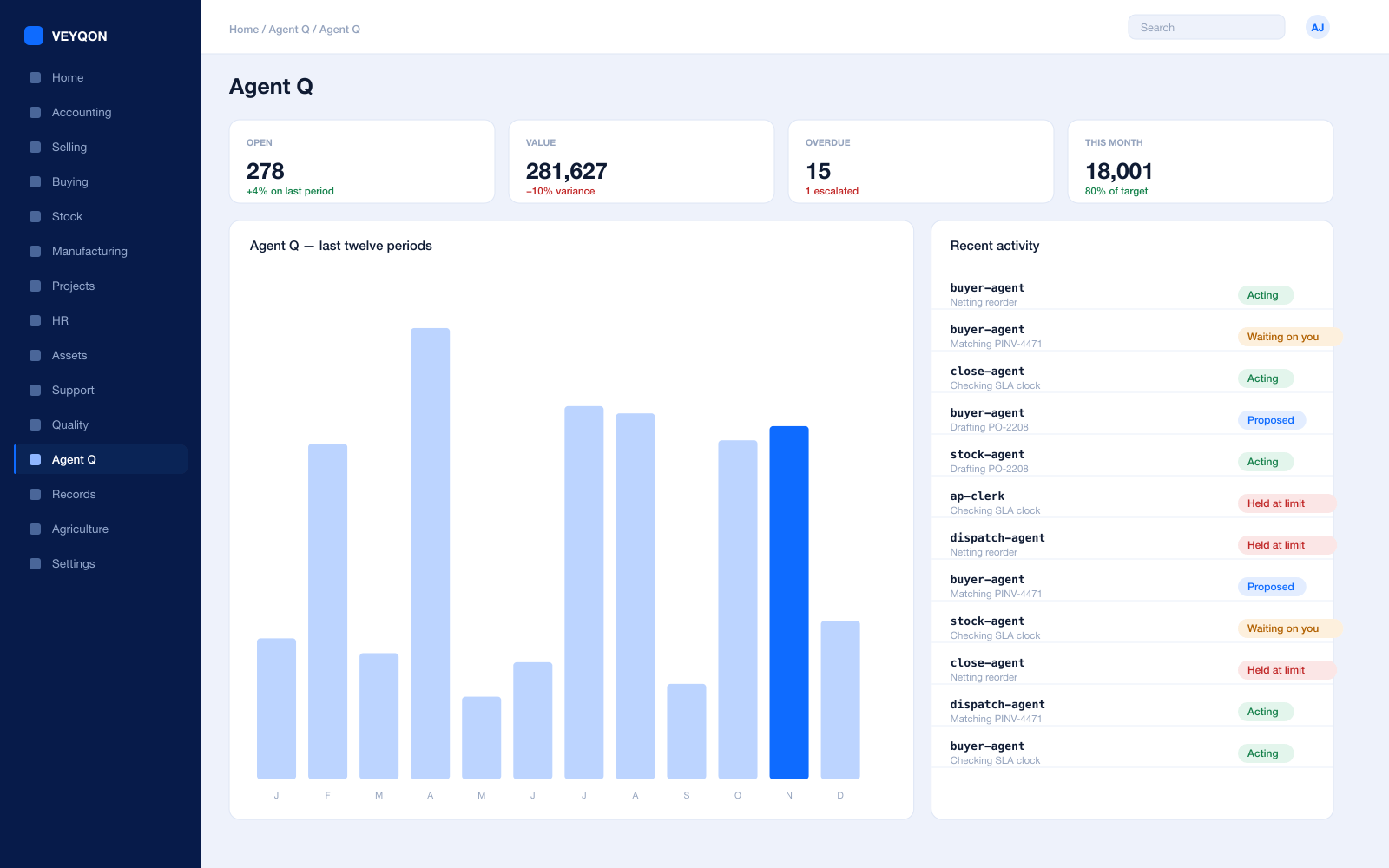
Agents that read your own records and act on them, scoped to how a retail business runs.
Grounded in live records
Every answer is drawn from your own ledger with your permissions applied, and names the documents it used. Nothing is answered from a snapshot or a summary.
A role, not a prompt
Each agent is scoped like a job — accounts payable, procurement, dispatch, period close — with the same limits you would put on the person doing it.
Explicit tool permissions
An agent holds a named list of the actions it may take. Matching an invoice does not imply paying one.
Value and action limits
A hard ceiling per agent, per period, and per document type, which it cannot cross however it is asked.
The queue
What every agent is working on, what is waiting on a person, and what has been held — in one place, with the reason on each item.
Triggers
An arriving document, a breached threshold, a date, or a state change on a record. Agents start on events, not on somebody remembering.
Human approval gates
Anything over a limit routes to a named person, with the reasoning attached, so approving takes seconds rather than an investigation.
Escalation paths
Who it hands to when it reaches a limit, how long it waits first, and what that person sees when it arrives.
Segregation of duties
An agent cannot approve what it raised. The rule that applies to your people applies to your agents.
Full reasoning log
Every step is written to the audit trail on the document it touched, so a decision can be read back months later.
Ask in plain language
The console answers operational questions from live records and offers the next action, rather than handing back a paragraph.
Spend control
Ceilings per agent and per period, so autonomy runs to a budget you set rather than an open account.
Point of Sale
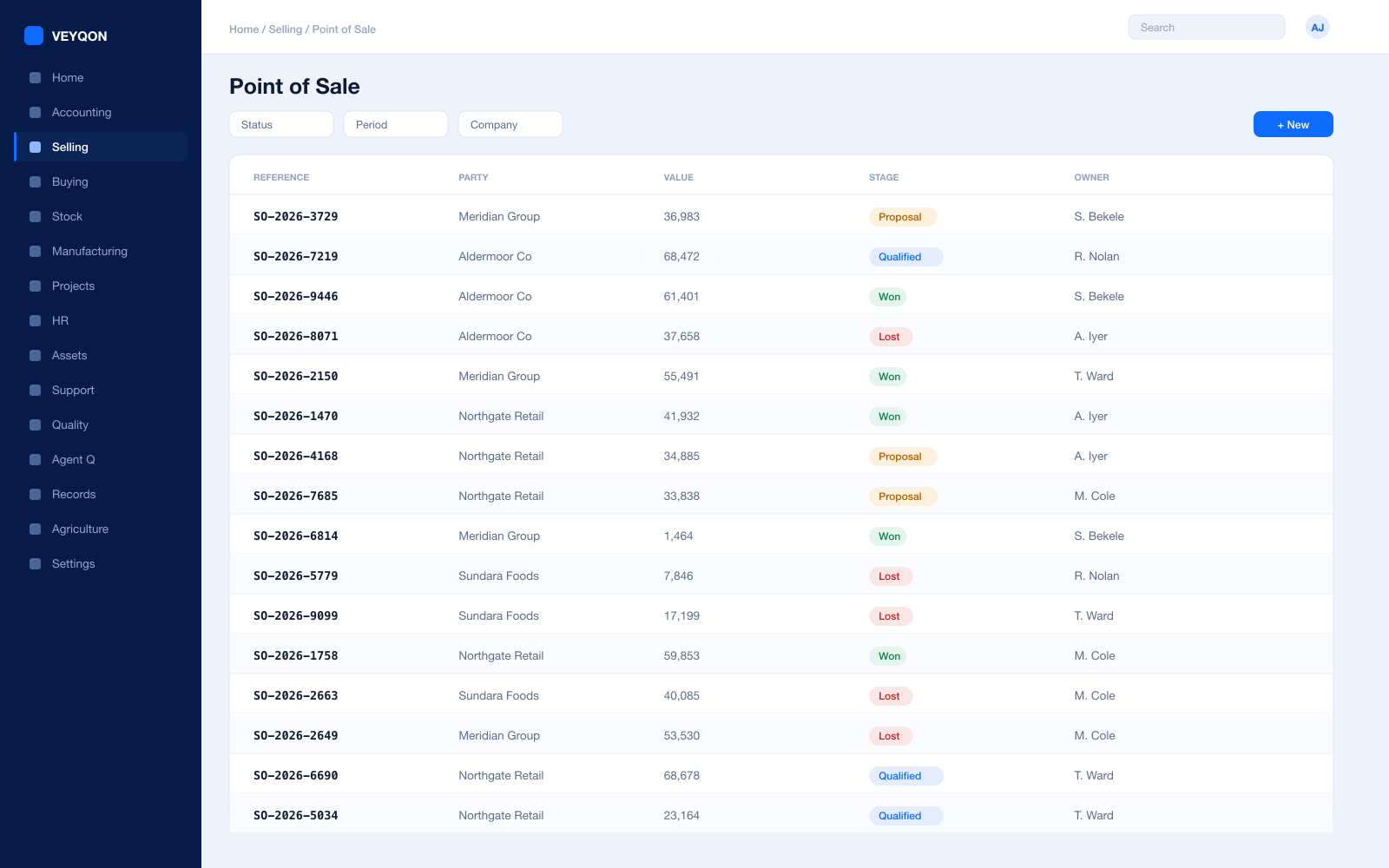
The till, and the fact that it is posting into the same ledger as everything else.
POS Profile
Company, warehouse, and currency per till, so a branch sells out of its own stock rather than out of a national pool.
Payment methods
The modes each profile accepts, with more than one tender on a single sale where the customer splits it.
Write-off control
A write-off account, cost centre, and limit on the profile, so a rounding difference is bounded rather than left to the operator.
Real-time stock
The sale moves stock as it posts, so the shelf and the system agree without waiting for a nightly job to run.
Posting choice
Post to the ledger in real time or defer it, depending on whether the till or the accounts is the thing you need to keep fast.
Loyalty at the till
Points earned and redeemed on the same invoice the customer is paying, rather than on a card in a separate system.
Search and barcode
Items found by code, name, or scan, so the queue moves at the speed of the scanner.
Customer on the sale
The sale attached to a customer record, which is what makes loyalty, returns, and history possible later.
One ledger
A till sale is a sales invoice. There is no separate retail ledger to reconcile back to the accounts at month end.
Stock & Branches
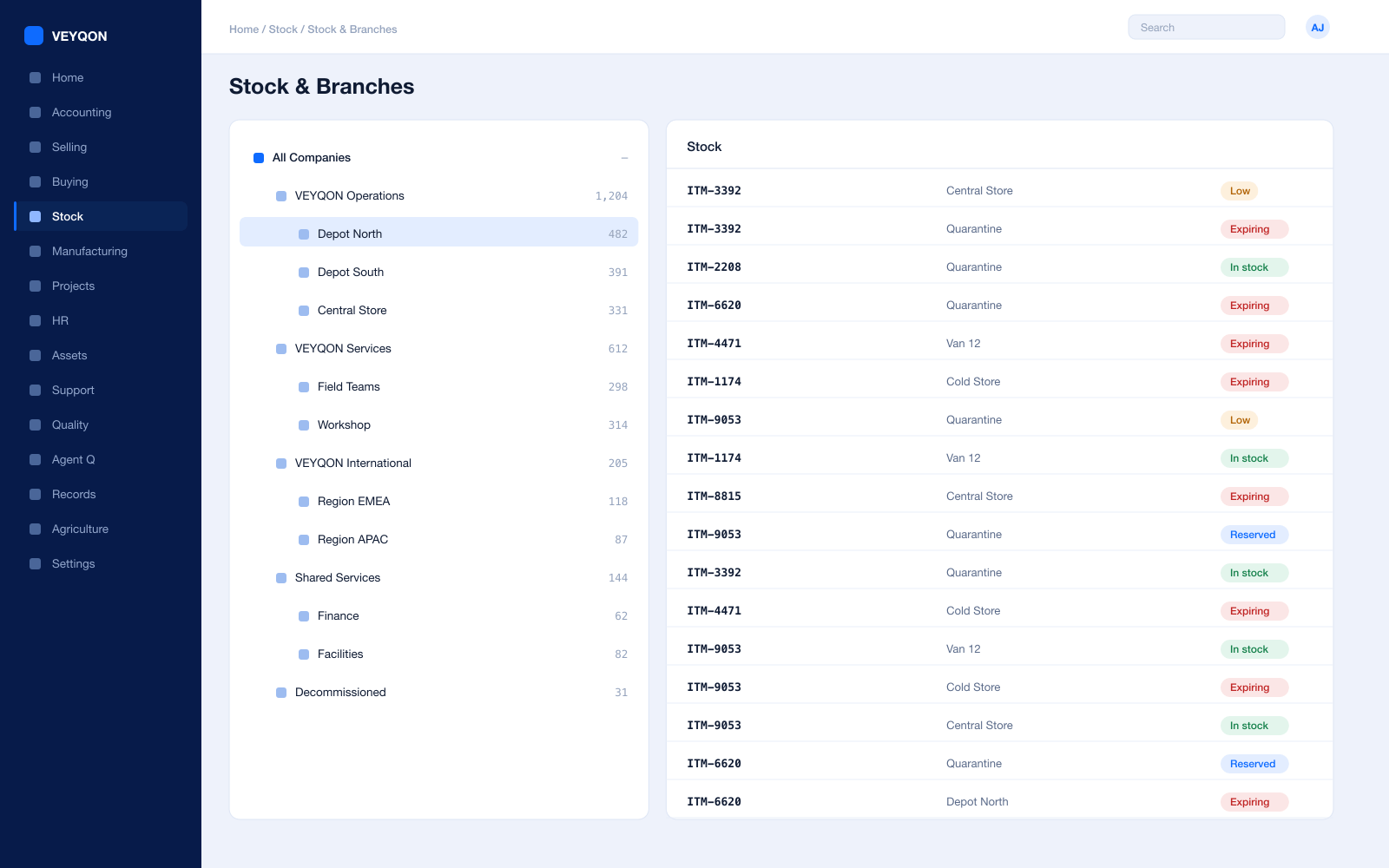
Stock that is right across every branch, not right in head office.
A warehouse per branch
Shops, stockrooms, central stores, and returns in one hierarchy you can report across rather than reconcile between.
Reorder per branch
A reorder level and quantity per item and per shop, so replenishment is raised for the branch that actually needs it.
Transfers from central
Branch replenishment as a stock transfer against the central warehouse, with the request raised automatically.
Stock in transit
Transfers moving through an in-transit warehouse, so stock on a van is still stock you can see and still stock you own.
Batch and serial
Batches with expiry and serials per unit, for the lines where a recall or a warranty depends on knowing which one.
Valuation
FIFO or moving average per item, with perpetual inventory posting to the general ledger on every movement.
Cycle counts
Stock reconciliation per branch, with the variance valued and posted rather than quietly written off.
Putaway rules
Where a delivery lands decided by rule and capacity rather than by whoever unpacked it.
Variants and barcodes
Size, colour, and pack as attributes on one template, with multiple barcodes per item for whichever the scanner reads.
UOM conversion
Buy by the case, sell by the unit — one item, with the conversion on the record rather than in a manager’s head.
Selling & Promotions
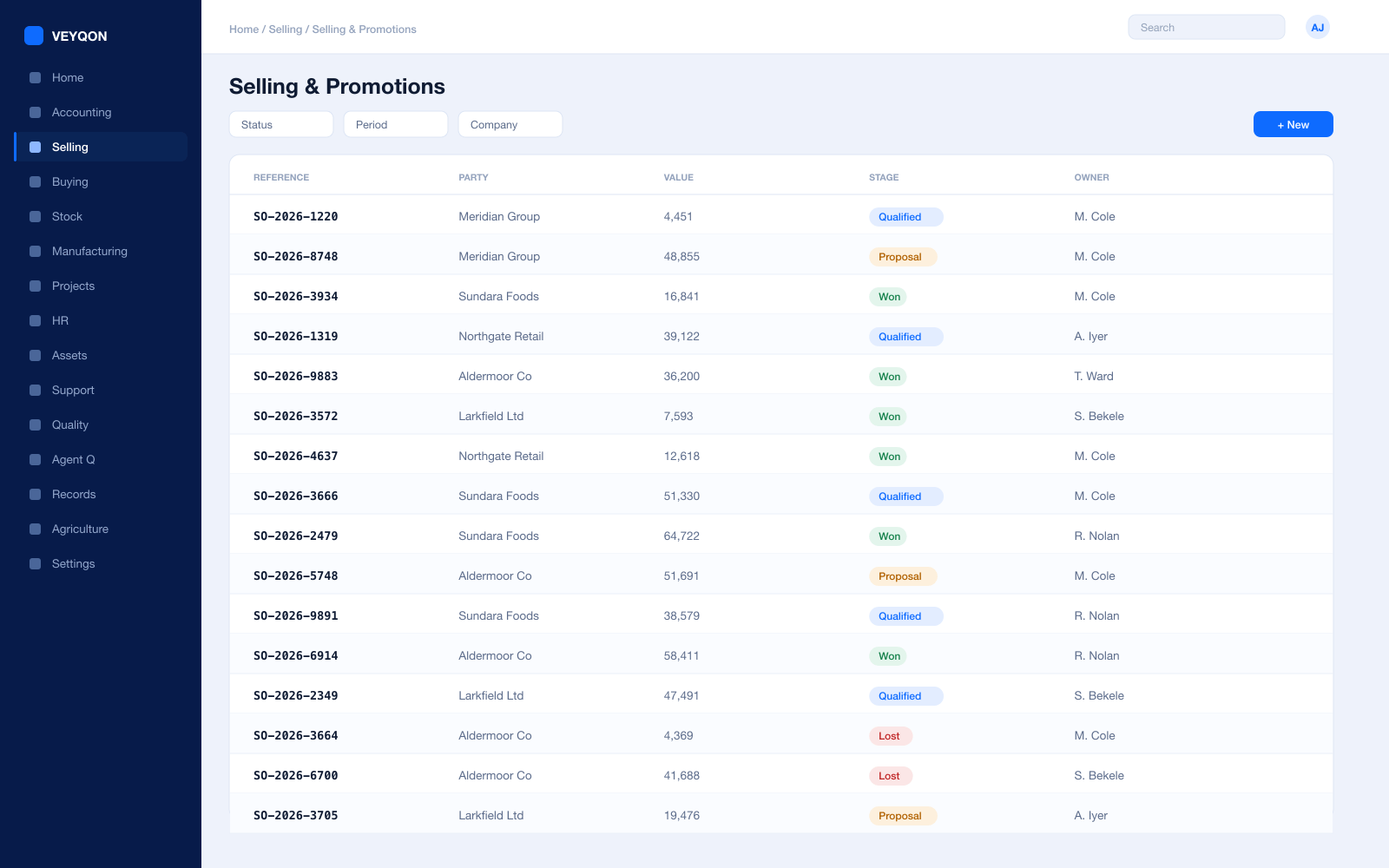
Promotions that apply themselves, and margin you can still see afterwards.
Price lists
Separate selling lists by currency, region, or channel, so the shop price and the online price are both deliberate.
Item prices with validity
A rate per item per list, valid between dates and above a minimum quantity, so a promotion expires on its own.
Pricing rules
By item, item group, or brand — for a customer, customer group, or territory, as a rate, a percentage, an amount, or a margin.
Quantity and amount slabs
Minimum and maximum thresholds per rule, with mixed conditions that total across a set of items before the threshold is tested.
Free-item promotions
Buy-multiple-get-free on the same item, or a different item entirely, with its own quantity, UOM, and rounding.
Promotional schemes and coupons
A campaign with several slabs generating the rules underneath it, and coupon codes where a price should only fire for someone holding one.
Priority and stacking
A priority across overlapping rules, whether several apply at once, and whether a discount compounds on an already discounted rate.
Product bundles
A multipack sold as one line and picked as its components, with stock moving for the parts rather than for a parent.
Orders and click-and-collect
A sales order taken in one channel and delivered from another, with the stock reserved at the branch fulfilling it.
Loyalty & CRM
Knowing who comes back, and what it costs you to keep them.
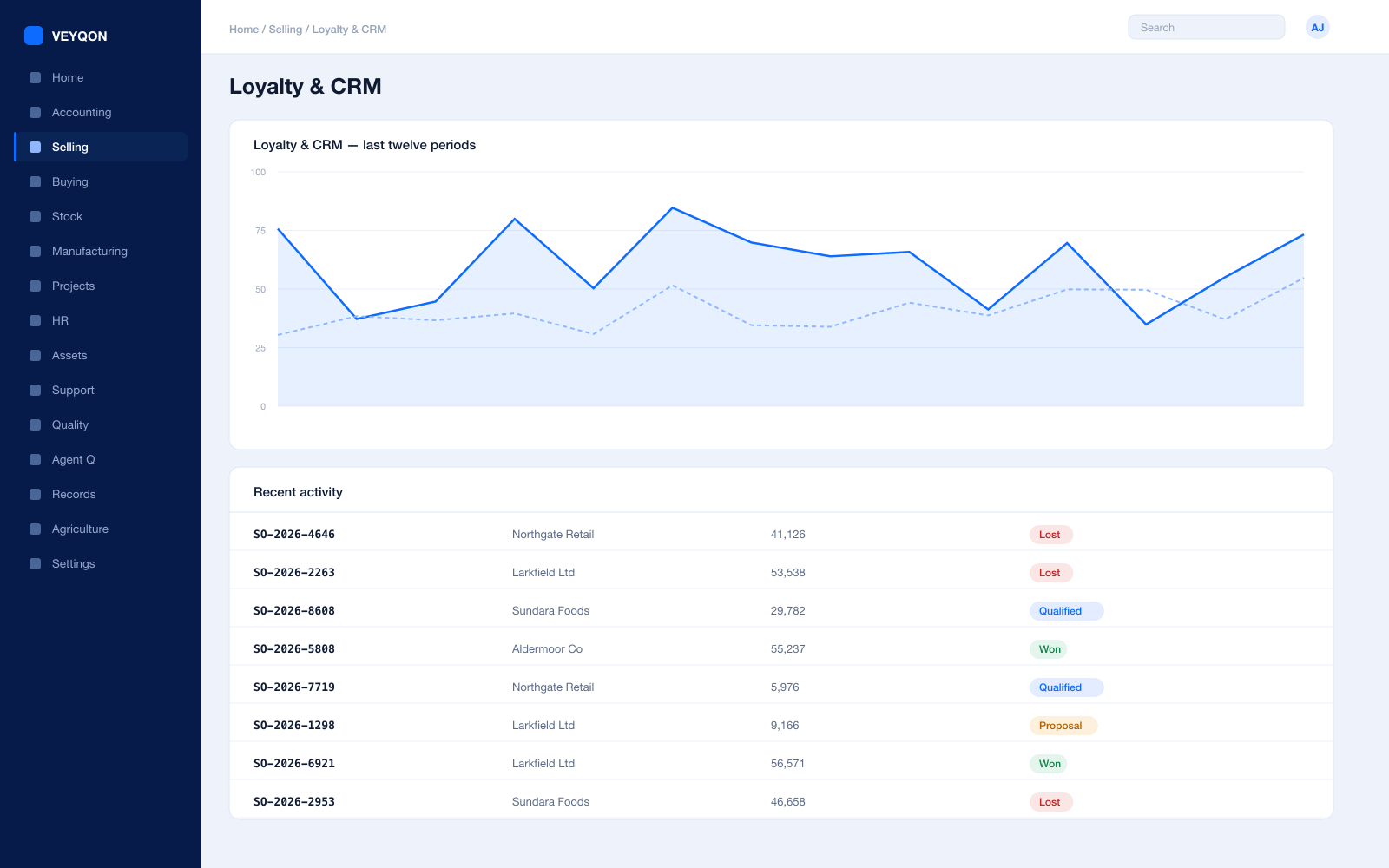
Loyalty programme
Points earned automatically from eligible submitted sales invoices, rather than from a separate card system nobody reconciles.
Collection factor
How much spend earns a point. A factor of 100 means a 1,000 invoice earns ten, and the arithmetic is on the programme rather than in a policy document.
Tiers
Several tiers by cumulative spend, each with a minimum amount and a name the customer unlocks by reaching it.
Conversion factor
What a point is worth when redeemed — deliberately a different number from what it costs to earn one.
Expiry duration
How many days points stay valid, so a liability does not accumulate for ever on the balance sheet.
Redemption
Points redeemed against a later invoice, with the quantity chosen at the point of sale rather than negotiated.
Point entries
A full audit of earning and redemption that accounts for returns and cancellations, not just the happy path.
The cost of loyalty
The benefit posted to an expense account and cost centre, so what the programme costs is a figure rather than a feeling.
Procurement
Buying for shelves that empty at different speeds.
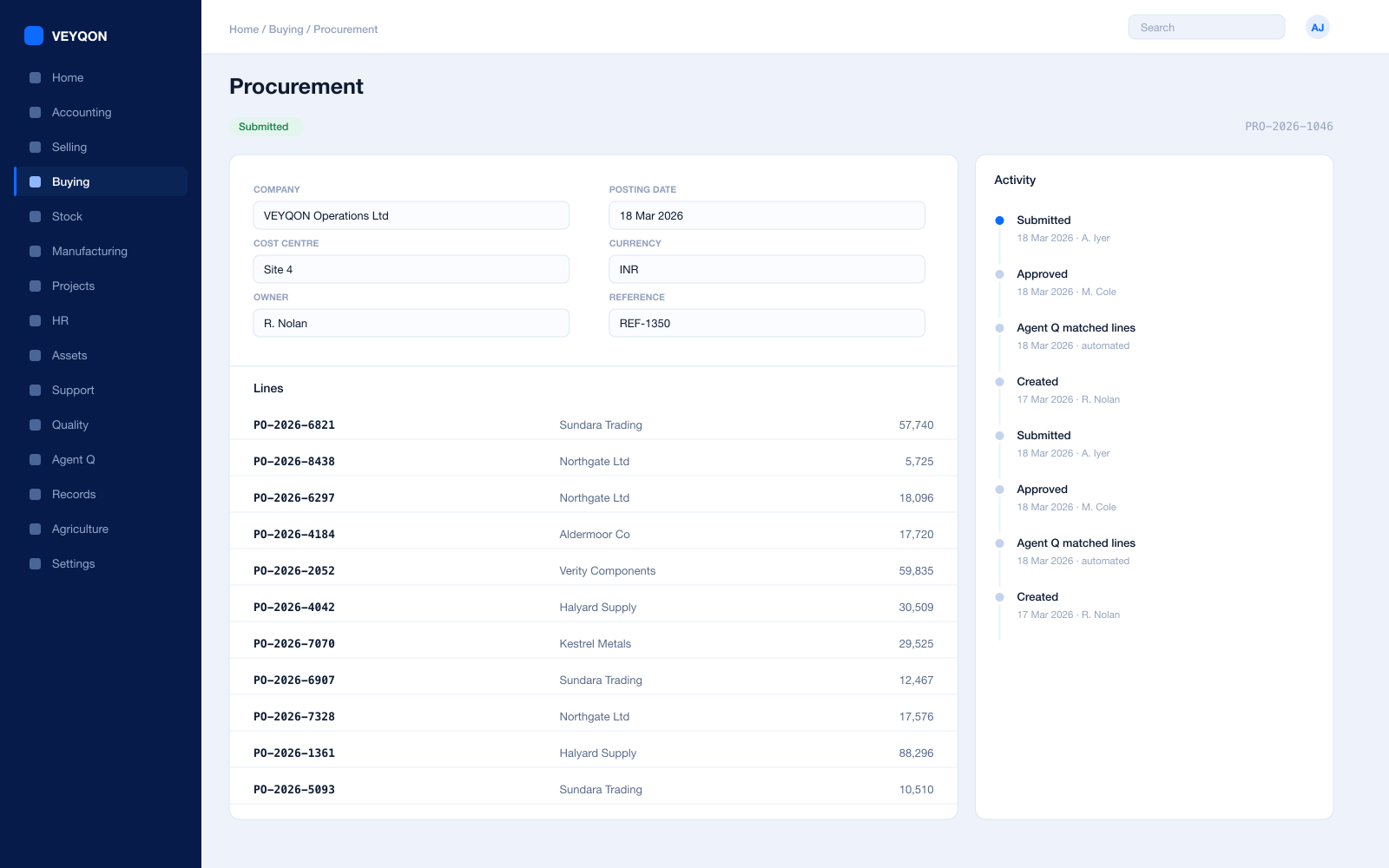
Material requests
Raised from a reorder level, from a branch, or by hand, with approval routing by value and cost centre.
Requests for quotation
Out to several suppliers at once, with a portal for them to respond on rather than a mailbox to chase.
Purchase orders
Against supplier price lists, with a delivery schedule per line rather than one date for the whole order.
Blanket orders
An agreed quantity and price over a season, drawn down by individual orders against it.
Receipts with rejection
Accepted and rejected quantity split on the receipt, with a rejected warehouse and the inspection attached.
Three-way matching
Order, receipt, and invoice reconciled before anything is paid, with the variance visible rather than absorbed.
Supplier scorecards
Quality, delivery, and responsiveness scored from your own receipts, with standings that can block a supplier from an order.
Landed cost
Freight and duty distributed into item valuation on the receipt, so shelf margin is real margin.
Accounts
A close that does not wait for spreadsheets from the shops.
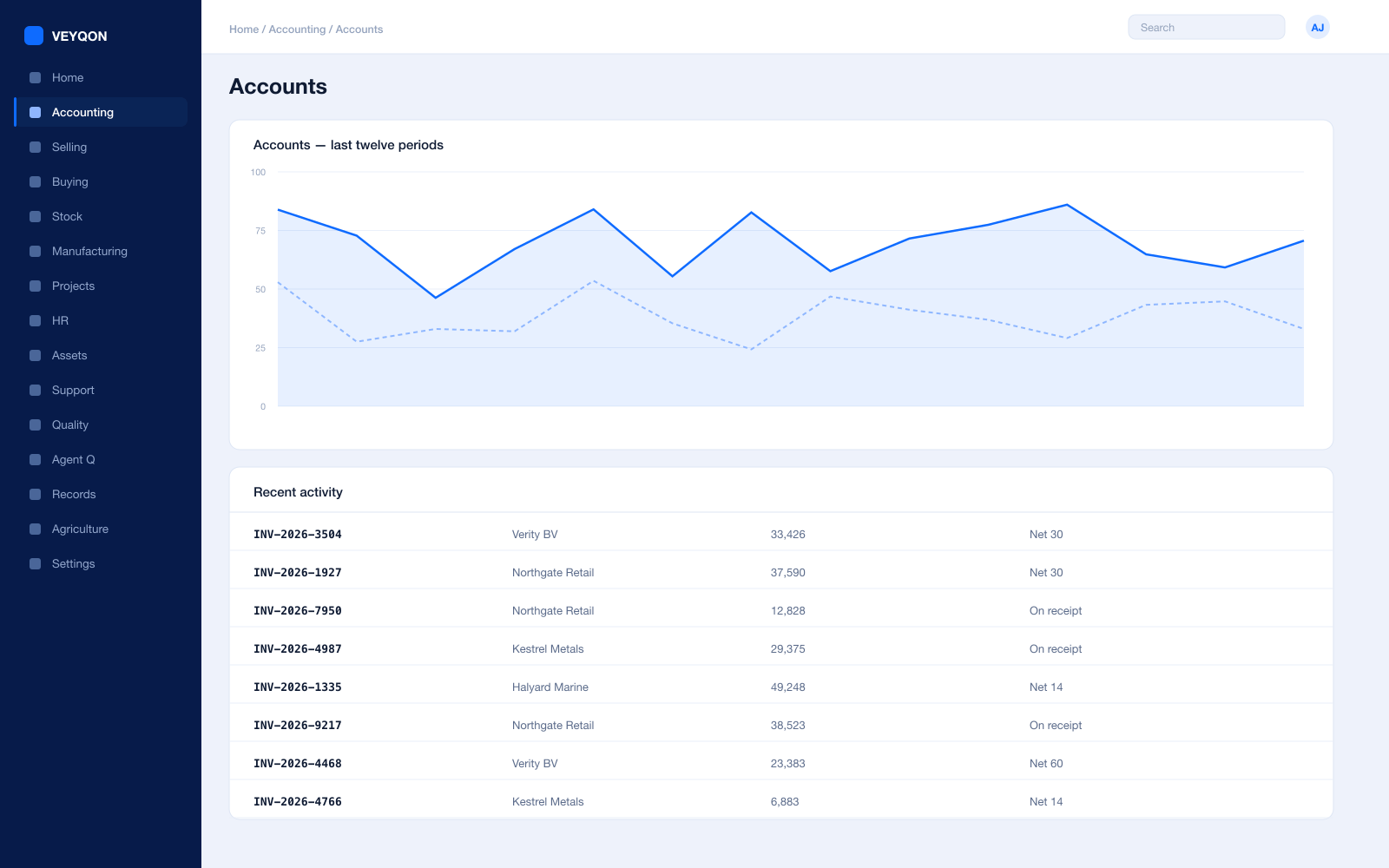
Perpetual inventory
Every stock movement posts to the general ledger as it happens, so the shops and the accounts cannot drift apart.
Cost centres per branch
Each shop as a cost centre, with allocation splitting a central cost across several by percentage.
Margin by branch and category
Gross margin read by shop, by category, and by line, from the same postings the tills created.
Budgets
Against cost centres and projects, with the action on exceeding set to warn the person or stop the document.
Multi-currency
Trade across borders in its own currency, with revaluation posting to the ledger rather than a spreadsheet.
Period close
Accruals, reconciliation, and a period lock that stops anyone back-posting into a week you have already reported.
Statutory tax
VAT, GST, and withholding with your region’s filing formats.
Immutable audit trail
Every posting carries who, when, and from which document — including the ones a till created.
Banking and settlement
Card settlements and banking matched to the invoices they clear, rather than reconciled by eye at the end of the week.
Support & Returns
The bit that happens after the customer has already paid.
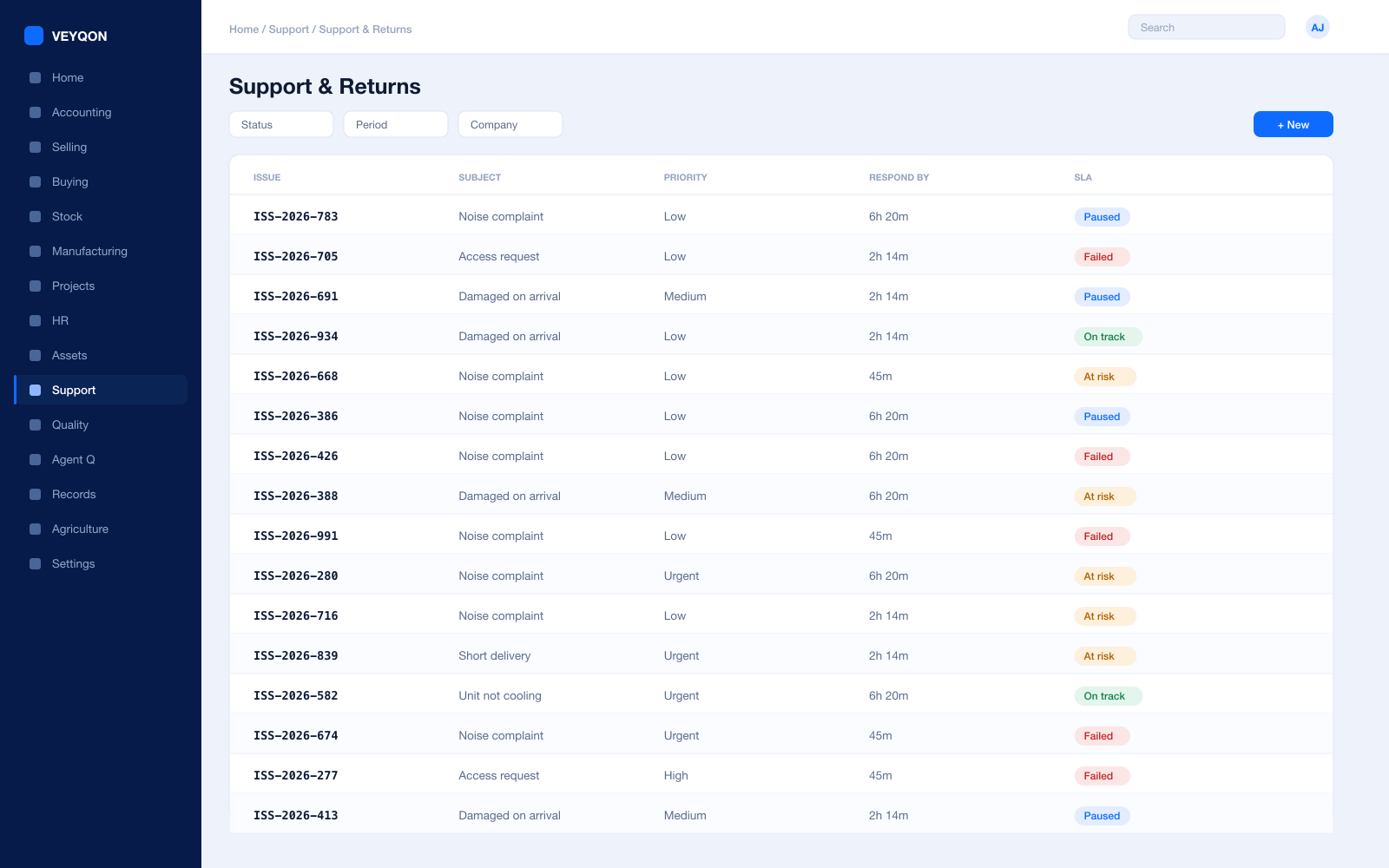
Issues
Raised by email, through the portal, or at the counter, and linked to the customer, the sale, and the item.
Service level agreements
Priorities with a time to respond and a time to resolve, applied by customer, customer group, or territory.
Support hours
The clock runs only in the hours you actually cover, and stops on the days your holiday list says you are shut.
SLA pause
The timer holds while you are waiting on the customer, and the hold time is added back when they reply.
Returns
A return raised against the original delivery or sale, with stock and value reversing together.
Credit notes
Raised against the return, with the receivable adjusted and the reason on the record.
Warranty claims
Against a serial number, with the item’s warranty period on the record so the answer is a date.
HR & Payroll
Shop floor cover, and what it costs per branch.
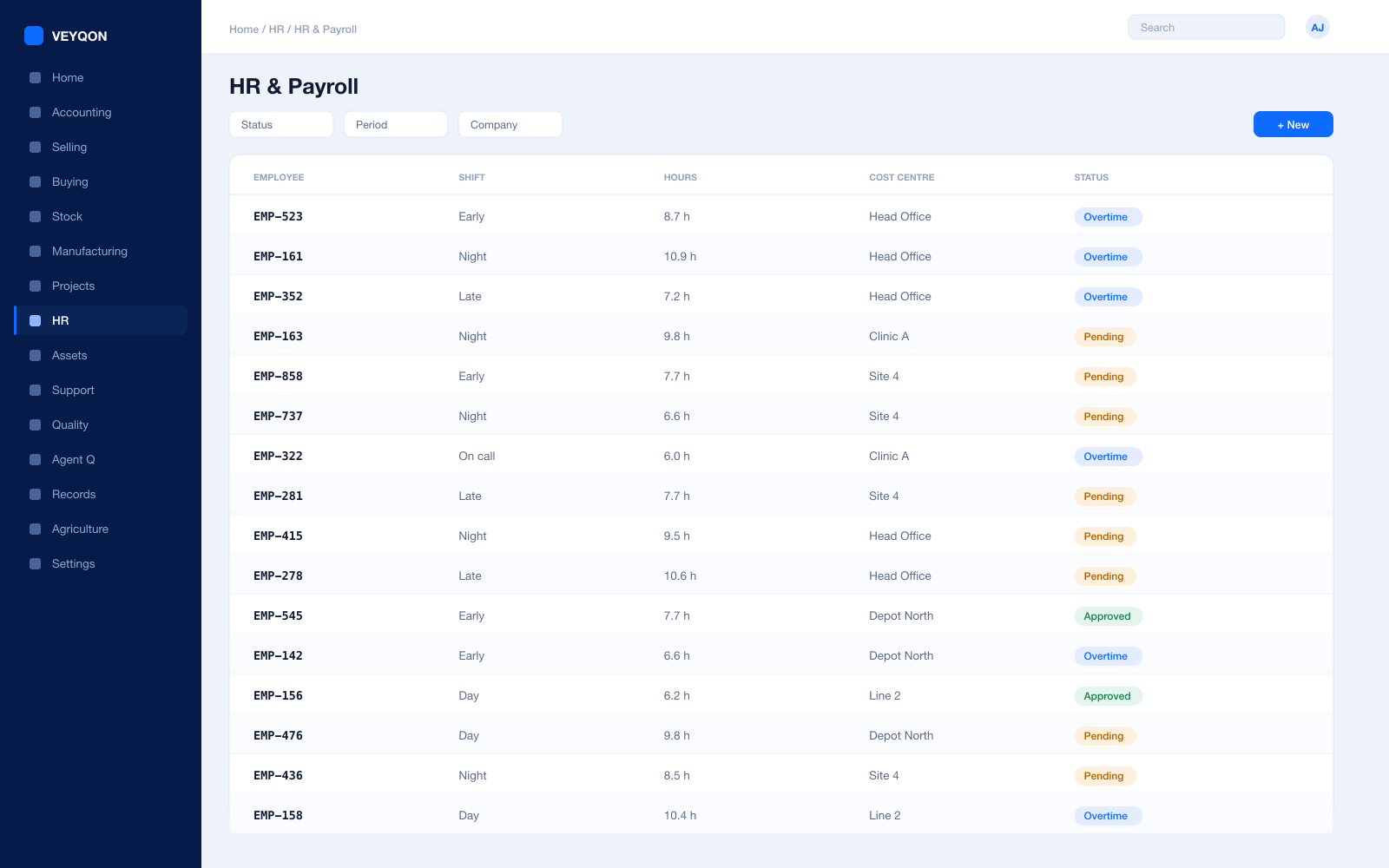
Shifts and rotas
Branch cover planned with the roster visible before the week starts rather than patched on the morning.
Attendance and check-in
From devices or check-in, feeding shift compliance and overtime instead of a paper sheet by the door.
Leave and holiday lists
The working calendar that rotas and trading hours are actually planned against.
Expenses
Claims against a branch cost centre, approved and posted rather than taken from the till.
Payroll
Salary structures and runs with statutory deductions, posted into the same ledger as everything else.
Targets and commission
Targets by item group and fiscal year, with a commission rate per person, so an incentive is calculated.
Training
Training and certification held against the employee, with expiry dates that surface before they lapse.
Integrations
Tills, gateways, and whatever the marketing team bought last year.
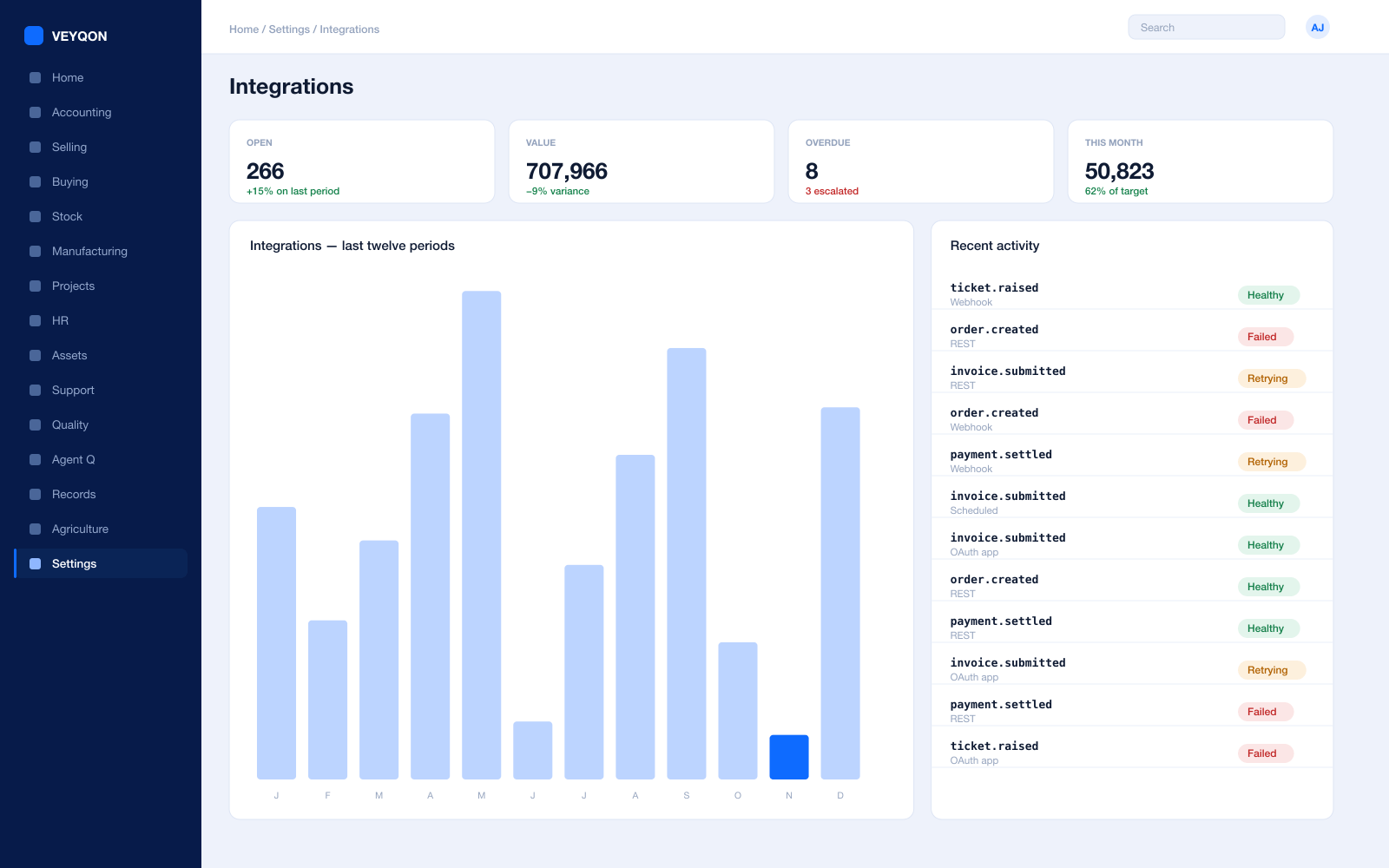
REST API on every record
Every document type is addressable over the API, with the same permissions the interface applies.
Webhooks
A state change on any document pushed to another system as it happens, rather than found on a nightly poll.
Scheduled jobs
Recurring imports, exports, and reconciliations on a calendar, with a log of what ran and what it did.
Bulk import and export
Spreadsheet import with validation for price files and catalogue updates, and export of anything you can see.
Connected apps and OAuth
A third-party system authorised against a scoped role, rather than given somebody’s password.
Payment gateways
Settlements landing as payment entries matched to the invoices they clear.
Carrier integration
Rate comparison, label generation, and tracking against the shipment record for anything you deliver.
One pass through retail, end to end.
- 01
Open
Tills open against a POS profile with a counted float.
- 02
Sell
Sales post against the profile’s payment modes, moving stock and ledger together.
- 03
Replenish
Reorder levels per branch raise transfers from the central warehouse.
- 04
Close
Till closing, banking, and posting in one step at end of day.
Running retail on VEYQON, in four steps.
It is a subscription, not a project.
- 1
Subscribe
Pay by card. Provisioned straight away.
Minutes - 2
Bring your data
Balances, items, customers, suppliers.
Day one - 3
Switch modules on
Warehouses, limits, and approvals.
Week one - 4
Go live
Run parallel, then cut over.
You choose
All 10 modules included. Nothing sold separately.