Every leg costed, every drop proved.
Fleet, maintenance, warehouse movements, and delivery evidence in one system, so a job's true cost includes the van, the driver, and the diesel.
10 modules·83 features·Configured on the core
The modules behind logistics & transport.
Not a list of module names. Each one below opens onto what is inside it and why a logistics & transport business needs it — so you can check it against how your operation actually runs.
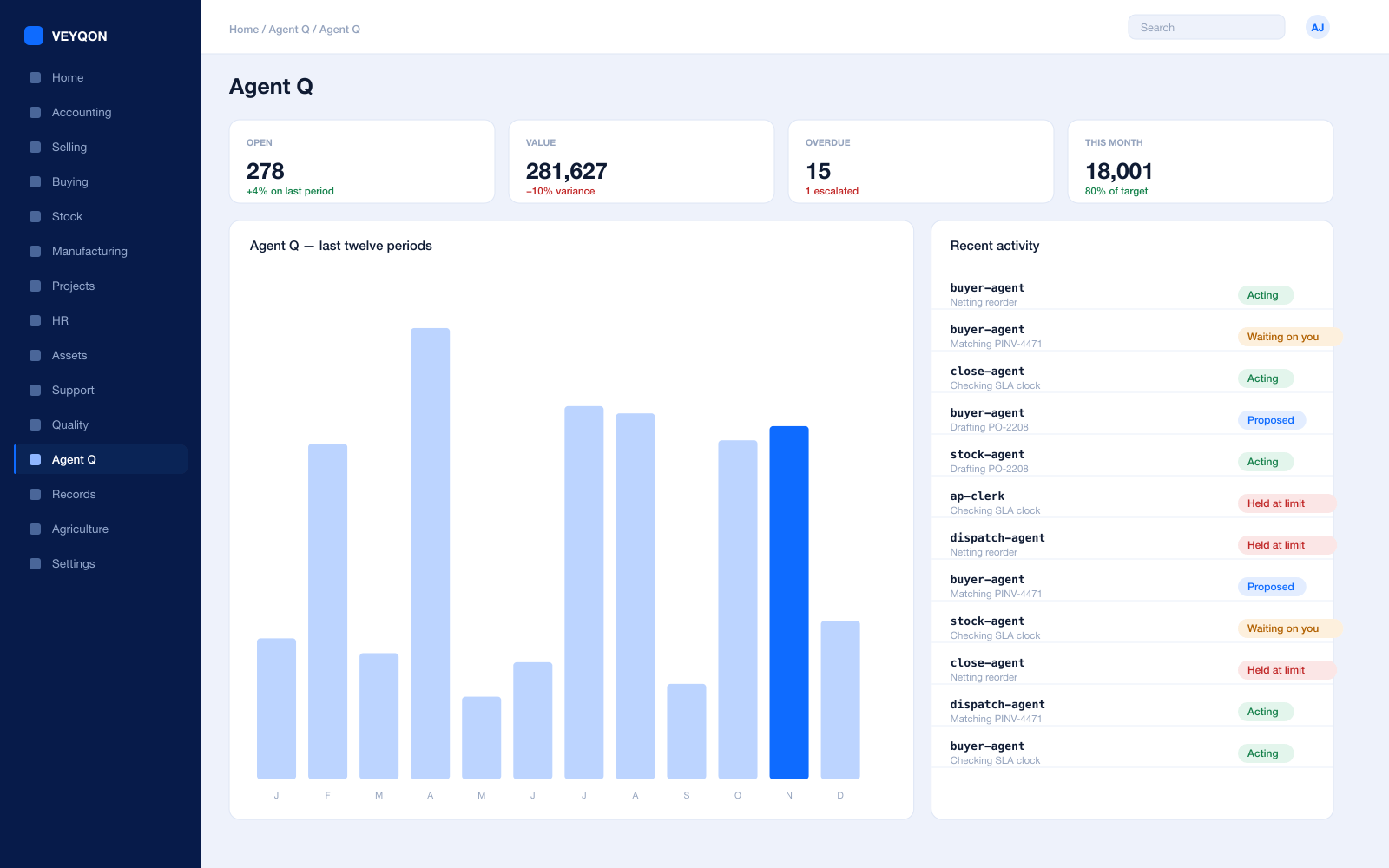
Agent Q
Agents that read your own records and act on them, scoped to how a logistics & transport business runs.
Grounded in live records
Every answer is drawn from your own ledger with your permissions applied, and names the documents it used. Nothing is answered from a snapshot or a summary.
A role, not a prompt
Each agent is scoped like a job — accounts payable, procurement, dispatch, period close — with the same limits you would put on the person doing it.
Explicit tool permissions
An agent holds a named list of the actions it may take. Matching an invoice does not imply paying one.
Value and action limits
A hard ceiling per agent, per period, and per document type, which it cannot cross however it is asked.
The queue
What every agent is working on, what is waiting on a person, and what has been held — in one place, with the reason on each item.
Triggers
An arriving document, a breached threshold, a date, or a state change on a record. Agents start on events, not on somebody remembering.
Human approval gates
Anything over a limit routes to a named person, with the reasoning attached, so approving takes seconds rather than an investigation.
Escalation paths
Who it hands to when it reaches a limit, how long it waits first, and what that person sees when it arrives.
Segregation of duties
An agent cannot approve what it raised. The rule that applies to your people applies to your agents.
Full reasoning log
Every step is written to the audit trail on the document it touched, so a decision can be read back months later.
Ask in plain language
The console answers operational questions from live records and offers the next action, rather than handing back a paragraph.
Spend control
Ceilings per agent and per period, so autonomy runs to a budget you set rather than an open account.
Fleet & Vehicles
The vans, the diesel, and what each one actually costs to keep on the road.
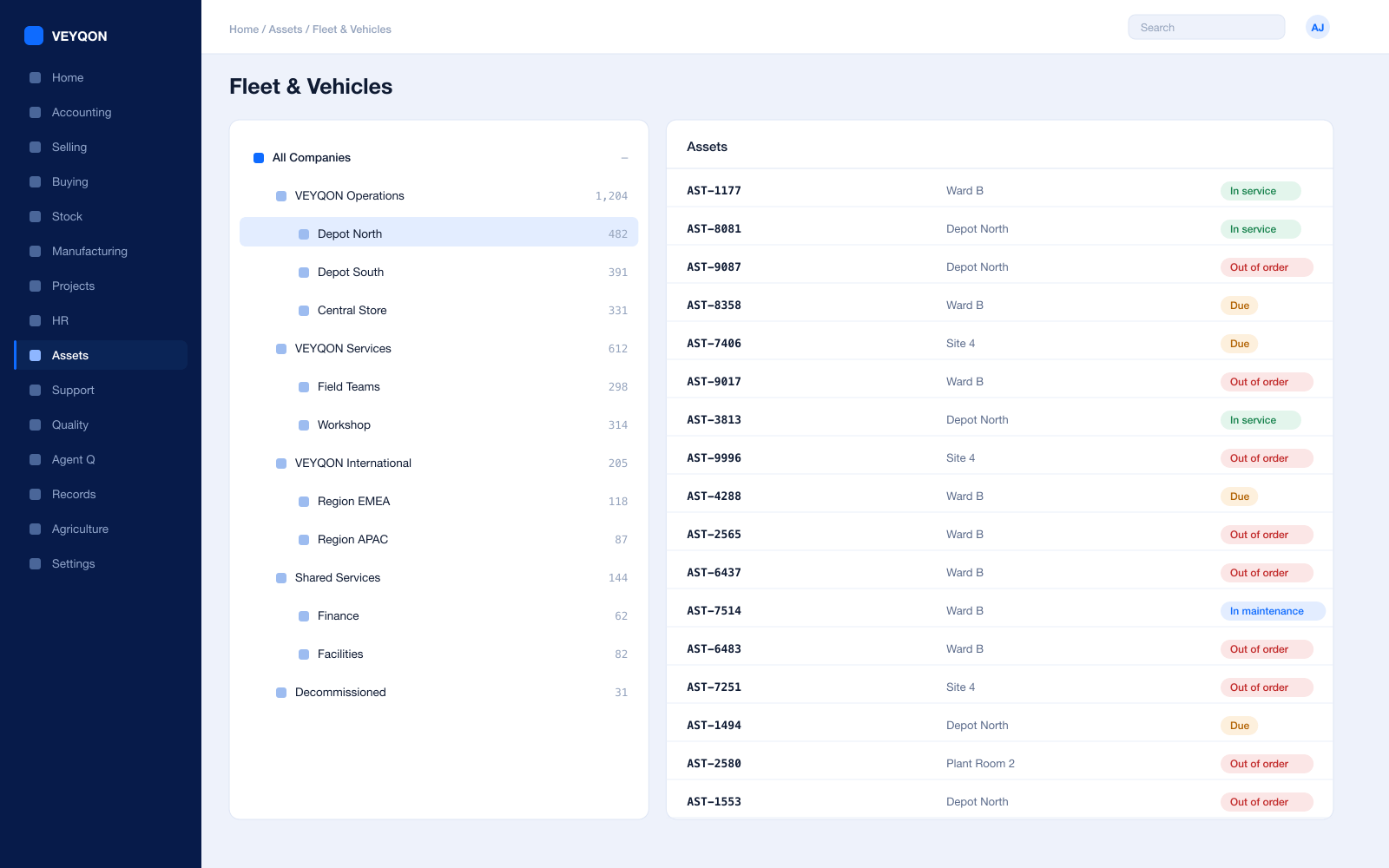
Vehicle master
Licence plate, make, model, chassis number, acquisition date, and value, held against the employee responsible for it.
Odometer and fuel
Last odometer reading, fuel type, and fuel UOM on the vehicle, updated from each log rather than from a clipboard in the cab.
Vehicle logs
Fuel refills and service recorded per vehicle — which is what turns “the fleet costs too much” into a figure per van.
Insurance and checks
Insurer, policy, and the last carbon check on the record, with the dates visible before they lapse rather than after.
Vehicle attributes
Colour, wheels, doors, and location, so the vehicle that gets assigned is the one that can actually do the job.
The vehicle as an asset
The same unit in the asset register, depreciating, with maintenance schedules and repairs costed against it.
Claims against a vehicle
Driver spend attached to the van it was spent on, approved and posted rather than reimbursed on trust.
Cost per job
Fuel, hours, and maintenance landing on the job that incurred them instead of disappearing into an overhead pool.
Dispatch & Delivery
Getting the drop done, and being able to prove it was.
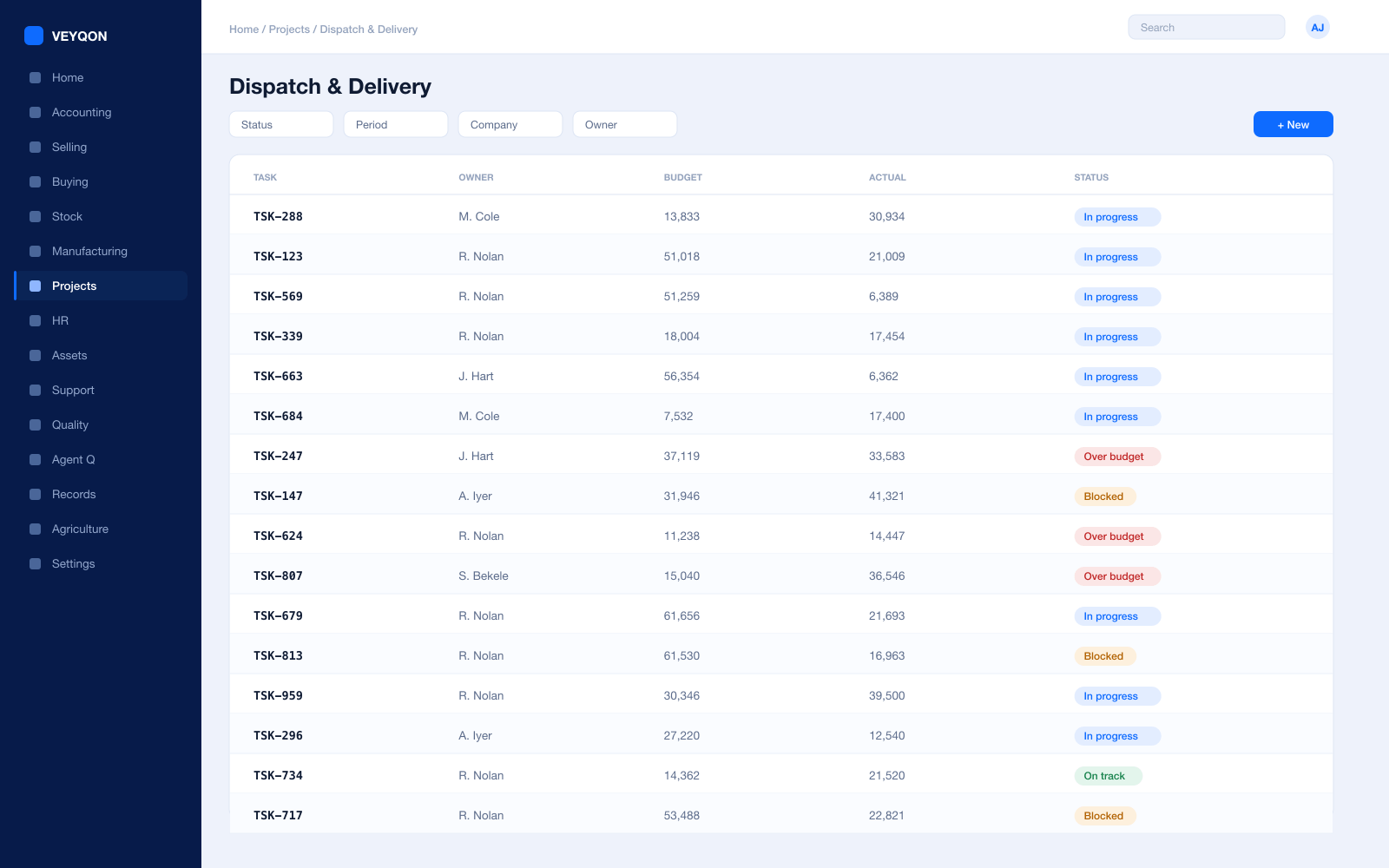
Delivery trips
One vehicle, one driver, many stops, planned as a single journey rather than as a stack of separate jobs.
Stops from delivery notes
Customers pulled straight from submitted delivery notes, with addresses already on the record, rather than retyped onto a route sheet.
Route optimisation
The most efficient order of stops calculated through Google Maps, so the route is planned rather than remembered.
Estimated arrival
Computed per stop from the driver and customer addresses, so “where is my delivery” has an answer somebody can give.
Delivery notes
What left, in what quantity, against which order — with batch and serial selected at pick where they matter.
Pick lists in waves
Several orders picked in one pass, warehouses chosen FIFO, batches nearest expiry first, with a barcode scan mode for the floor.
Shipments
Carrier, service, AWB number, parcel dimensions, weight, and Incoterm, raised straight from the delivery note.
Carrier integration
Rate comparison, label generation, and tracking held against the shipment record instead of three courier websites.
Field sign-off
The drop confirmed on a phone, with the photograph and location attached to the delivery note itself rather than sitting in a driver’s camera roll.
Stock & Warehouse
What is in the building, what is on a lorry, and what it is worth.
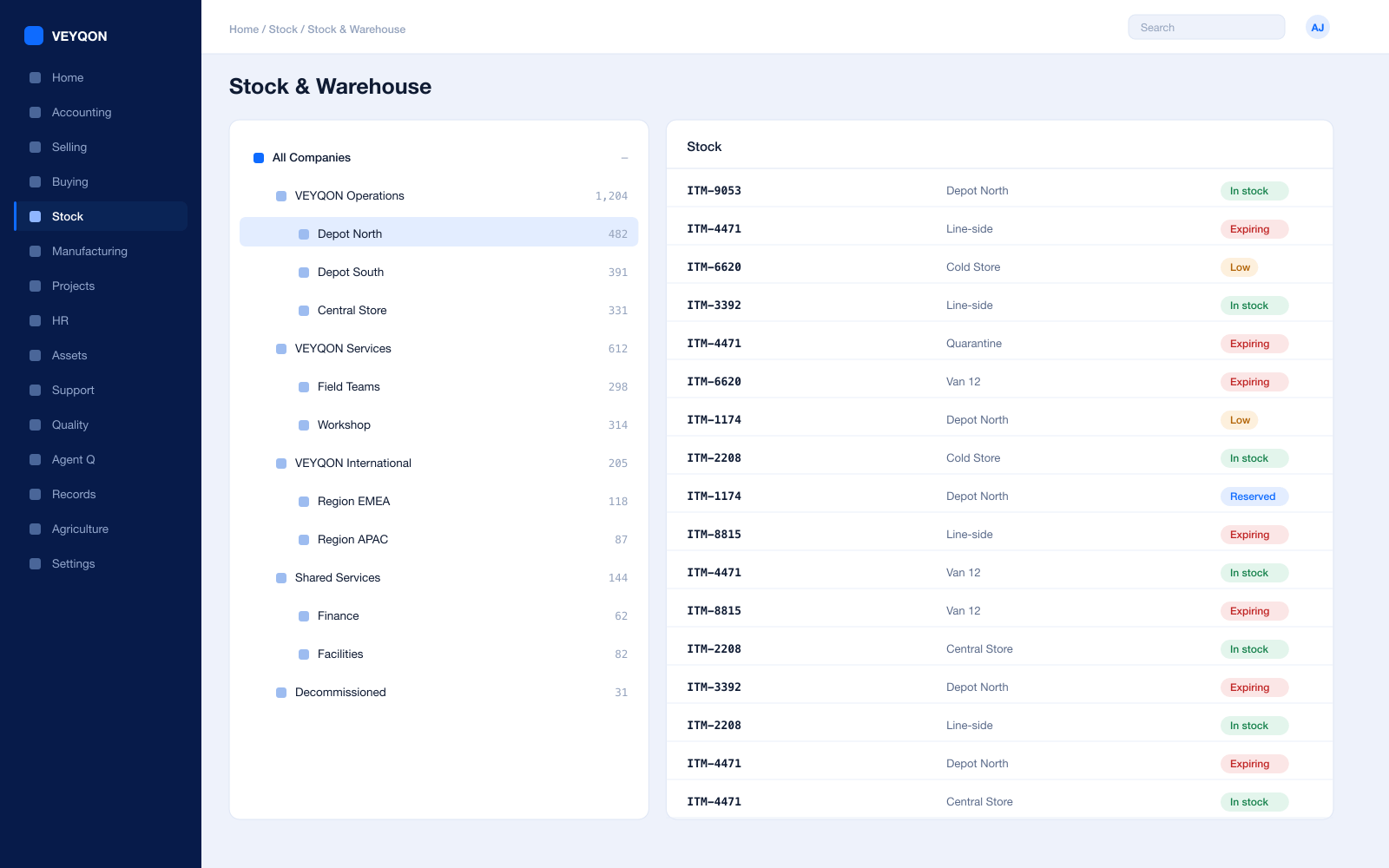
Multi-warehouse tree
Depots, bays, returns, and in-transit warehouses in one hierarchy you can report across rather than reconcile between.
Cross-dock and transit
Transfers between depots through an in-transit warehouse, so stock on a lorry is still stock you can see and still stock you own.
Batch and serial
Batch numbers with expiry and serial numbers per unit, so a claim or a recall is a query rather than a phone-round.
Valuation
FIFO or moving average per item, with perpetual inventory posting to the general ledger on every movement.
Landed cost
Freight, duty, and insurance distributed into item valuation on the receipt rather than written off to overhead.
Putaway rules
Where a receipt lands decided by rule and bay capacity rather than by whoever happens to be on shift.
Stock reconciliation
Counts posted against book stock, with the difference valued and accounted rather than adjusted quietly.
Returns
A return against the original delivery or receipt, with stock and value reversing together instead of separately.
UOM conversion
Handle by the pallet, store by the case, deliver by the unit — one item, with the conversion on the record.
Assets & Maintenance
Keeping the fleet and the handling kit legal and on the road.
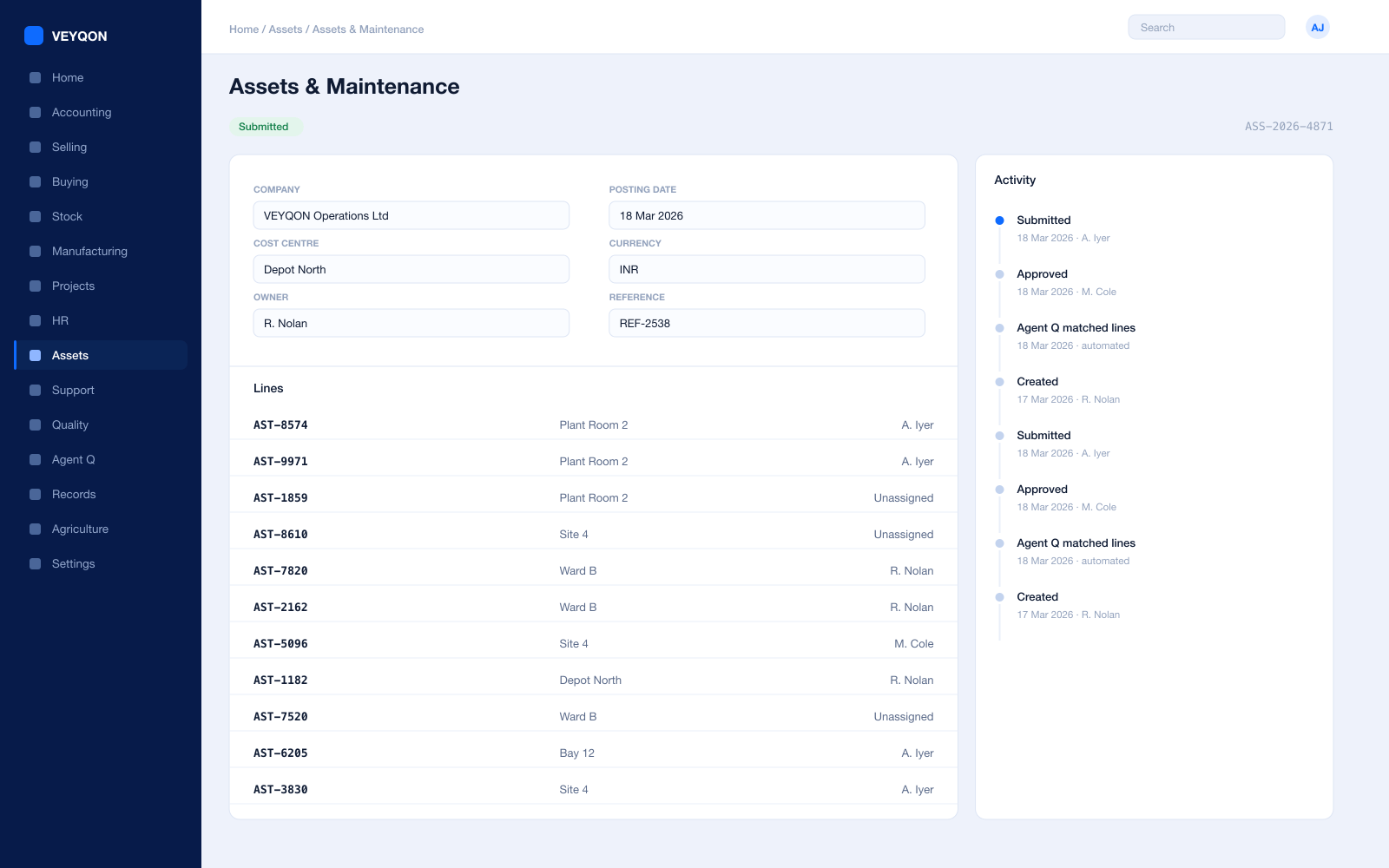
Asset register
Vehicles, trailers, forklifts, and racking with categories, locations, and custodians, held where the rest of the business can see them.
Depreciation per finance book
A different method, useful life, residual value, and posting frequency for the statutory book and the management book.
Preventive maintenance
Servicing and statutory dates scheduled with a periodicity, assigned to a maintenance team, generating logs on the calendar you set.
Maintenance logs
What was done and by whom, with certificates attached where the task requires one.
Repair and downtime
A failure record carrying the failure date, the downtime, and the cost, with spare parts consumed from stock onto the repair.
Capitalisation
Where a repair genuinely extends useful life, the increase updates the depreciation schedule rather than being argued at year end.
Movement
Transfers between depots and custodians, with a history you can read rather than reconstruct.
Disposal
Sale or scrapping with the gain or loss posted, and the asset closed rather than quietly forgotten.
Projects & Job Costing
A contract is a job. This is where you find out if it made money.
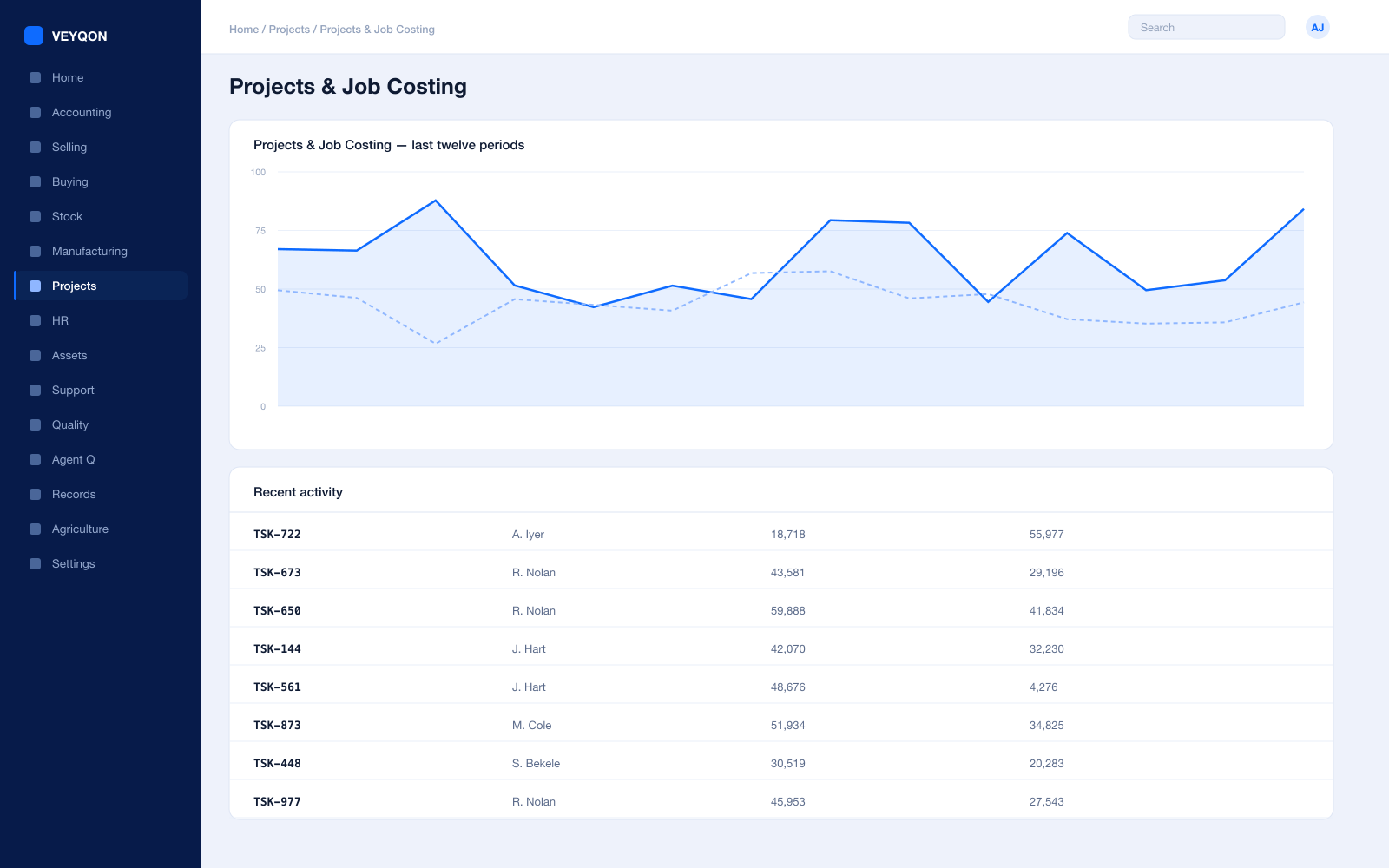
A project per contract
The customer contract as a project, with tasks, dependencies, and a schedule the work hangs off.
Tasks and dependencies
What has to happen before what, so a slipped leg shows as a slipped contract rather than as a surprise.
Timesheets
Driver and warehouse hours booked against tasks at employee rates, feeding both job cost and payroll from one entry.
Material against the job
Consumables and parts issued to the project rather than to a general store, so the job carries what it used.
Project profitability
Actual fuel, labour, and maintenance against the contract value, while the contract is still running rather than after it.
Milestone billing
Invoicing on percentage completion or on delivery events, with the schedule agreed up front.
Project on every document
The reference carried on orders, stock entries, and invoices, which is what makes the profitability figure real.
Selling & Contracts
Rate cards that hold, and orders that know what was promised.
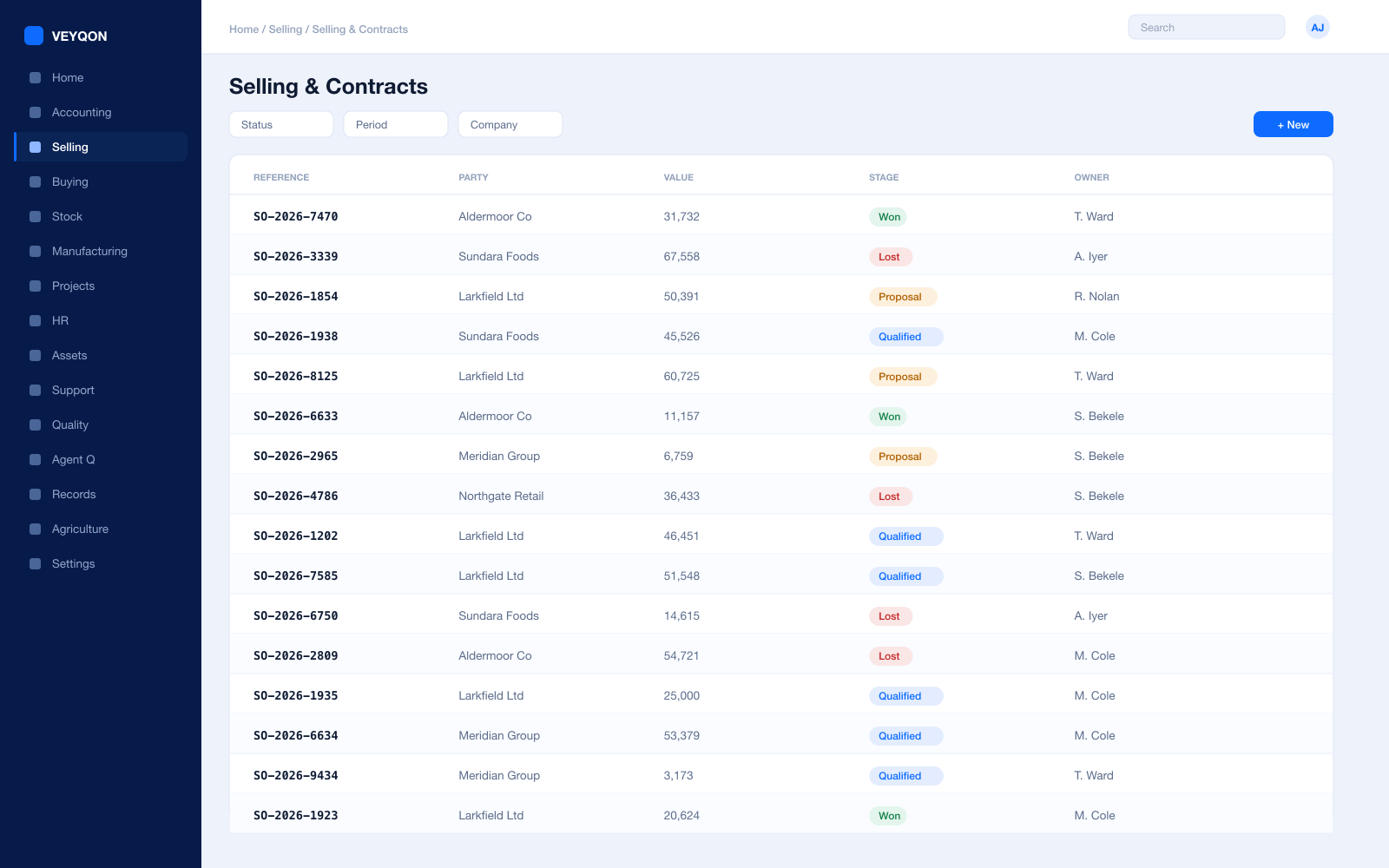
Rate cards as price lists
A default selling list per customer, by currency and territory, so the agreed rate is simply the rate.
Quotations
Items, quantities, prices, taxes, validity, and terms, converting to an order in one step when the customer agrees.
Sales orders
A delivery date per line, partial delivery, and partial billing across as many documents as the contract takes.
Pricing rules
By item, item group, or brand — for a customer, customer group, or territory, as a rate, a percentage, or a margin.
Blanket orders
A committed volume at an agreed price over a period, drawn down by individual jobs against it.
Part shipment and backorder
Partial delivery against the original commitment, with the remainder still on the book rather than quietly forgotten.
Credit limits
Set on the customer, the customer group, or the company, blocking submission over the ceiling with a named role for the exceptions.
HR & Payroll
Drivers, warehouse staff, and the hours that become both cost and pay.
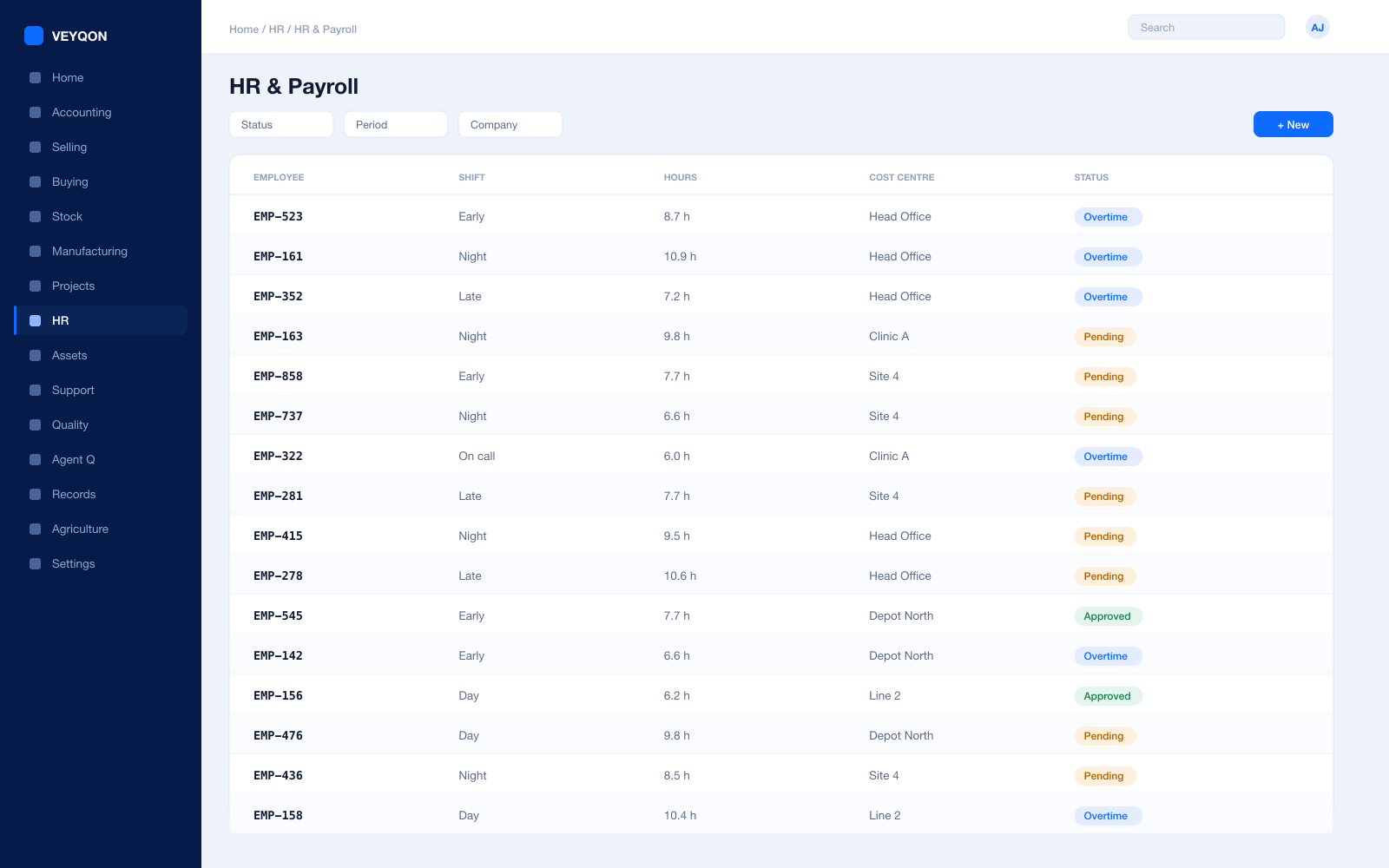
Shifts and rotas
Depot and driving shifts assigned, with cover and overtime visible before the week starts rather than after it goes wrong.
Attendance and check-in
From biometric devices or check-in, feeding shift compliance and overtime instead of a spreadsheet.
Driver hours
Hours recorded against shifts, so the roster is planned against what someone is actually allowed to drive.
Licences with expiry
Driving entitlements and handling certification held against the employee, surfacing before they lapse.
Timesheets both ways
One entry feeding payroll and job cost, rather than the same hours typed into two systems that then disagree.
Expenses and mileage
Driver claims against a cost centre or a vehicle, approved and posted.
Payroll
Salary structures and runs with statutory deductions, posted into the same ledger as everything else.
Leave and holiday lists
The working calendar that rotas and delivery promises are actually planned against.
Accounts
A job’s true cost, including the van, the driver, and the diesel.
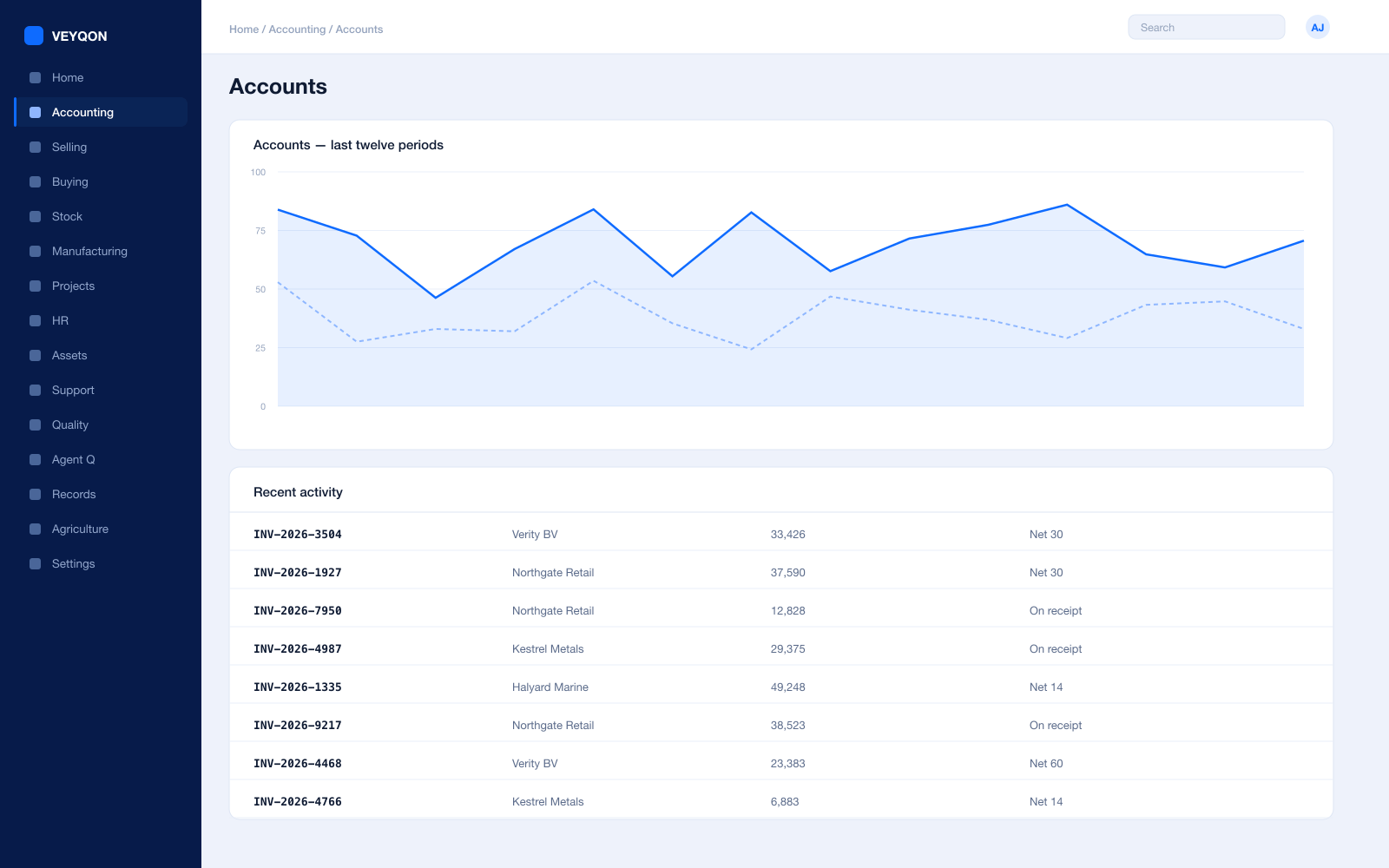
Perpetual inventory
Every stock movement posts to the general ledger as it happens, so the stock account and the stock ledger cannot drift apart.
Job cost against revenue
Fuel, hours, and maintenance on the job they belong to, so a contract’s margin is a number rather than a feeling.
Cost centres and dimensions
By depot, lane, or contract, with allocation splitting one amount across several by percentage.
Budgets
Against cost centres and projects, with the action on exceeding set to warn the person or stop the document.
Multi-currency
Cross-border work priced and settled in its own currency, with revaluation posting to the ledger.
Period close
Accruals, reconciliation, and a period lock that stops anyone back-posting into a month you have reported.
Tax and audit trail
VAT, GST, and withholding with your region’s filing formats, and an immutable trail on every posting.
Invoice from the evidence
Billing raised from the proof of delivery with that evidence attached, so a query is answered rather than investigated.
Integrations
Customers, carriers, and telematics talking to the same records.
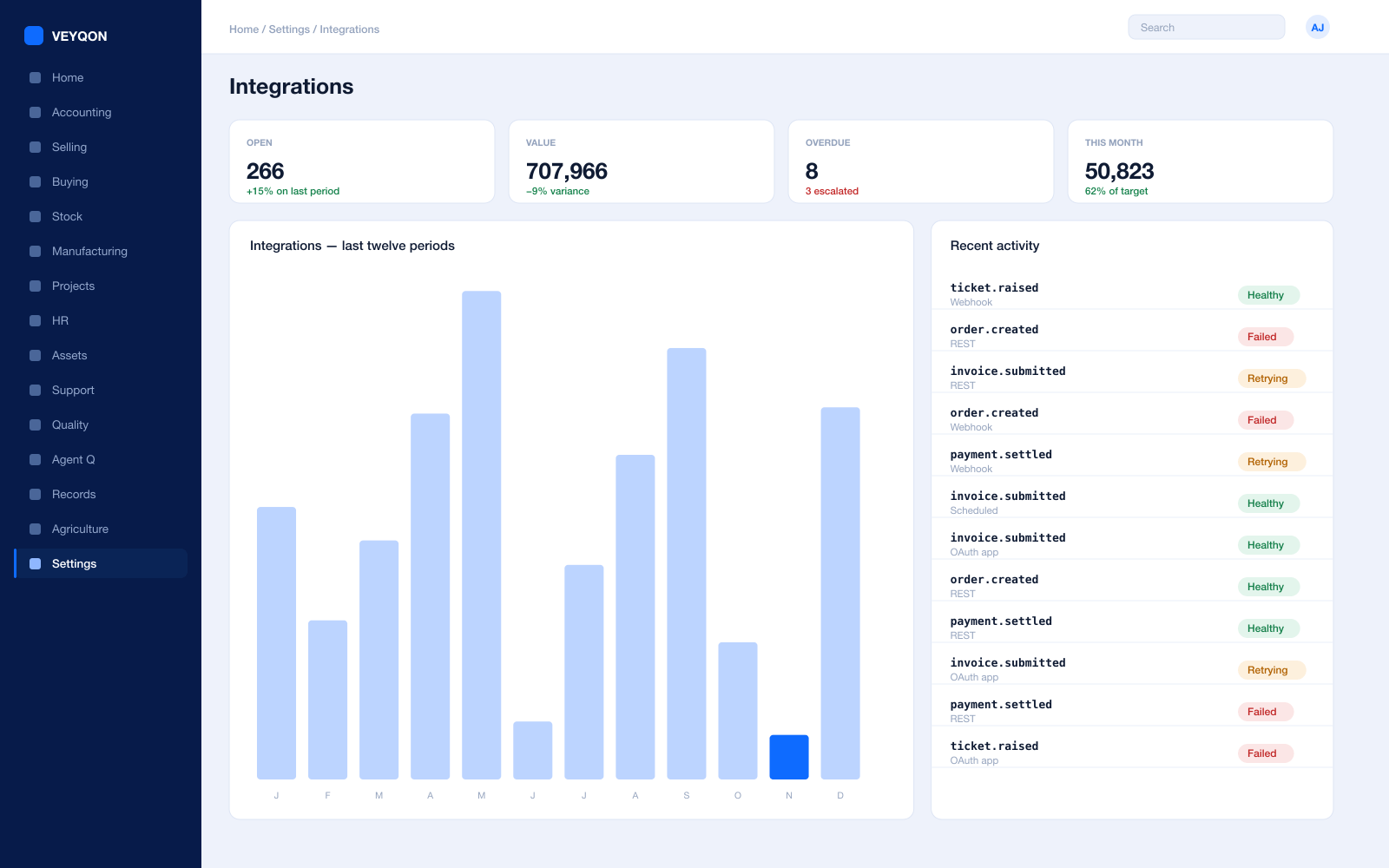
REST API on every record
Every document type is addressable over the API, with the same permissions the interface applies. There is no second, weaker door.
Webhooks
A state change on any document pushed to a customer or carrier endpoint as it happens, rather than found on a nightly poll.
Scheduled jobs
Recurring imports, exports, and reconciliations on a calendar, with a log of what ran and what it did.
Bulk import and export
Spreadsheet import with validation for rate files and address books, and export of anything you can see.
Connected apps and OAuth
A customer or carrier system authorised against a scoped role, rather than given somebody’s password.
Carrier services
Rate comparison, labels, and tracking against the shipment, so the carrier choice is made on the record.
Customer portal
Order status and delivery evidence available to the customer without an email thread nobody can audit.
One pass through logistics & transport, end to end.
- 01
Plan
Work assigned to vehicles and drivers with the right licences and hours.
- 02
Run
The app captures the drop offline and reconciles when signal returns.
- 03
Cost
Fuel, hours, and maintenance land on the job, not in an overhead pool.
- 04
Bill
Invoice from the proof of delivery, with the evidence attached.
Running logistics & transport on VEYQON, in four steps.
It is a subscription, not a project.
- 1
Subscribe
Pay by card. Provisioned straight away.
Minutes - 2
Bring your data
Balances, items, customers, suppliers.
Day one - 3
Switch modules on
Warehouses, limits, and approvals.
Week one - 4
Go live
Run parallel, then cut over.
You choose
All 10 modules included. Nothing sold separately.