Contracts, crews, and the cost of every callout.
Service contracts with SLAs, mobile crews with attendance, and the callouts that fall outside cover flagged as they are dispatched rather than absorbed.
10 modules·84 features·Configured on the core
The modules behind facilities management.
Not a list of module names. Each one below opens onto what is inside it and why a facilities management business needs it — so you can check it against how your operation actually runs.
Agent Q
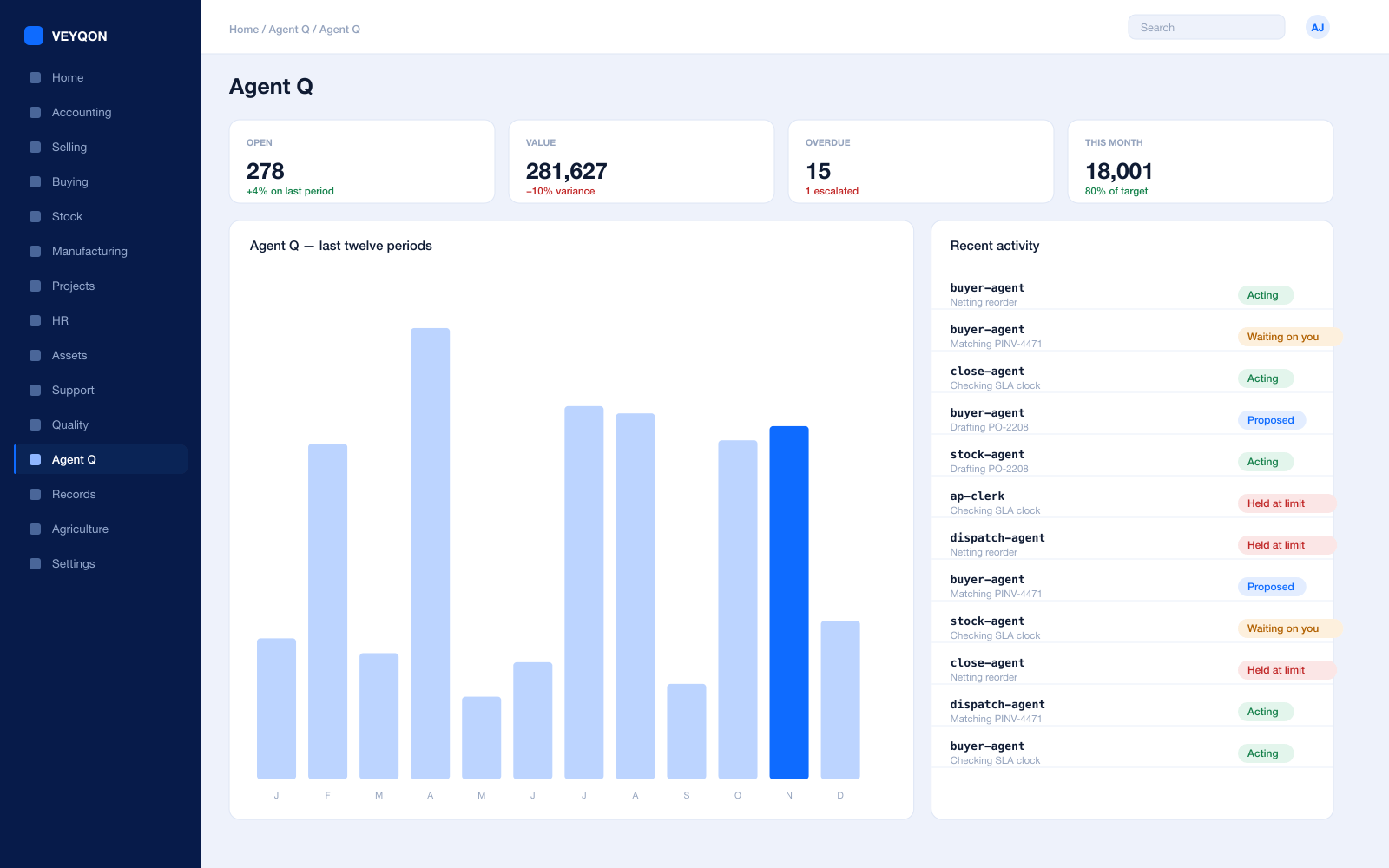
Agents that read your own records and act on them, scoped to how a facilities management business runs.
Grounded in live records
Every answer is drawn from your own ledger with your permissions applied, and names the documents it used. Nothing is answered from a snapshot or a summary.
A role, not a prompt
Each agent is scoped like a job — accounts payable, procurement, dispatch, period close — with the same limits you would put on the person doing it.
Explicit tool permissions
An agent holds a named list of the actions it may take. Matching an invoice does not imply paying one.
Value and action limits
A hard ceiling per agent, per period, and per document type, which it cannot cross however it is asked.
The queue
What every agent is working on, what is waiting on a person, and what has been held — in one place, with the reason on each item.
Triggers
An arriving document, a breached threshold, a date, or a state change on a record. Agents start on events, not on somebody remembering.
Human approval gates
Anything over a limit routes to a named person, with the reasoning attached, so approving takes seconds rather than an investigation.
Escalation paths
Who it hands to when it reaches a limit, how long it waits first, and what that person sees when it arrives.
Segregation of duties
An agent cannot approve what it raised. The rule that applies to your people applies to your agents.
Full reasoning log
Every step is written to the audit trail on the document it touched, so a decision can be read back months later.
Ask in plain language
The console answers operational questions from live records and offers the next action, rather than handing back a paragraph.
Spend control
Ceilings per agent and per period, so autonomy runs to a budget you set rather than an open account.
Contracts & SLA
What is included, what is not, and how fast you promised.
Service level agreements
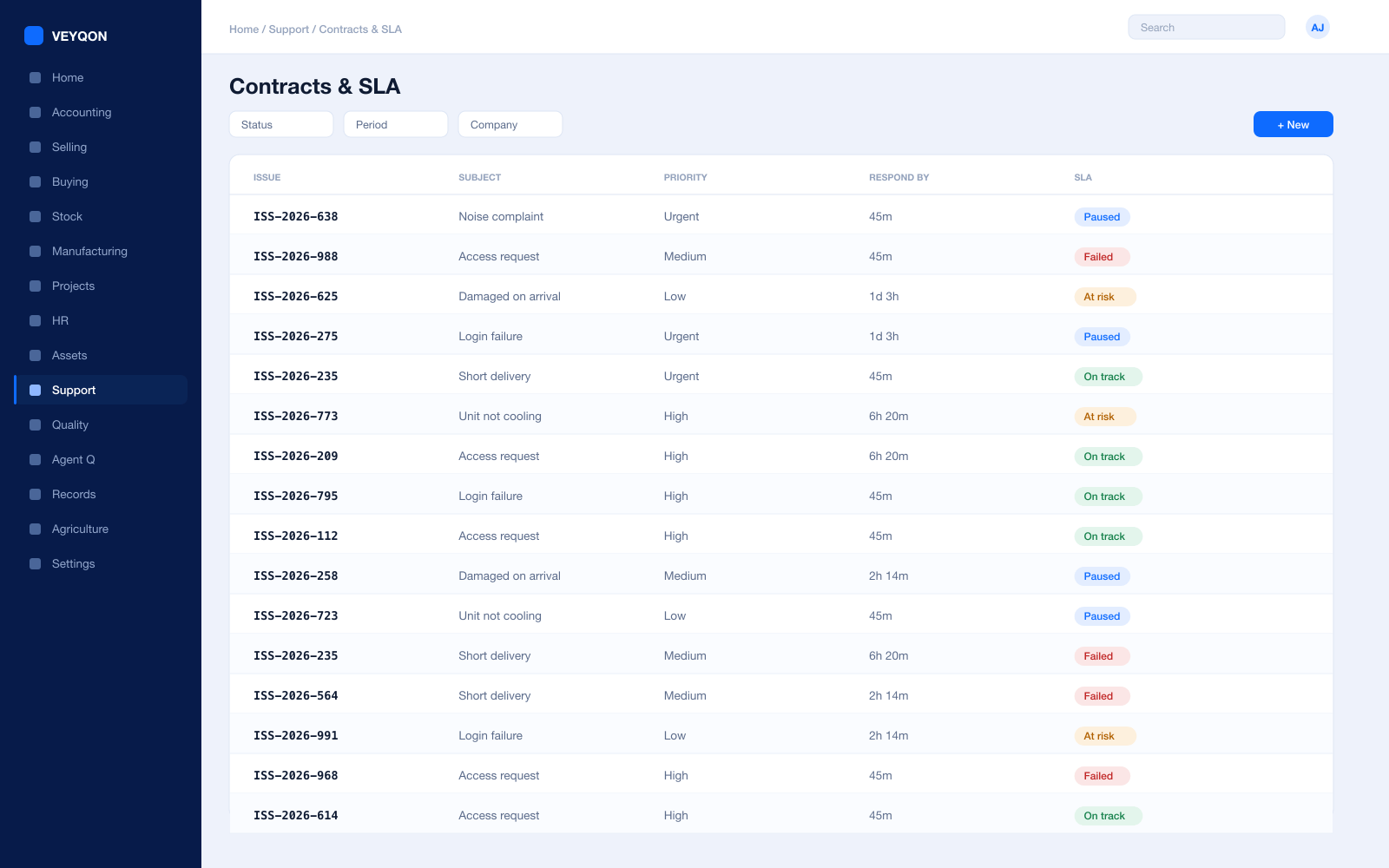
Priorities with a time to respond and a time to resolve, appearing on the ticket the moment it is raised.
Applied by entity
Attached by customer, customer group, or territory, so the right agreement applies without anyone choosing it.
Support hours
The days and times cover actually runs, so an obligation does not accrue at two in the morning on a nine-to-five contract.
Holiday list
Agreements do not apply on holidays, so the clock excludes days you were never contracted to work.
SLA pause
The timer holds while you are waiting on the client or on access, and the hold time is added back when it resumes.
Fulfilled and failed
Every ticket carries whether the agreement was met, so the monthly service report is a fact rather than a negotiation.
Scope on the contract
What the contract includes held on the record, which is what makes out-of-scope work identifiable at dispatch.
Contract as an order
The agreement as a sales order or subscription, so contract value and actual cost sit on the same job.
Credit limits
For clients on terms, blocking submission over the ceiling with a named role for the exceptions you mean to make.
Helpdesk & Dispatch
The callout, who goes, and whether it was covered.
Issues
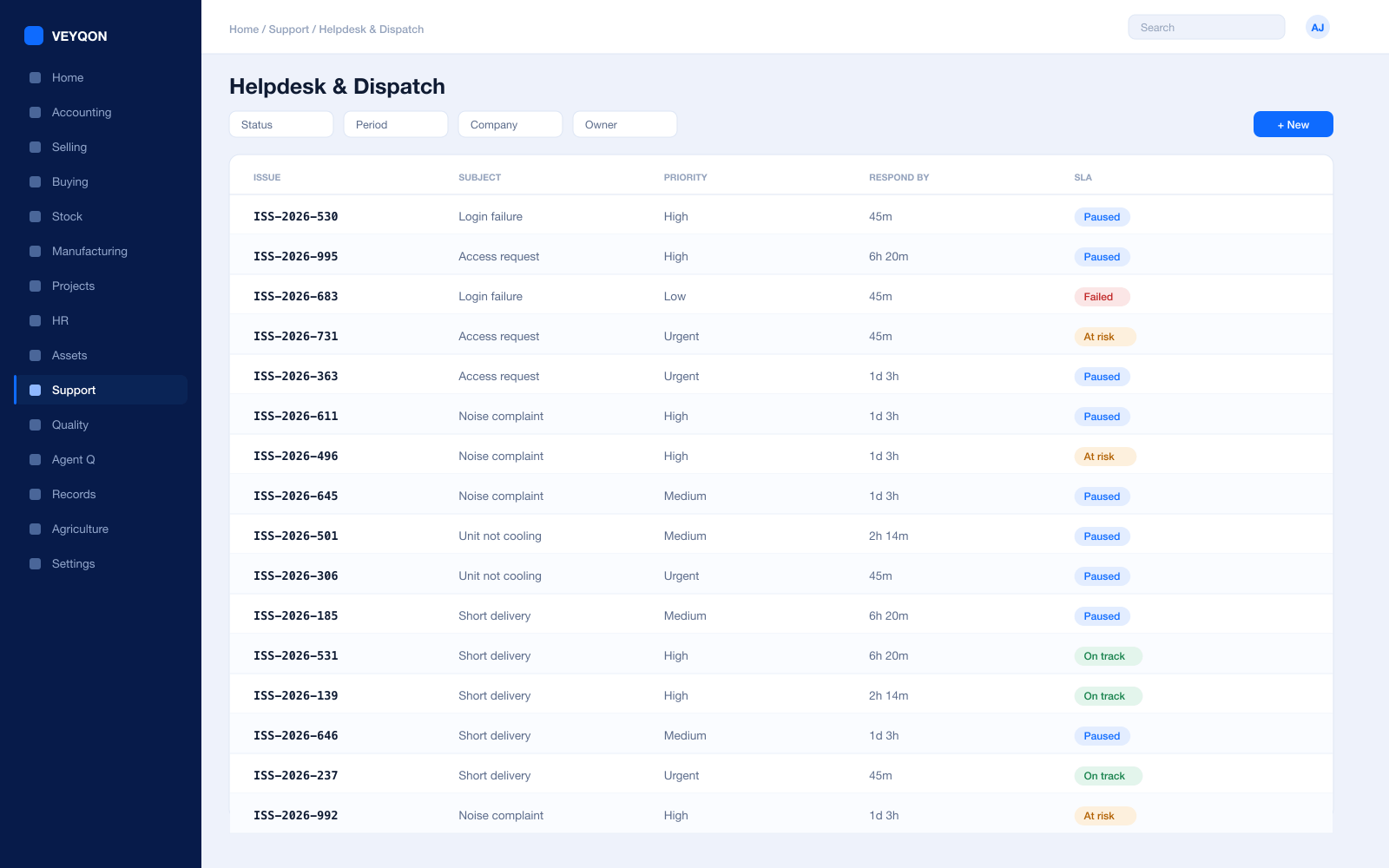
Raised by email, portal, or phone, and linked to the client, the site, and the asset they are actually about.
Against a site and asset
The ticket carrying where and what, so history builds against the plant rather than against a customer name.
Assignment
Allocated to a named engineer, with the assignment visible on their own list rather than sent in a message.
Skills and certification
Matching who can legally and competently do the work before anybody travels to the site to find out.
Priority and escalation
Priority driving the clocks, with escalation when the window closes rather than when somebody notices.
Visits
A maintenance visit raised from the ticket, recording the work done and closed against the asset.
Parts on the visit
Components taken from van or store onto the visit, so the true cost of the callout includes what it ate.
Sign-off in the field
The visit confirmed on a phone with photographs and the client signature attached to the record itself.
In or out of cover
Work outside the contract flagged at dispatch and priced then, rather than discovered when the invoice is queried.
Planned Maintenance
Visits raised before they fall due, and evidence they happened.
Maintenance schedules
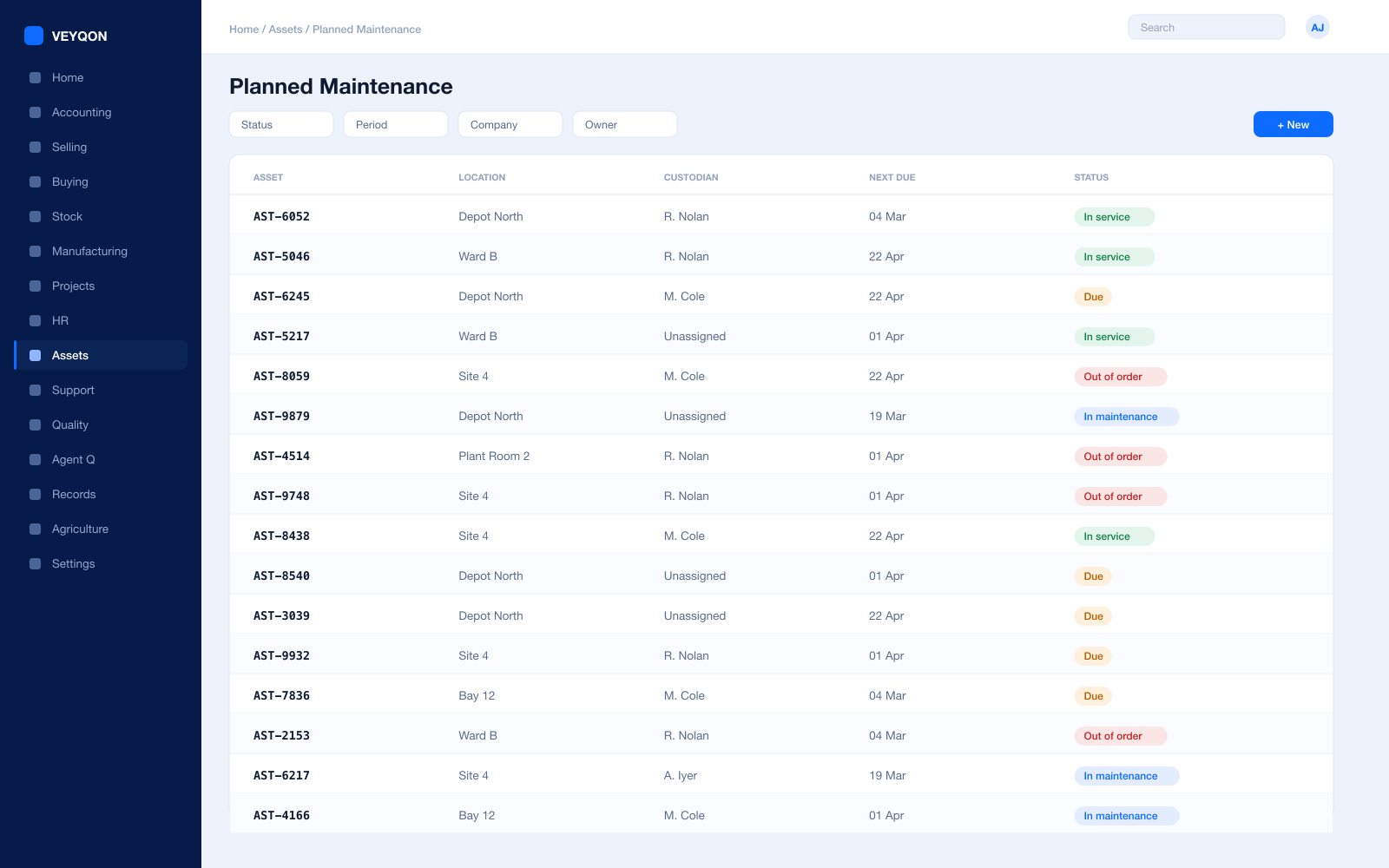
Planned visits generated per contract and per asset, on a calendar rather than on a reminder in somebody’s phone.
Periodicity
Weekly, monthly, quarterly, half-yearly, yearly, or random — generating a separate row for each activity between two dates.
Allocated to a person
Each item on the schedule assigned to a named person, with calendar events created when it is submitted.
Maintenance logs
What was done, when, and by whom, with certificates attached where the task requires one.
Certification required
A task marked as needing a certificate, and a log that will not close until one is on it.
Reactive repair
A failure record with the date, the downtime, and the cost, kept distinct from planned work because they answer different questions.
Planned against reactive
The ratio of scheduled work to callouts, per site and per asset — the number that justifies the contract.
Statutory dates
Inspection and certification obligations held on the asset, surfacing before they lapse rather than after.
Assets & Sites
Somebody else’s plant, on your maintenance obligation.
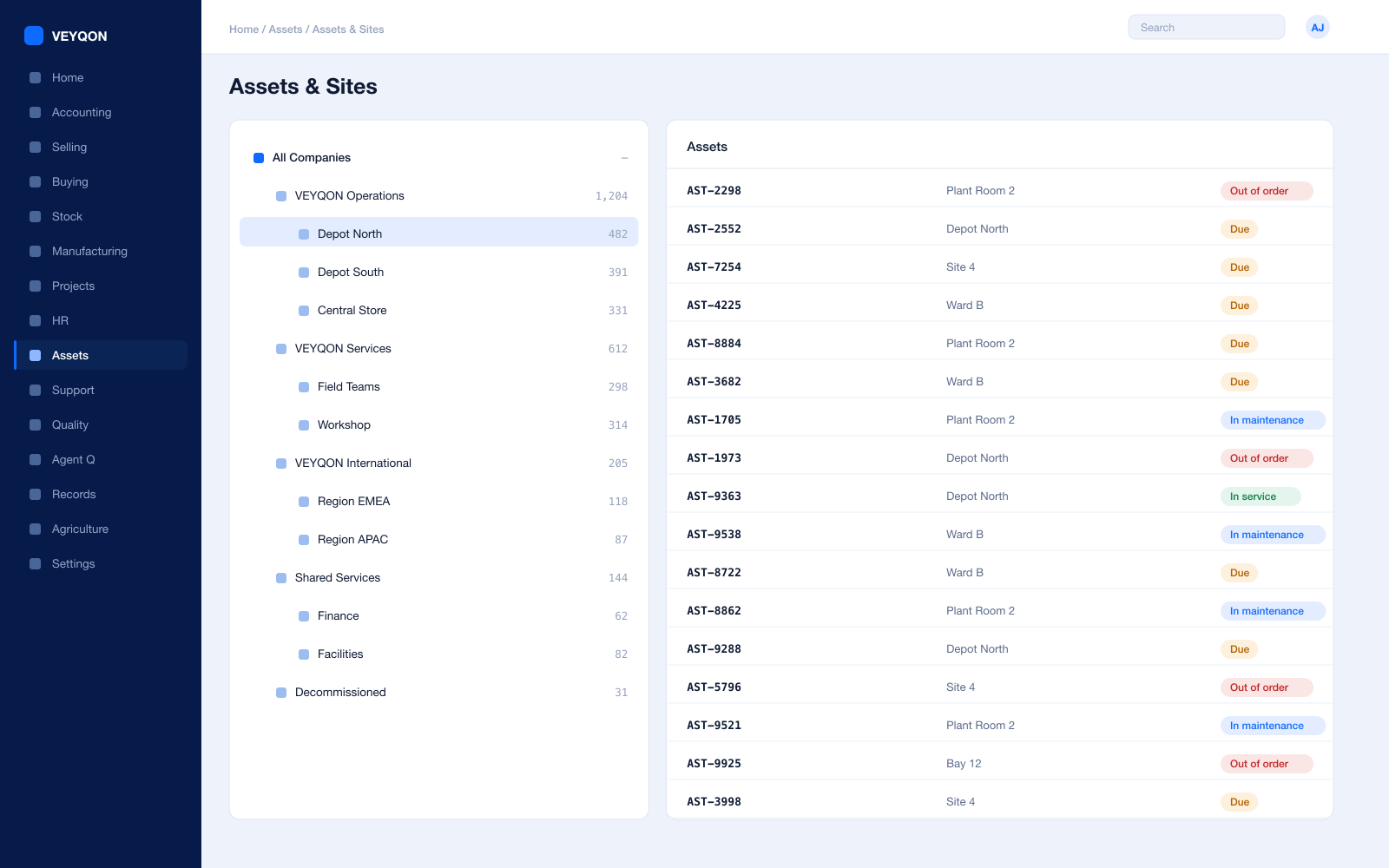
Asset register
Client plant and your own equipment with categories, locations, and custodians in one register.
Location hierarchy
Sites, buildings, floors, and plant rooms, so an asset is somewhere precise rather than somewhere approximate.
Custodians
The person answerable for the asset, on the asset, so nobody has to ask who owns it.
Maintenance obligations
Schedules attached to the asset, so moving the asset moves the obligation with it.
Repair history
Every failure, downtime, and cost against the asset, which is what turns a replace-or-repair argument into a report.
Depreciation
For the equipment you own, depreciation per finance book with its own method and useful life.
Movement
Transfers between sites and custodians, with a full history rather than a recollection.
Disposal
Sale or scrapping with the gain or loss posted and the asset closed properly.
Crews & Payroll
Mobile crews, their hours, and the tickets that prove they can do the job.
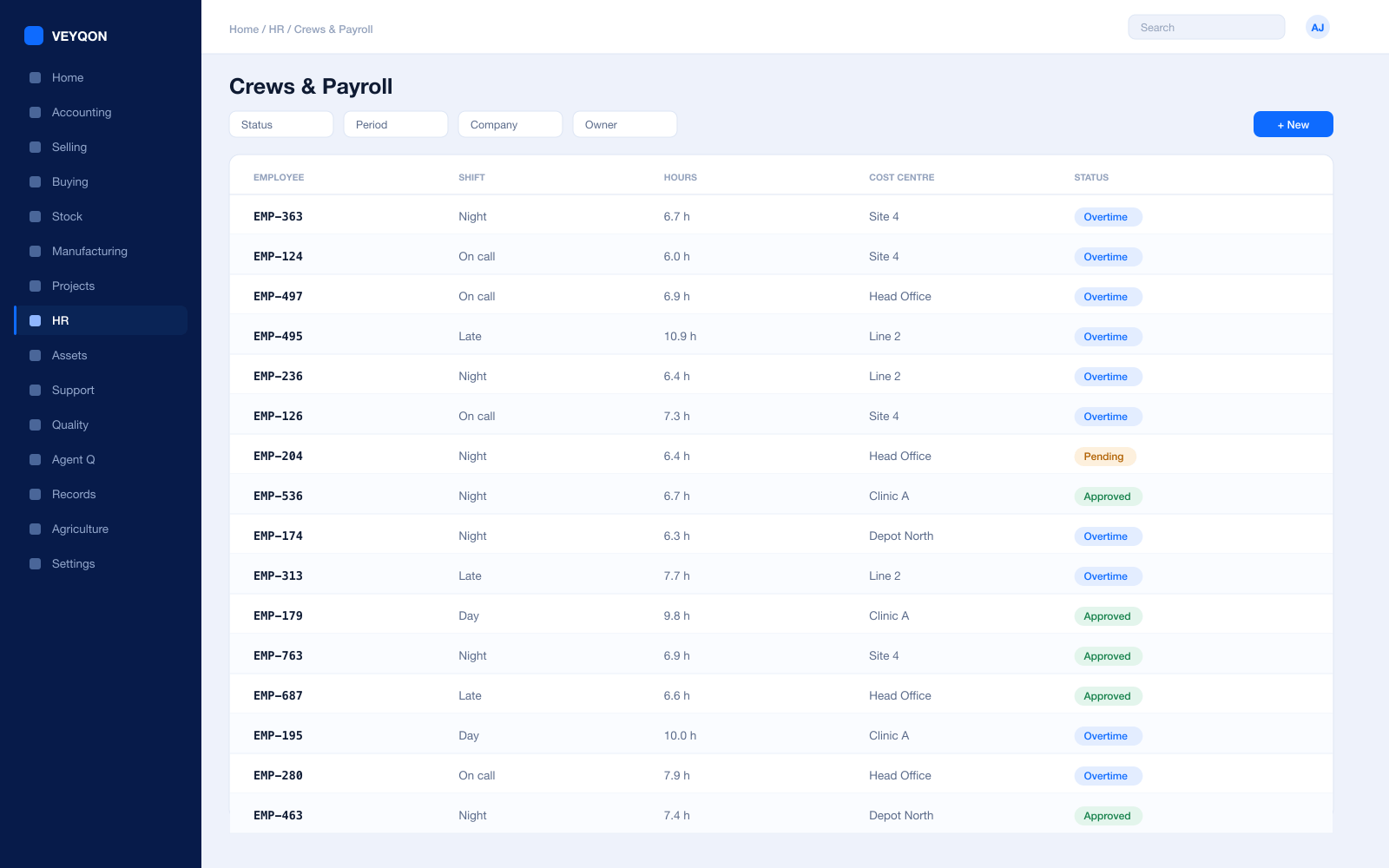
Shifts and rotas
Crew cover per site planned with the roster visible before the week starts rather than arranged by phone.
Attendance and check-in
From devices or check-in on site, feeding shift compliance and overtime instead of a timesheet filled in on Friday.
Timesheets to the job
Hours booked to the contract or ticket they were worked on, feeding both job cost and payroll from one entry.
Certification with expiry
Tickets and competencies held against the employee, surfacing before they lapse rather than at an audit.
Leave and holiday lists
The working calendar that rota planning and SLA cover are actually built against.
Travel and expenses
Mileage and site spend claimed against a contract cost centre, approved and posted rather than reimbursed on trust.
Payroll
Salary structures and runs with statutory deductions, posted into the same ledger as everything else.
Utilisation
Productive hours against paid hours, per crew and per contract, off the same records the dispatcher used.
Overtime and premium
Out-of-hours and callout premium recognised in both the pay run and the cost of the job.
Stock & Van Stock
The part that has to be on the van, not in the store.
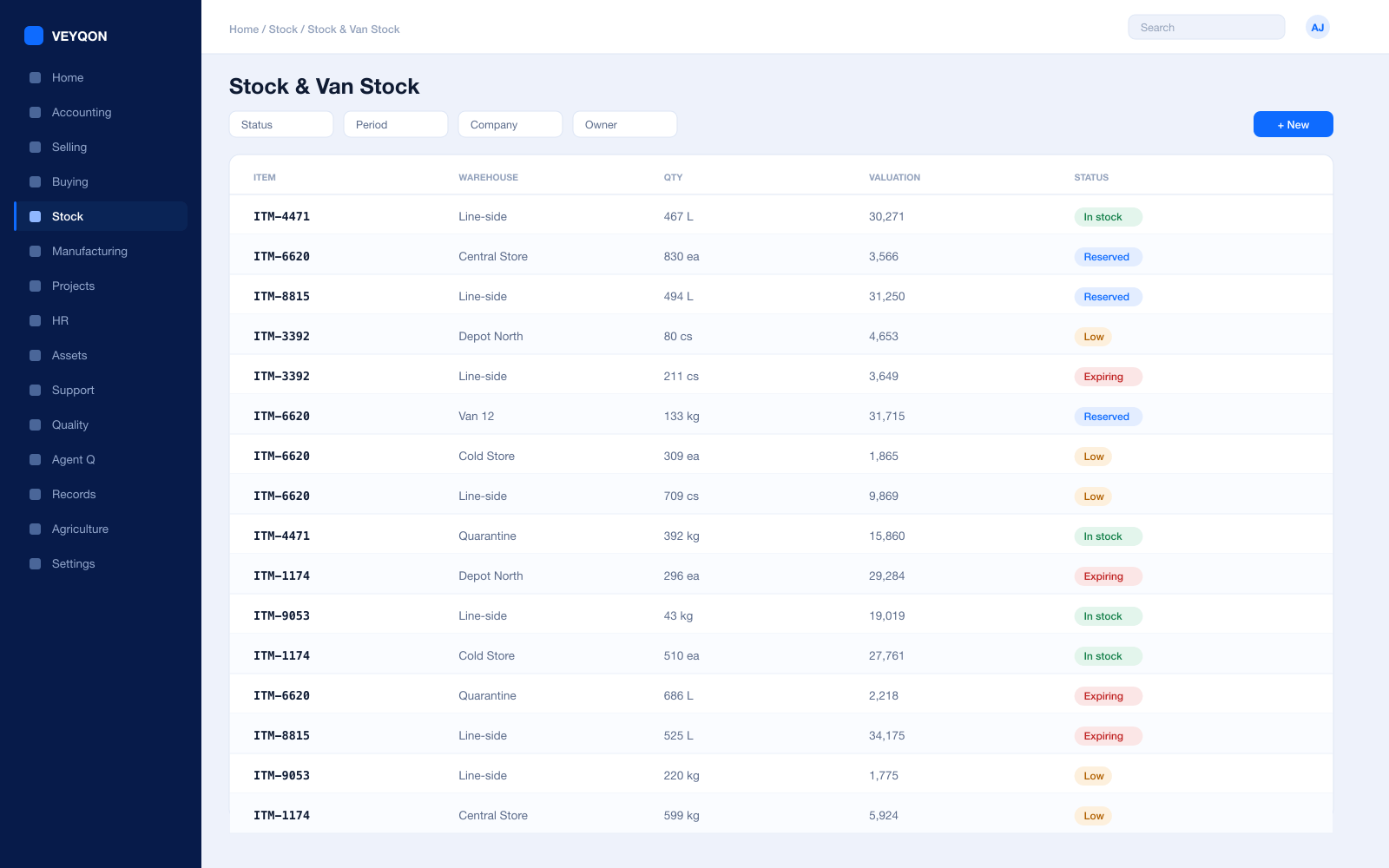
Stores and van stock
Central store, site stores, and a warehouse per van, so what is where is a query rather than a phone call.
Reorder levels
A reorder level per item and per van, so a first-time-fix rate is not decided by who restocked last.
Issue to the visit
Parts booked out against the visit and the asset rather than to a general cost code.
Batch and serial
Serial numbers on major components, so a replacement part is traceable to the unit it went into.
Stock reconciliation
Van and store counts posted against book stock, with the difference valued and accounted.
Valuation
FIFO or moving average per item, with perpetual inventory posting to the ledger on every movement.
Returns
Unused parts returned to store against the original issue, so a van does not quietly become a stockroom.
Billing & Variations
Contract value plus the work that was not in it.
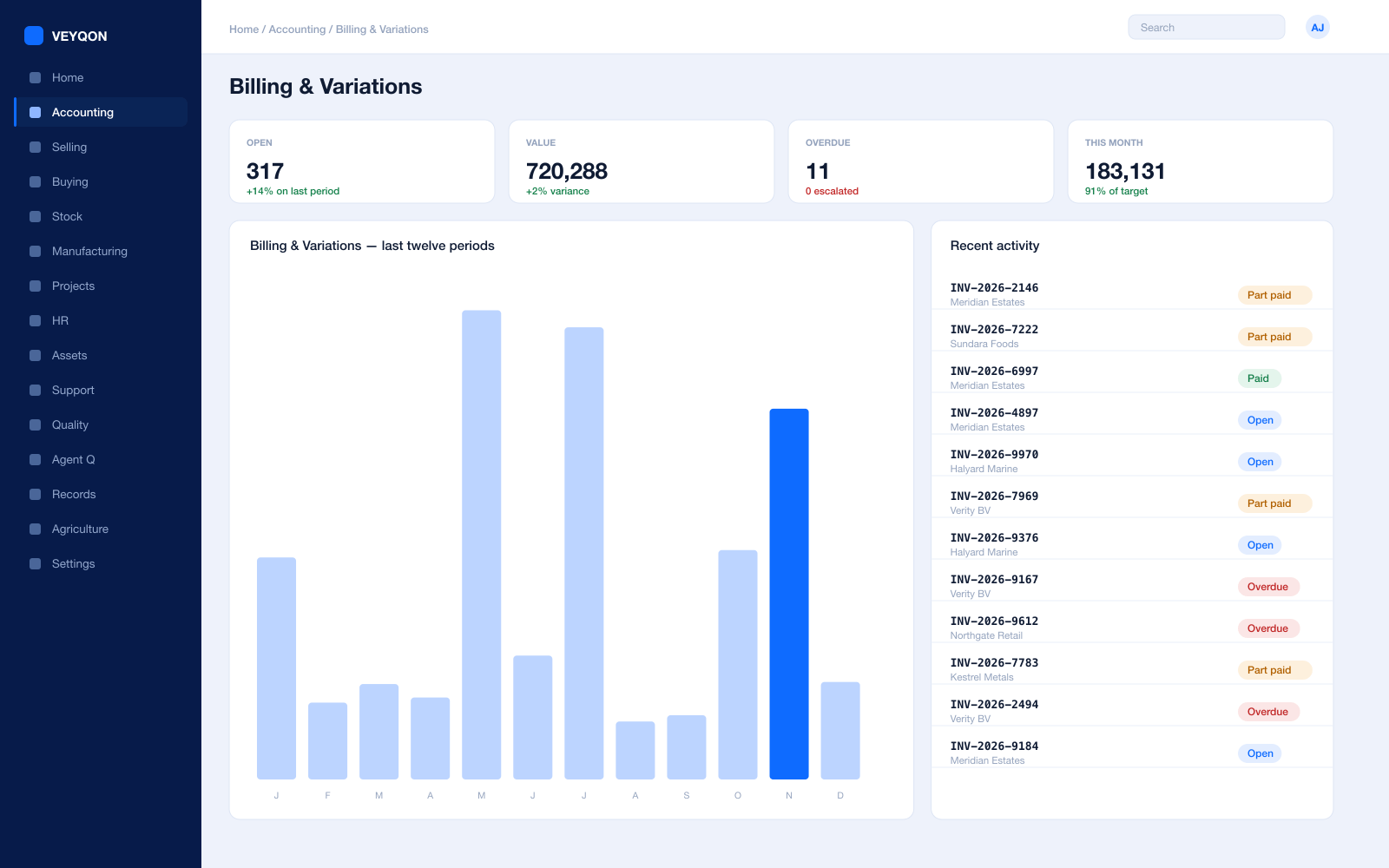
Contract billing
Recurring invoicing on an interval and count, prepaid or postpaid, generated rather than diarised.
Variations
Out-of-scope work as its own line with its own value, traceable to the visit and the signature that authorised it.
Payment terms
Instalments with a portion each, credit days, and month-end due dates driving the schedule overdue runs from.
Contract profitability
Labour, parts, and travel against contract value, per site, while the contract still has time left to fix it.
Rate cards
Price lists per client and per activity, so a callout rate is simply the rate rather than a negotiation.
Evidence attached
The signed visit and the photographs attached to the invoice line, so a query is answered rather than investigated.
Multi-currency
Cross-border contracts billed in their own currency, with revaluation posting to the ledger.
Credit control
Exposure per client including open orders, blocking new work over the ceiling with a named role for exceptions.
Procurement
Parts and specialist trades, bought against the job.
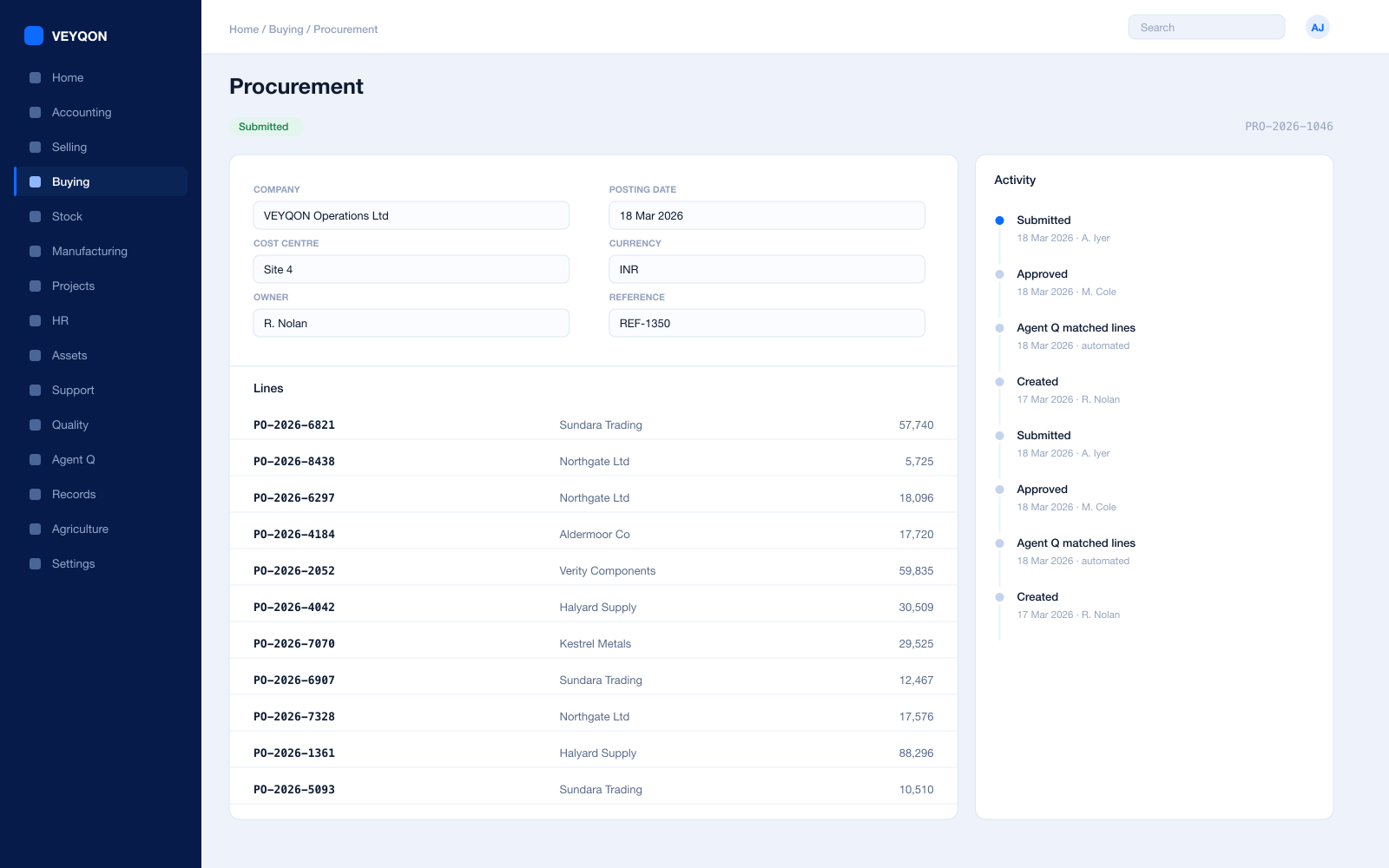
Material requests
Raised from a van reorder level, from a ticket, or by hand, with approval routing by value and cost centre.
Requests for quotation
Out to several suppliers at once, with a portal for them to respond on rather than a mailbox to chase.
Purchase orders
Against supplier price lists, with the contract reference carried through so the cost lands on the job.
Specialist subcontractors
Trades engaged on a purchase order, with their cost on the contract rather than in central overhead.
Receipts
Accepted and rejected quantity split, with material received to a van or a site store directly.
Three-way matching
Order, receipt, and invoice reconciled before anything is paid, with the variance visible rather than absorbed.
Supplier scorecards
Quality, delivery, and responsiveness scored from your own receipts, with standings that can block a supplier.
Accounts
Margin per contract, not margin per month.
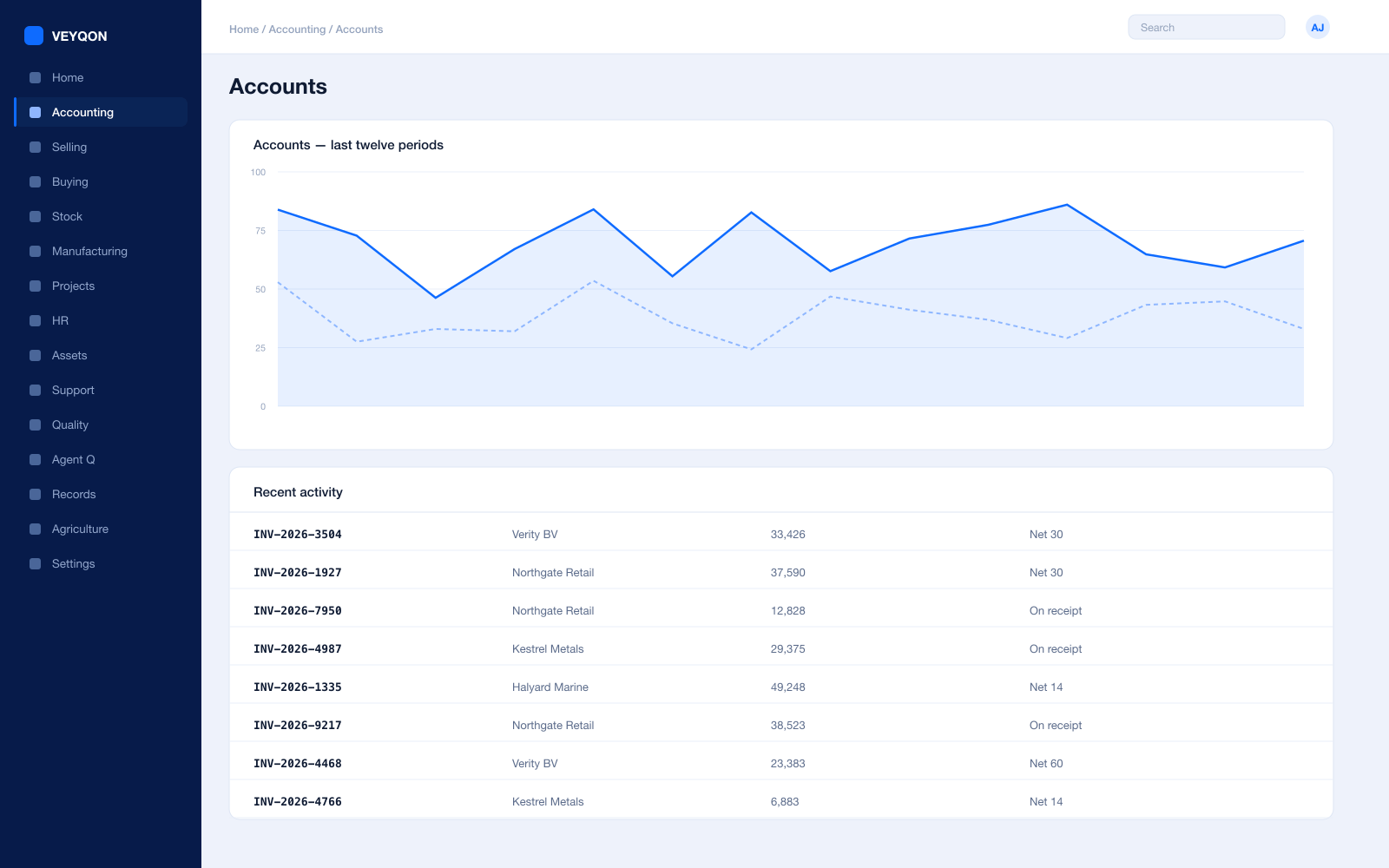
Cost centres and dimensions
By contract, site, or region, with allocation splitting a central cost across several by percentage.
Budgets
Against cost centres and projects, with the action on exceeding set to warn the person or stop the document.
Cost to serve
Labour, parts, travel, and subcontract against contract revenue, per site, from the same postings the field created.
Perpetual inventory
Every stock movement posts to the ledger as it happens, so van stock and accounts cannot drift apart.
Multi-currency
Cross-border contracts and suppliers, with revaluation posting to the ledger.
Period close
Accruals, reconciliation, and a period lock that stops anyone back-posting into a month you have reported.
Tax and audit trail
VAT, GST, and withholding with your region’s filing formats, and an immutable trail on every posting.
One pass through facilities management, end to end.
- 01
Contract
Scope, SLA, and what is included set once against the site.
- 02
Dispatch
Skills, certifications, and distance matched before anyone travels.
- 03
Flag
Work outside cover is priced at dispatch, not discovered at invoice.
- 04
Bill
Contract value plus variations, each traceable to a signed visit.
Running facilities management on VEYQON, in four steps.
It is a subscription, not a project.
- 1
Subscribe
Pay by card. Provisioned straight away.
Minutes - 2
Bring your data
Balances, items, customers, suppliers.
Day one - 3
Switch modules on
Warehouses, limits, and approvals.
Week one - 4
Go live
Run parallel, then cut over.
You choose
All 10 modules included. Nothing sold separately.