Admissions to alumni, and the fees in between.
Students, programmes, attendance, and assessment alongside the fee ledger, payroll, and procurement that a school actually runs on.
10 modules·82 features·Configured on the core
The modules behind education.
Not a list of module names. Each one below opens onto what is inside it and why a education business needs it — so you can check it against how your operation actually runs.
Split out of ERPNext into its own app. Frappe LMS (frappe/lms) covers online course delivery alongside it.
Agent Q
Agents that read your own records and act on them, scoped to how a education business runs.
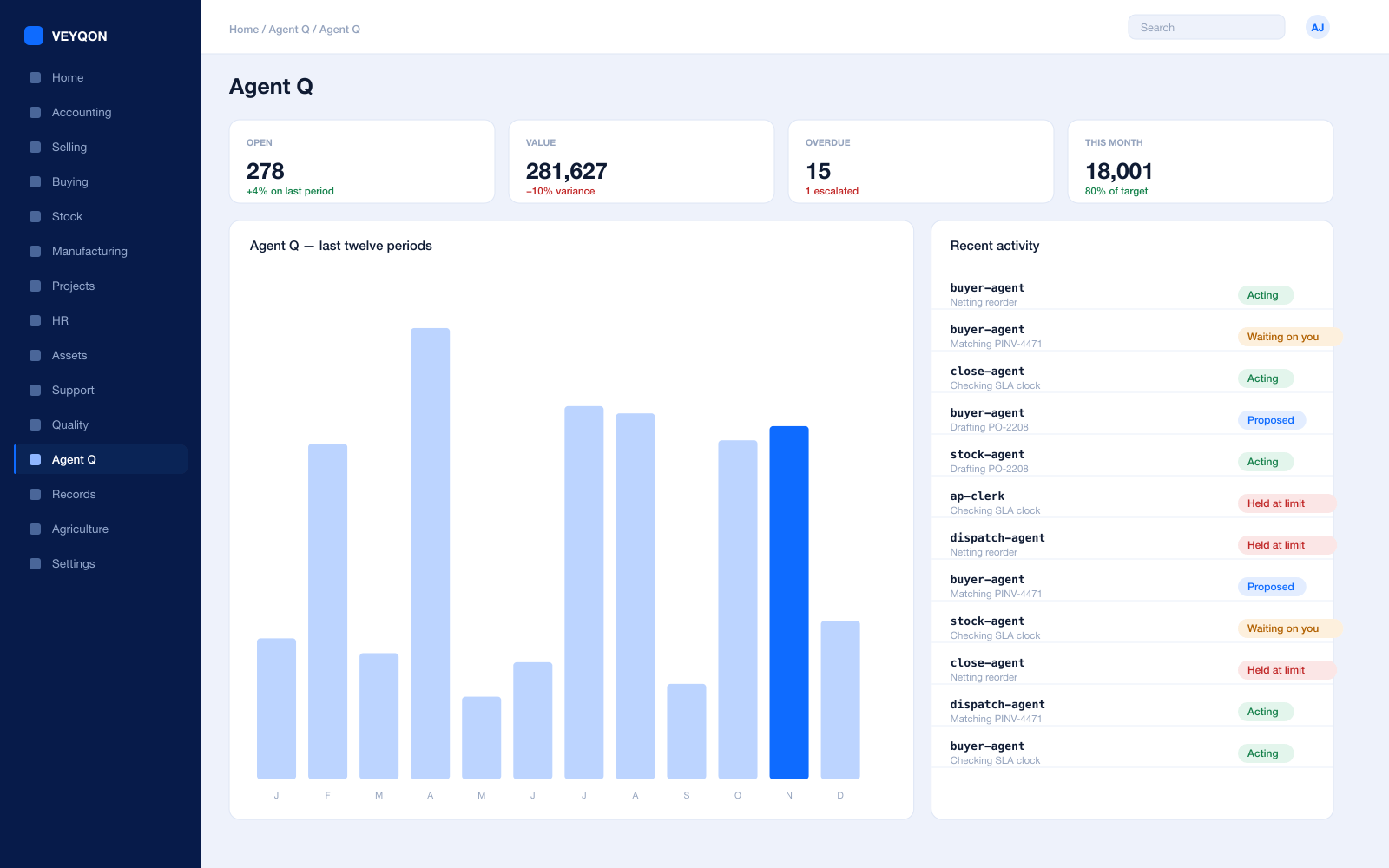
Grounded in live records
Every answer is drawn from your own ledger with your permissions applied, and names the documents it used. Nothing is answered from a snapshot or a summary.
A role, not a prompt
Each agent is scoped like a job — accounts payable, procurement, dispatch, period close — with the same limits you would put on the person doing it.
Explicit tool permissions
An agent holds a named list of the actions it may take. Matching an invoice does not imply paying one.
Value and action limits
A hard ceiling per agent, per period, and per document type, which it cannot cross however it is asked.
The queue
What every agent is working on, what is waiting on a person, and what has been held — in one place, with the reason on each item.
Triggers
An arriving document, a breached threshold, a date, or a state change on a record. Agents start on events, not on somebody remembering.
Human approval gates
Anything over a limit routes to a named person, with the reasoning attached, so approving takes seconds rather than an investigation.
Escalation paths
Who it hands to when it reaches a limit, how long it waits first, and what that person sees when it arrives.
Segregation of duties
An agent cannot approve what it raised. The rule that applies to your people applies to your agents.
Full reasoning log
Every step is written to the audit trail on the document it touched, so a decision can be read back months later.
Ask in plain language
The console answers operational questions from live records and offers the next action, rather than handing back a paragraph.
Spend control
Ceilings per agent and per period, so autonomy runs to a budget you set rather than an open account.
Admissions & Students
Applicant to alumnus on one record, without rekeying anything.
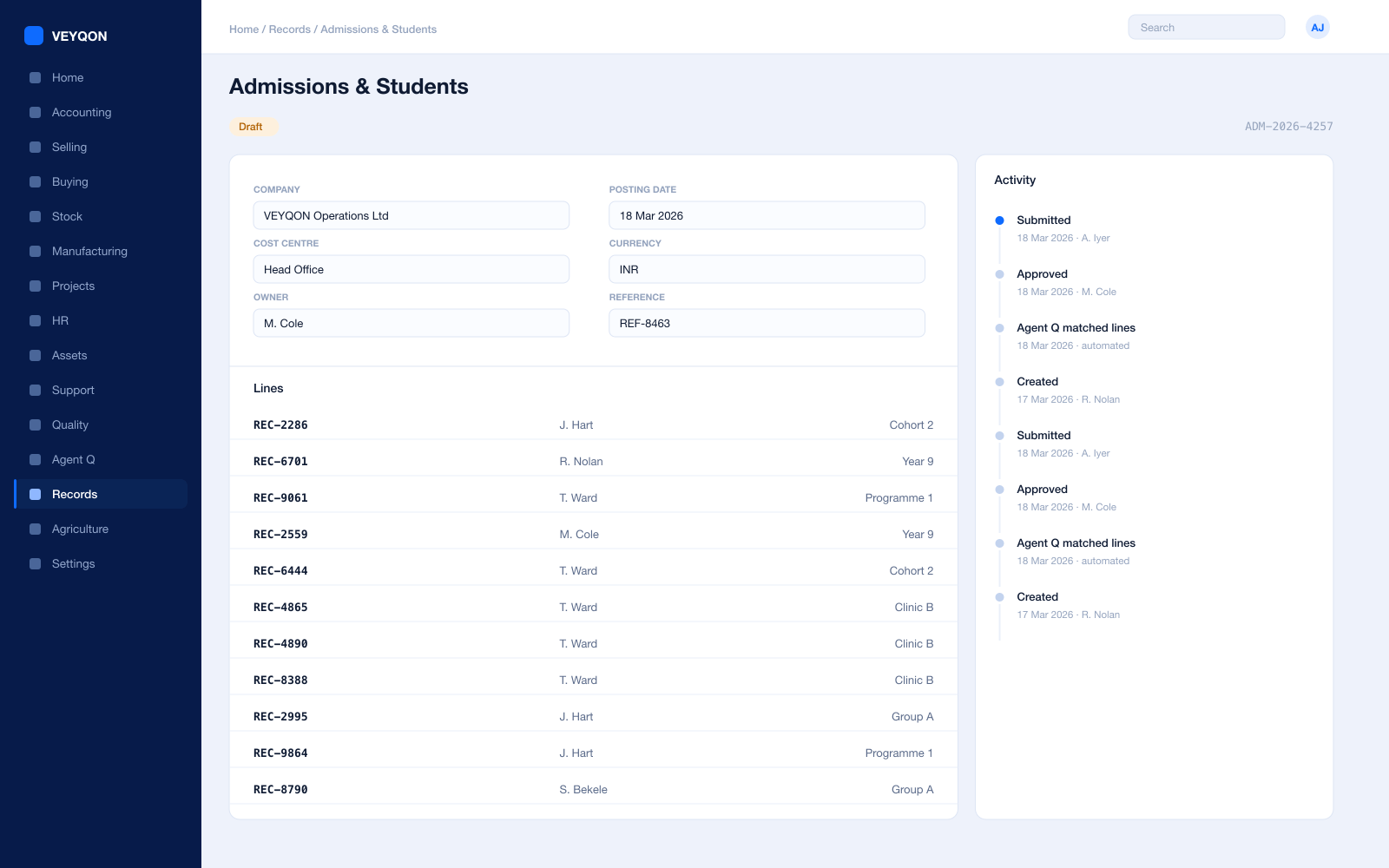
Student applicant
The application as a record, converting to a student on acceptance rather than being retyped into a second system.
Student record
One record carrying enrolment, attendance, assessment, and fees, reachable by every part of the institution.
Guardians
Parents and guardians linked to the student, with their own contact detail and their own portal access.
Admission periods
Intakes with their own dates and programmes, so an application belongs to a cycle rather than floating.
Student groups
Cohorts by programme, batch, or course, which timetabling, attendance, and assessment all key off.
Enrolment
Programme and course enrolment driving the timetable and the fee schedule from one action.
Documents on the record
Certificates, identification, and consent attached to the student rather than filed in a cabinet.
Access by role
Pastoral, academic, and financial detail visible to the roles that need each, enforced by the framework.
Alumni
The record persisting after leaving, so an alumni relationship starts from history rather than from a fresh spreadsheet.
Programmes & Courses
The curriculum structure everything else hangs off.
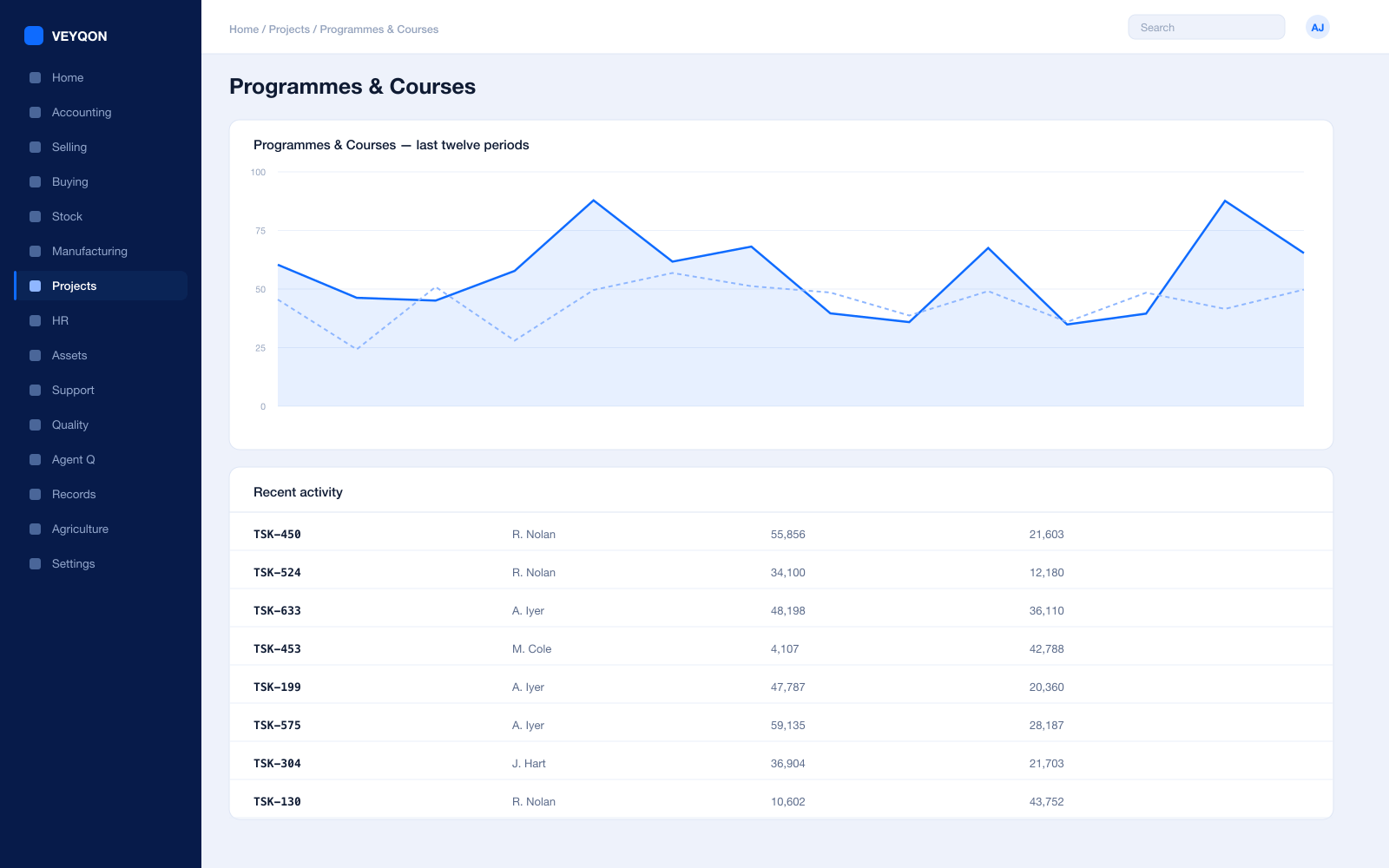
Programme
The qualification with the courses inside it, so enrolment is a single act rather than a course-by-course exercise.
Course
The unit of teaching with its own assessment, instructor, and place in the timetable.
Instructors
Teaching staff linked to the employee record that rosters and pays them, so load is visible in both places.
Course schedule
Timetabled sessions against a room and an instructor, which attendance is then recorded against.
Student groups
Cohorts assigned to courses, so a change of set is one change rather than thirty.
Instructor load
Teaching hours per instructor across programmes, visible before a timetable is published rather than after.
Academic year and term
Years and terms as records, so a schedule, a fee, and a result all belong to a defined period.
Online delivery
Course content and enrolment handled alongside the timetable, for the parts of the programme that are not in a room.
Attendance & Assessment
Captured where it happens, not typed up on Friday.
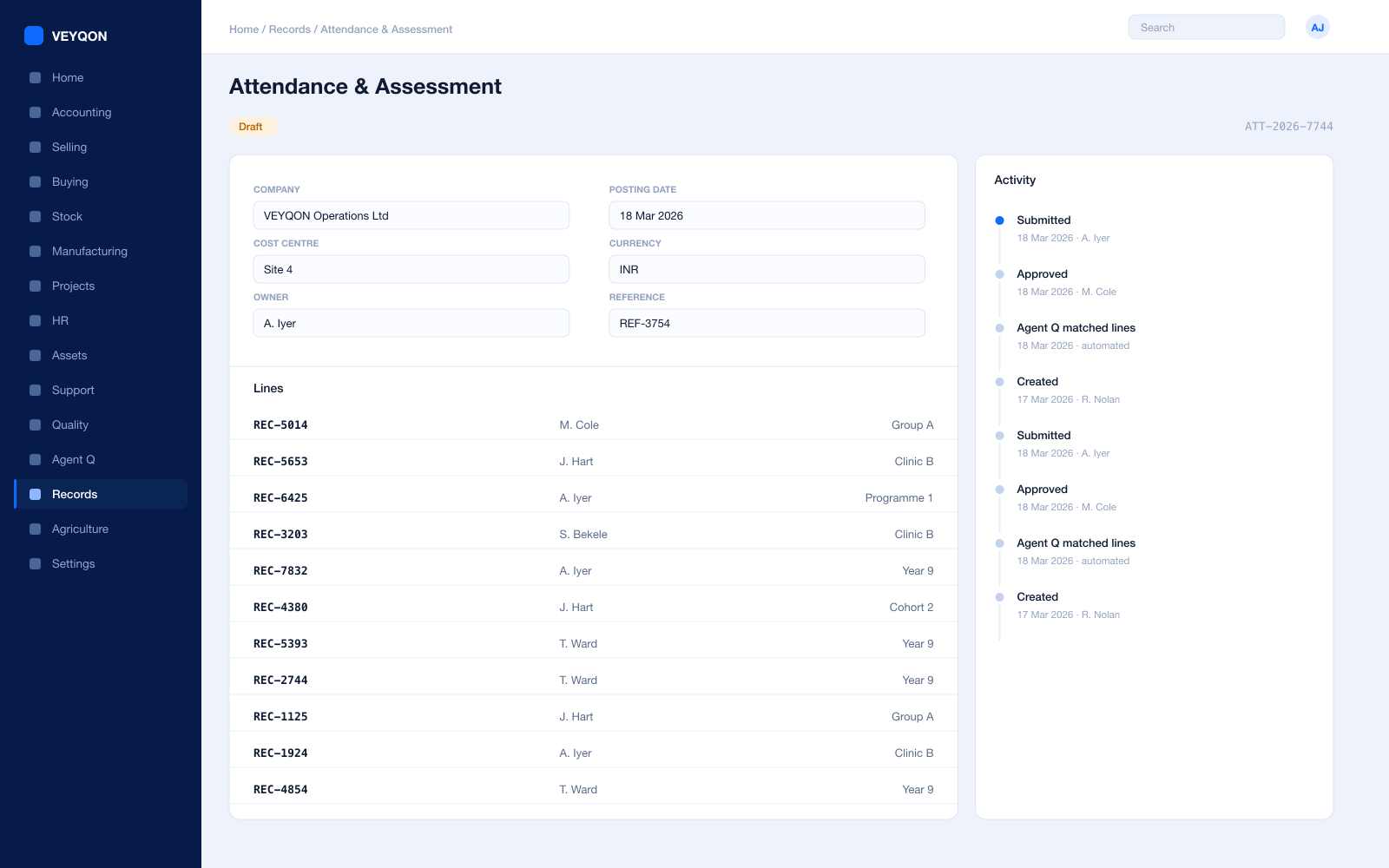
Attendance
Recorded per course or per day, on a phone in the room, rather than on a sheet that gets keyed in later.
Attendance reporting
Patterns by student, group, and course, so a problem is visible while there is still term left to act on it.
Assessment plan
What is being assessed, when, and against which criteria, agreed before the assessment rather than after.
Criteria and weighting
Each criterion with its maximum score and its weight, so a grade is calculated rather than judged twice.
Grading scales
The scale held as a record, so two markers on two courses apply the same thresholds.
Results
Marks recorded against the criteria and the student, forming the transcript rather than a spreadsheet somebody owns.
Published to the portal
Results released to the student and guardian portal when you choose, rather than posted on a noticeboard.
Resits and reassessment
A second attempt recorded as its own result, so the history shows what happened rather than only the final mark.
Fees & Billing
Fee structures that invoice themselves, and arrears you can see.
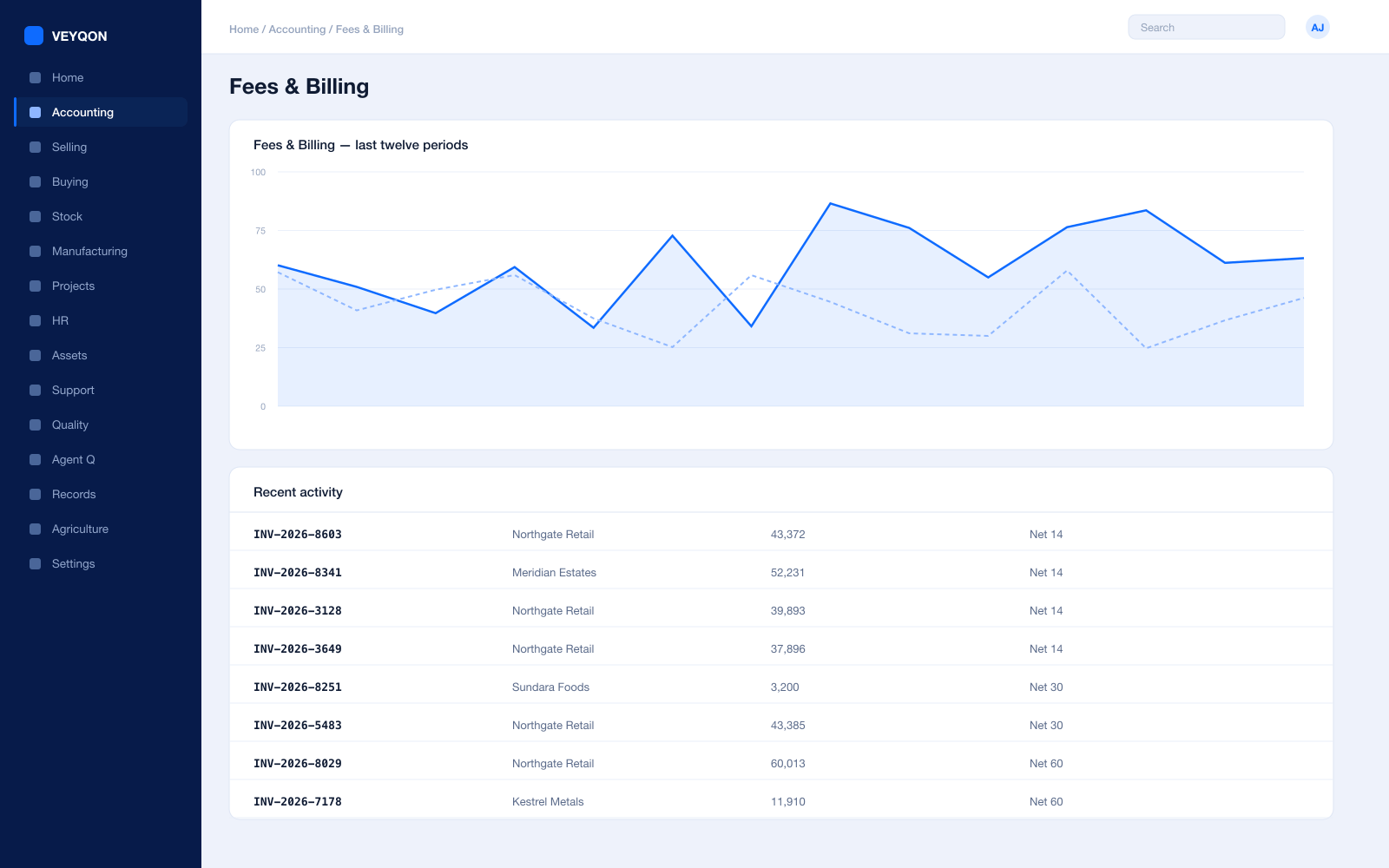
Fee structure
Components and amounts per programme and academic term, held once rather than rebuilt every September.
Fee schedule
When each component falls due, generating invoices on a schedule rather than in a batch somebody remembers to run.
Fee invoices
Raised against the student with the components itemised, so a guardian query is answered from the document.
Discounts and bursaries
Concessions applied by rule rather than by editing an invoice, so the reason survives longer than the person who granted it.
Arrears
Ageing by student, programme, and guardian, off the same ledger the finance office reports from.
Reminders and dunning
Staged reminders with a fee and interest where policy allows, generated rather than typed.
Payment on the portal
Guardians paying online against the invoice, with the payment landing as a payment entry rather than an email.
Access holds
Where policy requires it, outstanding fees can gate services, as a rule on the record rather than a decision at a desk.
One ledger
Fee income posting to the same accounts as everything else, so a bursar’s report and the statutory accounts agree.
Portals
Students and guardians answering their own questions.
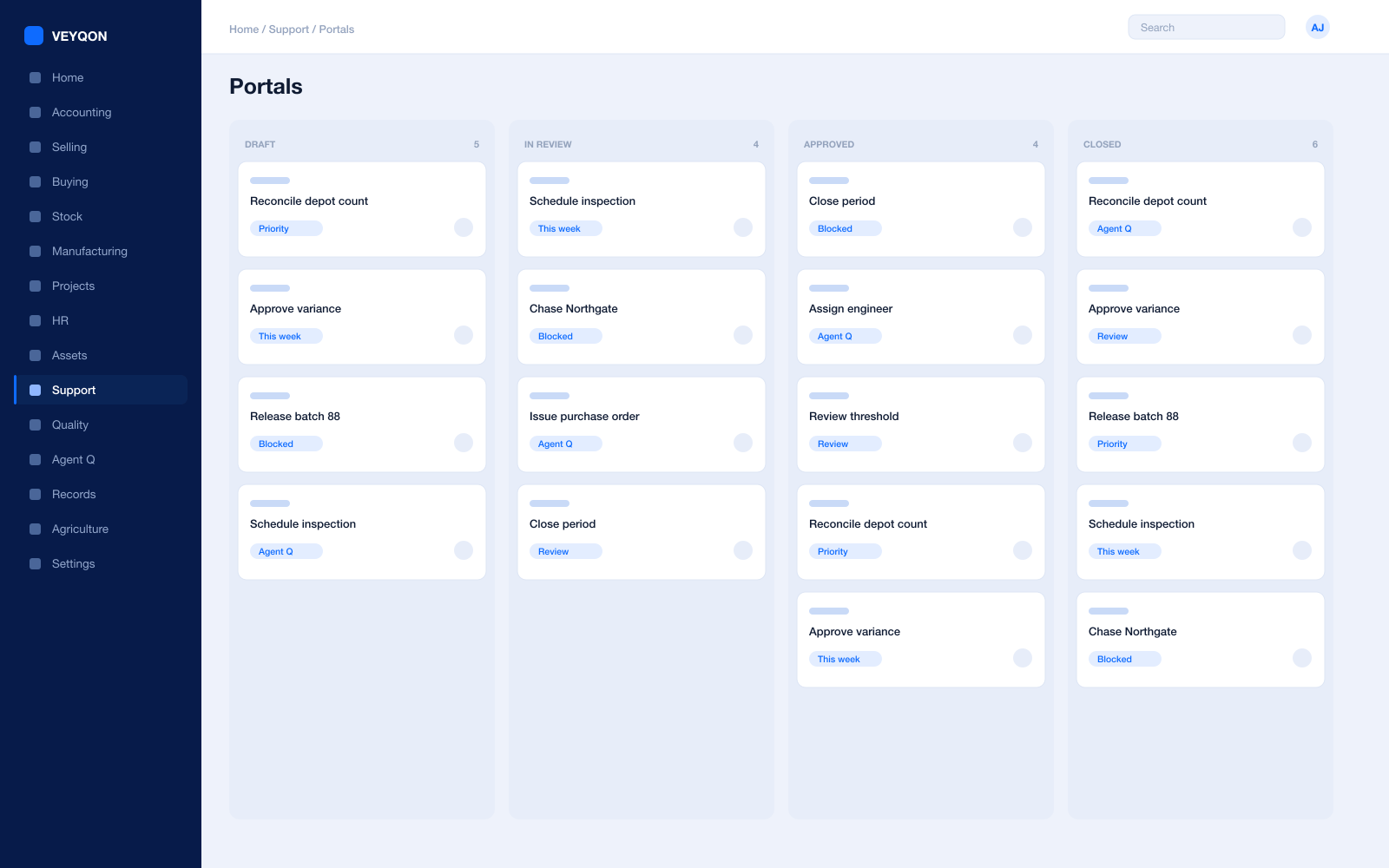
Student portal
Timetable, attendance, results, and fees in one place, so the office is not the only route to an answer.
Guardian access
Parents seeing their own children and nothing else, with the relationship held on the record.
Online payment
Fees paid through the portal, landing as a payment entry matched to the invoice it clears.
Timetable
The published schedule visible to the people who have to be in the room.
Requests and queries
Raised as issues against the student, tracked with a clock rather than lost in a shared inbox.
Scoped permissions
Portal access governed by the same role and permission model as everything internal, not a parallel one.
Documents and letters
Statements, results, and confirmations generated from the record and downloadable rather than posted.
Accounts
Fees, payroll, and procurement closing on one ledger.
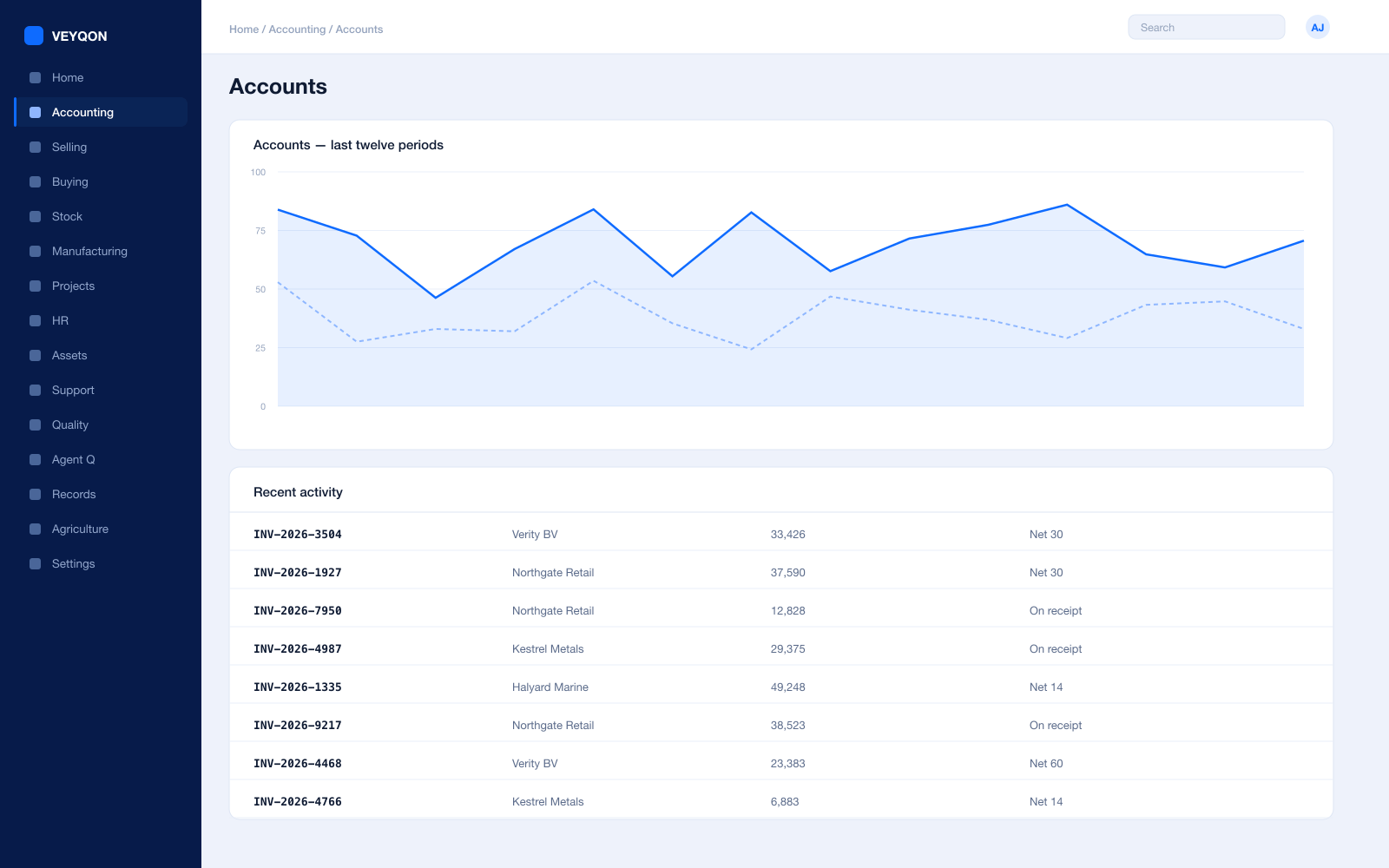
Cost centres and dimensions
Departments, faculties, and funds as cost centres, with allocation splitting a shared cost across several.
Budgets
Against cost centres and projects, checked at request, order, and actual, with the action set per stage.
Income against cost
Fee income read against staffing and operating cost per department, from the same postings.
Restricted funds
Grants and endowments as their own cost centres or dimensions, so restriction is enforced rather than remembered.
Period close
Accruals, reconciliation, and a period lock that stops anyone back-posting into a term you have reported.
Statutory tax and reporting
VAT, GST, and the returns your regulator expects, with the filing formats for your region.
Immutable audit trail
Every posting carries who, when, and from which document — which is what an external audit asks for.
Receivables
Fee arrears and other debtors in one ageing, rather than a fees system and a finance system that disagree.
HR & Payroll
Teaching and support staff on the same ledger as the fees.
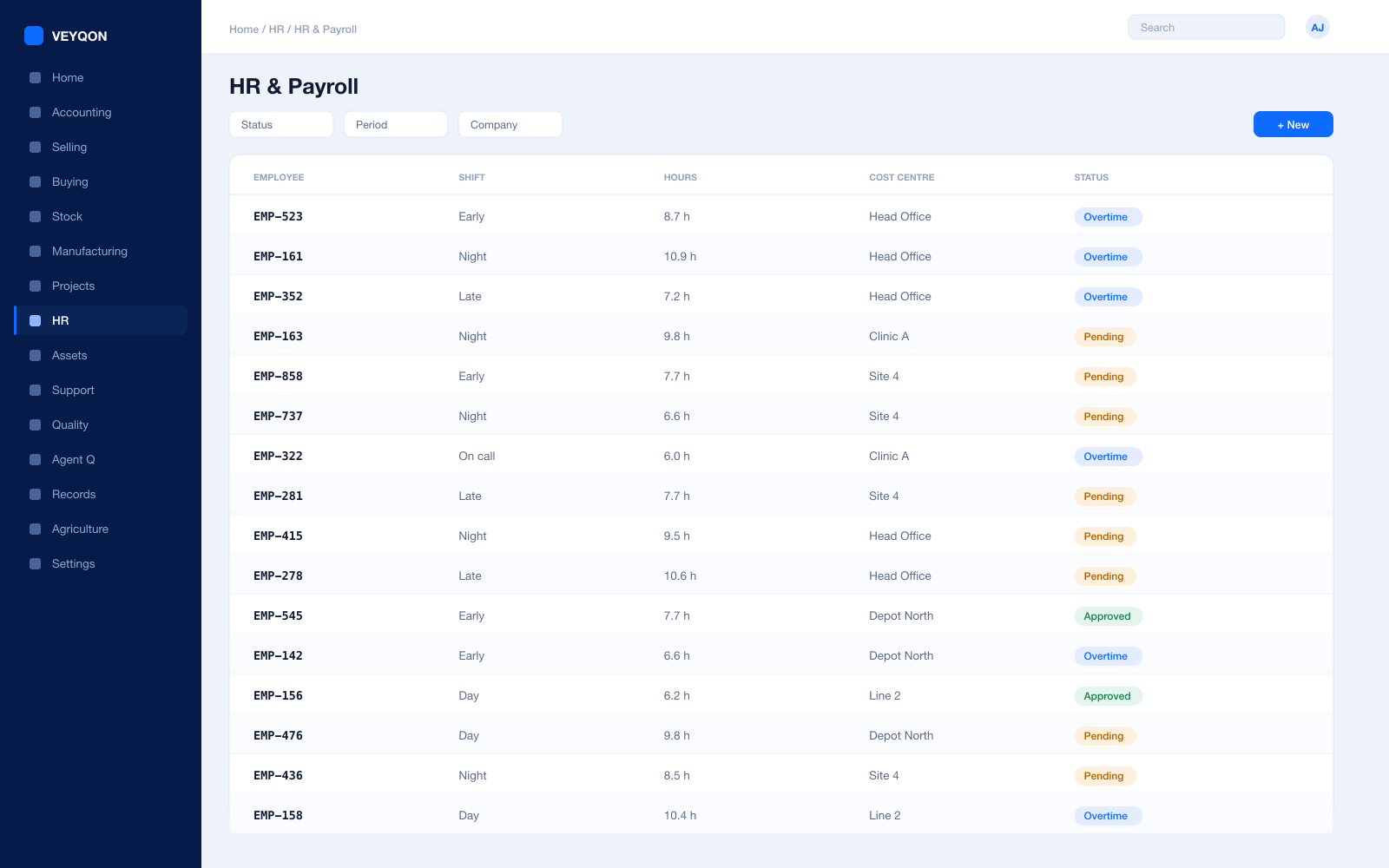
Employees
Teaching and support staff on one record, linked to the instructor record that timetables them.
Contracts and load
Working patterns and teaching load reflected in capacity rather than averaged across a department.
Leave and holiday lists
The academic calendar that timetabling and cover planning are actually built against.
Cover
Absence and cover visible before the day, so a class is not discovered uncovered at nine o’clock.
Checks and certification
Safeguarding checks and qualifications with expiry dates that surface before they lapse.
Expenses
Claims against a departmental cost centre, approved and posted rather than reimbursed from petty cash.
Payroll
Salary structures and runs with statutory deductions, posted into the same ledger as fee income.
Appraisals and goals
Objectives and reviews held against the employee rather than in a folder on a shared drive.
Procurement & Stock
Books, equipment, and catering, bought against a budget.
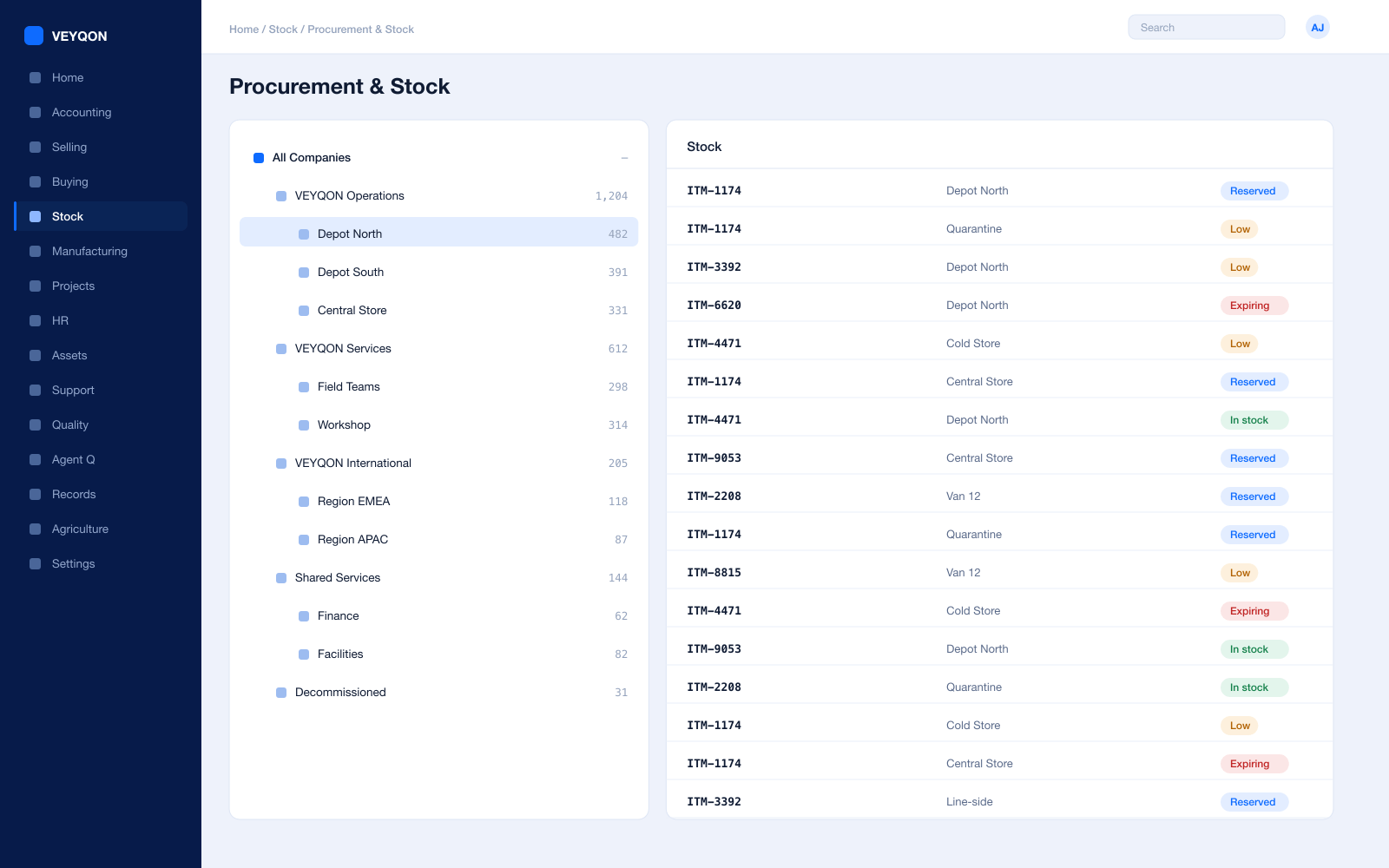
Material requests
Raised by a department or a reorder level, with approval routing by value and cost centre.
Checked against budget
Budget tested at request and again at order, so a department cannot commit what it has not been allocated.
Purchase orders
Against supplier price lists, with a delivery schedule per line and the department carried through.
Stores
Stationery, equipment, and catering stock in warehouses per site, with reorder levels per store.
Three-way matching
Order, receipt, and invoice reconciled before anything is paid, with the variance visible.
Supplier scorecards
Quality, delivery, and responsiveness scored from your own receipts over rolling periods.
Valuation
Perpetual inventory posting to the general ledger on every movement, so stores and accounts agree.
Assets & Estates
Buildings, IT, and equipment with obligations attached.
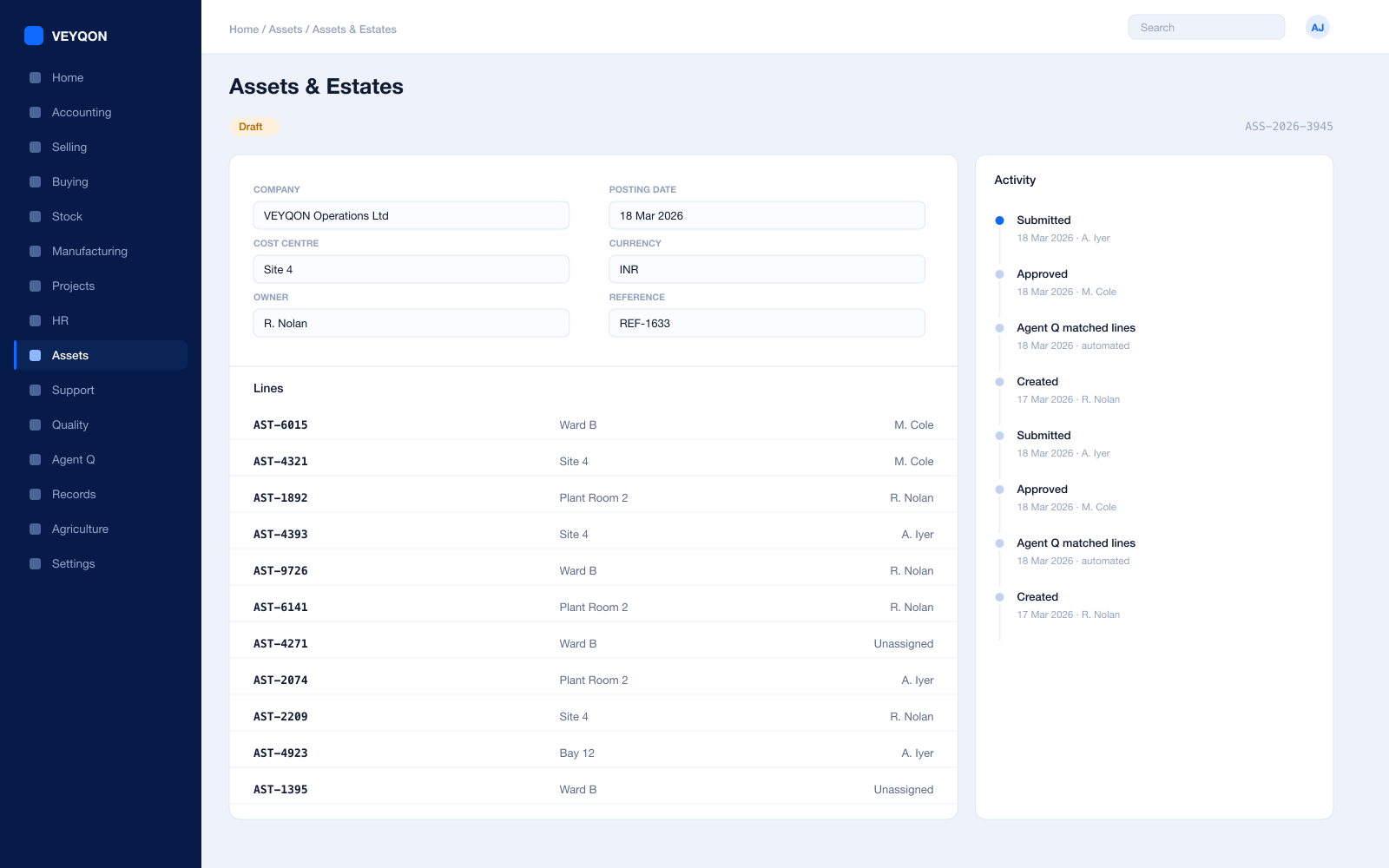
Asset register
Buildings, IT, and equipment with categories, locations, and custodians in one register.
Depreciation per finance book
A different method, useful life, and residual value for the statutory book and the management book.
Maintenance and inspection
Statutory and planned work scheduled with a periodicity, generating a log for each occurrence.
Logs and certificates
What was done and by whom, with the certificate on the record rather than in the estates office.
Repair and downtime
A failure record with the date, the cost, and parts consumed from stock onto the repair.
Movement and disposal
Transfers between departments and sites, and disposal with the gain or loss posted.
One pass through education, end to end.
- 01
Admit
Applicants convert to students without rekeying anything.
- 02
Enrol
Programme and course enrolment drives timetable and fee schedule.
- 03
Teach
Attendance and assessment captured where they happen.
- 04
Account
Fees, payroll, and procurement close on one ledger.
Running education on VEYQON, in four steps.
It is a subscription, not a project.
- 1
Subscribe
Pay by card. Provisioned straight away.
Minutes - 2
Bring your data
Balances, items, customers, suppliers.
Day one - 3
Switch modules on
Warehouses, limits, and approvals.
Week one - 4
Go live
Run parallel, then cut over.
You choose
All 10 modules included. Nothing sold separately.