Budgets that bind, procurement that is provable.
Budget control that stops overspend at commitment rather than at year-end, and a procurement trail that survives public audit.
10 modules·83 features·Configured on the core
The modules behind government & public sector.
Not a list of module names. Each one below opens onto what is inside it and why a government & public sector business needs it — so you can check it against how your operation actually runs.
Agent Q
Agents that read your own records and act on them, scoped to how a government & public sector business runs.
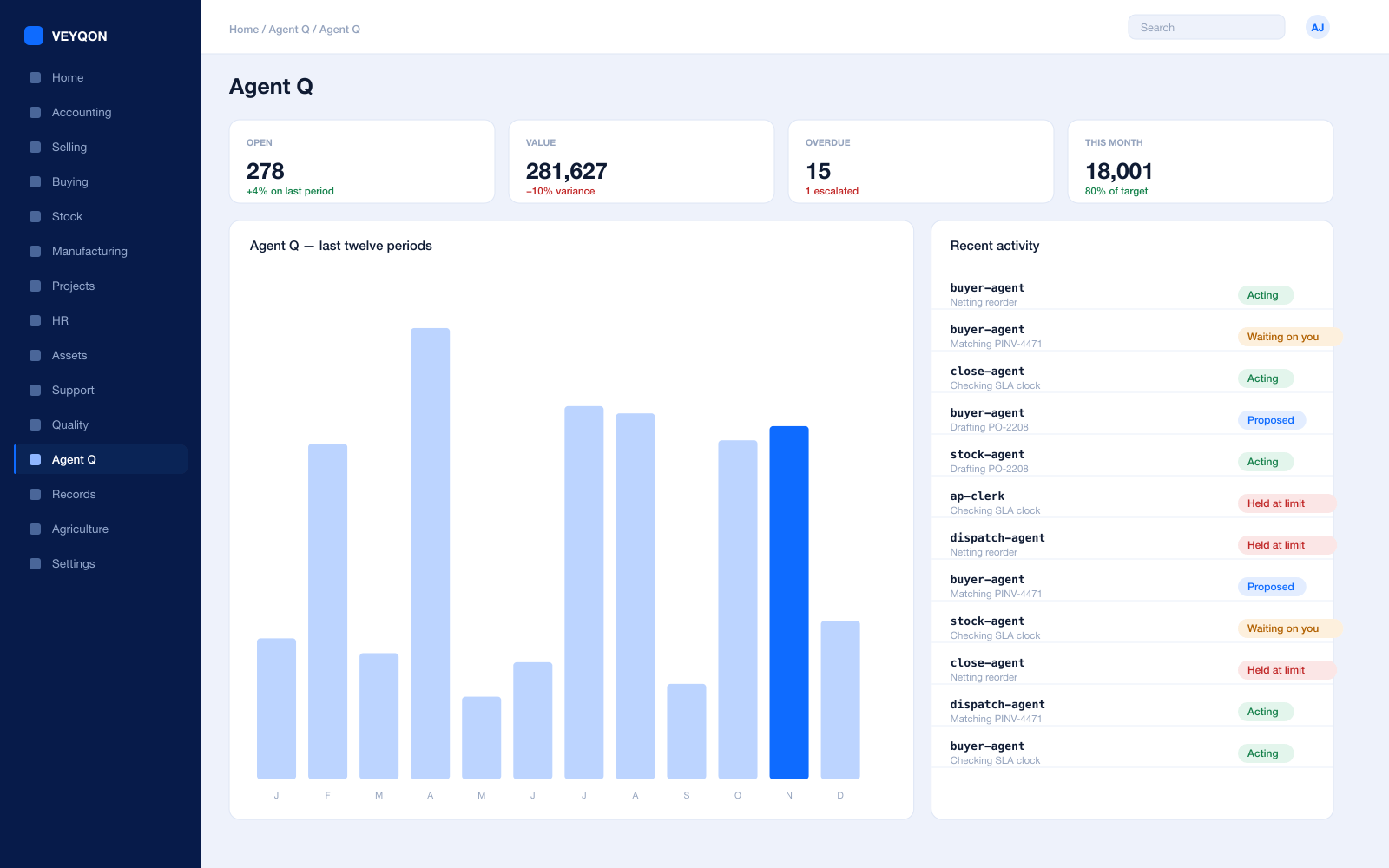
Grounded in live records
Every answer is drawn from your own ledger with your permissions applied, and names the documents it used. Nothing is answered from a snapshot or a summary.
A role, not a prompt
Each agent is scoped like a job — accounts payable, procurement, dispatch, period close — with the same limits you would put on the person doing it.
Explicit tool permissions
An agent holds a named list of the actions it may take. Matching an invoice does not imply paying one.
Value and action limits
A hard ceiling per agent, per period, and per document type, which it cannot cross however it is asked.
The queue
What every agent is working on, what is waiting on a person, and what has been held — in one place, with the reason on each item.
Triggers
An arriving document, a breached threshold, a date, or a state change on a record. Agents start on events, not on somebody remembering.
Human approval gates
Anything over a limit routes to a named person, with the reasoning attached, so approving takes seconds rather than an investigation.
Escalation paths
Who it hands to when it reaches a limit, how long it waits first, and what that person sees when it arrives.
Segregation of duties
An agent cannot approve what it raised. The rule that applies to your people applies to your agents.
Full reasoning log
Every step is written to the audit trail on the document it touched, so a decision can be read back months later.
Ask in plain language
The console answers operational questions from live records and offers the next action, rather than handing back a paragraph.
Spend control
Ceilings per agent and per period, so autonomy runs to a budget you set rather than an open account.
Budget Control
Overspend stopped at commitment, not discovered at year end.
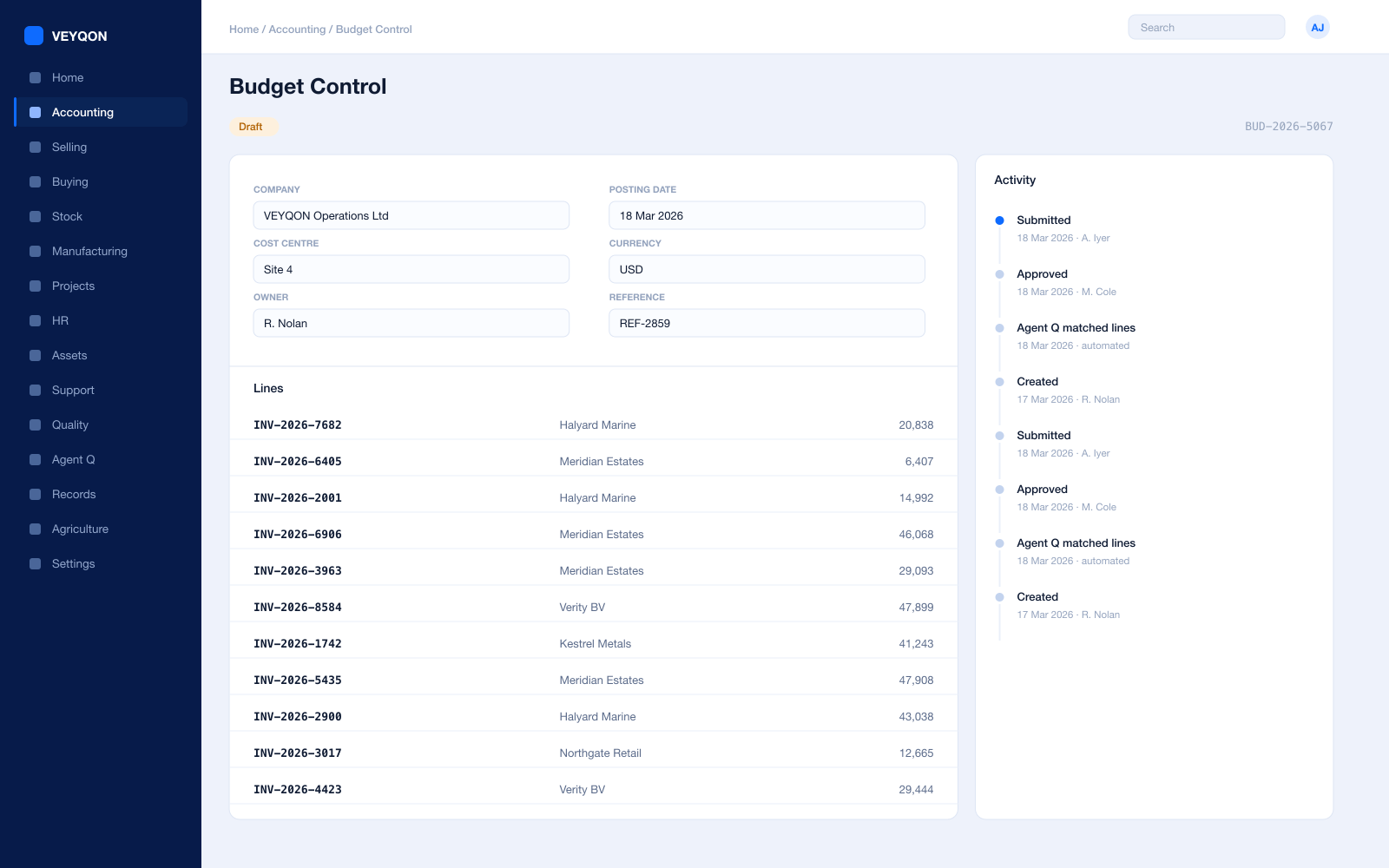
Budget against a vote
Set against a cost centre, a project, or an accounting dimension, on the specific accounts you intend to control.
Fiscal year and distribution
A from and to fiscal year, with the amount distributed monthly, quarterly, half-yearly, or yearly — equally or shaped by hand.
Stop, warn, or ignore
Three control actions. Stop blocks the submission outright; warn lets it through and tells somebody; ignore does neither.
Four checking stages
Material request, purchase order, actual expense, and cumulative expense — each configured separately.
Annual and periodic limits
An annual ceiling and a period ceiling checked independently, so a year cannot be consumed in a quarter.
Allocation
One shared cost split across several cost centres by percentage, recorded rather than apportioned offline.
Accounting dimensions
A second axis alongside cost centre, so spend reads by programme as well as by department.
Available balance
Committed and actual against allocation, so the remaining figure is live rather than monthly.
The action is declared
Whether a breach stops or warns is on the record, so the control is a published rule rather than a discretion.
Tendering & Procurement
A procurement trail that survives public audit.
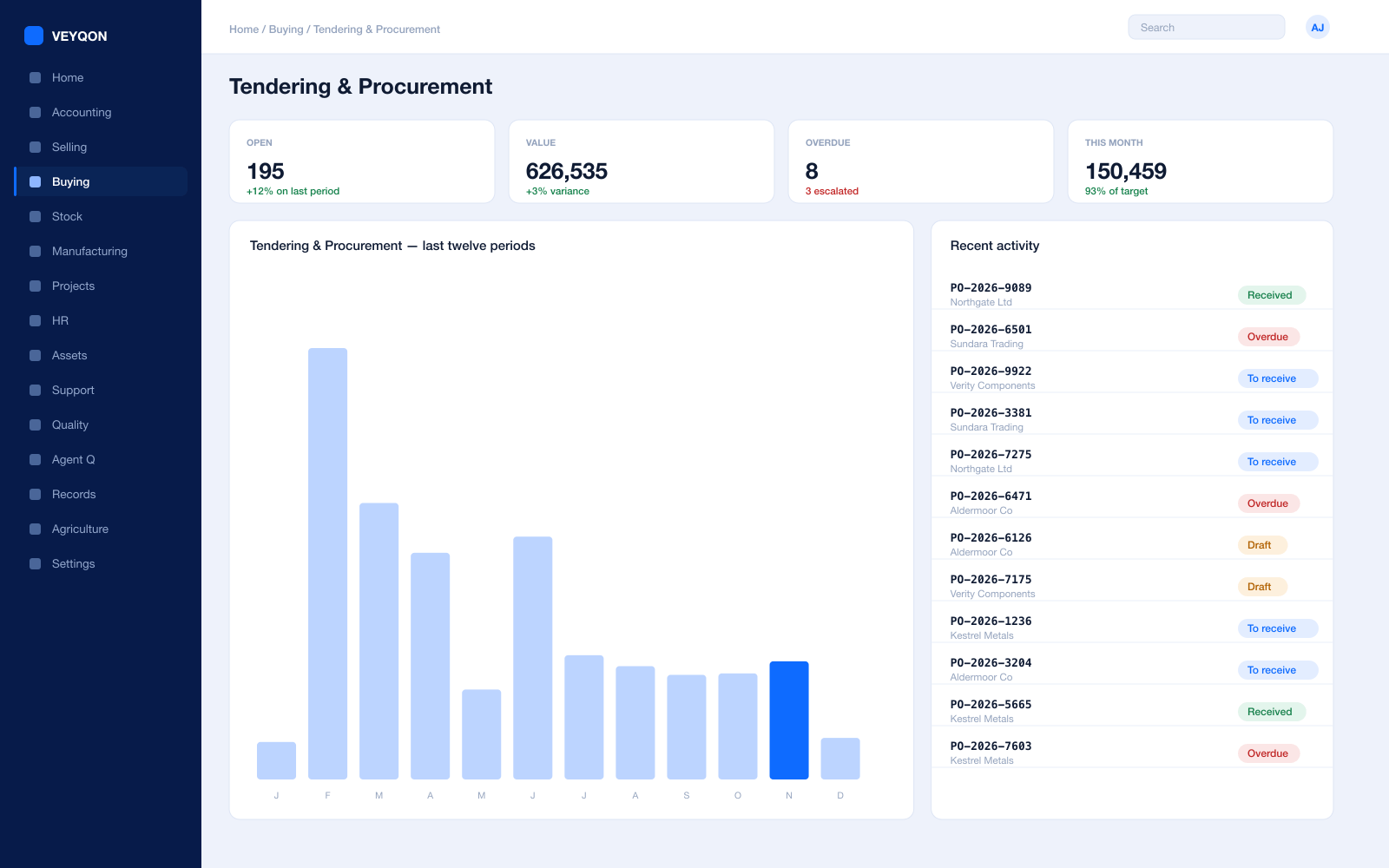
Material requests
The requirement as a record with approval routing by value, cost centre, and department, before anything goes to market.
Requests for quotation
Issued to several suppliers at once, with a portal for them to respond on rather than a mailbox somebody controls.
Supplier quotations
Bids captured and comparable side by side on price, lead time, and terms rather than in a spreadsheet built afterwards.
The award decision
The scoring and the chosen bid retained against the tender, which is the artefact an auditor actually asks to see.
Purchase orders
Against supplier price lists, with a schedule per line and the budget line it commits carried on it.
Framework agreements
A blanket order as an agreed quantity and price over a period, drawn down by call-off orders.
Supplier scorecards
Quality, delivery, and responsiveness scored from your own receipts, with standings that can block a supplier from an RFQ.
Three-way matching
Order, receipt, and invoice reconciled before payment, with the variance visible rather than absorbed.
Segregation of duties
The person who raises cannot be the person who approves, enforced by permissions rather than by policy alone.
Commitments
Money spoken for is money gone.
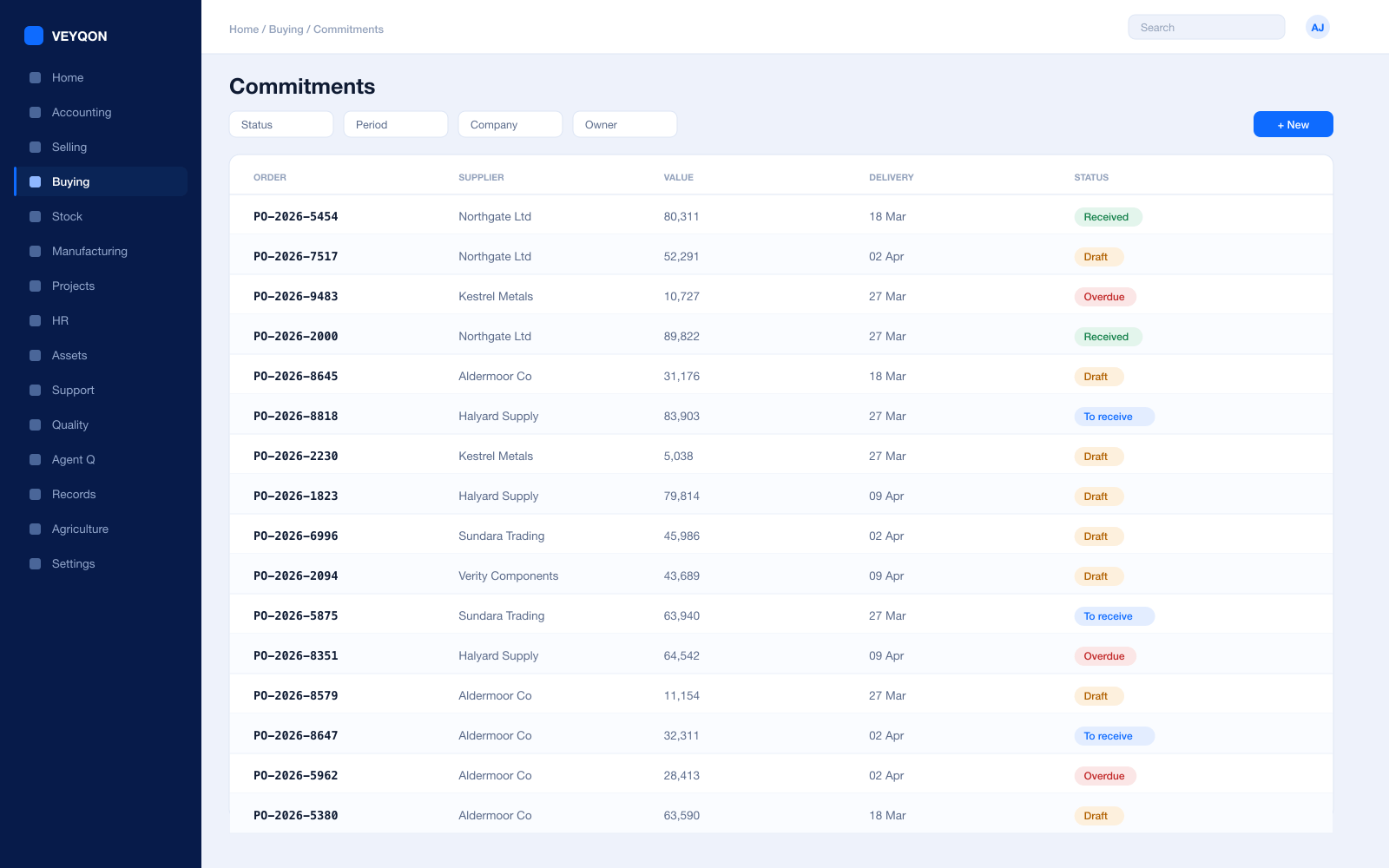
Commitment at order
The purchase order reducing the remaining budget the moment it is raised, not when the invoice arrives weeks later.
Commitment at request
Tested earlier still on the material request, so a requirement that cannot be funded is stopped before it goes to market.
Committed against actual
What is spoken for and what has been spent, on the same line, so the remaining figure is honest.
Cumulative control
Accumulated expense over the configured period checked as a running total rather than only at the annual level.
Carry forward
Multi-year budgets set from one fiscal year to another, so a scheme that spans years is controlled across them.
Accruals
Goods received and not invoiced recognised in the period, so year-end is not a reconstruction.
Nothing bypasses it
The control lives on the document, so it applies to every route into spend rather than only the tidy one.
Assets & Estates
Public assets with a custodian and a disposal history.
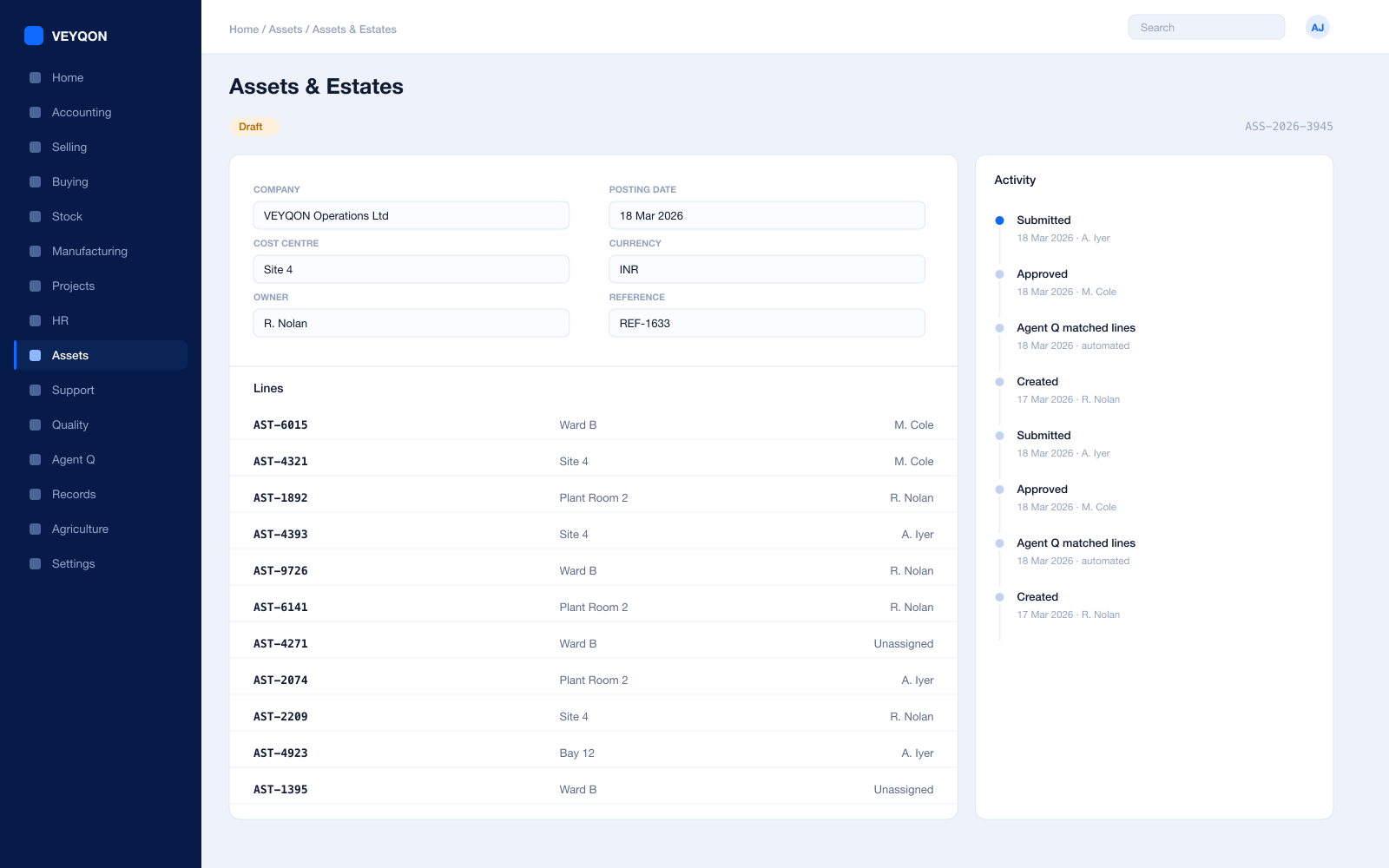
Asset register
Public assets with categories, locations, and custodians, so the register is a control rather than a spreadsheet.
Custodians
The person answerable for the asset, held on the asset, so accountability has a name against it.
Location hierarchy
Sites, buildings, and rooms, so an asset verification exercise is a walk with a list rather than a search.
Depreciation per finance book
A different method, useful life, and residual value for the statutory book and the management book.
Capital work in progress
Scheme spend accumulating against the asset and capitalised when it enters service, not before.
Maintenance and inspection
Statutory obligations scheduled with a periodicity, generating a log and a certificate for each occurrence.
Movement
Transfers between departments and custodians, with a full history rather than a recollection.
Disposal
Sale or scrapping with the gain or loss posted, the authority recorded, and the asset closed properly.
Projects & Programmes
Schemes costed against the allocation that funded them.
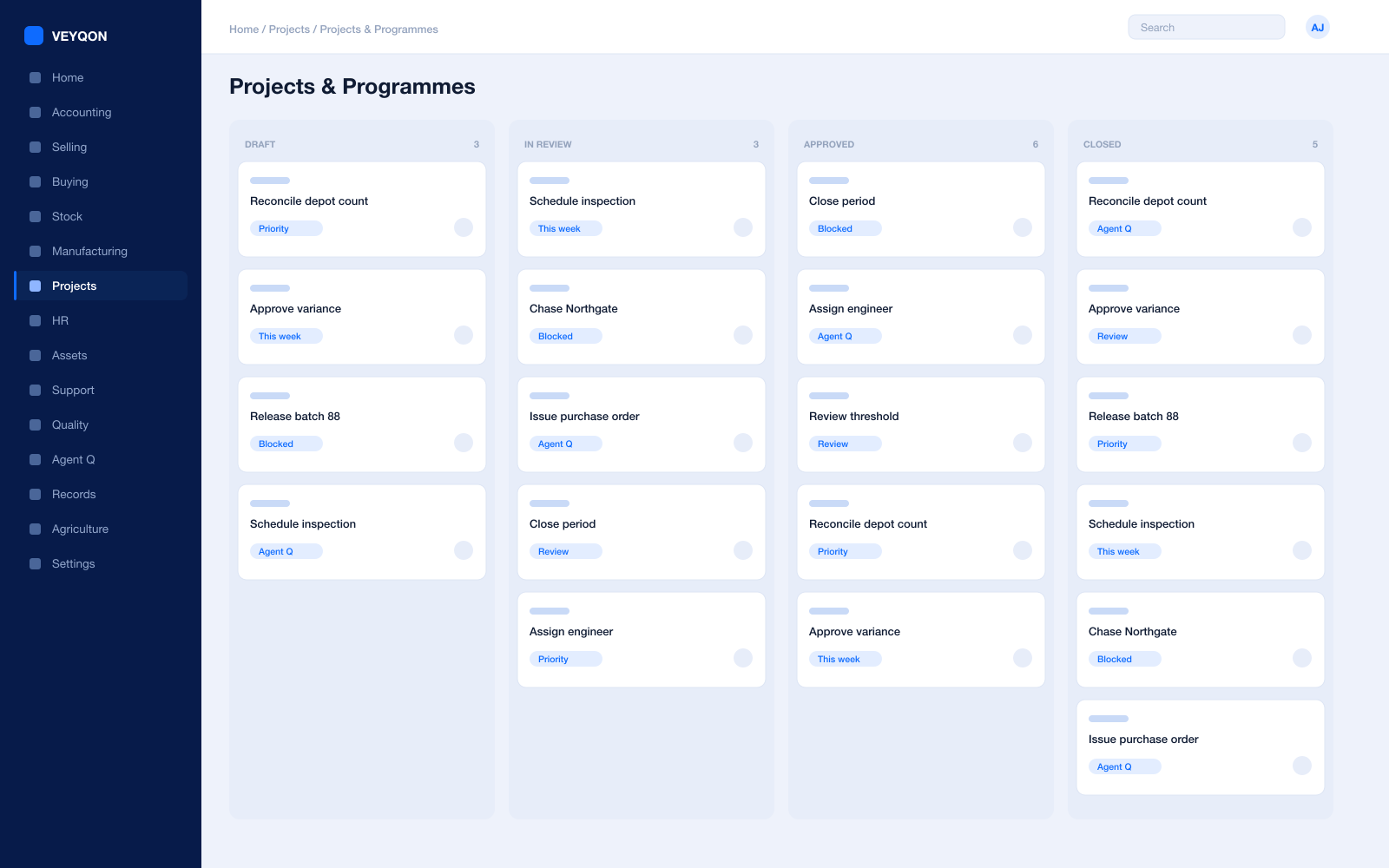
Project per scheme
The programme as a project with tasks and a schedule, so delivery is planned rather than described in a report.
Budget per project
An allocation held against the project, with orders reducing it as they are raised.
Tasks and dependencies
What has to happen before what, so a slipped stage shows as a slipped scheme with a date.
Timesheets
Officer time booked to the scheme at a costing rate, so staff cost is in the programme rather than in overhead.
Material to the scheme
Goods issued to the project rather than to a general store, so the scheme carries what it consumed.
Cost to complete
Actual and committed against allocation, so the remaining exposure is visible during the year.
Capitalisation
Spend accumulating as work in progress and capitalised into the asset it creates.
Project on every document
The reference carried on orders, timesheets, and invoices, which is what makes the cost figure defensible.
Accounts & Audit
Every pound tracing to the vote, the tender, and the receipt.
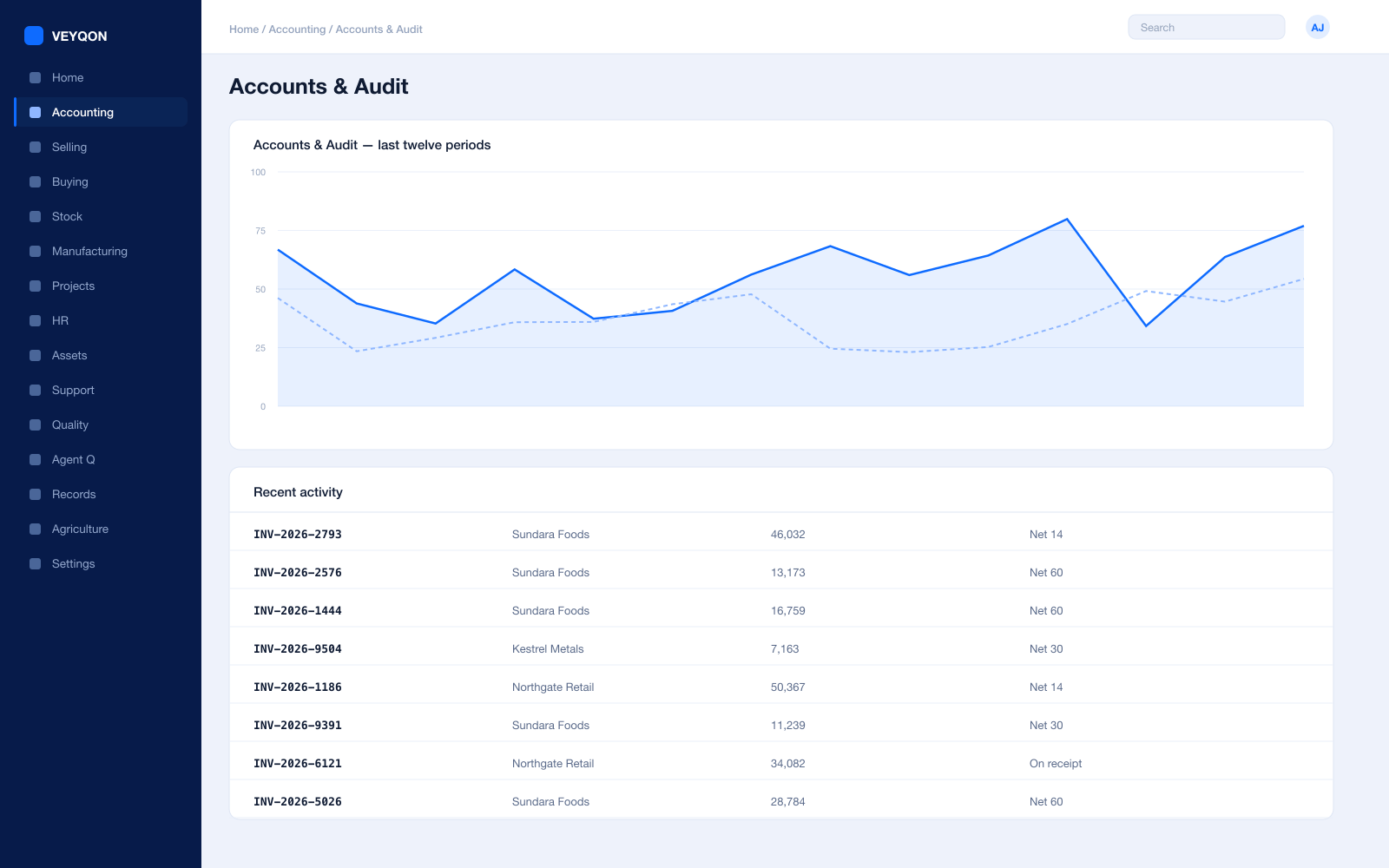
Cost centres and dimensions
Departments, programmes, and funds as cost centres and dimensions, so reporting reconciles to the vote.
Budgets
Per cost centre and account, enforced at request, order, and actual, with the action declared per stage.
Payables and payment runs
Scheduled against supplier terms, with the three-way match behind every line on the run.
Spend analysis
By department, supplier, and category, from the same postings the procurement trail produced.
Multi-entity
Arms-length bodies and joint arrangements kept separate, with intercompany transfers between them.
Period close
Accruals, reconciliation, and a period lock that stops anyone back-posting into a year already reported.
Statutory returns
Tax and the returns your framework requires, from the same postings that produced the management accounts.
Immutable audit trail
Every posting carries who, when, and from which document. Nothing is edited away, which is the entire point.
Disclosure and export
Anything you can see can be exported, which is what a freedom-of-information request or a public accounts committee needs.
Quality & Compliance
Procedures that are followed, and observations that get closed.
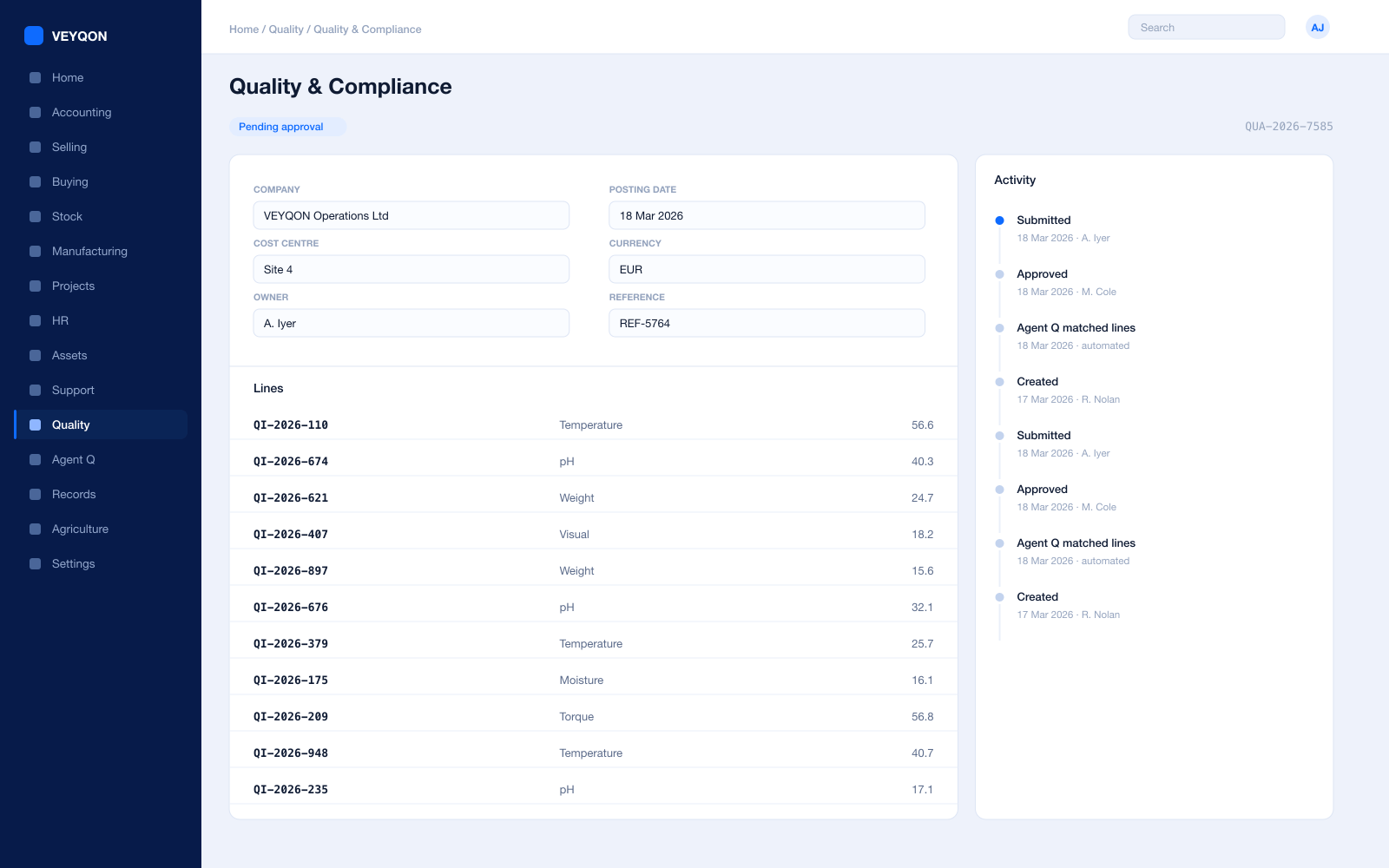
Quality procedures
Documented processes with owners and steps — the thing a non conformance is filed against when they are not followed.
Non conformance
An observation that a procedure was not followed, which anyone in the organisation can file rather than only an inspector.
Corrective and preventive action
Recorded against the non conformance with a status through to close, so the fix has an owner and a date.
Periodic review
Reviews as records with dates and outcomes, rather than a meeting somebody may or may not have minuted.
Inspection templates
Reusable parameters and acceptance criteria, so the same check means the same thing across departments.
Blocking submission
Where an item requires inspection, the receipt does not post until the inspection is submitted.
Compliance reporting
Open observations, overdue actions, and closure rates, from the same records rather than a separate register.
HR & Payroll
Establishment control, and pay that reconciles to the budget.
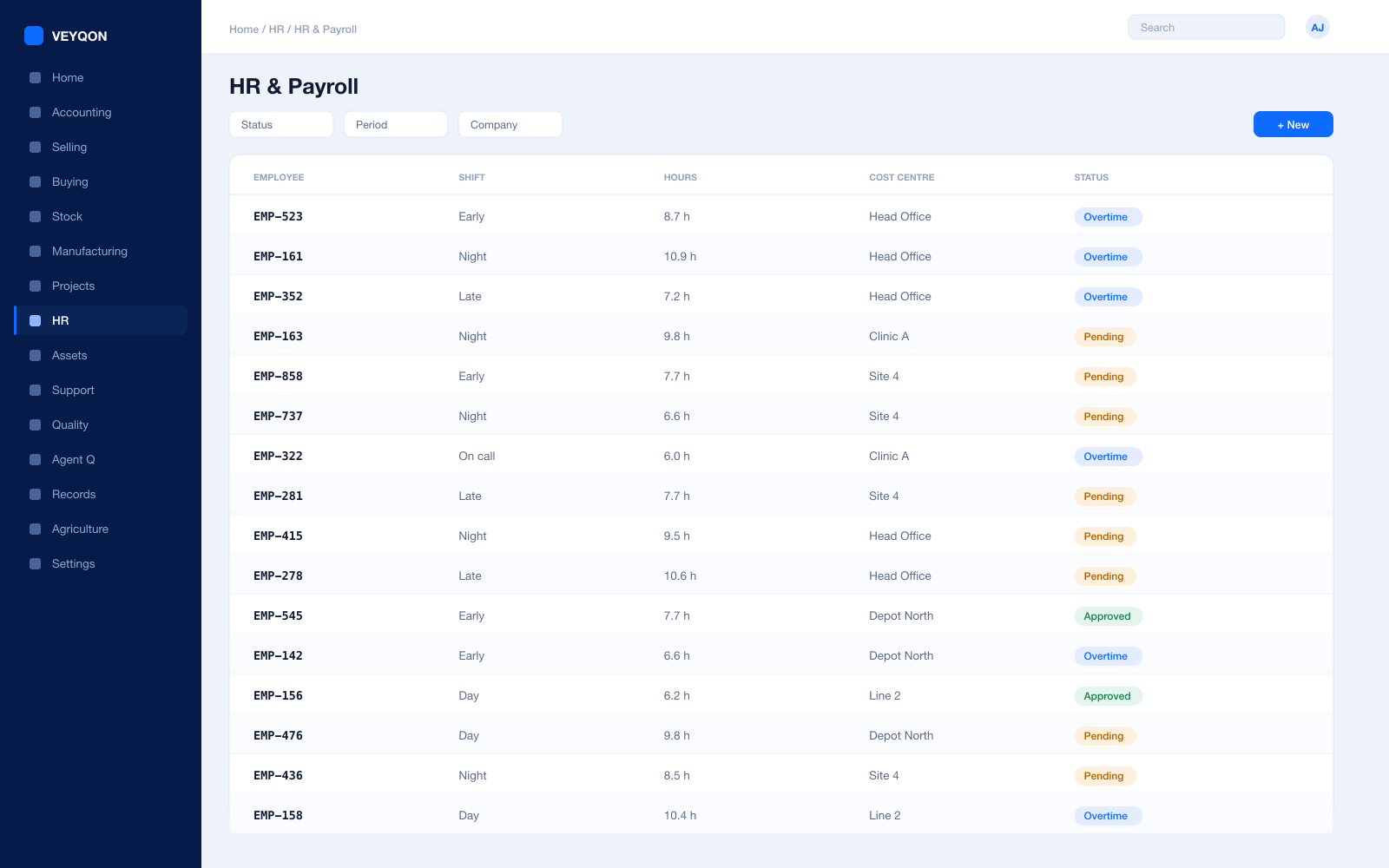
Employees and posts
Staff on one record, with the roles and permissions they hold alongside the post they occupy.
Salary across cost centres
One post apportioned across departments or programmes by percentage, which is how shared posts actually work.
Establishment against budget
Pay cost read against the staffing allocation, so an overspend is visible during the year rather than at outturn.
Shifts and cover
Rotas for services that run outside office hours, planned rather than arranged by phone.
Checks and certification
Vetting, training, and qualifications with expiry dates that surface before they lapse.
Leave and holiday lists
The working calendar that service planning and delivery scheduling are built against.
Expenses
Claims against a departmental cost centre, approved and posted, and disclosable when asked for.
Payroll
Salary structures and runs with statutory deductions, posted into the same ledger as everything else.
Transparency & Integrations
Publishing what you spend, without a separate exercise.
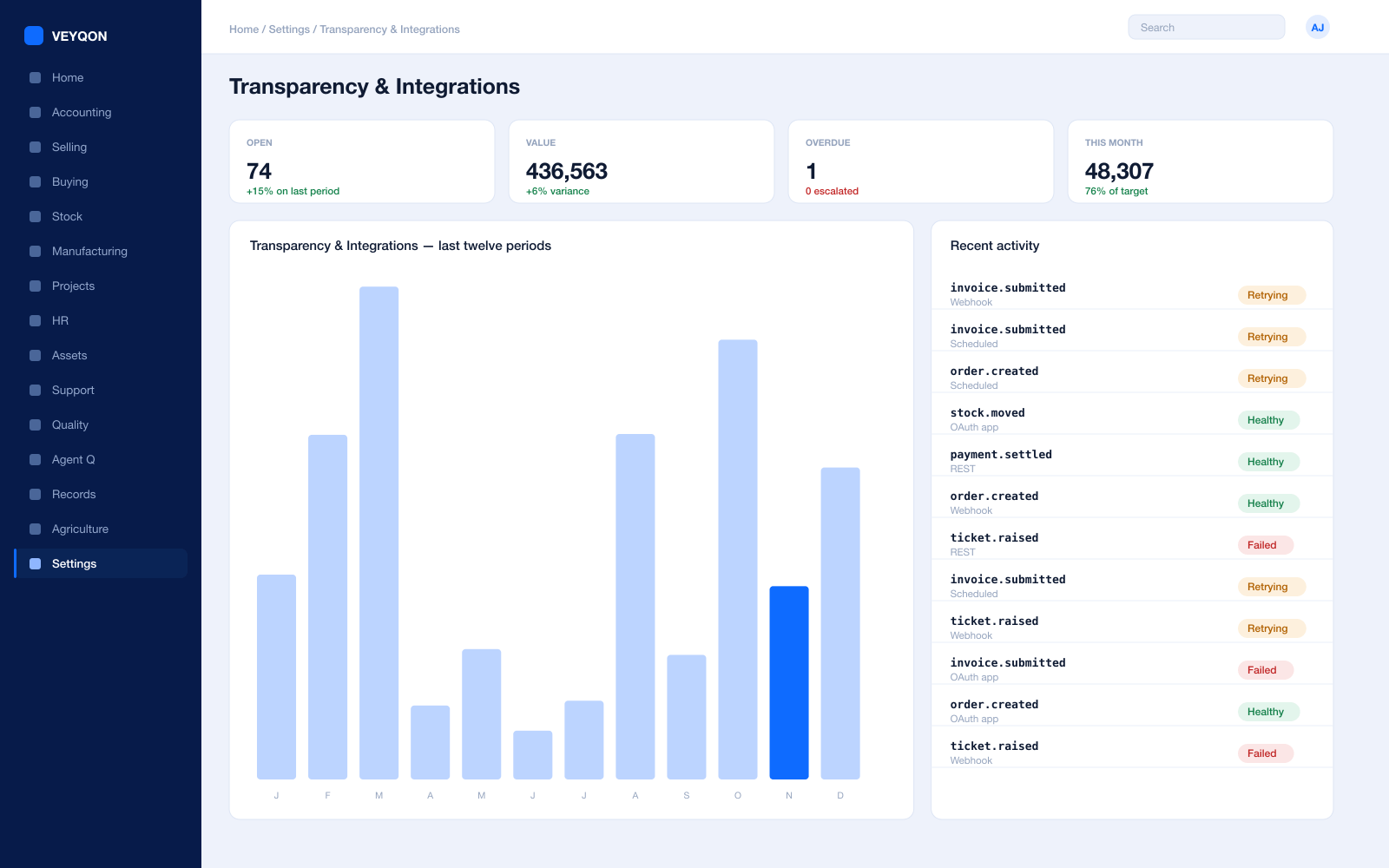
REST API on every record
Every document type is addressable over the API, with the same permissions the interface applies.
Bulk export
Anything you can see can be exported, so a spend-over-threshold publication is a report rather than a project.
Scheduled jobs
Recurring extracts and returns produced on a calendar, with a log of what ran and what it contained.
Webhooks
A state change on any document pushed to another system as it happens, rather than found on a nightly poll.
Connected apps and OAuth
A partner or central system authorised against a scoped role rather than a shared credential nobody can rotate.
Supplier portal
Suppliers responding to tenders and tracking payment without an email thread nobody can audit.
One pass through government & public sector, end to end.
- 01
Allocate
Budgets set per cost centre with the action on breach declared.
- 02
Tender
RFQ, responses, and scoring retained as the record of the decision.
- 03
Commit
Orders reduce available budget the moment they are raised.
- 04
Account
Every pound traces to the vote, the tender, and the receipt.
Running government & public sector on VEYQON, in four steps.
It is a subscription, not a project.
- 1
Subscribe
Pay by card. Provisioned straight away.
Minutes - 2
Bring your data
Balances, items, customers, suppliers.
Day one - 3
Switch modules on
Warehouses, limits, and approvals.
Week one - 4
Go live
Run parallel, then cut over.
You choose
All 10 modules included. Nothing sold separately.