When none of the above quite describes you.
Add your own record types with the same permissions, workflow, audit trail, and agent access as everything the platform ships with. Not a plugin bolted on the side.
9 modules·72 features·Configured on the core
The modules behind custom enterprise.
Not a list of module names. Each one below opens onto what is inside it and why a custom enterprise business needs it — so you can check it against how your operation actually runs.
Agent Q
Agents that read your own records and act on them, scoped to how a custom enterprise business runs.
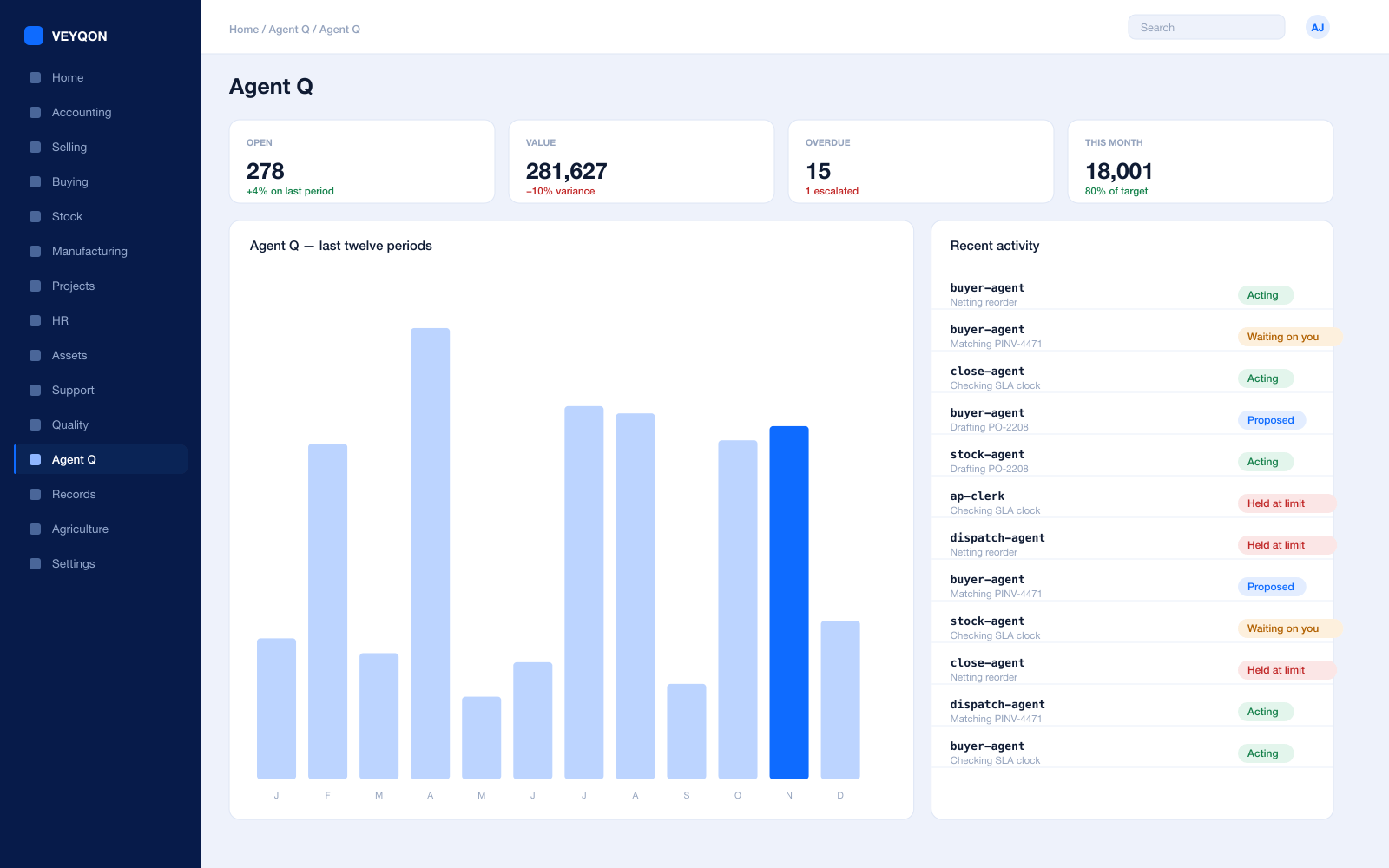
Grounded in live records
Every answer is drawn from your own ledger with your permissions applied, and names the documents it used. Nothing is answered from a snapshot or a summary.
A role, not a prompt
Each agent is scoped like a job — accounts payable, procurement, dispatch, period close — with the same limits you would put on the person doing it.
Explicit tool permissions
An agent holds a named list of the actions it may take. Matching an invoice does not imply paying one.
Value and action limits
A hard ceiling per agent, per period, and per document type, which it cannot cross however it is asked.
The queue
What every agent is working on, what is waiting on a person, and what has been held — in one place, with the reason on each item.
Triggers
An arriving document, a breached threshold, a date, or a state change on a record. Agents start on events, not on somebody remembering.
Human approval gates
Anything over a limit routes to a named person, with the reasoning attached, so approving takes seconds rather than an investigation.
Escalation paths
Who it hands to when it reaches a limit, how long it waits first, and what that person sees when it arrives.
Segregation of duties
An agent cannot approve what it raised. The rule that applies to your people applies to your agents.
Full reasoning log
Every step is written to the audit trail on the document it touched, so a decision can be read back months later.
Ask in plain language
The console answers operational questions from live records and offers the next action, rather than handing back a paragraph.
Spend control
Ceilings per agent and per period, so autonomy runs to a budget you set rather than an open account.
Your Record Types
Your own documents, first-class — not a plugin bolted on the side.
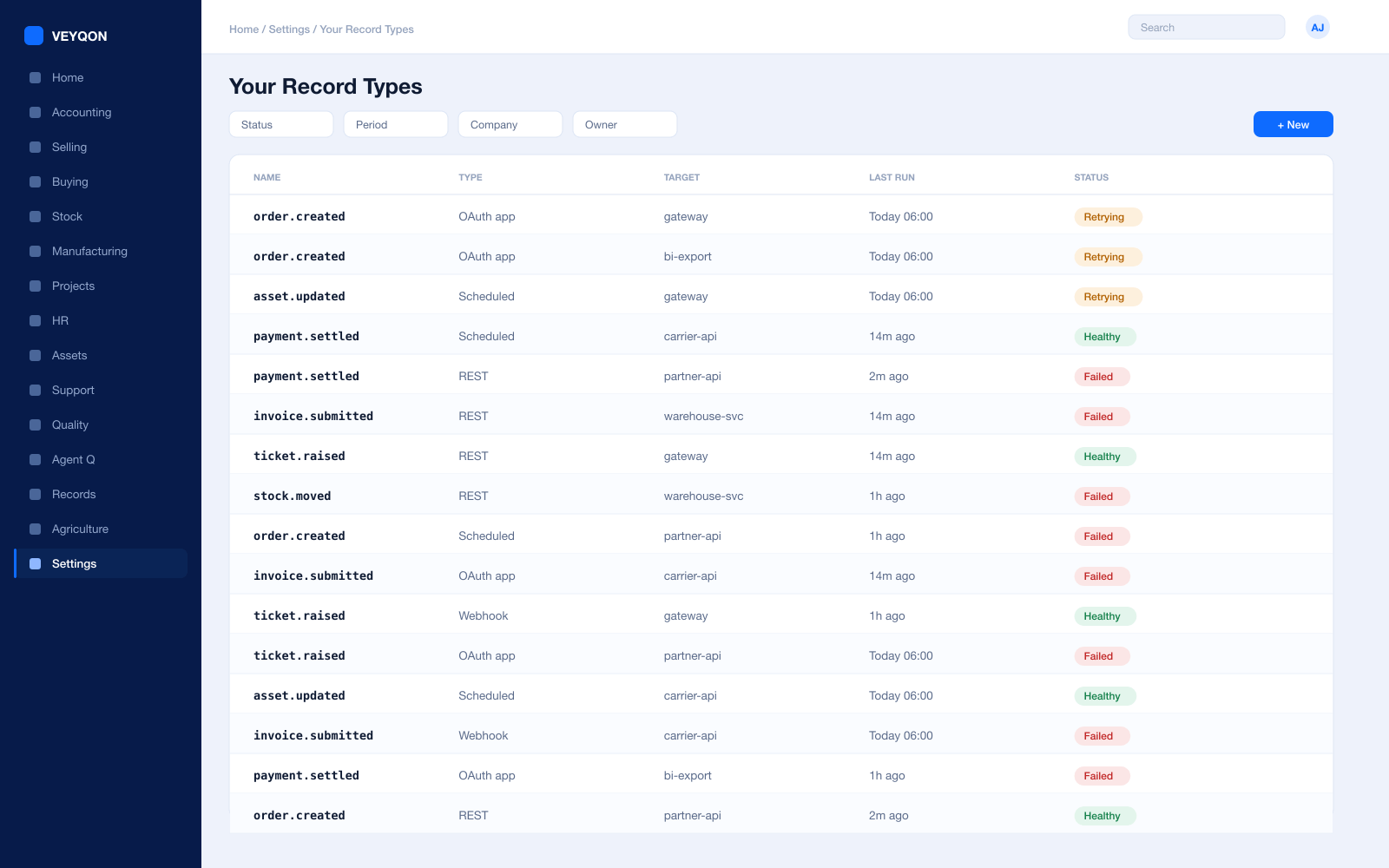
Custom doctypes
Your own record types with their own fields, defined in the product rather than in a fork of it.
Field types
Text, numbers, dates, currency, attachments, tables, and links, so a record models what it actually is.
Links between records
Your records referencing standard ones and each other, with the relationship enforced rather than implied.
Validation
Mandatory fields, unique constraints, and rules that run on save, so a bad record cannot be created in the first place.
Naming series
Document numbering by series, date, or field, so your records identify themselves the way your organisation expects.
Child tables
Line items on your documents, the same way an invoice has lines, rather than a text field somebody parses.
In reports automatically
A new record type is reportable, filterable, and chartable from the moment it exists.
Audit trail from the start
Version history, comments, and a change log on your records, because it comes from the framework rather than being added.
Visible to agents
Agents can read and act on your record types within their limits, without anyone writing an integration for it.
Workflow & Governance
States and transitions on your records, same engine as everything else.
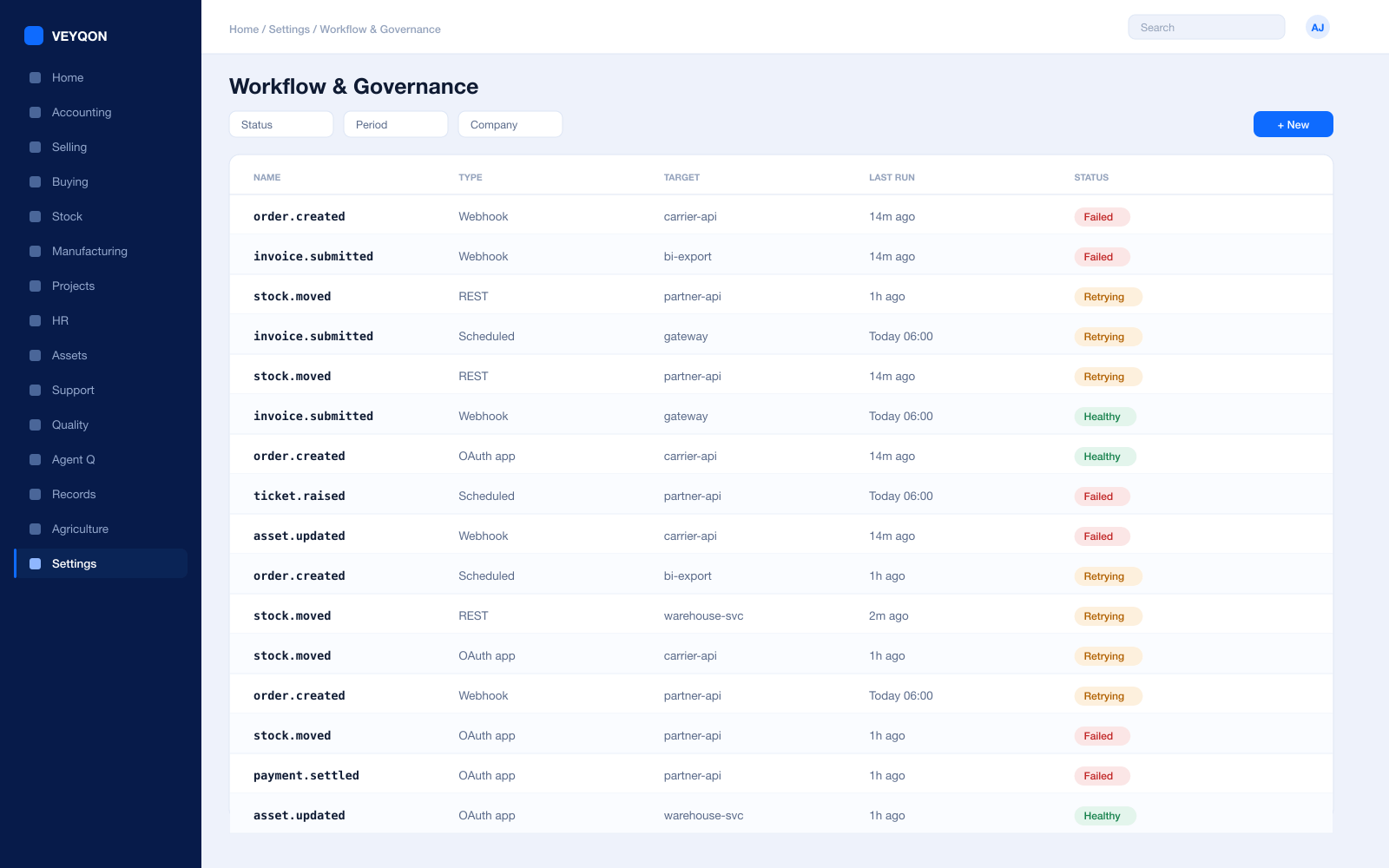
Workflow states
Explicit states on your document and the transitions allowed between them, rather than a status field anyone can type into.
Role on each transition
Who may move a document from one state to the next, enforced rather than described in a handbook.
Segregation of duties
The person who raises cannot be the person who approves — the same control the standard documents get.
Conditional routing
Route by value, by cost centre, by site, or by any field on the record, so approval matches how you actually decide.
Timed escalation
If nobody acts within the window it moves up, so nothing sits in a queue nobody is watching.
Scheduled actions
Recurring jobs against your records on a calendar, with a log of what ran and what it did.
Events on transition
A state change emitting an event other systems and agents can subscribe to as it happens.
The trail
Who moved it, when, and from what — on the document, readable months later without asking anyone.
Permissions
One permission model over your records and ours, and over agents too.
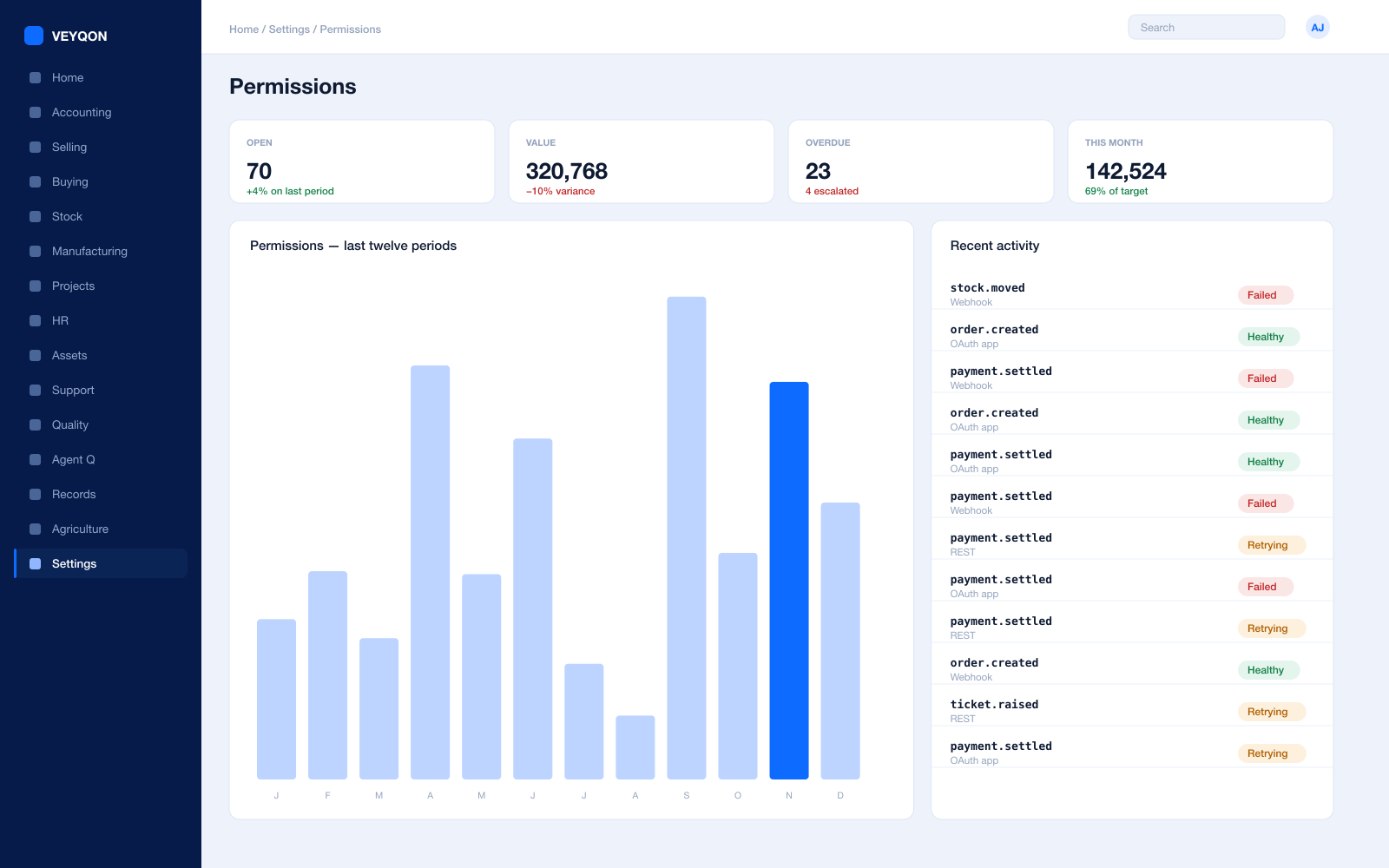
Role-based access
Read, write, create, submit, and cancel per role per document type, applied consistently across everything.
Field-level permissions
A field visible or editable only to certain roles, so sensitive data does not need a separate record to hide in.
Row-level rules
Access limited by a value on the record — territory, company, or your own field — rather than by hiding a menu item.
User permissions
A person restricted to their own site, department, or customer, applied everywhere including reports and the API.
Agents held to the same model
An agent sees exactly what its role sees. Permissions are not advisory, and they are not separate for machines.
Enforced at the API
The same rules apply over the API as in the interface. There is no second, weaker door into your data.
Access logged
Who read and who changed what, on the record, which is what a data-protection question actually needs.
Applied to portals
Customer and supplier views built on the same permission model, not on a separate one somebody has to keep in step.
Reporting & Print
Documents your customers and regulators expect, from your records.
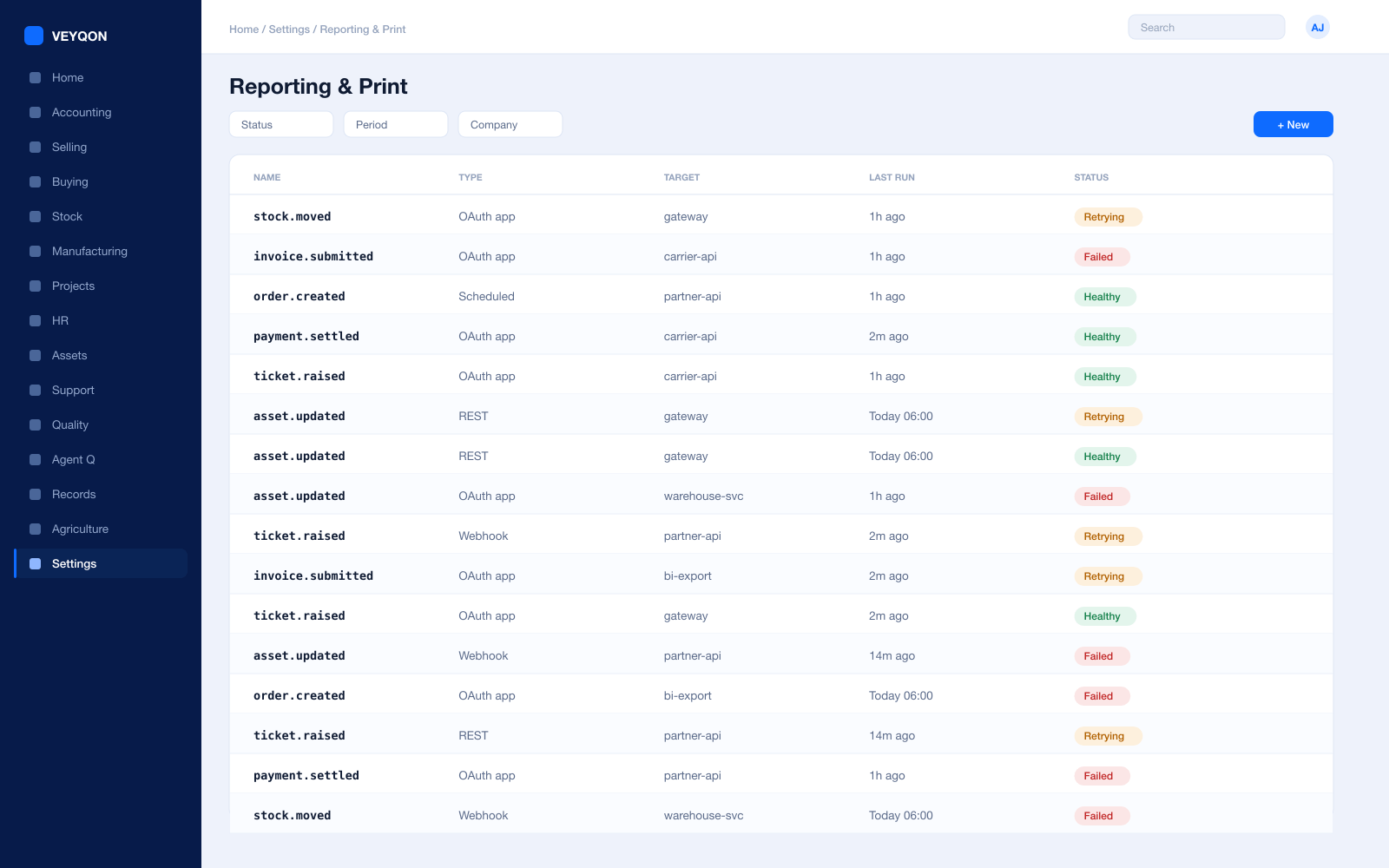
Report builder
Filters, groupings, and totals over your record types without writing a query, available the moment the type exists.
Charts and dashboards
Number cards and charts over your own data, on the same dashboards as the standard ones.
Print formats
Documents laid out the way your customers and regulators expect, generated from the record rather than assembled in a word processor.
Export
Anything you can see, exportable — including your custom records, because they are not a second-class citizen.
Scheduled reports
A report emailed on a calendar to the people who need it, rather than run by whoever remembers.
Views
List, report, kanban, calendar, and gantt over your record types, chosen per user rather than fixed.
Shared filters
Saved views shared with a role or a team, so everyone is looking at the same slice of the same data.
API & Events
Your records are endpoints and emit events, like any other.
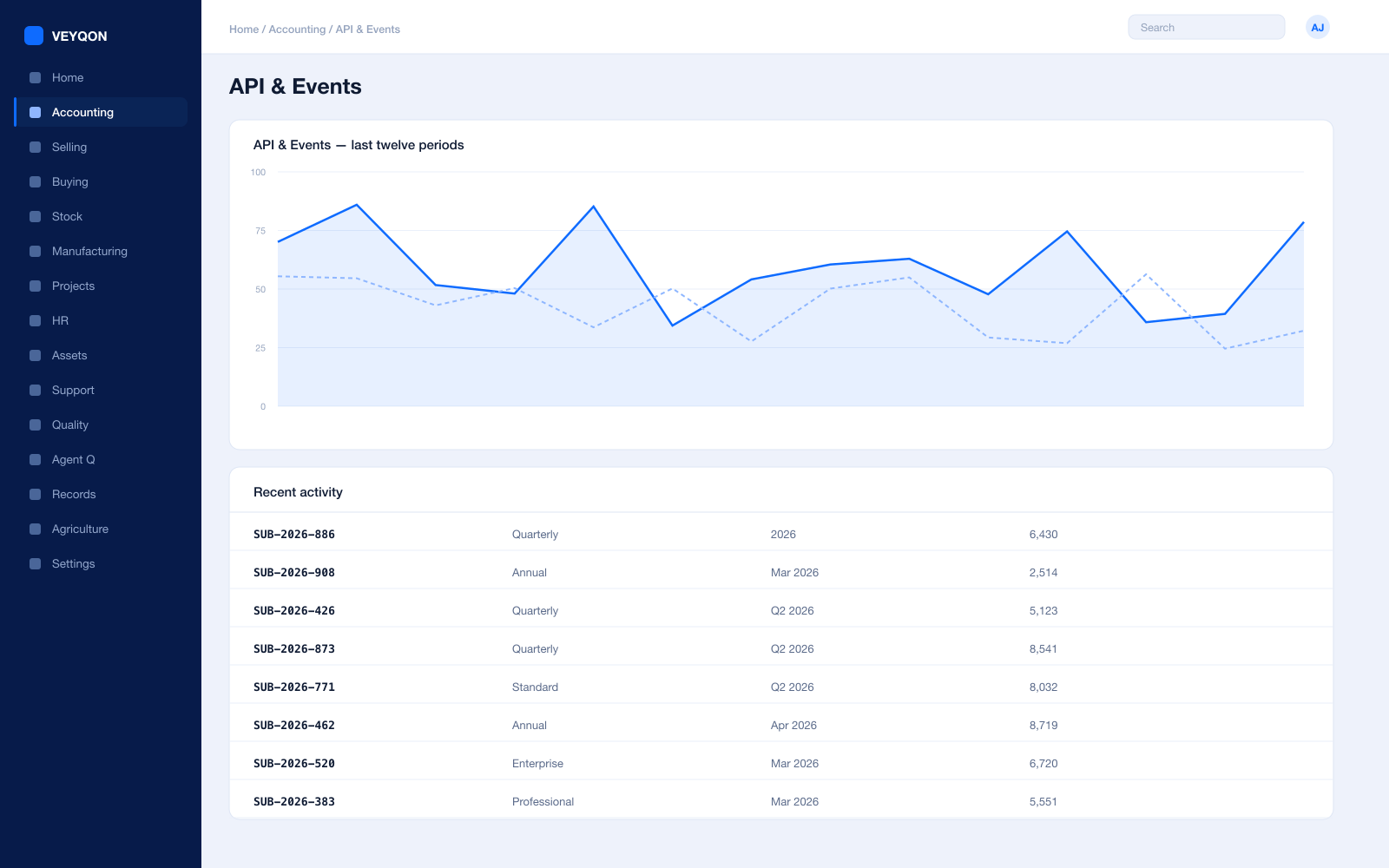
REST on every record
Your custom types are addressable over the API the moment they exist, with no additional work to expose them.
Same permissions
The API applies the same role, field, and row rules as the interface, so an integration cannot exceed a person.
Webhooks
A state change on your record pushed to your own services as it happens, rather than discovered on a poll.
Connected apps and OAuth
Your services authorised against a scoped role rather than sharing a password nobody can rotate.
Scheduled jobs
Recurring work against your records on a calendar, with a log of what ran, when, and what it did.
Bulk import and export
Spreadsheet and API import with validation over your own types, and export of all of it on the way out.
Document events
Hooks on create, validate, submit, and cancel, so behaviour attaches to the lifecycle rather than to a screen.
Agent tools
Your record types available to agents as actions they may take, inside the limits their role carries.
Scripting & Extension
Extend in the product, not in a fork of it.
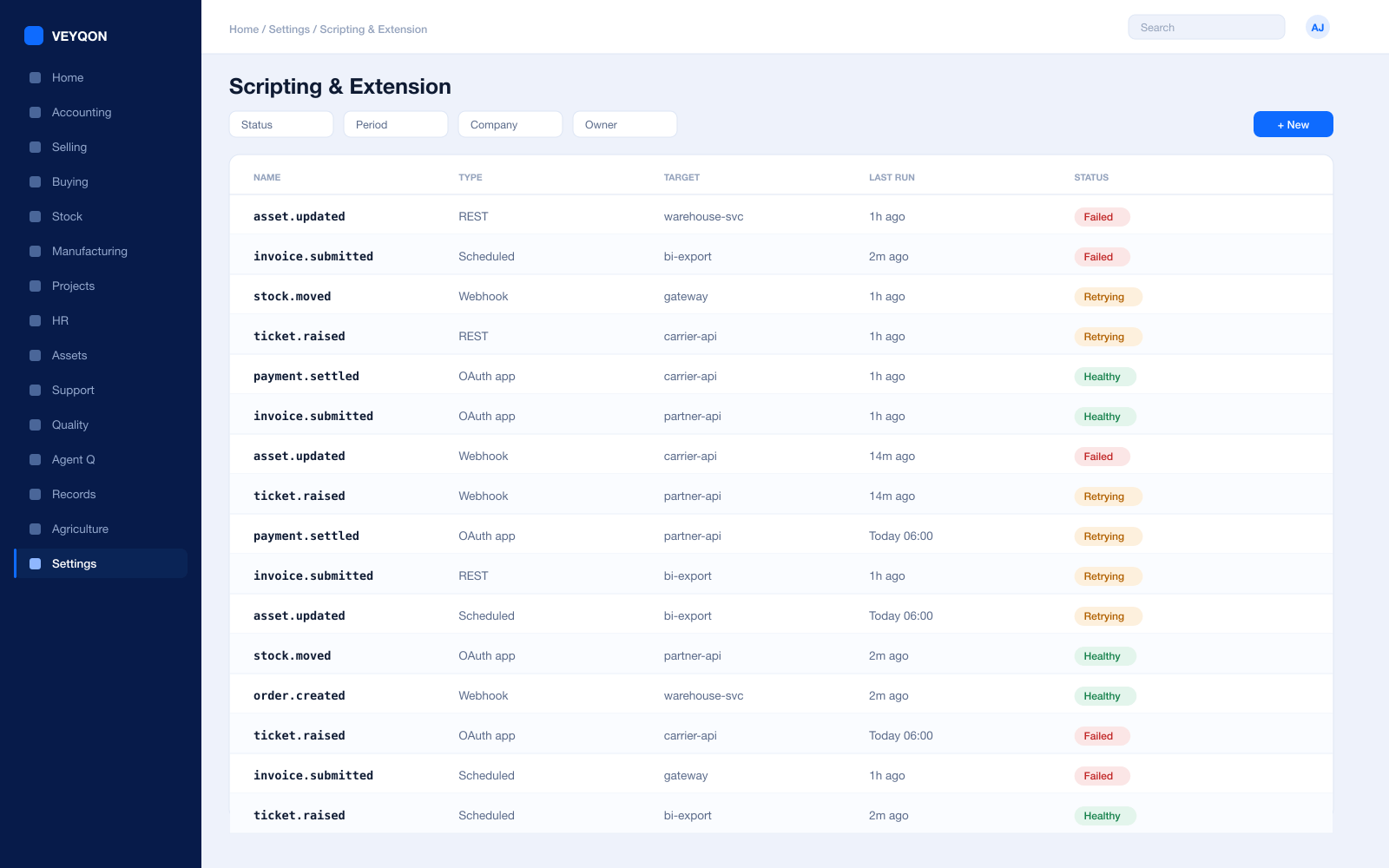
Server scripts
Logic that runs on document events, written in the product and versioned with it rather than patched into the source.
Client scripts
Behaviour in the form — defaults, visibility, and calculation — without rebuilding the interface.
Custom fields on standard records
Your own fields on our documents, first-class in the API, the permissions, and the reports.
Notifications
Alerts on a condition or a schedule, sent by email or into a channel, defined rather than coded.
Customise form
Reordering, relabelling, and hiding fields on any document, so the screen matches how your people actually work.
Validated, not bypassed
Your logic runs alongside the standard validation rather than instead of it, so a shortcut cannot break the ledger.
Or fork it properly
The source is open, so if you genuinely need to change the core you can — with your eyes open about what that costs.
Portals
Outside users on your records, under the same rules.
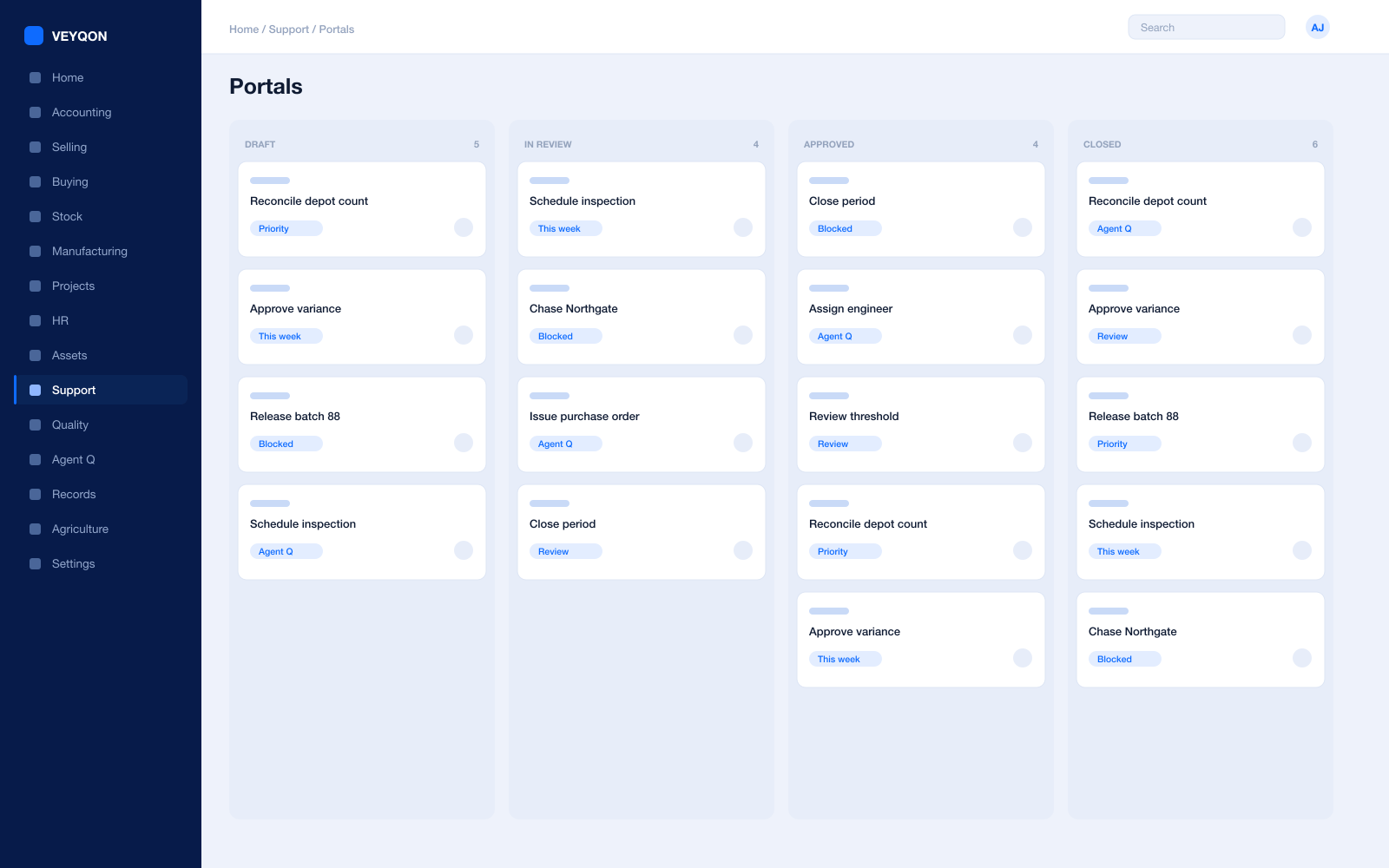
Portal users
Customers, suppliers, and partners with logins that see their own records and nothing else.
The same permission model
Portal access governed by the same roles and rules as internal access, not by a parallel system somebody maintains.
Your records on the portal
Custom types exposed to outside users where that makes sense, with the same field-level control.
Transacting
Orders, requests, and payments raised by outside users landing as real documents rather than as emails to rekey.
Documents
Statements, certificates, and confirmations generated from the record and downloadable rather than posted.
Requests and tickets
Raised through the portal as issues, tracked with a clock, against the same records your team works from.
Upgrades & Ownership
Your customisations survive platform upgrades. That is the point.
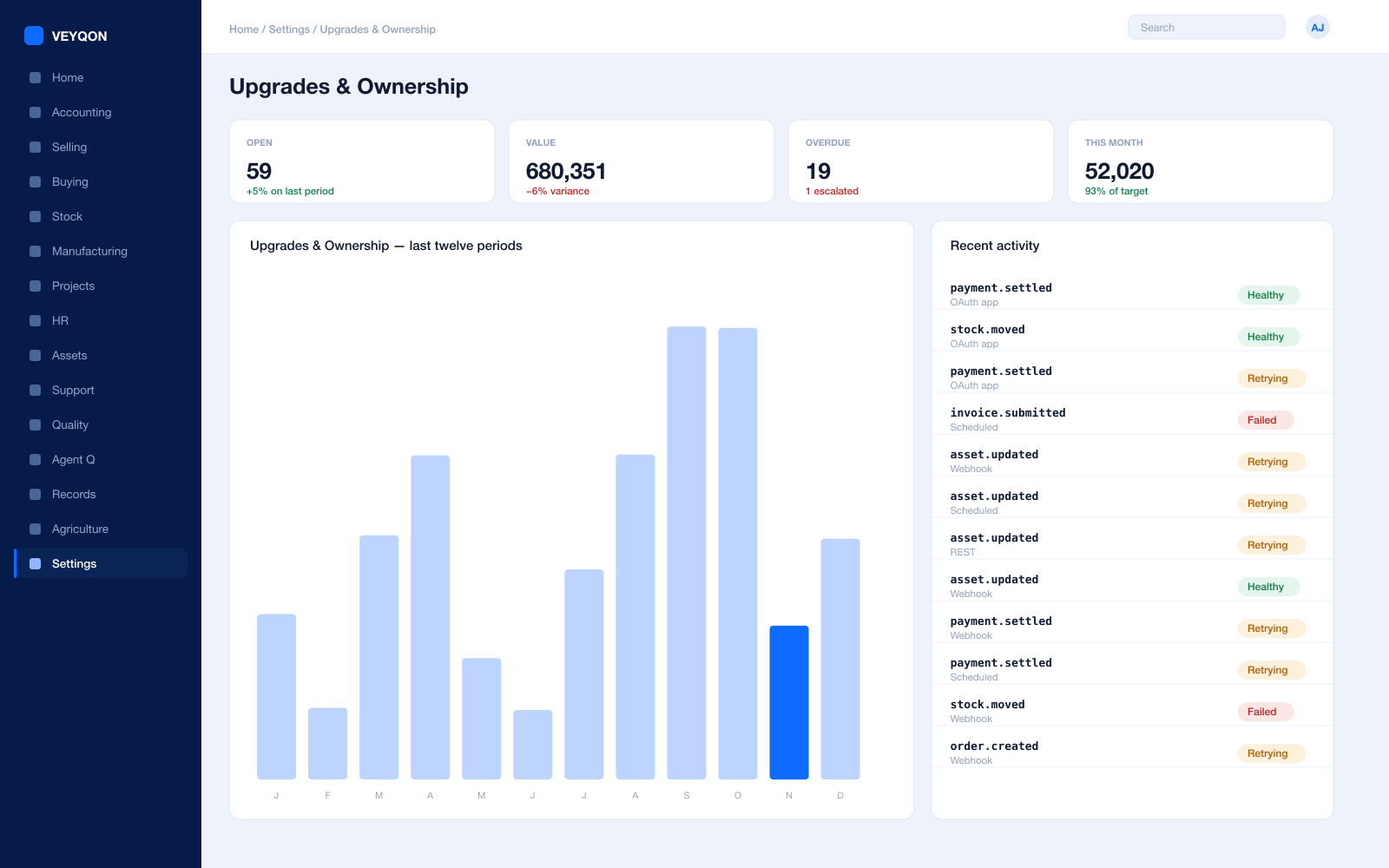
Customisation as configuration
Your doctypes, fields, workflows, and scripts are records in the system, not edits to the source that an upgrade overwrites.
Upgrades that keep them
Platform versions apply underneath your customisations rather than through them, which is why they survive.
Versioned and portable
Customisations exportable as fixtures, so a change moves from test to production as an artefact rather than by hand.
Your data, exportable
Every record, standard and custom, exportable in full — which is the only credible answer to what happens if you leave.
Where it runs
Cloud, private cloud, or your own hardware, with the same code and the same customisations in each.
No per-record fee
Adding your own record types does not add a licence line. The framework is the product, not an upsell on it.
Open source underneath
The platform is open source, so the thing your business runs on is not a black box you rent.
One pass through custom enterprise, end to end.
- 01
Model
Describe the record — fields, links, and the rules that make it valid.
- 02
Govern
Attach permissions and a workflow before anyone starts using it.
- 03
Connect
It appears in the API, in reports, and to agents, automatically.
- 04
Upgrade
Your customisations survive platform upgrades. That is the point.
Running custom enterprise on VEYQON, in four steps.
It is a subscription, not a project.
- 1
Subscribe
Pay by card. Provisioned straight away.
Minutes - 2
Bring your data
Balances, items, customers, suppliers.
Day one - 3
Switch modules on
Warehouses, limits, and approvals.
Week one - 4
Go live
Run parallel, then cut over.
You choose
All 9 modules included. Nothing sold separately.