Recurring revenue that reconciles itself.
Subscriptions, deferred revenue, and support all posting to one ledger, with engineering time costed to the product it built.
10 modules·88 features·Configured on the core
The modules behind technology companies.
Not a list of module names. Each one below opens onto what is inside it and why a technology companies business needs it — so you can check it against how your operation actually runs.
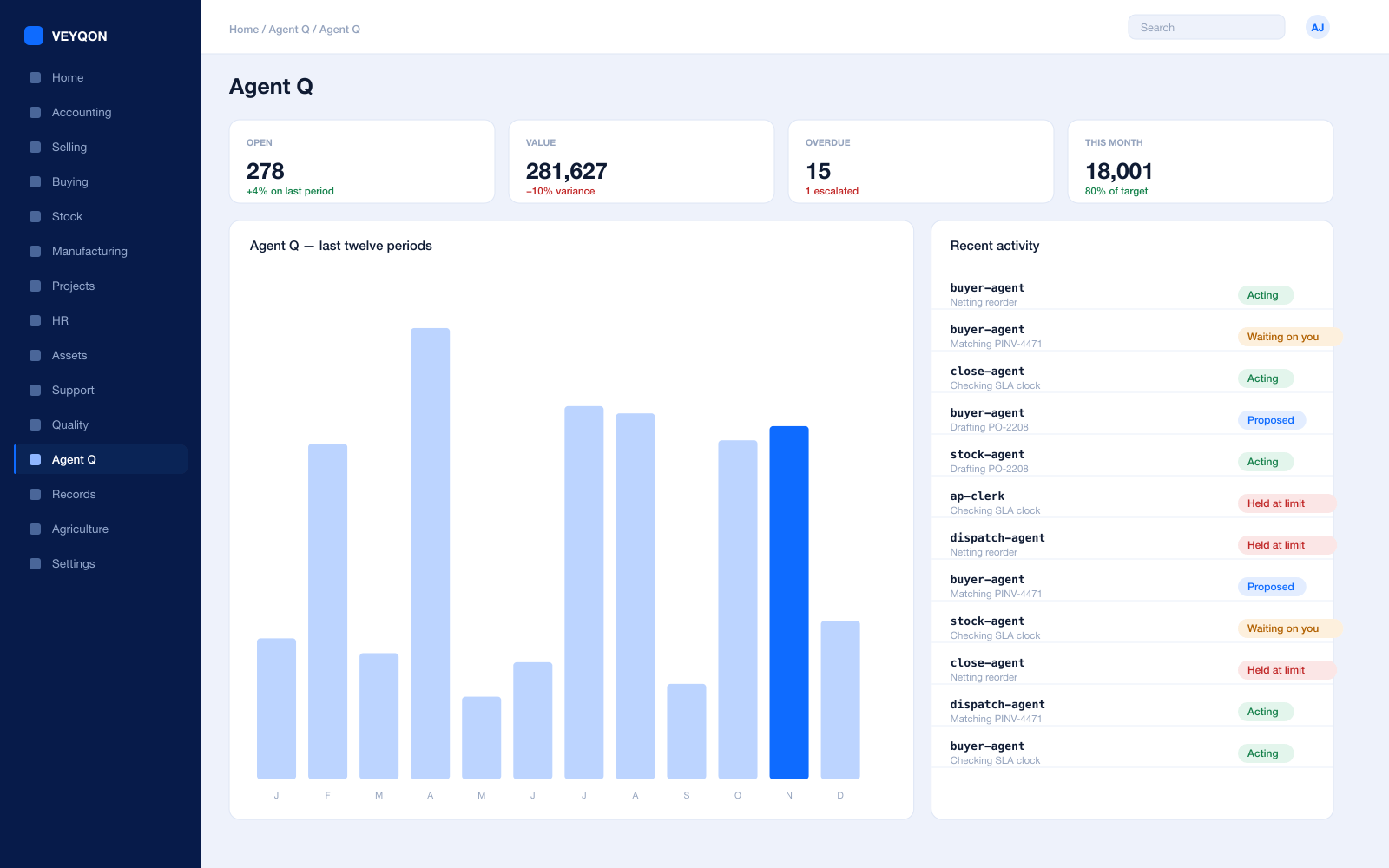
Agent Q
Agents that read your own records and act on them, scoped to how a technology companies business runs.
Grounded in live records
Every answer is drawn from your own ledger with your permissions applied, and names the documents it used. Nothing is answered from a snapshot or a summary.
A role, not a prompt
Each agent is scoped like a job — accounts payable, procurement, dispatch, period close — with the same limits you would put on the person doing it.
Explicit tool permissions
An agent holds a named list of the actions it may take. Matching an invoice does not imply paying one.
Value and action limits
A hard ceiling per agent, per period, and per document type, which it cannot cross however it is asked.
The queue
What every agent is working on, what is waiting on a person, and what has been held — in one place, with the reason on each item.
Triggers
An arriving document, a breached threshold, a date, or a state change on a record. Agents start on events, not on somebody remembering.
Human approval gates
Anything over a limit routes to a named person, with the reasoning attached, so approving takes seconds rather than an investigation.
Escalation paths
Who it hands to when it reaches a limit, how long it waits first, and what that person sees when it arrives.
Segregation of duties
An agent cannot approve what it raised. The rule that applies to your people applies to your agents.
Full reasoning log
Every step is written to the audit trail on the document it touched, so a decision can be read back months later.
Ask in plain language
The console answers operational questions from live records and offers the next action, rather than handing back a paragraph.
Spend control
Ceilings per agent and per period, so autonomy runs to a budget you set rather than an open account.
Subscriptions
Recurring billing that runs itself, on the terms you actually agreed.
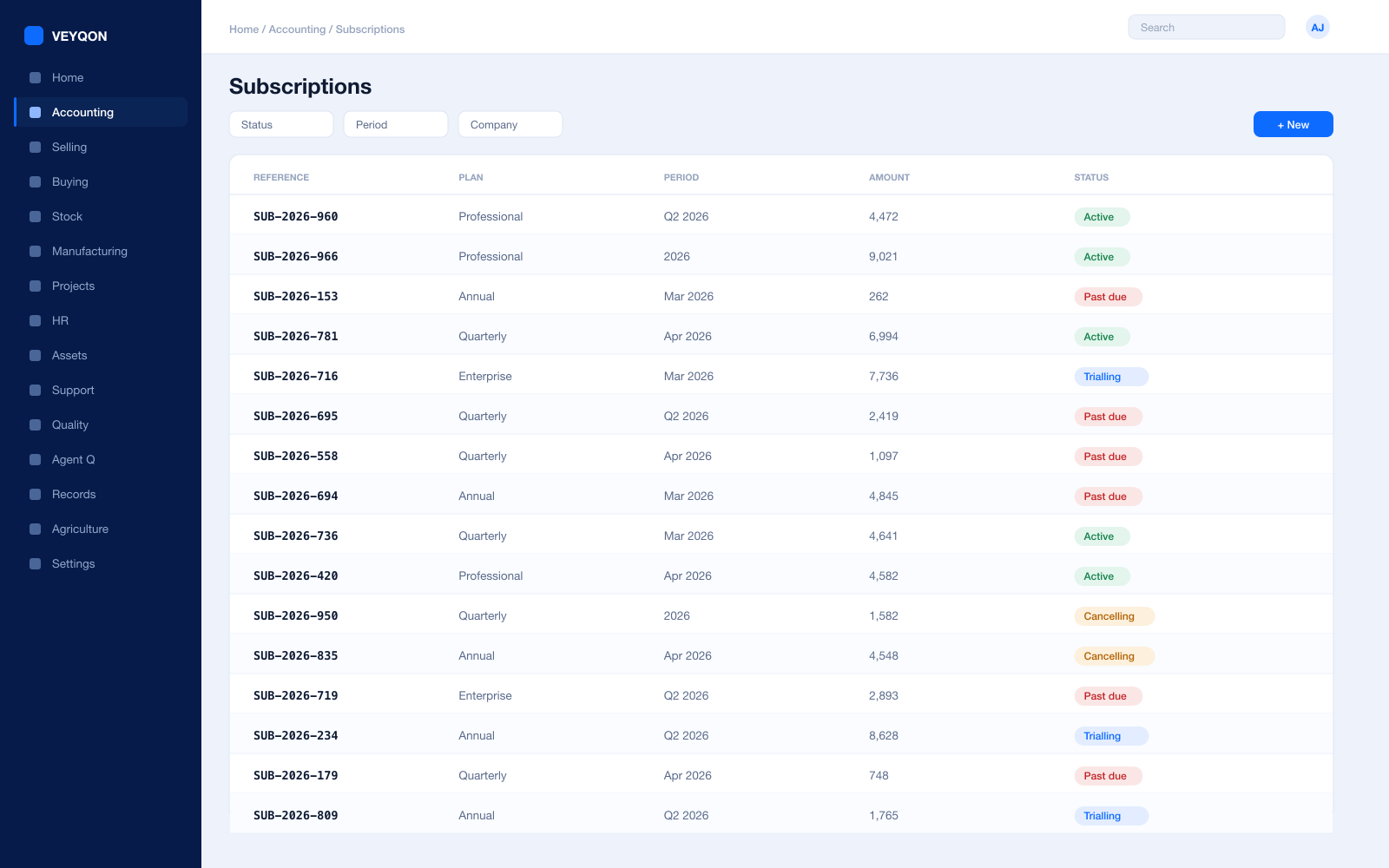
Subscription plans
Priced at a fixed rate, from an item price list, or as a monthly rate that prorates — so a mid-month start is not a manual credit note.
Interval and count
Month with a count of one bills monthly; a count of three bills quarterly. The cadence is a setting rather than a recurring diary entry.
Trial periods
A trial run before billing starts, with the subscription already on the record so nothing has to be re-keyed when it converts.
Prepaid, postpaid, or advance
Invoice at the start of the period, after it, or a set number of days before — whichever your contracts actually say.
Days until due
The payment deadline applied to every invoice the subscription generates, rather than set by whoever raised it.
Submit automatically
Generated invoices finalised on their own, or held as drafts for review first. Your call, and it is a switch.
Bill through arrears
Keep billing when a previous invoice is unpaid, or stop — a policy on the record rather than a decision someone makes each month.
Follow calendar months
Align billing to calendar boundaries instead of anniversary dates, for the finance team that reports on months.
Cancel at period end
Stop future billing at the end of the current term without cancelling the invoices already raised against it.
Taxes and discounts
Tax templates and additional discounts applied consistently across every invoice the subscription produces.
Revenue Recognition
Revenue spread across the period without a month-end journal.
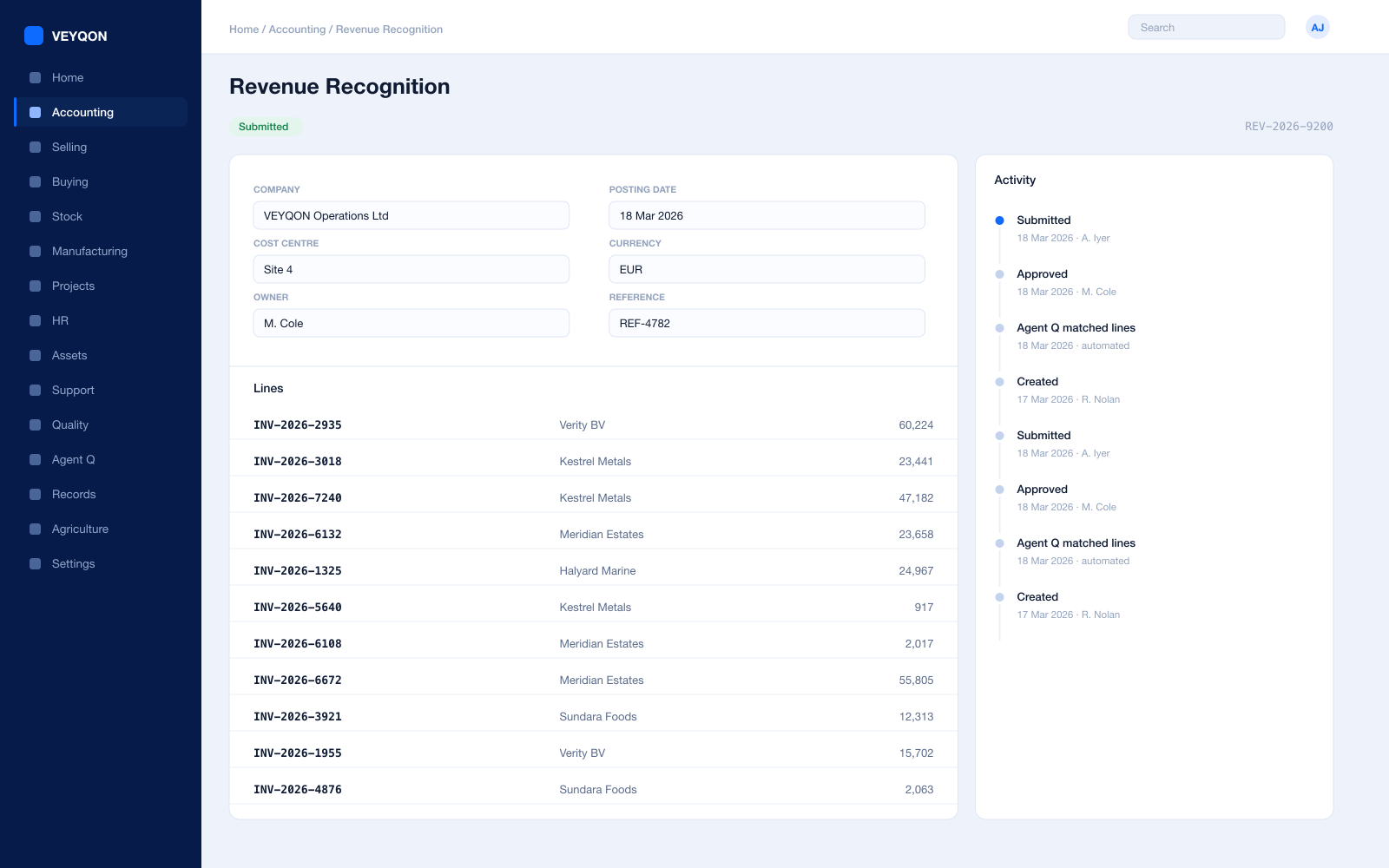
Deferred revenue on the item
Enabled in the item’s accounting tab, with a standard number of months where the plan always runs the same length.
Service start and end
Dates on the invoice line defining the period revenue spreads across, rather than a note in the description field.
Service stop date
Early termination handled on the record, so a cancellation mid-term does not become a manual journal.
Deferred revenue account
The liability account holding what has been invoiced and not yet earned, visible on the balance sheet as exactly that.
Income account
Where recognised revenue lands as each period runs, set on the line rather than decided at close.
Monthly or daily basis
Equal monthly portions, or a daily calculation that accounts for the difference between a 30 and a 31 day month.
Automatic or manual
Background jobs handling the schedule, or a Process Deferred Accounting document you run and review yourself.
Ledger or journal entries
Posting straight to the general ledger, or generating journal entries that can stay in draft until somebody approves them.
Deferred revenue report
The liability decreasing and the income increasing, verifiable against the general ledger rather than asserted.
Support & SLA
Tickets running against the SLA the contract actually specifies.
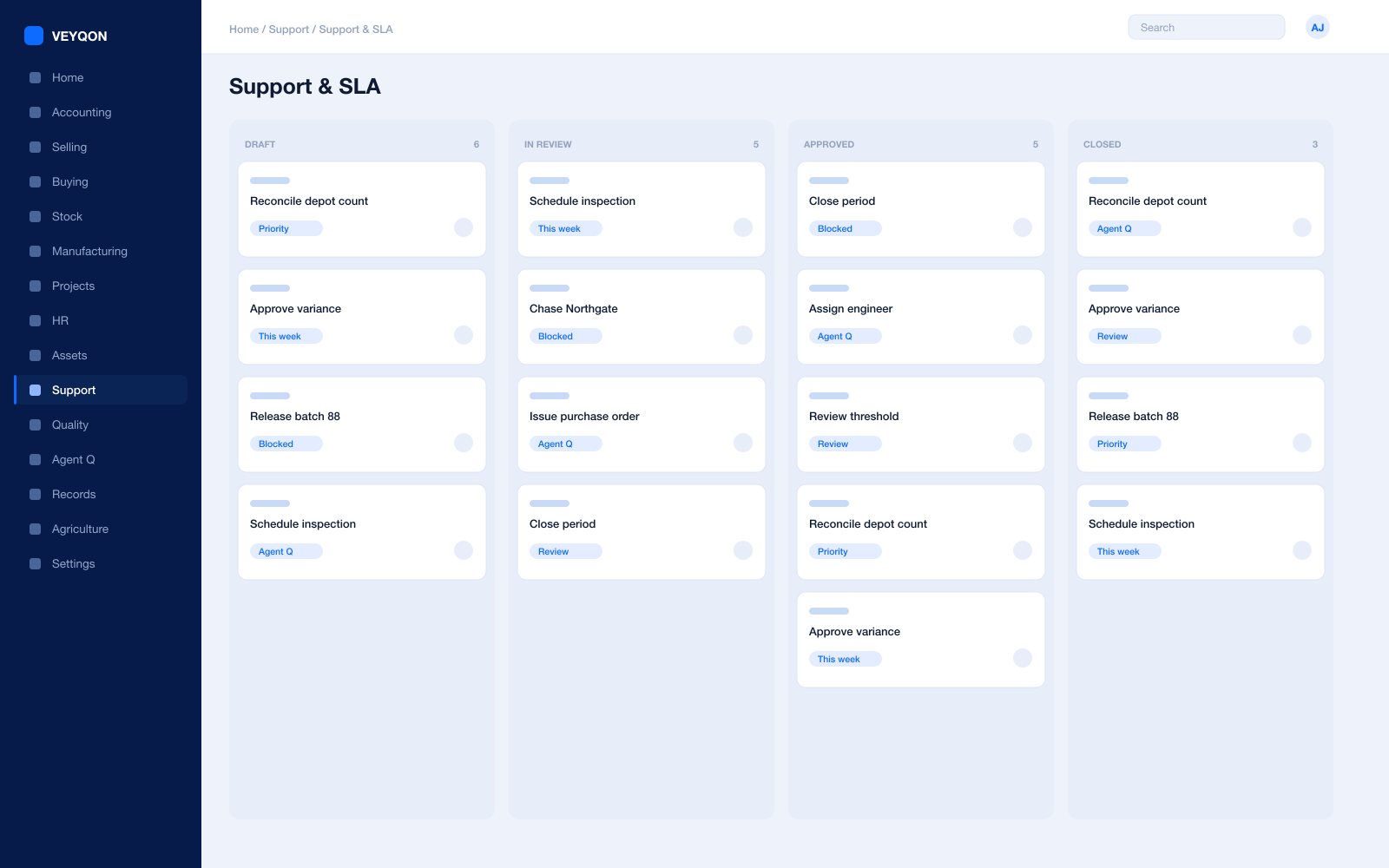
Issues
Raised by email, through the portal, or by hand, and linked to the customer, the subscription, and the order.
Priorities and clocks
Each priority carrying a time to respond and a time to resolve, appearing on the issue the moment it is created.
Support hours
The days and times support is actually provided, so an obligation does not accrue overnight when nobody is on.
Holiday list
Agreements do not apply on holidays, so the clock excludes the days you were never going to work.
SLA pause
The timer holds while an issue is waiting on the customer, and the hold time is added back when it becomes active again.
Fulfilled and failed
Every issue carrying whether the agreement was met, so the SLA report is a fact rather than a negotiation.
Applied by entity
An agreement attached by customer, customer group, or territory, so it applies automatically rather than being chosen.
Linked to the contract
The ticket carrying the subscription and order it belongs to, which is how support cost per account becomes a number.
Customer portal
Customers raising and following their own tickets without an email thread nobody can audit.
Projects & R&D
Engineering time costed to the product it built.
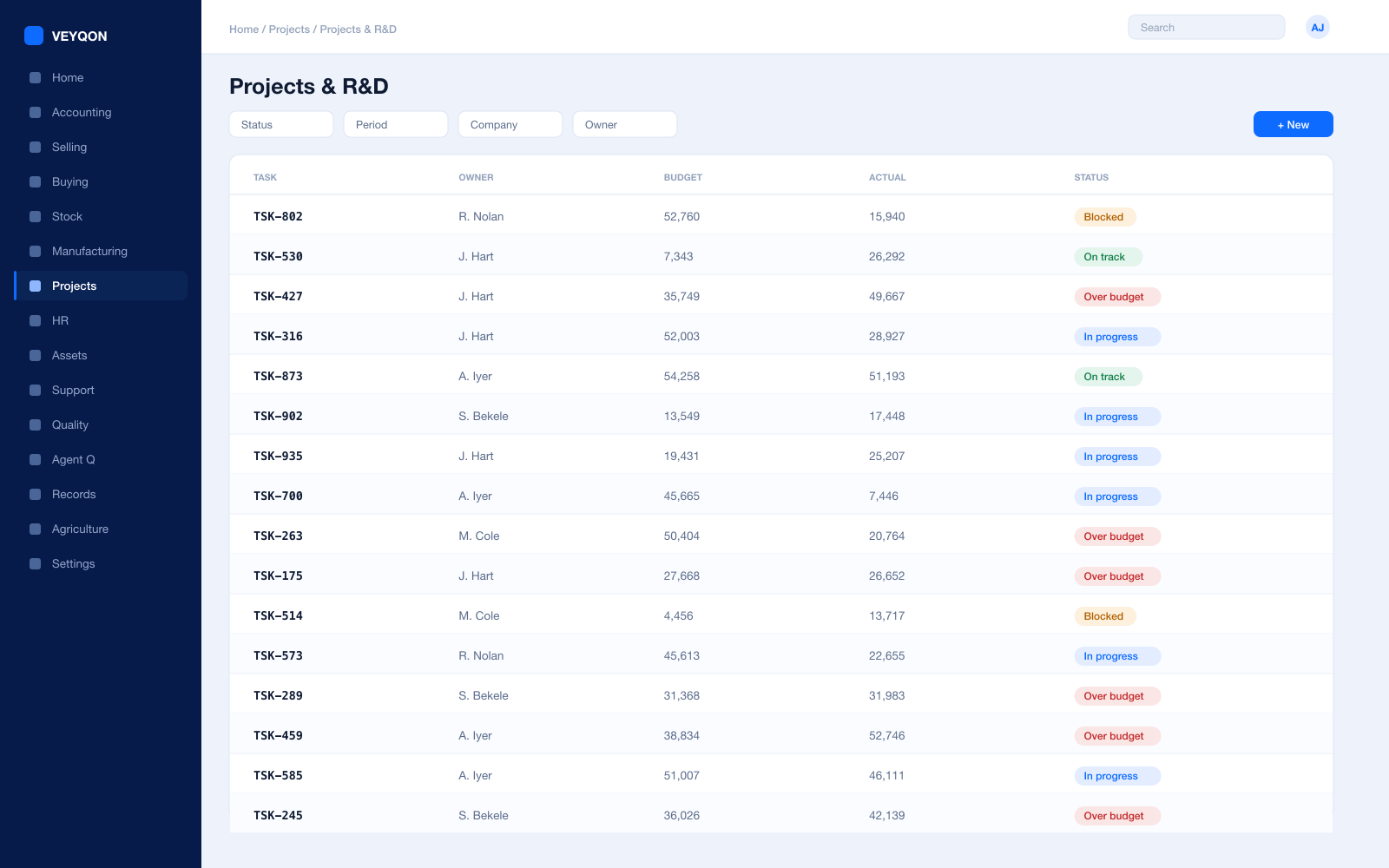
Project per product or commitment
Engineering effort held against a product line or a named customer commitment rather than in one undifferentiated pool.
Tasks and dependencies
What has to happen before what, with a Gantt view for the roadmap conversation rather than a separate tool.
Timesheets
Hours per task at a costing rate and a billing rate, entered against the work rather than reconstructed at month end.
Activity types
Build, support, and discovery separated, so the split between new work and maintenance is a report rather than an estimate.
R&D hours
Captured against the project, which is what a capitalisation policy or a tax relief claim needs to stand behind it.
Project profitability
Actual cost against the commitment, while the commitment is still being delivered.
Material and expense
Hardware, licences, and pass-through cost booked to the project instead of disappearing into general overhead.
Milestone billing
Where work is delivered against a statement of work, invoicing on completion or on defined events.
Project on every document
The reference carried on orders, timesheets, and invoices, which is what makes the cost figure trustworthy.
CRM & Pipeline
A forecast the cash plan can actually be built on.
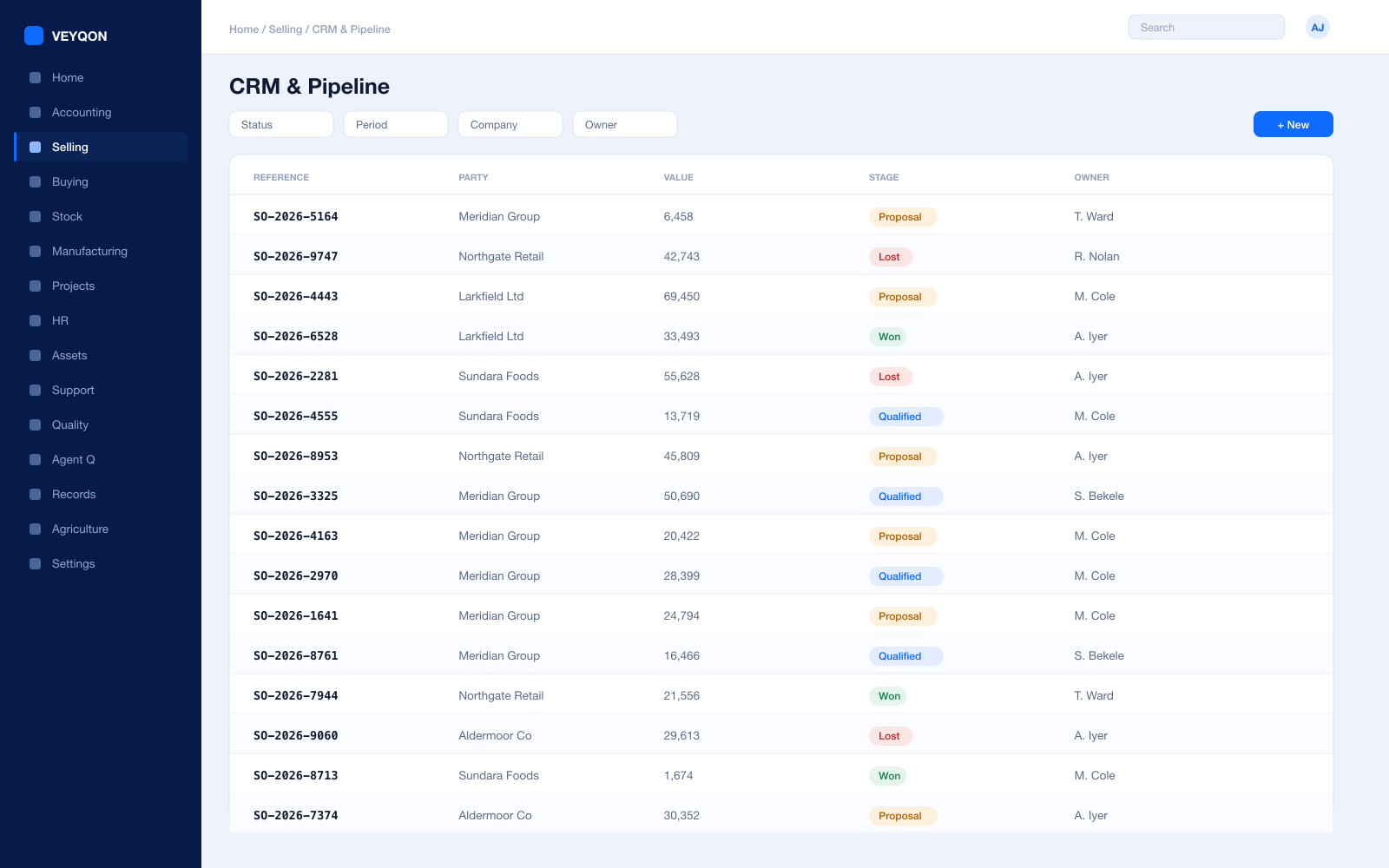
Leads
An unqualified enquiry with source and territory captured at first touch rather than reconstructed from a mailbox.
Opportunities
Value, probability, timing, items, and a named owner — the inputs a weighted forecast needs to mean something.
Sales stages
Where a deal sits, so early discovery is not reported to the board as a commit.
Campaigns and sources
Which channel produced the deal, traceable from the first touch through to the subscription it became.
Quotations
Plans, terms, validity, and commercials in a document that becomes an order and then a subscription.
Customers and contacts
Held once and reused across quotation, order, subscription, invoice, and support ticket.
Contribution split
A percentage per person on the order, which is what attributes revenue when an AE and an SE both worked it.
Targets and commission
Targets by item group and fiscal year, with a default commission rate per person.
Selling
Plans, tiers, and terms agreed once.
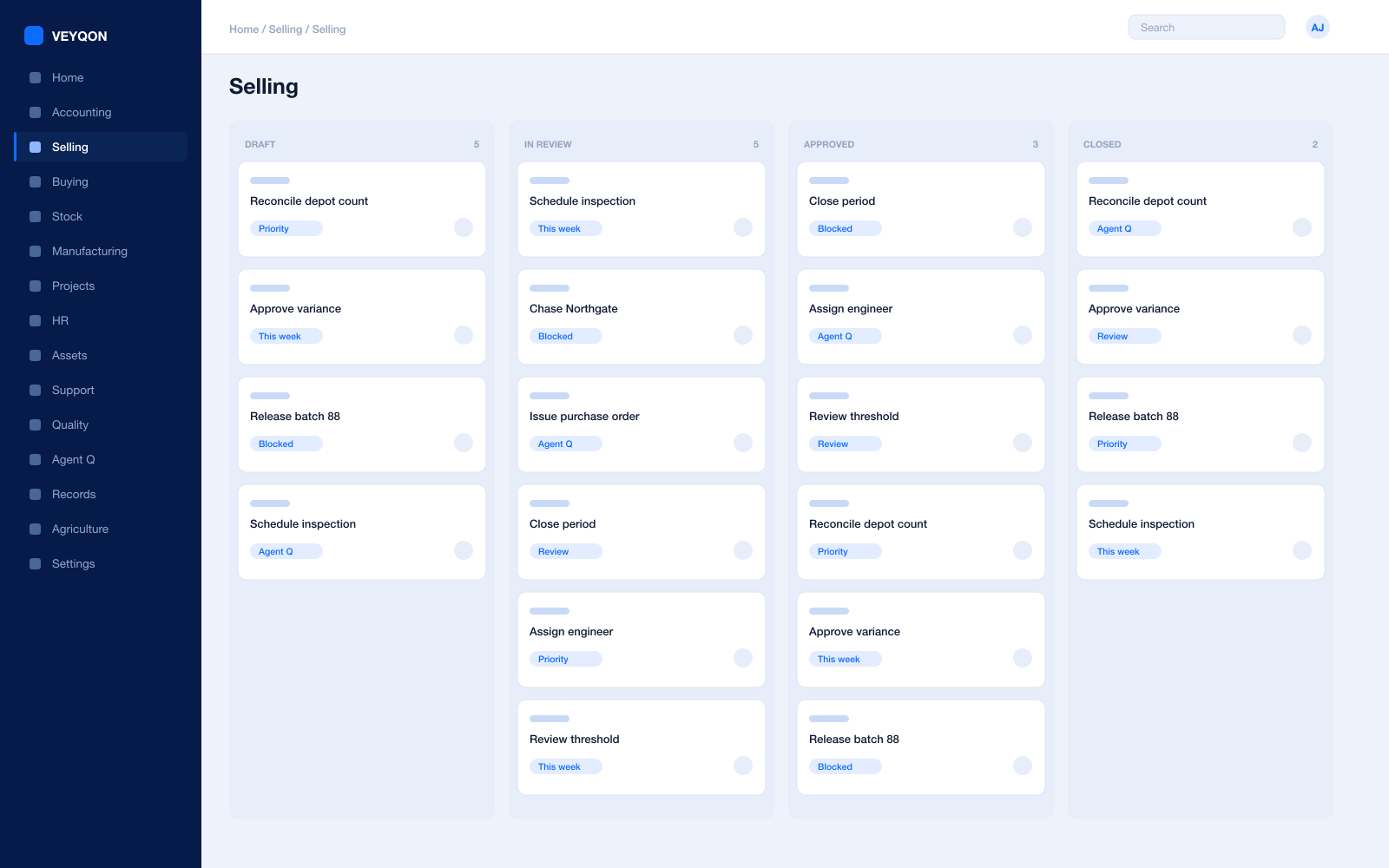
Price lists
Separate selling lists by currency and region, so regional pricing is deliberate rather than a spreadsheet somebody maintains.
Quotations
Items, quantities, prices, taxes, validity, and terms, converting to an order in one step when the customer signs.
Sales orders
Partial delivery and partial billing across as many documents as a phased rollout takes.
Pricing rules
By item or item group, for a customer, customer group, or territory, as a rate, a percentage, or a margin.
Bundles for tiers
A plan sold as one line and made up of its components, so what a tier includes is on the record.
Coupon codes
A discount that only fires for someone holding the code, with usage limits validated when it is applied.
Payment terms
Instalments with a portion each, credit days, and early-payment discounts inside a validity window.
Credit limits
Set on the customer, the customer group, or the company, blocking submission over the ceiling with a named role for exceptions.
Accounts
One ledger under the subscriptions, the support, and the engineering.
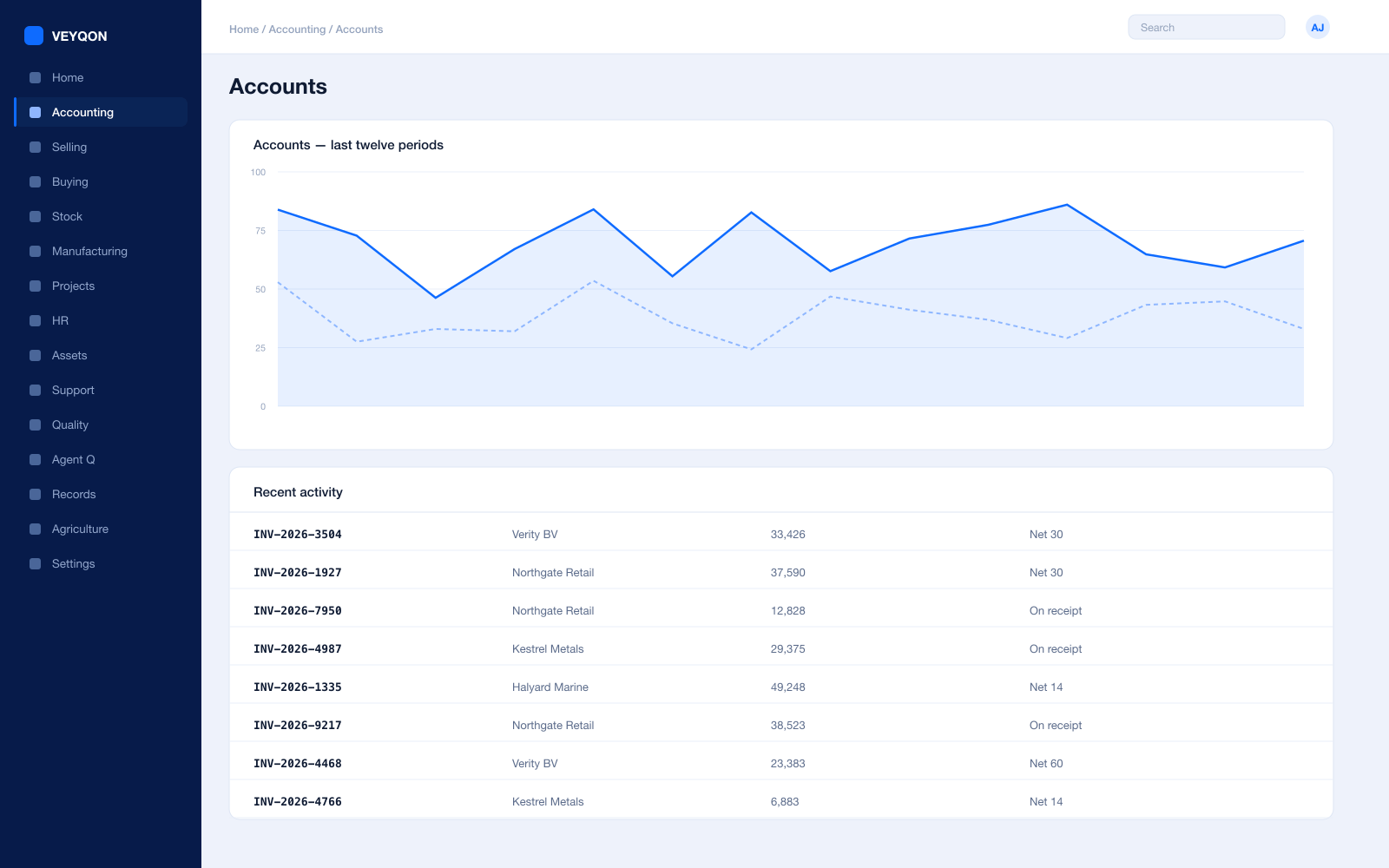
Cost centres by product line
Each product or segment as a cost centre, with allocation splitting shared cost across several by percentage.
Budgets
Against cost centres and projects, with the action on exceeding set to warn the person or stop the document.
Multi-currency
Sell and pay across borders, with revaluation posting to the ledger rather than living in a spreadsheet.
Receivables and dunning
Ageing by customer, and overdue instalments consolidated into a dunning with a fee, an interest rate, and letter text.
Period close
Accruals, reconciliation, and a period lock that stops anyone back-posting into a month you have already reported.
Statutory tax
VAT, GST, and withholding with your region’s filing formats, including digital-services rules where they apply.
Immutable audit trail
Every posting carries who, when, and from which document — which is what an audit or a due diligence asks for.
Perpetual inventory
For the hardware you do ship, stock posting to the ledger on every movement rather than at a count.
People
Engineers, support, and the cost rates behind both.
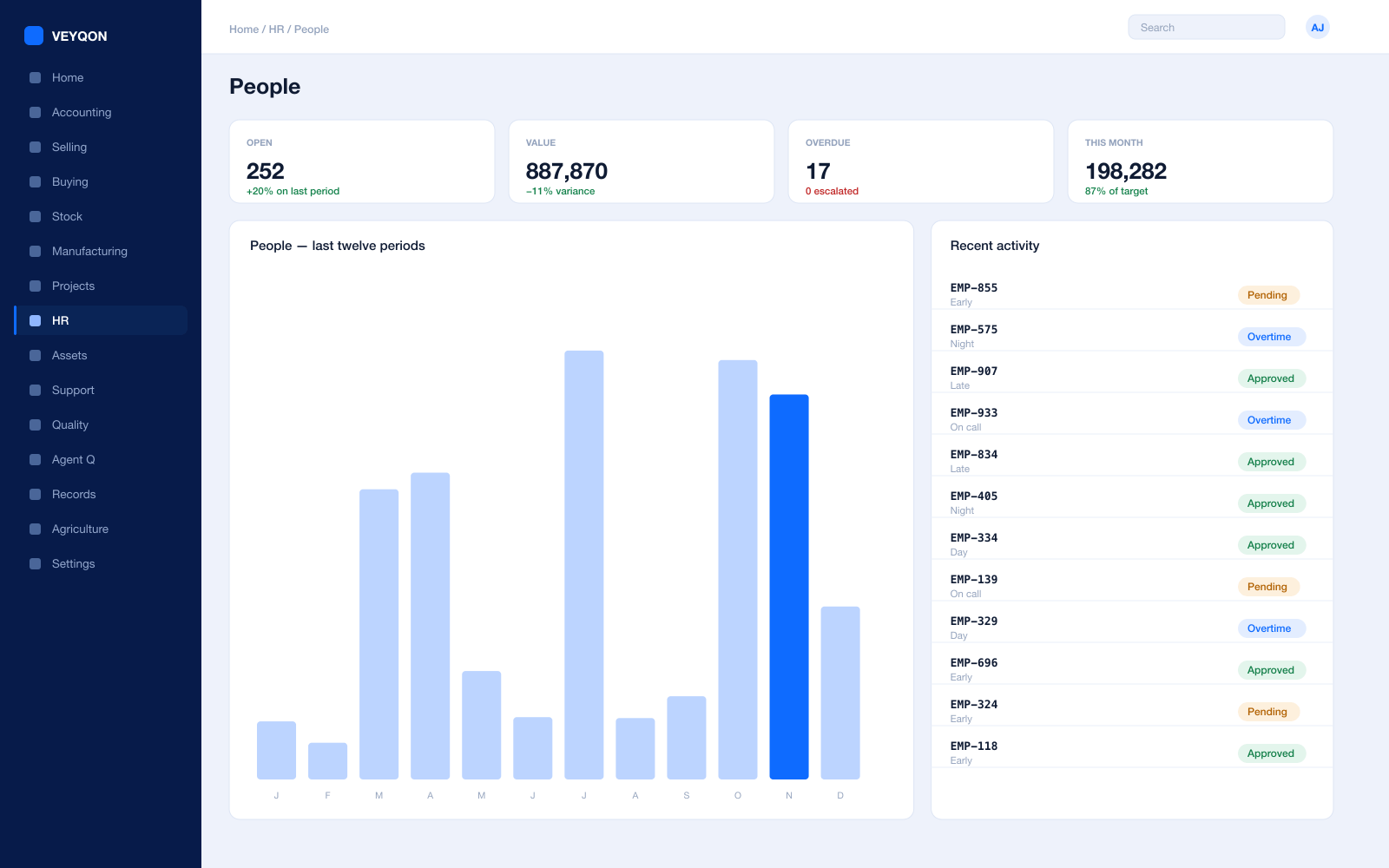
Employees and skills
The people, their grades, and what they can actually do, held on the record rather than in a manager’s memory.
Leave and holiday lists
The working calendar that both project planning and SLA clocks are measured against.
Shifts for follow-the-sun
Support cover across regions rostered deliberately, so an overnight obligation has somebody behind it.
Expenses
Claims against a project or cost centre, approved and posted rather than reimbursed on trust.
Payroll
Salary structures and runs with statutory deductions, posted into the same ledger as everything else.
Appraisals and goals
Objectives and reviews held against the employee, next to what they actually delivered.
Training and certification
Qualifications with expiry dates that surface before they lapse, which matters when a customer contract names them.
Platform & Integrations
The part your own engineers will judge you on.
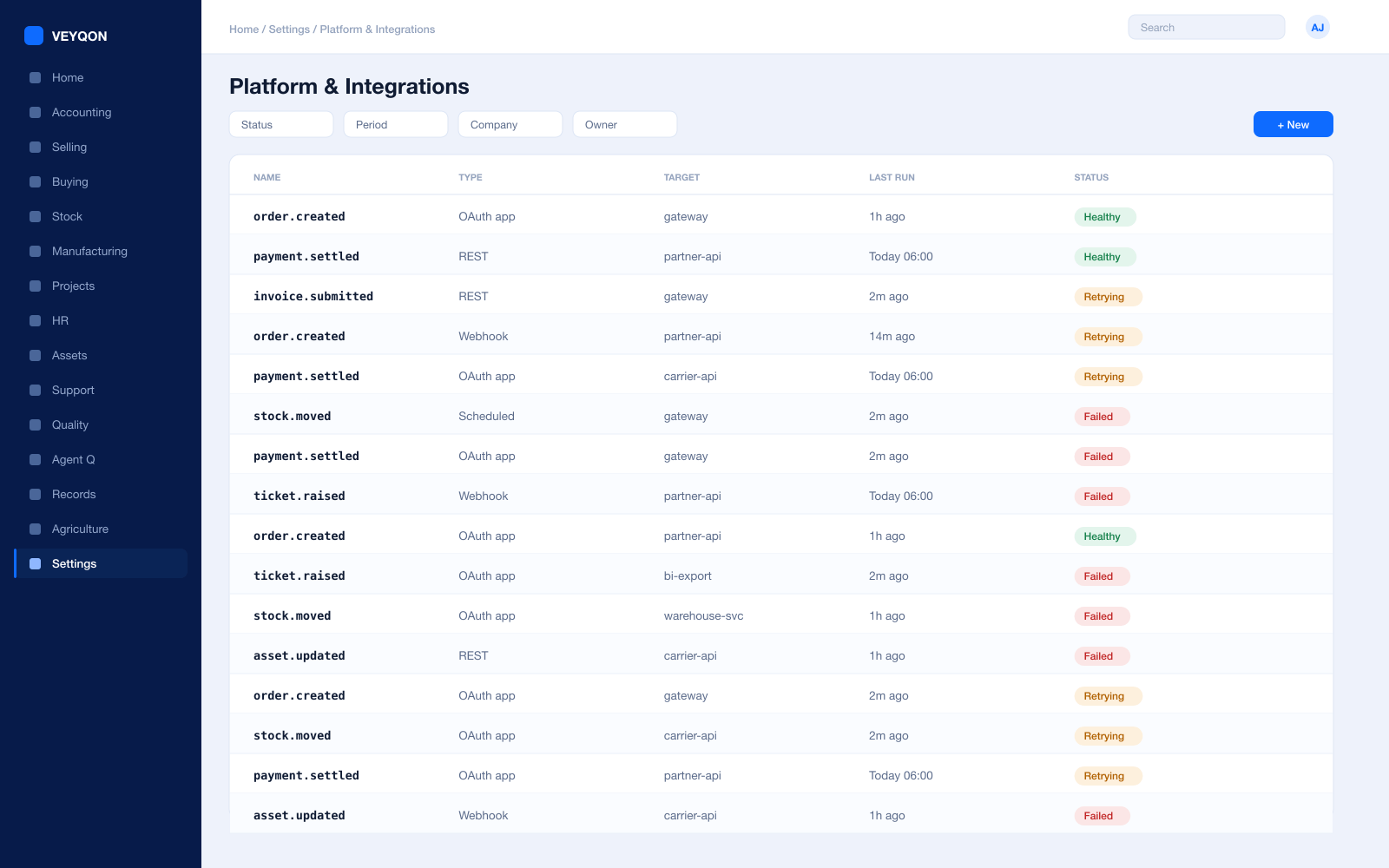
REST API on every record
Every document type is addressable over the API, with the same permissions the interface applies. There is no second, weaker door.
Webhooks
A state change on any document pushed to your own services as it happens, rather than discovered on a poll.
Scheduled jobs
Recurring work on a calendar, with a log of what ran, when, and what it did.
Connected apps and OAuth
Your own services authorised against a scoped role rather than sharing a password nobody can rotate.
Bulk import and export
Spreadsheet and API import with validation, and export of anything you can see — including all of it, on the way out.
Custom doctypes and fields
Your own record types and fields on existing ones, first-class in the API, the permissions, and the reports.
Server and client scripts
Behaviour extended in the product rather than in a fork, so an upgrade does not become a merge.
Portals
Customer-facing views built on the same records and the same permission model as the internal ones.
One pass through technology companies, end to end.
- 01
Sell
Plans and terms agreed once; the subscription handles the rest.
- 02
Recognise
Revenue spreads across the period without a month-end journal.
- 03
Support
Tickets run against the SLA the contract actually specifies.
- 04
Renew
Expiry, usage, and support history in one view before the conversation.
Running technology companies on VEYQON, in four steps.
It is a subscription, not a project.
- 1
Subscribe
Pay by card. Provisioned straight away.
Minutes - 2
Bring your data
Balances, items, customers, suppliers.
Day one - 3
Switch modules on
Warehouses, limits, and approvals.
Week one - 4
Go live
Run parallel, then cut over.
You choose
All 10 modules included. Nothing sold separately.